
Before attendance data enters payroll, connect its source, exception handling, and approval status in one traceable workflow. This guide uses a line-by-line review for each pay period and shows how to label punch corrections, absences, cross-time-zone records, and unresolved items so the payroll preparer can distinguish approved figures from records still under review. Examples are hypothetical; adapt the fields to your existing process.
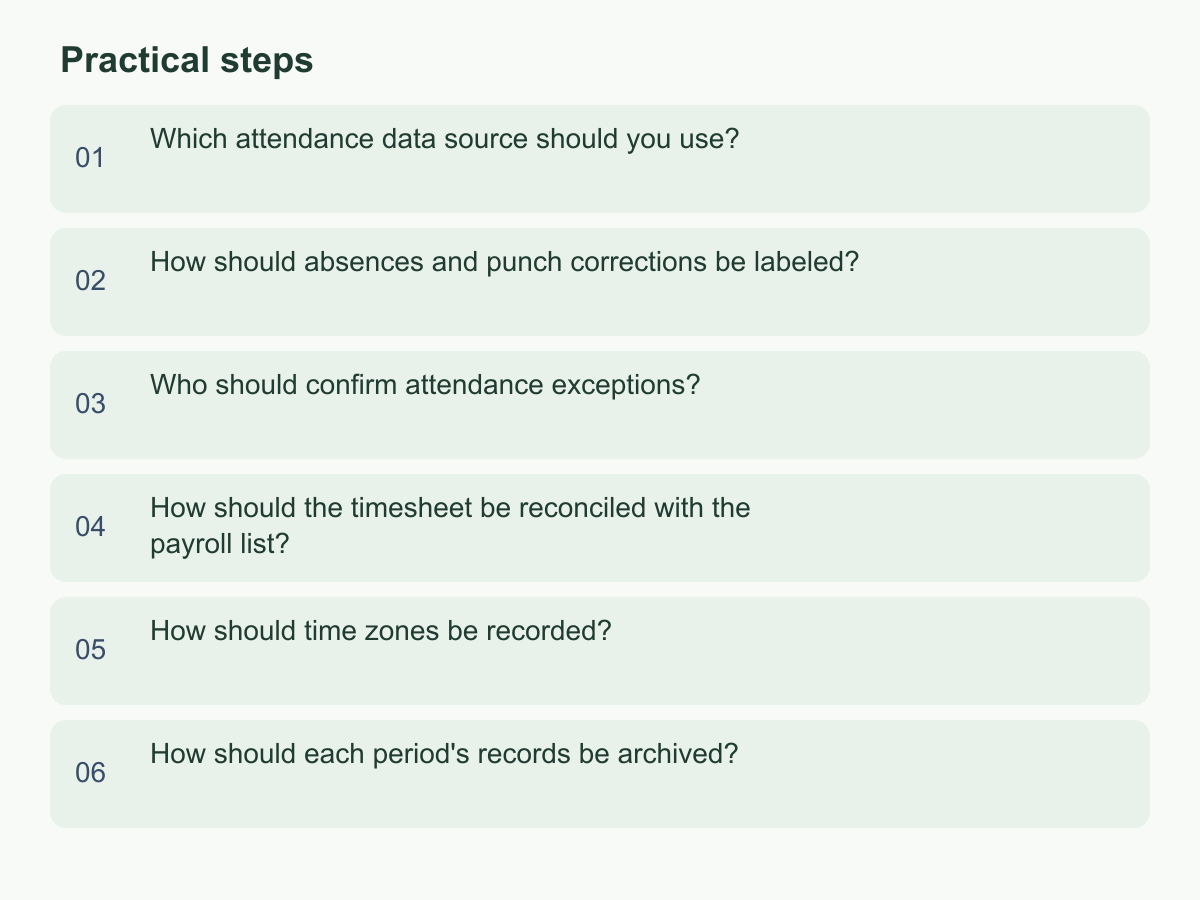
Which attendance data source should you use?
First separate the work schedule from actual attendance: the schedule shows planned hours, clock records show events captured by the system, and approved corrections explain changes to original events. Use one reconciliation sheet per period, stating the date range, time zone, export time, file version, and preparer. Do not cherry-pick fields from different versions. Match rows by employee ID, work date, and shift or time interval, so people with the same name are not mixed and overnight shifts are not counted twice after being split.
Check headcount, date coverage, duplicate events, blank fields, and import completeness. Keep the original export read-only and work in a separate copy. Retain the schedule, punch record, and supervisor correction in sequence; do not replace the original event. Record the source and version in the header and the event ID in each row. If none is provided, make a reference from the employee ID, date, in/out type, and original time. Flag conflicting sources and assign an owner to investigate instead of guessing which is accurate.
Write the period's exact start and end dates and state whether each boundary date is included. This defines the data range; it does not set company payroll policy. For an employee changing department, ID, or shift, retain the mapping and effective date. Compare a source row count with imported rows when available; otherwise, keep the export time and original file for tracing missing rows.
How should absences and punch corrections be labeled?
Absence, missed punch, and correction are separate states, not blanks or zero hours. Preserve the original event and add a status such as “absence under review,” “correction awaiting approval,” “approved correction,” or “no correction needed.” A status indicates progress, not payroll treatment. Record the requested date and time, expected clock event, reason, supporting information, submission time, and owner.
If only one punch is missing, mark that endpoint; do not fill the whole shift. For a day with no events, check the schedule, leave, and shift changes before marking an absence. For example, if only a clock-out appears and the employee reports a morning clock-in, retain the source, list the request and attachment, and keep it pending. After supervisor approval, add the decision and correction time; the payroll preparer can then include the approved hours for the period. If the request is returned or incomplete, specify what is missing and by when instead of moving it silently to the next period.
Log before-and-after values, requester, approver, and time for every change. Link leave and missed-punch records separately when they concern the same employee and day. Use “awaiting data” rather than leaving a source field blank. Filter pending cases daily and assign a next step, such as asking the employee, checking the schedule with the supervisor, or attaching approval evidence. Confirm that new evidence matches the date and shift before approval, and record who updated the status and when.
Who should confirm attendance exceptions?
Use three responsibilities: the preparer checks completeness and flags differences; a supervisor familiar with attendance facts decides exceptions; and the payroll preparer transfers confirmed results to the payroll list. In a small team, one person may cover several roles, but record the submitter, approver, and inputter separately. When one person both prepares and approves a correction, have another person check the source and arithmetic.
An approval request should include the original event, schedule or change record, proposed correction, affected date and hours, and a specific question—not just “Is this right?” The supervisor applies internal criteria, such as whether events belong to the same shift, the schedule changed, or the proposed punches conflict. Return unsupported cases for more information rather than choosing a time from memory. Record the outcome as approved, returned for details, or disputed and escalated, along with the approver, time, reason, and applicable period.
If two punches differ by half an hour and the employee and supervisor disagree about whether time away during a shift counts, show the difference and the source of the applicable rule to the designated supervisor. Keep it pending; do not enter an estimate as approved hours. At cutoff, list the affected people and period. The payroll owner decides whether to delay entry or follow an existing company procedure, and that decision should be retained.
Put verbal decisions in the same exception record. If a decision was first confirmed in a meeting or message, record a retrievable date, responder, and summary, then ask the supervisor to confirm it. Batch approvals need employee and date lists; “all good this month” cannot be applied row by row. Record the actual approval date, even if it falls after cutoff, and do not backdate it.
How should the timesheet be reconciled with the payroll list?
For each period, total approved hours by employee and coverage period, then compare them with the payroll entries. Check employee ID, period, hour type, and source version as well as totals: the same sum could hide a misplaced absence or overtime entry. The figures below are hypothetical, not actual payroll or company rules:
| Hypothetical item | Attendance reconciliation | Payroll draft | Difference and action |
|---|---|---|---|
| Approved regular hours | 15.5 hours | 16 hours | 0.5 hour more; trace the source |
| Correction pending approval | 1 hour | 0 hours | Keep pending; do not include yet |
Investigate the extra 0.5 hour: it may reflect rounding, a duplicate import, a period boundary, or manual entry. Do not change attendance records simply to force a match. Keep the 1-hour pending correction on the exception list and exclude it from approved hours. Log each difference's original and proposed values, reason, evidence link or filename, approval status, and owner. Use consistent precision so minutes and decimal hours are not mixed.
After line-by-line review, compare hour-type subtotals, employee count, and period total; trace any gap to the details instead of adjusting the overall amount. Pair the payroll draft and attendance sheet versions before import, and have the preparer mark the checked fields. If an approval changes later, recalculate the affected employees and totals, update the version, and reconcile again. Classify causes as missing data, wrong period, duplicate import, manual entry, or a confirmed calculation method. The preparer marks each row, then a reviewer checks corrections and pending cases before comparing totals. This records how the difference was resolved, not just that the totals now match.
How should time zones be recorded?
For cross-time-zone attendance, retain both the event's local time and the time zone used for reconciliation. A clock time alone or a fixed offset is not enough. For each event, record the local date and time, zone identifier, source-provided offset, and normalized time used in the sheet. State the common time basis at the top of the period sheet if company procedures require one. If devices, employee reports, and schedules display different zones, establish whether each field shows local, device, or system time; preserve the original before converting.
For example, a shift from 22:00 to 06:00 the next day in the same location is 8 hours if there is no time-zone change or daylight-saving transition. If the schedule displays another time zone, convert both endpoints according to the event dates before comparing them. Show separate start and end dates for overnight shifts so the finish is not mistaken for the same day and turned into negative hours. Flag cross-border travel or daylight-saving changes for manual review; check whether the source has already converted the time instead of guessing with a fixed formula.
Follow the company's existing process for payroll date assignment and time representation. If the source lacks a time zone or offset, mark it pending and ask the data provider; do not infer a plausible location. Preserve the raw value and parsed date, time, and zone to catch omitted dates or reversed order. Confirm which time zone defines the schedule's operating day before mapping both endpoints. Label phone-entered times as employee reports, not device records.
How should each period's records be archived?
The archive should let someone reconstruct why a figure was entered, not merely retain the final total. Keep a linked set of files: the read-only original attendance export, cleaned reconciliation sheet, absence and correction list, supervisor approvals or returns, payroll draft version, difference log, and preparer and reviewer completion times. Use consistent filenames for period, version, and status. An index should state each file's purpose, source, and relationship to the others; avoid leaving supporting records in personal email or chat.
Before close, confirm that approved items appear in the payroll draft, pending cases remain clearly labeled, totals agree with the details, and versions match the approvals. Give unresolved differences an owner and next step; do not label the period fully approved. If new evidence appears, add a revision instead of overwriting the archive. State what changed, why, who approved it, and whether the payroll reconciliation was repeated.
Set retention and custody according to company policy and professional advice; do not assume one universal period. In shared folders, use the index for file locations and access responsibilities, avoid unnecessary personal data in filenames, and keep sensitive attachments in an approved restricted location. Confirm payroll preparers can read the files and unrelated users cannot edit them. At handoff, have the next owner confirm the version received and open items so missing attachments can be fixed before payroll entry. Reuse the structure next period to record absences, corrections, approvals, and unresolved items before sending the confirmed version to payroll. To learn more about Chan & Chung, visit the English homepage.