
Bilingual SOPs are difficult to maintain less because of sentence-level translation than because the same role, status, or action gets different names in different documents. Readers then have to guess which version is current, who can approve a change, and whether English still describes the same Traditional Chinese process. Managing terminology, versions, and responsibilities together makes updates traceable and handoffs workable without restarting a full review every time a line changes.
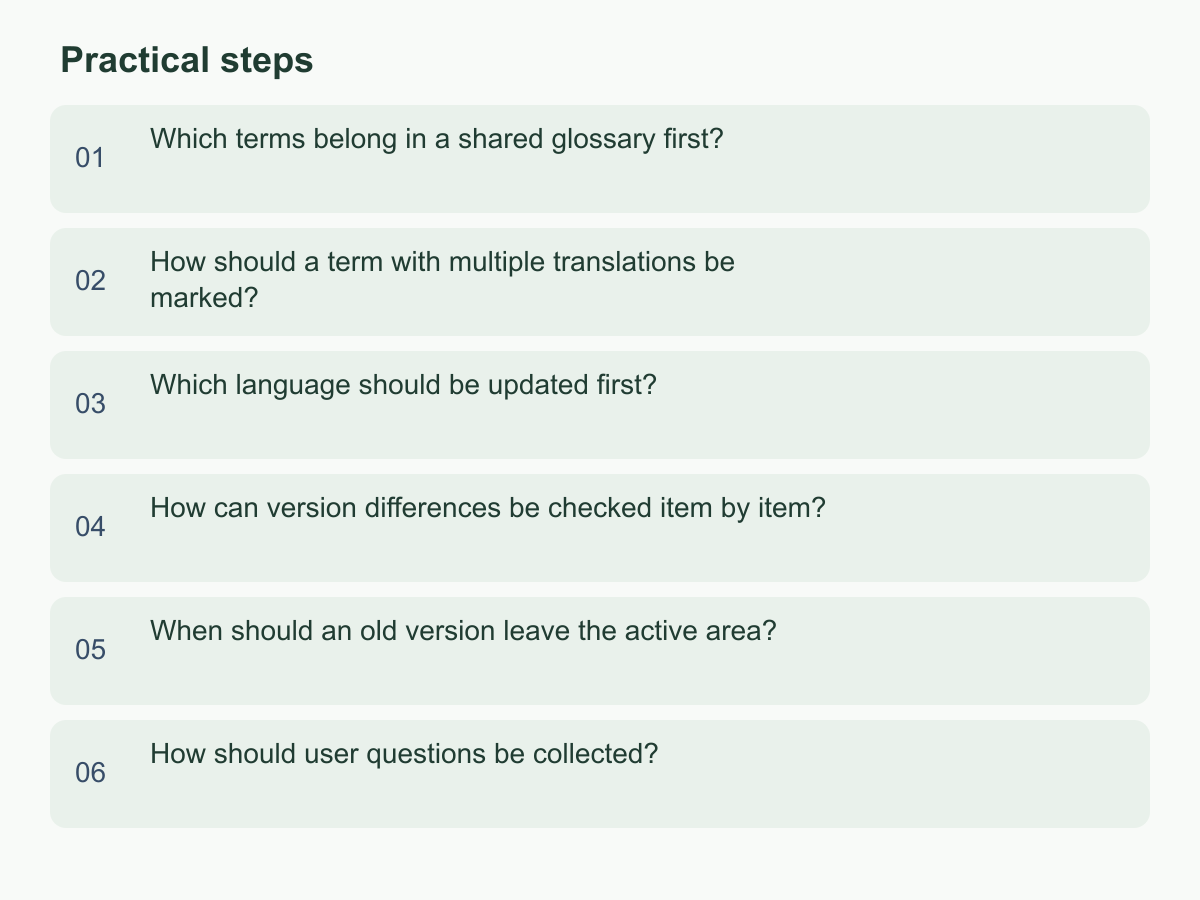
Which terms belong in a shared glossary first?
Prioritize terms that affect execution, decisions, or handoffs. Start with roles (owner, reviewer), workflow states (draft, pending confirmation, effective), and recurring actions or document names (submit information, provide additional information, handoff record). For each candidate, ask whether it appears in two or more documents, whether inconsistent wording could change what people do, and whether readers have stopped to ask about it. If two answers are yes, add it; leave one-off descriptions in the document.
Record each term in Traditional Chinese and English, with a short definition, context, confusing or counter terms, proposer, and maintainer. A translation pair is not enough: approval and review may sound similar but assign different responsibilities. Define who decides what and when. In a hypothetical team, if new staff ask whether submit means upload a file or send it to someone, clarify the action before deciding whether two terms are needed.
Build the first list from recently revised SOPs, handoff messages, and new-staff questions, then ask someone familiar with the process to confirm the definitions. Add terms found during monthly or revision reviews. A stable ID or spelling helps searches catch capitalization, singular and plural forms, and abbreviations. If departments use a word differently, record each workflow instead of forcing one definition. Keep the glossary useful rather than exhaustive.
How should a term with multiple translations be marked?
First decide whether multiple English equivalents are variants of one concept or describe different tasks. If meaning is the same and only audience or sentence style differs, choose a standard term and list allowed variants with contexts, such as headings, interfaces, or external email. If roles, authority, or completion conditions differ, make separate entries with definitions and examples; do not use a slash to hide the difference.
Useful fields include standard term, language, variant, context, wording to avoid, distinction, and last confirmer. For example, a team might pair owner with 負責人 and approver with 核准者. Using owner for both could suggest that the person preparing a document also has authority to release it. This hypothetical is about document design; actual terms should match the team’s responsibilities. Keep broader English terms as search aliases, or clarify an ambiguous Chinese term with the English equivalent at first use.
State where each variant is allowed and when it is not interchangeable; include one clear and one potentially misleading example. Search the glossary and SOPs before adding it. When standards change, retain old wording as a search alias so readers of archived documents can find the current term; historical sentences do not all need rewriting.
Which language should be updated first?
Choose a source language and update order for each SOP; there is no universal rule. If work is discussed and performed in Traditional Chinese, confirm those steps, responsibilities, and exceptions first, then have someone who knows the process update English. A team working directly in English may use English as the source. Identify who can confirm the process so translation does not change a rule.
Record the source language, counterpart status, process owner, language reviewer, and synchronized versions on the first page or version record. The process owner describes the intent, affected steps, and effective conditions; the language reviewer checks meaning, tone, and action verbs in the other version. Mark both ready only after both are checked. If synchronization must wait, label one pending, identify the temporary source version, and flag steps readers must not infer.
For a hypothetical change from “return after review” to “request additional documents after review,” verify the initiator, recipient, and next step in both languages. Keep editing authority separate from process authority. A translator can suggest wording, but changes to timing, permissions, inputs, or outcomes need process-owner confirmation and language review. The same owner may verify a minor text correction in both languages. Record links, process impact, review status, date, version, and responsible people in the change record; have the successor confirm access to both files and the log.
How can version differences be checked item by item?
Compare changes, not just appearance or matching version numbers. Classify each as added, deleted, rewritten, or formatting only. Check both languages for role, trigger, input, action, output, and exception. If only wording changed, record an editorial revision; if responsibility, timing, or recipient changed, get process-owner confirmation.
The hypothetical table below illustrates the method; it does not describe any particular organization’s actual process.
| Check | Traditional Chinese source | English counterpart | Assessment |
|---|---|---|---|
| Trigger | 收到缺件通知後 | After a missing-item notice is received | Same meaning |
| Responsible role | 文件負責人補齊資料 | The document owner provides the missing details | Same meaning and role |
| Handoff after completion | 交由覆核者確認 | Send it to the reviewer for confirmation | Same meaning; preserve the reviewer role |
Use one row per change, with old and new wording in both languages, change type, reviewer, and outcome. Read each row as who does what, when, and who takes over. Check step numbers, links, forms, screenshots, and appendices too. If a difference is only “broadly equivalent,” keep the draft unapproved until resolved. Ask another user to walk through it and assign both language versions the same change ID.
Review in two passes: follow the workflow end to end and confirm inputs and outputs, then have someone uninvolved in editing compare both versions against the change list. Check negatives, conditions, quantities, sequence, and the responsible subject. Verify that contents, links, and attachments still point to current materials.
When should an old version leave the active area?
Move an old version out of the main use area when the new version has passed process confirmation, bilingual comparison, and user walkthrough, and readers can tell when to start following it. Check for unresolved differences, stale form links, and related documents that cite old steps. Mark the new identifier, intended users, and effective conditions. If the old version still applies to some teams or situations, state that scope and its exit conditions rather than deleting it.
Archive history in a controlled, read-only location, keeping the version, date, change summary, and replacement link. Point the SOP home, search suggestions, and ordinary download area to the effective version. During handoffs or routine reviews, identify copies in slides, task lists, and bookmarks as superseded.
Check three signals: the new version is marked ready, main entry points lead to it, and the owner can say when and why it replaced the old one. For exceptions, record the owner, scope, and review point. Define the transition for work already underway—for example, new cases start with the new version, while existing work switches when its owner considers it safe. List downloads or bookmarks to update and get confirmation. Keep readable archives; do not overwrite history or rely on filenames to identify the current copy.
How should user questions be collected?
Put a fixed question channel near the SOP or in a team channel, and assign someone to monitor it. Ask reporters to include the document, section or step, language, expected action, question, and whether work stopped or took another route. Ask what they were trying to do: that helps distinguish unclear terms, missing steps, language mismatches, and changes in practice.
Review reports weekly or at the normal review interval. Prioritize by impact and recurrence: confirm issues behind failed handoffs, role confusion, or delays first; log one-off wording preferences without necessarily changing the SOP. Record the date, version, language, category, decision, and owner. For terminology, update the glossary and search its uses; for process changes, get owner confirmation before syncing the other version. If information is missing, mark it awaiting details and ask the reporter rather than guessing.
Use statuses such as new, awaiting details, assigned, decided, revision pending, and response sent, and show users where to follow progress. Confirm the cited version is current before assessing whether feedback is preference, exception, or recurring ambiguity. Link repeat issues to earlier decisions. After a change, tell the reporter which version and section changed and invite another walkthrough. Start with one frequently used SOP: list its five most-asked-about terms and assign each a Chinese and English standard and a maintainer. For more about the brand, visit Chan & Chung.