
A budget can be updated on time only when everyone knows who supplies each input, who maintains the figures, who checks them, and where the reviewed version goes for a decision. Put those roles, data sources, and handoffs in one responsibility matrix. Staff can see the next action, and a new owner can pick up the work from a traceable record.
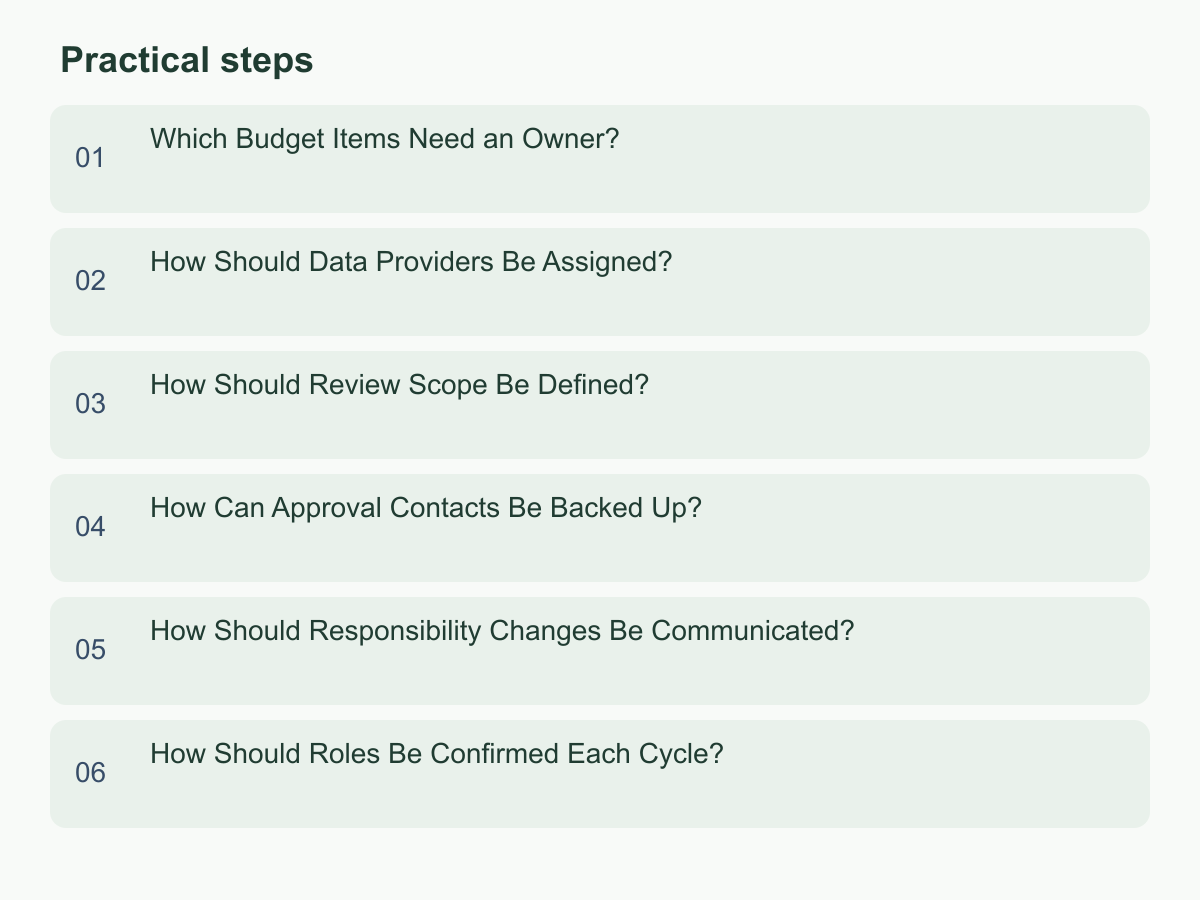
Which Budget Items Need an Owner?
Break the budget into purpose-based items, then assign an owner to any amount that needs estimating, cross-period updates, input from several departments, or explanation at period end. A department name alone may not identify who will act after a handoff. Group costs as fixed, routine operating, project, or one-time purchases; note the coverage period and cost allocation to prevent duplicate entries under different names.
For each item, record a recognizable name, department, budget period, estimation unit, update frequency, source, and status. Flag shared, usage-based, contract-dependent, or quotation-dependent amounts for coordination. Mark missing inputs “pending,” name the provider, and set a follow-up date; a blank is not zero. For shared costs, note how allocations are calculated and when the basis should be revisited.
For example, an annual venue line could read: “Event venue; April through March; estimated by event count; Operations supplies demand; owner consolidates.” If the count is unknown, record the estimate basis, missing information, and next check date. Small, occasional costs with clear sources may be grouped under team procedures, but retain a list maintainer and traceable categories. If departments disagree, the budget coordinator confirms ownership, period, and main beneficiary, then records the decision or a provisional owner and escalation date.
How Should Data Providers Be Assigned?
Data providers supply source information; they are not automatically budget owners or decision-makers. Choose people closest to the need, usage, or contract records, and specify the period, unit, format, and due date. Record the source and how to retrieve it so the updater knows whom to ask.
The item owner lists each required input and names a primary provider and backup. Record the field, period, supporting document, deadline, and who to alert if it is missing. On receipt, the updater checks matching periods, duplicate entries, and source version dates. Providers submit inputs without overwriting the master total, reducing conflicts from simultaneous edits.
For an annual software estimate based on seats, the department manager might supply expected users, Procurement the current contract period, and the item owner document the assumptions. The matrix could read “Required users—department manager, confirmed June 5; current contract—Procurement, version dated May 31.” These dates are illustrative; the team must confirm its actual details. Resolve different source periods before combining figures.
If the provider is unavailable, use the backup and note any limits. If no one can confirm demand, retain an old figure only as a provisional estimate, labeled with its version, assumptions, open questions, and notice to the reviewer and manager.
How Should Review Scope Be Defined?
Review confirms that budget information is complete, traceable, and consistent. The reviewer checks rather than rebuilds the estimate. Define which items and evidence are in scope and how to log questions. A shared checklist can cover arithmetic, periods, units, assumptions, source documents, and changes from the prior version.
Trace updated figures to their sources. Check matching periods, reproducible calculations, stated assumptions, and explained variances. Log each question by field, missing evidence, requested correction, and due date; return it to the owner. After revisions, recheck affected figures and retain version and review records. Record the reviewer and completion date so unresolved notes are not mistaken for approval. Keep the prior version available for comparison.
For a monthly estimate, check the month count, amount, and annual total. At 10,000 per month for 12 months, the provisional total is 120,000. Exclude inapplicable months using the supported period and explain the basis. The reviewer checks sources and calculation; the appropriate budget or approval owner decides whether to adopt the estimate.
If provider and reviewer are the same person, disclose it and assign another checker. When a small team cannot do so, tell a manager and record extra checks and limitations. Do not call self-checking independent review or skip source, calculation, and version checks.
How Can Approval Contacts Be Backed Up?
An approval contact receives reviewed figures and, under confirmed internal authority, decides or routes them to the decision-maker. Verify the primary contact and scope against existing authorization arrangements; record a backup, when to use it, and the escalation path. A job title or past practice does not establish approval authority. Ask a manager to resolve uncertainty and update the matrix.
Specify who takes over if the primary contact is absent, has a conflict, or cannot respond by the deadline. Note the notification method, required documents, and response time. Before sending, check the version, review status, open questions, and requested decision. If a backup only forwards the package, label them as a routing contact. Record handoff time, recipient, status, and next step so the submission remains tracked. State what counts as receipt, routing, or a decision.
If the main contact is away, send the reviewed version and open questions to the named backup. They act within confirmed authority or forward it to an authorized decision-maker, then record receipt. This is continuity planning; a role does not create authority. If no decision-maker is confirmed, mark the item pending and ask a manager to name one. For unconfirmed coverage changes, record a temporary contact, role, and limits; do not rely on obsolete details.
How Should Responsibility Changes Be Communicated?
Transfers, project handoffs, reorganizations, or changed data sources require updates to the matrix and related records, not only a verbal note. Record the item, former and new owners, effective date, unfinished work, current version, missing inputs, and next deadline. The incoming owner knows where to resume; reviewers and approval contacts know whom to reach. Make the effective date clear so current-cycle work is assigned to the right person.
The former owner or manager sends notice. The item owner updates and versions the matrix, and the incoming owner confirms receipt. Compare figures with source files, revision history, and open questions. If another department supplies data, update its contact and backup. Notify the reviewer and approval contact so all use the same responsibility record.
If an owner transfers mid-month and a successor starts next month, record the effective date, received version, missing usage data, and next update date. The outgoing owner hands over sources and calculation notes; the successor checks them and confirms receipt. Tell the reviewer who will answer this cycle’s questions. Name who owns any update due during the handoff.
If the former owner has left, access is not transferred, or owners disagree on scope, a manager assigns a temporary owner and lists open tasks. The temporary owner can organize records, but must not mark unverified figures as confirmed. List files to recover, source contacts, and expected dates. When the permanent owner confirms, update backup and review assignments.
How Should Roles Be Confirmed Each Cycle?
At each cycle start or update, ask providers, owners, reviewers, and approval contacts to confirm tasks, deadlines, and the working version. Check items, sources, frequency, missing inputs, review scope, and submission route. Give each status an owner and date; this confirms the matrix matches current work.
Use one shared list for item, provider, updater, reviewer, approval contact, deadline, version, status, and notes. Circulate entries needing confirmation at cycle start and record changes to sources or people as they occur. Before review, check required fields, source links, version dates, and open questions. Track returned items in the same record until resolved.
For a quarterly cycle, confirm items and contacts at the start, log changed assumptions mid-cycle, and record at period end whether inputs were submitted, review completed, and approval received or pending. Mark missing sources “pending,” with an owner and due date; record the completion date and version for finished work. Keep “updated,” “reviewed,” and “approved” as separate steps.
If someone has not replied or a role is blank, list the item and impact, assign a follow-up owner and date, then use the team’s escalation process. Budget review does not grant payment authority. A downstream internal process may have a separate contact.
Start with one budget period, identify its four roles, and record missing inputs. For related information, visit Chan & Chung.