
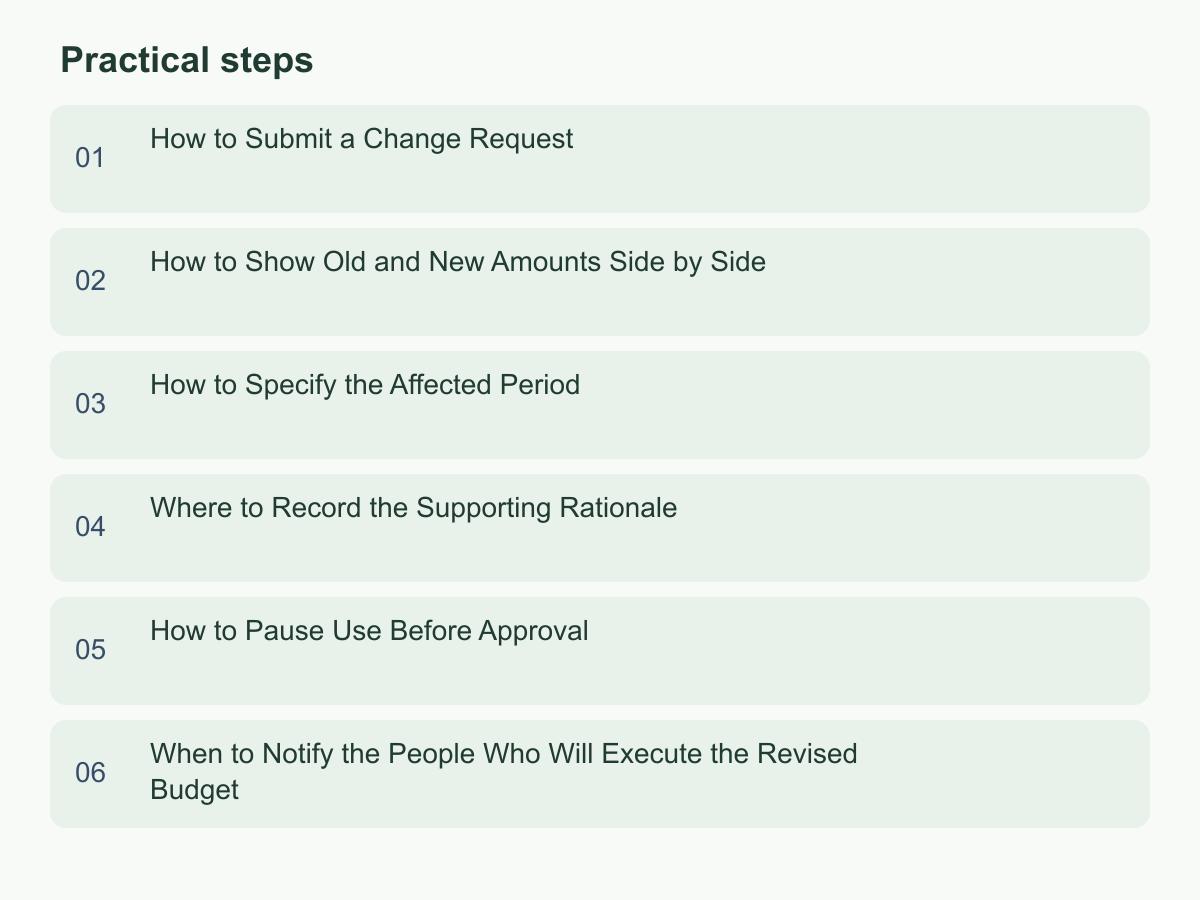
When a budget changes during implementation, confusion often starts when someone sees a new amount but cannot tell whether it is a proposal, an approved version, or the version authorized for use. A useful record connects the original amount, reason for change, affected period, requester, and approval status so everyone can identify the current version. These six steps make the change traceable from request through handoff.
How to Submit a Change Request
Start one traceable record for each request. Include the budget name or internal code, the version currently in use, request date, requester, and intended effective date. A note such as “Please increase the budget” is too vague to identify the expense or period. If budgets are divided by department, event, or month, name the relevant item so a brief message is not applied to several budgets.
Ask the requester to state the original amount, proposed amount, difference, and reason. If the figures are estimates, label them as proposed or pending confirmation and attach what is available, such as an updated estimate, supplier quote, or internal forecast. Record each attachment’s name, date, and version so the approver knows what they reviewed. List missing items as outstanding; do not treat a blank amount as zero.
For example, assume the “Quarterly Promotion Budget” is on Version 1. On April 8, its owner proposes reducing the April-to-June cap from 120,000 to 108,000 because an updated estimate is 12,000 lower. Record the version, requester, date, difference, supporting file, and “Pending approval” status. For an oral or urgent request, log when and from whom it arrived, what is missing, who will provide it, and by when. Update the same record when material arrives. If the request is withdrawn, record when and why. This distinguishes incomplete, withdrawn, and approved requests without relying on chat history.
How to Show Old and New Amounts Side by Side
Do not overwrite the original amount with the proposed one. Approvers and people arranging expenses need to see the size of the change and retain the basis for earlier decisions. For each adjustment, show the original amount, proposed amount, difference, currency, and calculation basis. Compare amounts at the same level, such as by month, department, or project. Mark whether the difference is an increase or decrease and whether it affects the overall budget, so one changed line is not mistaken for a new total.
Use clear version labels, such as “Current version” and “Pending review,” and record each version’s creation date and status. Once the new version is approved, mark its number and effective date; keep the earlier record for reference and label it as superseded. If one version contains several adjustments, list them separately and check their sum. Make sure units match: a monthly allowance, a period total, and a single expense are not directly interchangeable.
For illustration, assume the period is fixed at April through June. The original budget is 40,000 per month, or 120,000 for three months. The proposal is 36,000 per month, or 108,000 for the period. That is a monthly reduction of 4,000 and a period reduction of 12,000, calculated as 120,000 − 108,000 = 12,000. These figures demonstrate the fields and arithmetic only; they are not actual prices or costs.
| Field | Current version | Proposed version under review |
|---|---|---|
| Period total | 120,000 | 108,000 |
| Monthly allowance | 40,000 | 36,000 |
| Difference | — | Decrease of 12,000 |
| Status | Current | Pending approval |
If some of the original amount has already been spent, record the amount spent, remaining amount, and calculation cutoff date. For quotes in different currencies, preserve the original-currency figures, conversion basis, and conversion date separately; do not place a converted figure in the original amount field. If the total does not match the itemized amounts, mark it for reconciliation and resolve the difference before submitting the proposed version.
How to Specify the Affected Period
State the start and end of the period for every adjustment, and say whether the team organizes it by budget month, expense date, or another consistent internal basis. “Starting this month” can be ambiguous when the request, approval, and implementation happen on different dates. If the change applies only to one month or to specified future expenses, identify that scope so the new amount is not applied retroactively to a period that has ended.
Compare the period with the dates or months covered by the current version. Then say whether the proposal continues the same period, shortens it, or covers a new one. If the change takes effect for only some months, show the original amount, proposed amount, and difference for each. If the period total stays the same but the monthly allocation changes, distinguish the total from the monthly distribution. That lets the approver see whether the proposal changes the overall budget or only its timing.
For example, assume a new version is intended to start on May 1. April continues under the current version, while May and June use the proposed amount. The record can state: “Applicable period: May 1 to June 30, 2026; April expenses remain under Version 1,” and identify the version for each period. This prevents someone from seeing the new total and recalculating expenses already recorded for April.
If the request arrives after its proposed effective date, mark that date as pending confirmation. Ask whether retroactive application is requested and why; do not backdate the new version on your own. For expenses spanning months, delayed payments, or periods that do not align, list the affected items and dates that need a decision. After an authorized approver decides, record the period to be used and who must be notified.
Where to Record the Supporting Rationale
Write the reason so someone who was not part of the discussion can understand both why the budget is changing and how the difference was calculated. Avoid vague entries such as “business needs” or “costs changed.” Identify what changed, the original estimate, the evidence now available, and how it affects the budget. For a new quote or internal estimate, record the document name, date, provider or storage location, and link it to the change record so it can be found later.
Separate confirmed information from estimates. Note relevant assumptions, such as quantities, period, pricing unit, or items that are not yet confirmed. This helps the approver assess the difference and see which changed assumptions would require another review. If several factors contributed, record their individual increases or decreases instead of combining them into a single unexplained figure.
For example, assume the original budget was based on a preliminary estimate compiled on March 20. An updated quote received on April 8 indicates that the same period and items will cost 12,000 less. Record the names and dates of both documents, the period and items compared, and the arithmetic, then label the revised version as pending approval. If the quote covers only some items, say that the rest still use the original estimate; do not present partial evidence as confirmation of the whole budget.
If evidence is missing, versions conflict, or the assumptions differ from the original estimate, record what remains uncertain and assign an owner and due date for the missing information. Do not treat the proposed amount as final while the difference is unexplained. Ask the requester to reconcile the calculation and documents item by item. When the evidence is complete, update the record while retaining the earlier proposal and reconciliation so the decision remains traceable.
How to Pause Use Before Approval
Record “Submitted,” “Under review,” “Approved,” and “Returned for information” as distinct statuses, and identify which version people should currently use. Before approval, the new amount remains a proposal. People arranging expenses should continue using the last valid version unless an authorized approver explicitly decides on a temporary arrangement. Record the approver, decision date, and scope so an “OK” cannot be mistaken for approval of a different amount or period.
Before sending a request for approval, check that the original amount, proposed amount, difference, affected period, supporting rationale, and attachments agree. Put all items requiring a decision in the same record. If there are several options, label each option’s amount and tradeoffs; otherwise, a reply to one figure may not make clear whether the complete change was approved. When approval arrives, confirm which version it refers to. Record any conditions and who will follow up before changing its status to current.
For example, assume a Version 2 proposal changes a quarterly cap to 108,000, but approval is unfinished. Mark it “Under review” and keep Version 1, at 120,000, as the currently valid version. If the approver replies, “Approved from May,” confirm whether June is also included and whether the 12,000 difference still applies before recording the decision in Version 2. Do not expand approval for part of a period into approval for the whole quarter.
If an approver returns the request, adds conditions, or has not replied, keep its status and record the next action and follow-up date. Silence is not approval. If someone has already arranged spending based on the pending amount, record what happened and notify the responsible person to clarify whether further arrangements should pause; an authorized person can then decide what to do. For an urgent temporary arrangement, record who approved it, its scope, and its time limit, then complete the formal record.
When to Notify the People Who Will Execute the Revised Budget
Notify the people who will act on the budget only after the proposal is approved and the version, amounts, period, and status have been checked. Mark it as current, then state the version number, effective period, changed amounts or allocations, where to find the record, and when the old version stops guiding future arrangements. Sending only a screenshot of a new figure leaves recipients to guess which work should change.
Identify everyone who arranges expenses, maintains the budget, or checks the remaining amount, and make sure they receive the update. If the team uses a shared form or document, update the current-version label and confirm the link opens the right record. Tell recipients which page or entry to consult. When useful, ask them to acknowledge receipt or confirm their understanding so the handoff has a checkable outcome, not just a sent message.
For example, assume Version 2 is approved for May 1 onward and applies to May and June. The notification can give the approval date, period total of 108,000, monthly allocation, and the reminder that April remains under Version 1, along with a link to the record. Recipients can confirm the amount and applicable months without reinterpreting how to handle the completed month.
If someone cannot open the link, still sees the old version, or receives a different amount from another department, check access to the shared record and its current-version label. Correct the notice using that same official record. If another change follows approval, create the next version and repeat the approval and notification steps rather than silently changing a number in the old message thread. Log the notification date, recipients, and confirmations so the request, approval, adoption, and handoff remain connected.
For a recent budget change, record the original and proposed amounts, difference, supporting reason, affected period, requester, and approval status. Then confirm that the people arranging expenses can see the current version. For related information, visit the Chan & Chung website.