
When actual spending differs from budget, do not immediately label it overspending or savings. A mismatch in periods, data definitions, or expense scope can make figures look different because of timing or coding errors. This guide uses departmental budgets to show how to compare figures, trace sources, classify variances, verify causes, assign owners, and set a review date.
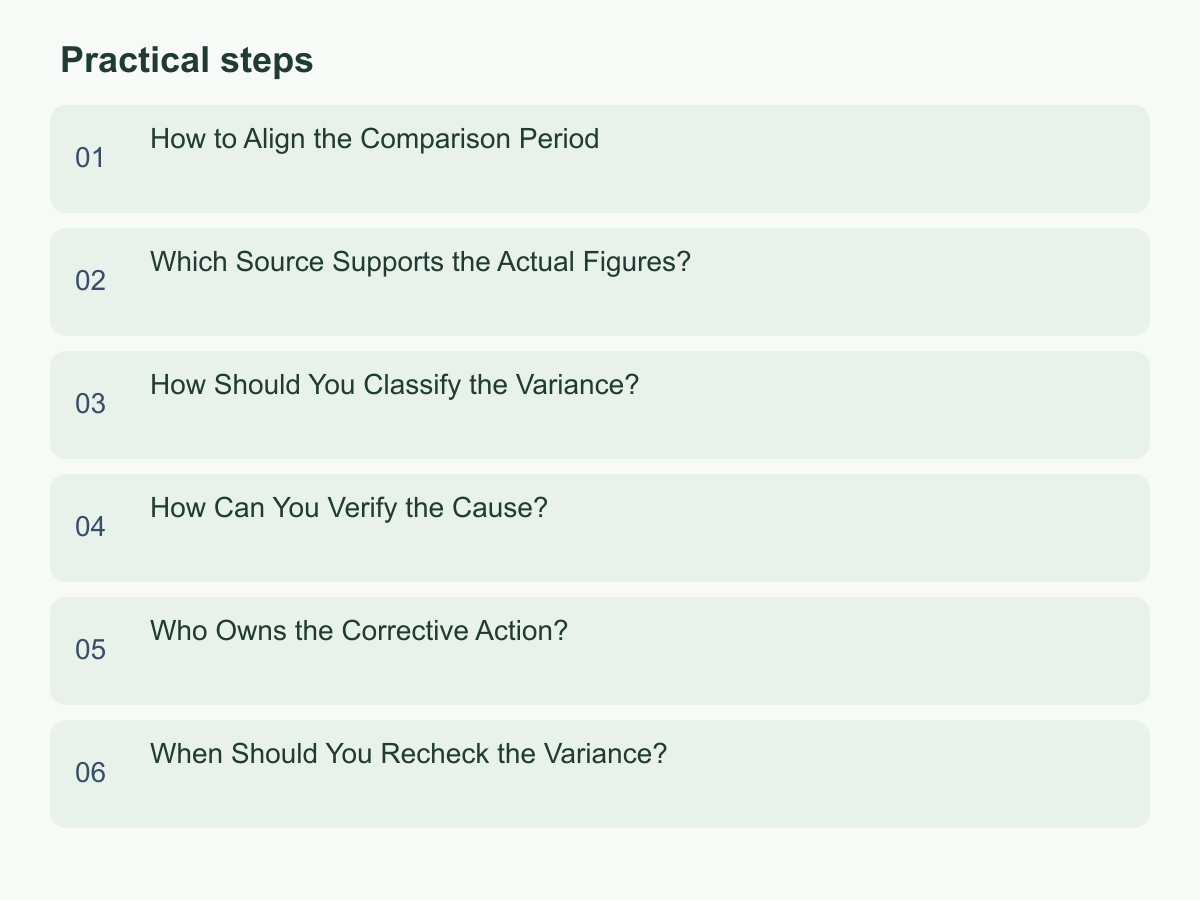
How to Align the Comparison Period
Confirm that the budget and spending cover the same period, department, and expense scope. Match monthly with monthly; split an annual budget into comparable periods instead of comparing the full-year amount with one month. Check for revisions and identify the approved version used.
Record start and end dates, department, category, currency, budget version, and date basis—payment, document, or internal recognition date. Apply the existing rule for cross-month services and document it; do not move dates just to force a match.
Suppose a department’s approved May budget is TWD 50,000. The report shows TWD 43,000 paid and TWD 8,000 for May services not yet paid. Paid-only reporting looks TWD 7,000 under budget; including the incurred cost gives TWD 51,000, or TWD 1,000 over. Present both separately because they answer different questions.
Mark cross-period expenses, pending refunds, or records with a payment date but no expense period as unresolved. Keep the original date, provisional period, basis, missing information, and follow-up owner in one row. Update the comparison when the evidence or internal convention is confirmed, preserving the revision history.
If the cutoff excludes its end date, set June’s upper bound to July 1 and sample a June 30 transaction. If it is absent, fix the boundary before recalculating. Record the filter and transaction ID so a settings issue is not mistaken for a timing variance.
Which Source Supports the Actual Figures?
Trace each actual figure to a source and label it as paid, incurred, approved, or forecast. Use the ledger or expense export as the summary, and check individual items against documents, payments, and approvals. Avoid adding bank debits, card charges, reimbursement requests, and expense lines blindly; they may describe one cost at different stages.
Keep the transaction date, amount, currency, department, category, counterparty, document identifier, and status. Verify the period and department filters, then sample summary totals back to source. You can also sum detail by category to reconcile it to the report. Record the export filename, time, and provider so the comparison can be reproduced.
For example, an expense summary lists three items of 10,000, 2,000, and 3,000, totaling 15,000. On review, the 3,000 entry is a payment record for the second item, not a separate purchase. Counting both records overstates expenses by 3,000. Keep one actual expense and note why the duplicate source was excluded.
If a document is missing, a refund is pending, or the export is incomplete, mark the item for review instead of estimating and treating the estimate as confirmed. Record the missing source, confirmed amount, unconfirmed portion, and person to contact. If the source is still unavailable at close, retain the uncertainty and the follow-up plan in the variance note.
For a reproducible export, record details such as “File: June expense detail; exported: July 3, 10:15; status: posted; rows: 42; total: 18,400.” A reviewer should re-export with the same filters and compare both row count and total. If either differs, check the filters or file version and hold the figure out of the budget comparison until the result can be reproduced.
How Should You Classify the Variance?
Calculate the variance using an approved budget and actual amount for the same period and scope: actual minus budget. Define what each sign means; for example, a positive number can mean actual spending is higher. Check timing, quantity, price or terms, then possible duplicate entries, coding, department, currency, and formulas. Classification should point to a cause to investigate, not end with an overspending or savings label.
For each item, ask whether the expense is in the right period, whether the quantity purchased or used changed, and whether the unit price, rate, or transaction terms changed. If these do not explain the difference, check for duplicate posting or incorrect categories, departments, currencies, and totals. Split a variance across multiple causes when possible; otherwise, describe the mixed factors.
Suppose a supply budget covers 100 units at 200 each, or 20,000. The department still buys 100 units, but the actual unit price is 230, for spending of 23,000. The variance is 23,000 minus 20,000, or 3,000. Since quantity did not change, this is initially a price variance. These are example figures; verify the cause against quotes, orders, or transaction records.
A difference can reflect both quantity and price changes, or a purchase concentrated in one month. Record each factor and its verifiable amount. If you cannot split them yet, mark the item as mixed or unresolved and list the information needed next. Apply the same checks to spending below budget: delayed payment, unfinished purchasing, or omitted expenses may look like savings.
When quantity and unit price both change, calculate quantity variance at the budget price, then price variance at the actual quantity: quantity variance = (actual units − budget units) × budget unit price; price variance = actual units × (actual unit price − budget unit price). For 100 units at 20 each changing to 110 at 22, the variances are 200 and 220, totaling 420—the full difference between 2,420 actual and 2,000 budget.
How Can You Verify the Cause?
Separate directly supported facts from explanations that remain hypotheses. Facts can be checked in source records, such as transaction counts, document dates, or approved amounts. A possible price increase, urgent demand, or miscoding is an explanation to test. Keeping the two separate prevents a guess from becoming a conclusion as it is repeated, and shows what evidence is still missing.
For each variance, record the amount, category, sources checked, confirmed facts, open hypotheses, missing data, and person to contact. Start with the evidence that can best distinguish causes: quotes or orders for price questions, purchase and usage records for quantity, service and payment dates for timing, and original transactions and coding rules for classification. Record who checked and what they found so another person can follow the same trail.
Suppose May spending is 3,000 above budget. A voucher shows that 100 units were purchased at a price 30 higher than budget. The statement “100 units, 30 more per unit, 3,000 total” is verifiable from those records. If no quote or order is available, the reason for the higher price remains an open hypothesis; do not call it a supplier price increase until a source supports that explanation.
If reports, orders, and payment records disagree, preserve each value and its source instead of overwriting the records with the figure that seems most plausible. List where they differ, what needs confirmation, and who will investigate. Keep the item unresolved if the conflict affects the budget assessment or next action; make a decision after verification and document the reason for any correction.
When two sources show different amounts for the same transaction, match by transaction ID and record each file version, field value, and update time. Ask the data provider to verify the fields individually. A correction should retain the old value, new value, evidence, and reviewer. If the IDs do not match, keep separate unresolved rows; do not merge or offset them prematurely.
Who Owns the Corrective Action?
Once the cause is supported, connect the action to the mechanism and assign one named owner. “The department should control costs” is hard to track. A useful action might be to complete purchasing records, correct a category, confirm required quantities, or check a quote before the next comparison. State what evidence will show the action is complete.
An action list can include the variance item, confirmed cause, task, owner, collaborators, expected completion date, completion evidence, and review date. Set dates according to internal work arrangements rather than imposing one deadline on every variance. If work crosses departments, confirm who will receive it and what information they need so it does not stall without a clear handoff.
Suppose the review confirms that a 3,000 variance came from a changed unit price and the quantity purchased was needed. The purchasing owner could save the quote and approval basis before the next order. A department contact could confirm whether the estimate needs updating, and the person preparing the variance table could compare the next period’s unit price. Evidence might include the checked quote, order, and updated comparison. This is an example, not a universal response to price variances.
If the cause is not yet known, assign an investigation first. Specify the document needed and who will provide it, then decide whether to change a process, correct data, or adjust an estimate after the facts are confirmed. If an owner leaves or cannot access the source, update the successor and task status. Assignment is not completion; keep the item open until there is evidence.
A practical action row could read: “Item: V-06; owner: purchasing contact; collaborator: expense data provider; deliverable: complete this transaction’s approval basis; acceptance: budget preparer checks the fields and source link; completion evidence: updated detail row number.” If the owner cannot access the source, name a retrieval collaborator and keep the owner responsible for tracking delivery.
When Should You Recheck the Variance?
Set the review point for when the action can produce an observable result. Check a corrected category or completed document after the data is updated. For a change to purchasing price or quantity, wait for the next relevant transaction or comparable period. Record the planned date, fields to observe, and decision criteria so the review can assess completion and recurrence, not just whether someone replied.
Use the same period, expense scope, and classification basis as before. First confirm the data is complete. If an approved budget revision changes the baseline, retain both the original and revised amounts and state which one this comparison uses. Add the review date, source, observed values, and unresolved items to the action list so the next person can see more than an updated total.
For an action to check quotes before the next purchase, review the quote, unit price, quantity, and period after the next comparable purchase. If the agreed check is documented and the new comparison shows the price variance, record both action completion and the observed result. If no relevant purchase occurred during the period, the effect cannot yet be assessed; keep the item open and set another suitable review point.
A one-time difference or a later period with different demand or purchase volume does not prove an action worked just because the total fell. Note changed conditions, and assess action completion separately from whether the variance recurs. If it continues, revisit the classification and supporting evidence, then add an investigation or assign a different owner if needed.
For a cost-center or expense-category correction, return to the transaction ID and confirm it maps to only one appropriate item. Recalculate the totals before and after the correction, and log the transaction ID, old value, new value, and reviewer. Record completion of the data correction separately from whether the variance recurs in the next period.
Start with one variance: record its period, source, classification, evidence, owner, and review date. For related information, visit the Chan & Chung homepage.