
Domain renewal is often treated as a one-off payment, but managing it involves registrant details, notification email, renewal permissions, and payment review. A useful register lets the next person know when to check each item, who should act, and what record confirms completion. This guide sets out an internal process that can be applied one domain at a time. Start with existing invoices and registrar accounts, verifying each status against its source so that reminders, payments, and handovers have clear owners.
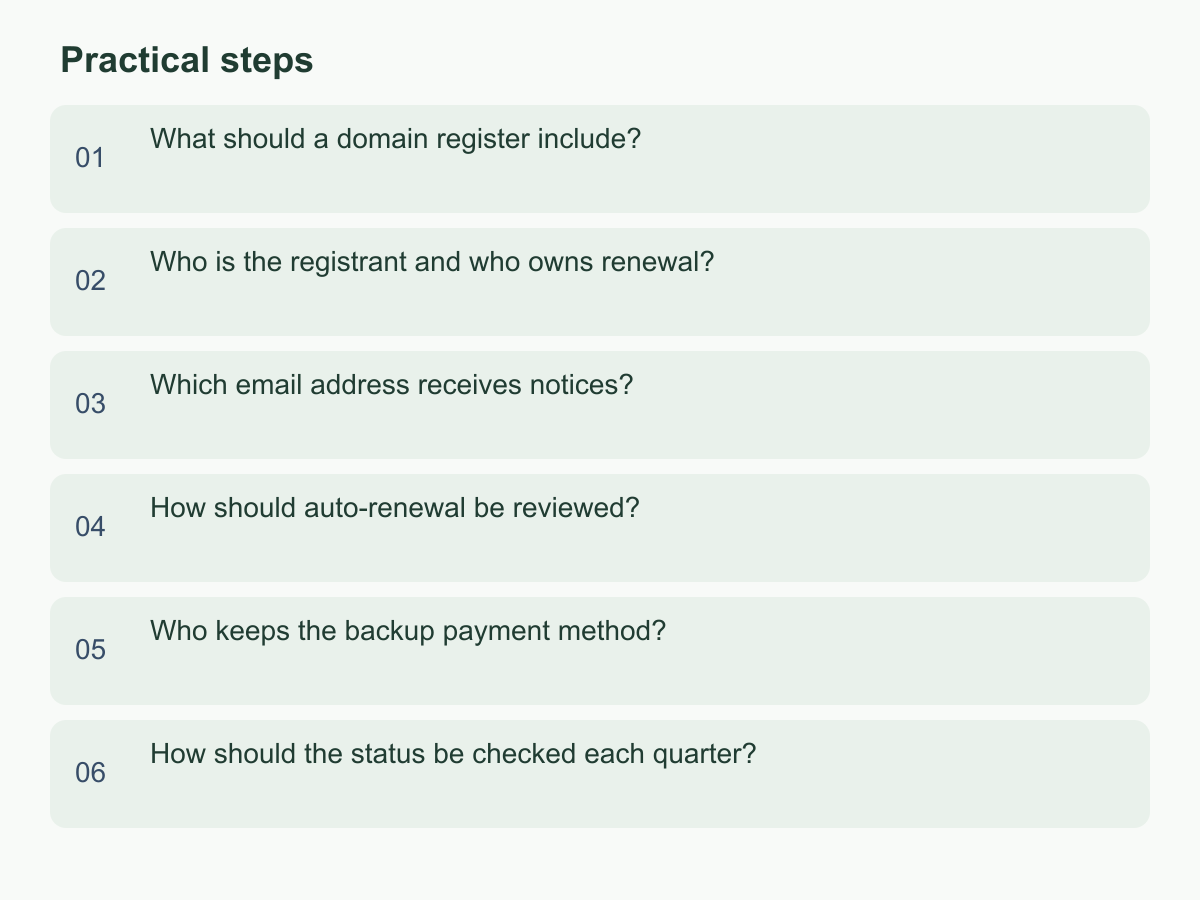
What should a domain register include?
The register should help the next owner find the account, identify responsibilities, and see whether payment and notifications have been reviewed. Use one row per domain. Record the full domain name, registrar, account identifier (never the password), expiration date and source checked, auto-renewal status, registrant, registrant contact email, renewal owner, payment method category, backup payment custodian, reminder points, and most recent review date. Note whether the expiration date came from an invoice or account record: a payment authorization date, invoice date, or hosting expiry is not necessarily the domain’s expiration date.
If DNS, website hosting, or company email is managed by a different provider, record the relevant portal name and owner separately as a dependency. Keep traceable evidence locations, such as a restricted folder for invoices or an internal approval record, with the date and person who checked them.
| Domain (hypothetical) | Registrar / expiration | Notification / owner | Payment / reviewer |
|---|---|---|---|
| Sample Domain A | Registrar A / assumed date 2027-04-12 | Shared inbox / operations owner | Company card / finance reviewer |
This is a sample of the fields only; it does not represent a real account or provider feature. A register with many domains can include region, purpose, or importance, provided each field helps with a decision. Assign a maintainer to record changes, including the old and new values, date, and approver, then compare each entry with the registrar account during the quarterly review. Use consistent field names and YYYY-MM-DD dates. If a detail cannot be verified, mark it as pending and name an owner instead of leaving a blank that could look complete. Grant access by role, keep payment evidence in its restricted source location, and record an emergency contact order when there are multiple administrators. Do not put login details in the register.
Who is the registrant and who owns renewal?
Separate four roles: the registrant is the person or organization shown in the registration details; the account administrator can sign in to the registrar; the renewal owner tracks the date, arranges internal approval, and confirms the result; and the payer may be another colleague or the finance team. One person may hold more than one role, but separate columns help prevent gaps, such as someone knowing a renewal is due but being unable to access the account, or someone with access not knowing who approves payment.
Check the registrar’s current details, original application, or transaction records, then confirm internally who is authorized to manage changes on the company’s behalf. Do not infer the registrant from the sender of an old email. If a former employee or external collaborator created the account, confirm that the company has valid access, a way to recover two-factor authentication, and appropriate authorization before planning a handover. Before changing registration details, check the registrar’s requirements, possible verification steps, and any effect on the account. Prepare required documents and approvals, then keep a record of the completed change.
For example, if the founder remains the registrant, an operations lead tracks dates, and a finance colleague pays, record each role and name a backup. If the company’s formal registrant has not been confirmed, mark it as pending, assign an owner and an internal due date, and do not replace it with an individual’s name for convenience. This is internal operations housekeeping, not professional judgment on a specific right or dispute. The handover is complete when the new owner can sign in, receive necessary notices, and find the payment approval process. Record the basis for any registration update and have a second person check the change.
Which email address receives notices?
Check at least two places: the main contact email for the registrar account and the contact email in the registration details. They may differ. Record each address, its purpose, who can access and administer it, and whether it receives renewal notices, receipts, or account verification messages. Avoid vague entries such as “company email,” and never store passwords or recovery codes in the register.
If a personal employee address is in use, consider moving to a company-controlled shared inbox or mail group. Confirm someone is responsible for reading and responding to messages and handling verification before changing the address through the registrar’s process. Include email rules in the check: spam filtering, forwarding, account closure after an employee leaves, or blocked sender domains can all hide a notice. A colleague can confirm access, check group membership, and test the receiving process with a known, ordinary email. Do not trigger a charge or change domain settings just to test delivery.
If a departing colleague manages the address, first confirm the company’s control of the account and arrange a handover. If access cannot be recovered, ask the registrar through its official support channel about identity verification. After an update, record the date, reviewer, and evidence location, and update the primary and backup owners. For a group inbox, record where its owner and member list were checked; there is no need to copy every member’s personal email into multiple documents. Forwarding can help route notices, but one named person should still be responsible for responding. Recheck both the registrar account and registration details after an update; success in one place does not establish that the other has changed. If one inbox covers several domains, list them so each account is included in the review.
How should auto-renewal be reviewed?
Auto-renewal is a payment setting, not proof that renewal has completed. Check the domain’s expiration date, whether auto-renewal is enabled, whether the payment source remains valid, whether account notices can be received, and whether internal approval is documented. A setting may appear active even if a card or account has expired, been disabled, or changed. If the registrar does not show a clear status, record what you actually checked and what remains uncertain, then ask the provider for clarification rather than marking it as enabled.
Follow the company’s payment rules to identify who approves, who executes, and who checks the transaction record afterward. Two manual review points can be set, for example one month and one week before the internally scheduled renewal date. These are adjustable management reminders, not statutory deadlines or rules that apply to every registrar. Each review should record the date, owner, source for the expiration date, payment evidence, and next step. If payment information needs updating, first verify the payee and account, use the company’s approval process, and have another person check the resulting setting.
If a due date is near and the system still shows payment pending, notify the approver and determine whether authorization is still processing or payment has failed. Until a successful record is visible, mark the status “In progress,” not “Renewed.” Review each domain individually. Use a limited set of statuses, such as “Needs review,” “In progress,” and “Confirmed,” and require verifiable transaction or account evidence for “Confirmed.” If payment fails, first check whether a charge was made, declined, or requires manual approval. Do not repeatedly try different cards. Keep receipts in a restricted location linked from the register, without copying sensitive payment details into it.
Who keeps the backup payment method?
The important questions are who can activate a backup, who can approve it, and where permitted payment details are stored. Record the primary and backup methods separately, using only company-approved identifying information, such as the method category, custodian role, and date validity was checked. Do not put full card numbers, security codes, online banking passwords, or one-time verification details in spreadsheets, email, or chat.
If the company uses a controlled credential vault, follow its access and recovery process. If it does not, record how to contact finance or an authorized approver; do not create a payment data sheet that everyone can read. Check whether the registrar supports a second payment method rather than assuming it will switch automatically. If not, an authorized backup custodian can follow the formal process after approval.
For example, finance may hold the primary card while operations tracks renewal. Record their duties and who to contact if either is away. If the primary method fails, an approver should confirm the replacement payment; afterward, verify the registrar’s status and save the receipt. Review backup contacts and access each quarter, and remove access promptly when roles change. Any replacement payment must follow purchasing and expense approval rules. The renewal owner should know the finance request channel and required internal documents. After payment, verify the receipt and updated expiration date, restore the backup arrangement to the company’s required control state, and note when a manager’s decision or approval is needed.
How should the status be checked each quarter?
Schedule a short quarterly review and use the register as a verifiable work list, not just a form to fill in. Sign in to the registrar and compare each domain, expiration date, registration details, contact email, auto-renewal status, and payment method. Check for notices, receipts, or pending messages from the quarter and link the results to the relevant evidence location. Confirm that the primary and backup owners are still in their roles, can access the required accounts, and know the next manual review point. Record any access request and approver; do not expand access as a side task during the review.
For discrepancies, record the difference, assign an owner and internal completion date, and ask a second person to check the actual external account after correction. Note related changes, such as a domain transfer, discontinued use, or DNS or email responsibility moving to another team. Those are dependencies to track separately; a website still opening does not prove that renewal details are correct. Keep the review date, participants, discrepancies, status, and next review time without copying sensitive payment information. Start an additional check between quarters if someone leaves, the company changes payment methods, an account is handed over, or an unusual notice arrives.
Begin with one complete sample row, then use the same fields to review the remaining domains. When sampling, prioritize domains with nearer expiration dates, recent changes, or previous notice failures, then review the rest of the register and record the scope checked. Resolve every discrepancy for a sampled domain before closing it, and have someone other than the person who made the change confirm the result. This makes confirmed, unverified, and in-progress items visible without relying on a single overall checkmark. For information about Chan & Chung, visit the Chan & Chung website.