
Before shipment, delays often come from conflicting versions of an order, quotation, or item data—not from document formatting. Link each field to its source and identify who must confirm it. That makes it easier to see what is complete and what still needs follow-up. This article covers how to hand off transaction inputs; check applicable official sources or the responsible contact for any market-specific legal or customs requirements.
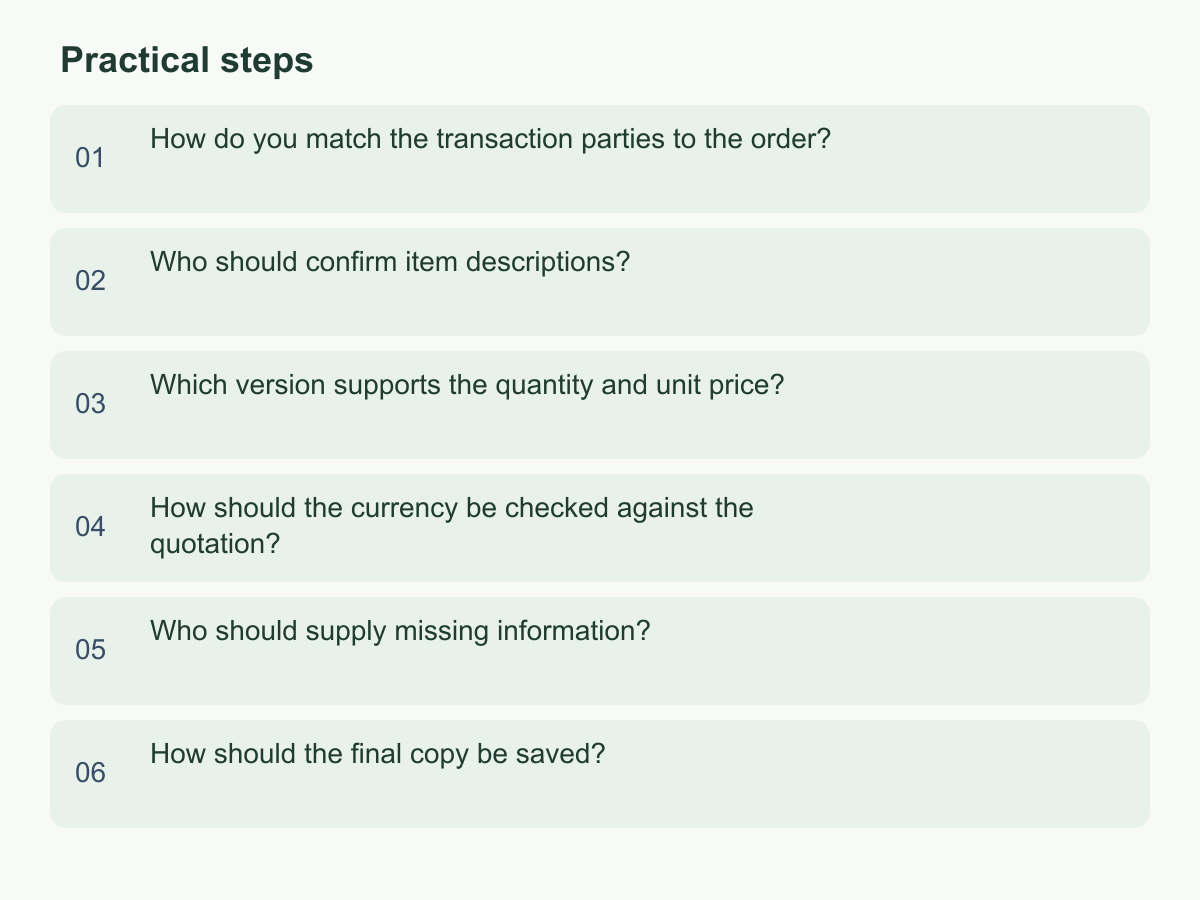
How do you match the transaction parties to the order?
Record the seller, buyer, consignee, and payer separately, with a source and a person responsible for confirming each name. The buyer on the order, the delivery address, and the payment arrangement may refer to different parties. The person preparing the document should not infer their roles from an old file or an email signature. Keep the order number, original company names, address versions, and source locations so the responsible person can check each field.
Select the order for this shipment, copy the party details from it or from confirmed transaction records, then link each entry back to its source. Check spelling, address lines, country or region, and whether the buyer and consignee are clearly distinguished. Flag abbreviations or new addresses for confirmation; do not expand them yourself or reuse details from another shipment.
For example, an order names “Coastal Trading Ltd.” as the buyer, delivery instructions name “Harbour Warehouse,” and a group finance contact provides payment details. List the buyer, consignee, and payer separately, each with its own source and owner. Even if names are similar, ask the order owner to confirm the roles before using a delivery address as the buyer’s address.
If the order, payment instructions, and shipping notice disagree, hold the disputed field and send the discrepancy, including document dates or versions, to the transaction owner. Ask the customer, agent, or group company for a traceable confirmation that identifies the information being replaced. For example, record the buyer name as “Morning Light Trading,” cite “Order, page 2” and “PO-104, revised,” and name the sales contact who confirmed it. If the company name differs from the order’s abbreviation, keep both visible until the order owner confirms which to use.
Who should confirm item descriptions?
The person who knows the goods and the order should confirm each item name, such as the order owner or product-data provider. The document preparer should enter the confirmed description accurately, not choose a similar-sounding name. Link each line to a specific order detail, SKU, or version of the product specification. Keep the source wording, any required description language, and the data provider so the team does not rely on copying an older document.
Compare the name, model, specifications, material, or use against the information actually supplied, and include only supported details. Do not combine different goods under a vague label just because they share an internal category. If the source names differ in Chinese and English, ask the item owner which wording applies to this shipment. Send market classification or authority-required fields to the relevant professional or official contact for confirmation.
Suppose the order says only “desktop stand,” while the product sheet lists model “ST-20” and dimensions. Record the order wording, product-sheet version, and proposed external description separately, then ask the product owner what applies to this shipment. If the sheet is outdated, request a current version or written confirmation instead of adding dimensions to the item name yourself.
Check kits, gifts, replacements, and customized goods line by line for their own descriptions, quantities, and order references. A buyer’s name, an online product-page title, or a search result alone does not confirm what is in this shipment. Mark confirmed and unconfirmed lines separately when the owner has checked only some items. For a line sourced only as “wooden storage box,” for example, record SKU HB-03, “Product master v2” as the name source, and the external description as pending. Attach any difference between the packaging and master data, and ask the same owner to confirm the wording for this shipment.
Which version supports the quantity and unit price?
Use the order details or confirmed revision for this transaction. Do not combine a new price with quantities from an old order. For each item, record the original order quantity, shipment quantity, unit, unit price, source version, and confirmer. If the order is shipping in batches, mark which batch this data covers so shipped and outstanding quantities remain clear.
Find the order version used for this shipment, then check the SKU, unit of measure, shipped quantity, and unit price line by line. Multiply the shipment quantity by the unit price and compare the result with the line amount. Keep discounts, freight, and other charges in separate fields with their own sources rather than adding them to the item price. Ask the source owner to confirm the basis and original data for decimal precision or unit conversions.
If 12 units ship at a confirmed price of US$8.50 each, the line amount is 12 × 8.50 = US$102.00. Record both “12 units” shipped and the unit price with the order version. If the original order was for 20 units, track the remaining 8 as handoff information; do not report 20 as this shipment’s quantity.
If the order has been revised but warehouse picking still refers to an older version, ask the transaction owner which version applies and have the warehouse confirm the shipped quantity. Keep separate references for price changes, partial cancellations, or gifts instead of hiding differences with manual adjustments. If a calculation does not match, retain the original numbers and the difference. Have the price or order owner correct the source before recalculating.
For example, one line might say “Item A; 20 boxes ordered; 6 in this shipment; unit price 12; Order revision 3, line 4.” Add the confirmer and date. If the revision changed only the price and the quantity still comes from an earlier version, show both references and ask the order owner to confirm that the combination applies before calculating the amount.
How should the currency be checked against the quotation?
Check the currency alongside the quotation, order, and price for this transaction; matching numbers alone do not establish matching terms. Record the currency shown on each quotation and order, their versions, and who confirmed them. Check that each unit price and amount uses the stated currency. Do not replace the transaction currency based on the company’s usual accounting practice or the currency of its receiving account.
Read the currency from the confirmed order details, then check that the quotation refers to the same version, item, and terms. If the quotation says US dollars and the order says Hong Kong dollars, do not convert the price or choose one figure yourself. Record the conflict and ask the quotation or transaction owner which source governs. If a conversion is needed, record who supplied the converted amount and its source, keeping it separate from the original-currency amount.
For instance, if the quotation states US$8.50 per unit and the order clearly uses that price and currency, 12 units total US$102.00. An internal budget shown in Hong Kong dollars can remain an internal reference; it should not replace the original-currency figure in the transaction document. If the order omits the currency, mark it for confirmation rather than inferring it from a previous document.
If items in one transaction have prices in different currencies, first check that the order states the pricing basis for each one. Calculate and verify each currency separately. Do not add amounts in different currencies together or treat a result from a currency-conversion tool as a price agreed by both parties. If a customer or market has other document requirements, check them with the transaction contact or applicable official contact before updating the source version.
A line can show the amount, currency, and quotation source together, such as “350 | HKD | Quotation, line 1,” with its confirmer and date. If the source shows only “$350,” preserve that wording and version in the pending field. Ask the quotation contact to identify the currency, and keep it unconfirmed until they reply; do not apply one answer to other items.
Who should supply missing information?
Turn each gap into a trackable task instead of leaving it in chat or filling it in by guesswork. Record the field, what is known, what is missing, the original source, the person who can supply or confirm it, and an agreed internal response time. That person should be able to verify the information, such as the order owner, product-data provider, or shipping contact—not simply the person collecting the documents.
Send the gap list to the relevant owners together, with the document number, fields requiring confirmation, and versions currently cited. When a response arrives, record the confirmation date or message location, update the checklist, and preserve the previous value’s change history. If a field involves several parties, designate one coordinator to reconcile their responses so the preparer does not have to decide between conflicting answers.
For an address missing the warehouse name, the task can cite the order version, current address, missing line, shipping contact, and agreed reply time. Track separate fields separately: if the item description is confirmed but finance still needs to verify the currency, mark the item description complete and the currency pending. One unresolved field should not make the status of the whole checklist unclear.
If no reply arrives by the agreed time, remind the original owner and follow the team’s usual handoff route to their manager or transaction contact, keeping the item open. Send questions involving market rules, classification, or other professional judgment to the contact responsible for that decision. Do not write uncertain information as confirmed just to complete the document.
If an owner sends a new value without an identifiable source version, mark it “received, pending verification” and ask for the document name, date, or field location. Confirm the value only when it links to a source or the responsible person explicitly confirms it. This keeps a quick reply from being mistaken for complete, traceable information.
How should the final copy be saved?
The final record should let a colleague trace the order, quotation, and item-data versions used, and see who confirmed changed or previously missing fields. Store the shipment checklist, source documents, and final copy in a team location accessible to the people who need them. Use consistent filenames based on actual identifiers such as the order number, shipment batch, and date, so records for similarly named customers do not get mixed up.
Before saving, compare the parties to the order, items to their confirmed sources, quantities and unit prices to the chosen version, and currencies to the quotation. Confirm that pending fields have a closure record. Save the source versions with the final file, and note the file version and where its confirmation record can be found. In a shared folder, check that relevant colleagues can access the necessary files under the team’s existing access controls.
If an order ships in two batches, save a separate checklist and document for each batch, and identify where each refers to the shared quotation version. If a name or quantity error is found after finalization, retain the old file and save a revision with the reason and confirmer recorded. This makes it possible to see which version was used and which replaced it without losing the handoff history.
If a recipient asks for an update, identify the field and source first, then have its owner confirm the correction. Recheck the document and clearly label the new version. Keeping a copy records the workflow; it does not determine whether a document meets a particular market’s legal or customs requirements. Start with one order, record each field’s source, version, owner, and open item, then ask the source contacts to confirm them. Learn more about Chan & Chung on the brand website.