
International teams switch among chat, email, shared files, and meetings. Weeks later, a team may not know where a decision was recorded, which attachment is current, or who owns the next step. Route messages by purpose, then agree how to record decisions, maintain context, and review access so work stays searchable across time zones.
The examples assume the team already uses these channels; they do not depend on a particular platform.
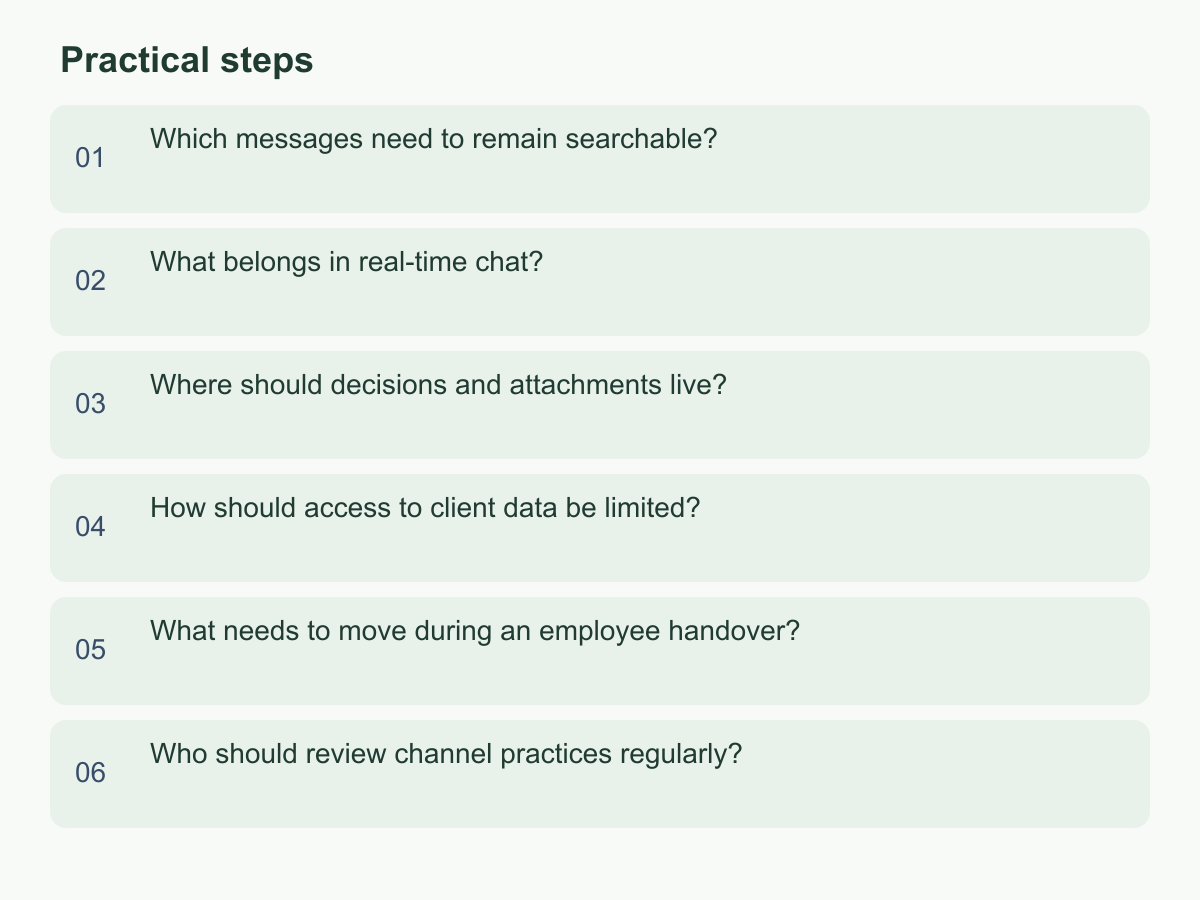
Which messages need to remain searchable?
Ask whether someone taking over six months later can find the background, decision, and next step. Preserve client promises, changes to price or scope, delivery dates, task owners, risk decisions, approvals, and exceptions that affect others. Greetings and brief coordination need not be saved word for word; keep the conclusion and context that may matter later.
For each record, capture the subject, background, decision, decision-maker, date or version, owner, and next step. Link the source document or email. For pending decisions, state the current assumption, who must confirm it, and by when. Silence is not agreement. If a decision changes, add a dated revision explaining why and linking to the previous version.
Use a consistent title combining project, topic, and status, such as “Overseas Support Handover | Refund Process | Pending Confirmation.” Keep a project index linking decisions, current files, and open items. When a conclusion appears in several places, identify the current version and mark the others as historical.
For example, if a team agrees in chat to reduce delivery scope, the owner records what changes, who confirms it, and when it takes effect, then links the discussion. “We discussed it” is not a handover; capture the conclusion, reason, and remaining actions.
What belongs in real-time chat?
Chat works for quick alignment, short questions, blockers, arranging ad hoc meetings, and signaling work in progress. Its conversational speed helps while information is taking shape, but messages sink into a timeline mixed with unrelated threads and private conversations. Do not use it as the only record for decisions, client commitments, or handover indexes. Agree which subjects get separate threads and what needs attention today.
In chat, state the issue, impact, reply needed, and deadline. When a discussion affects scope, price, delivery, responsibility, or approval, move the conclusion to a shared record or formal email and link it from the thread. If the decision stays in chat, summarize who decided what and when, why, and who acts next; check that the right people can open the record. A long silence is not evidence of agreement: use the team’s agreed backup contact method.
Set reply expectations by time zone and work type. Define how ordinary messages, blockers, and urgent situations are handled, whom to contact outside working hours, and when to use a backup channel. The aim is a reasonable reply window, not constant availability. If exceptions keep overriding the rules, check notification lists, handover timing, and coverage.
Where should decisions and attachments live?
Shared documents suit material that changes over time; email carries clear confirmation or external correspondence; meetings help resolve questions and trade-offs. Choose where the current decision lives, such as a shared log, and link to it from email or meeting notes instead of duplicating every sentence. Label discussion attachments with their version and purpose. For approvals, record the status, approver, and date. Keep files in a team-accessible location.
| Channel | Best used for | Follow-up |
|---|---|---|
| Real-time chat | Short questions and blockers | Summarize decisions and link to the record |
| External confirmation and formal correspondence | Clarify the subject, conclusion, and attachment version | |
| Shared documents | Decisions, processes, and work status | Name an owner and update date |
| Meeting notes | Discussion context, actions, and trade-offs | Record owners, deadlines, and unresolved items |
Name attachments with project, topic, version, and status, such as “Market Presentation_v03_Pending Approval.” Put the approved file link in the index; the filename alone does not prove it is current. Make email subjects identify the project and action. When a thread reaches a decision, summarize the conclusion, owner, and next step, then link the shared record. Before sending, check the recipient and intended version.
Meeting notes can be brief: background, options, decision, reason, and actions. If no agreement is reached, record the open question, information needed, and who will get it.
How should access to client data be limited?
Set access according to task. Classify material as public, project-internal, or restricted, and share only what the work requires. Before sending names, contact details, contracts, identity documents, or payment-related files, ask whether full details are necessary. If a discussion concerns one field, share a limited extract rather than a whole client file.
Check recipient, purpose, duration, and access level, especially for similarly named accounts, personal addresses, public links, and former teammates. Give external collaborators only what they need, using a method approved by the data owner. Follow the team’s secure process for restricted material; do not put passwords or verification codes in ordinary chat. If a download is needed, assign a holder and state what happens to the copy when work ends. Remove access a departing teammate no longer needs.
Before screen sharing, close unrelated tabs and notifications; confirm participants and purpose before recording or forwarding. For example, before an external designer revises a client presentation, remove unrelated contact lists and commercial attachments, share a task-limited copy, and name an internal contact for the revision. At completion, return the approved version to the project folder and close the external link if no longer needed.
What needs to move during an employee handover?
Handover transfers work context and control, not just files. List clients, projects, commitments, open items, risks, key contacts, decision records, templates, and checkpoints. For each, state status, next step, deadline, and incoming owner. Inventory links to documents, email, meeting notes, and work platforms; ask the new owner to open, search, and update them. Move necessary conclusions from private messages into a team-managed record.
Review access item by item. Assign new owners for content and groups, confirm the team holds necessary work documents, shared inboxes, and service accounts, then remove access the departing person no longer needs. Keep passwords and one-time codes out of handover documents. Transfer credentials through the team’s secure storage method and verify the new owner can use them. If an account relies on personal email or a device, record the risk and assign someone to change and verify it.
Include external commitments: who will notify each client or partner, who owns replies in progress, and which promises need reconfirmation. If time is short, transfer active work and recent commitments first. Ask the incoming owner to find the latest decision, explain open items, confirm the next commitment, and reach key contacts. Mark each item transferred, still open, or unnecessary; a link sent is not acceptance.
Who should review channel practices regularly?
Assign an owner to channel rules because teams change. A short page can name each channel’s purpose, data categories, naming convention, decision-record location, reply expectations, and exception contact. Each project needs a record owner to update notes, links, and open items. Check that important work information is not held only in private accounts, and keep guidance easy for a new teammate to use.
Review actual work, not people’s memory. Sample a completed project and check whether decisions are findable, file versions clear, actions owned, external access removed when appropriate, and handover accepted. If nobody maintains plentiful records, reduce required fields or set an update time. For teams across time zones, check whether each shift can understand status without asking again about completed work.
Turn findings into actions such as adding an index, merging duplicates, changing access, or clarifying a channel. Assign an owner and next review date. For example, review one completed project for 15 minutes monthly. This is a scheduling example, not a fixed standard. Keep the approach if decisions, files, owners, and next steps are findable; otherwise fix the most common gap and review again.
Start with one active project: map its channels, decision record, and owners, then use the English website to learn more about Chan & Chung.