
Contract revision errors often come from a wrong baseline, a missing attachment, or mistaking an internally approved draft for the version signed by both parties. This guide gives a traceable process: confirm sources, log changes and open questions, then track internal approval, dispatch, and signed returns separately. Examples are hypothetical; verify sources and internal steps. This is document control, not proposal review or legal advice.
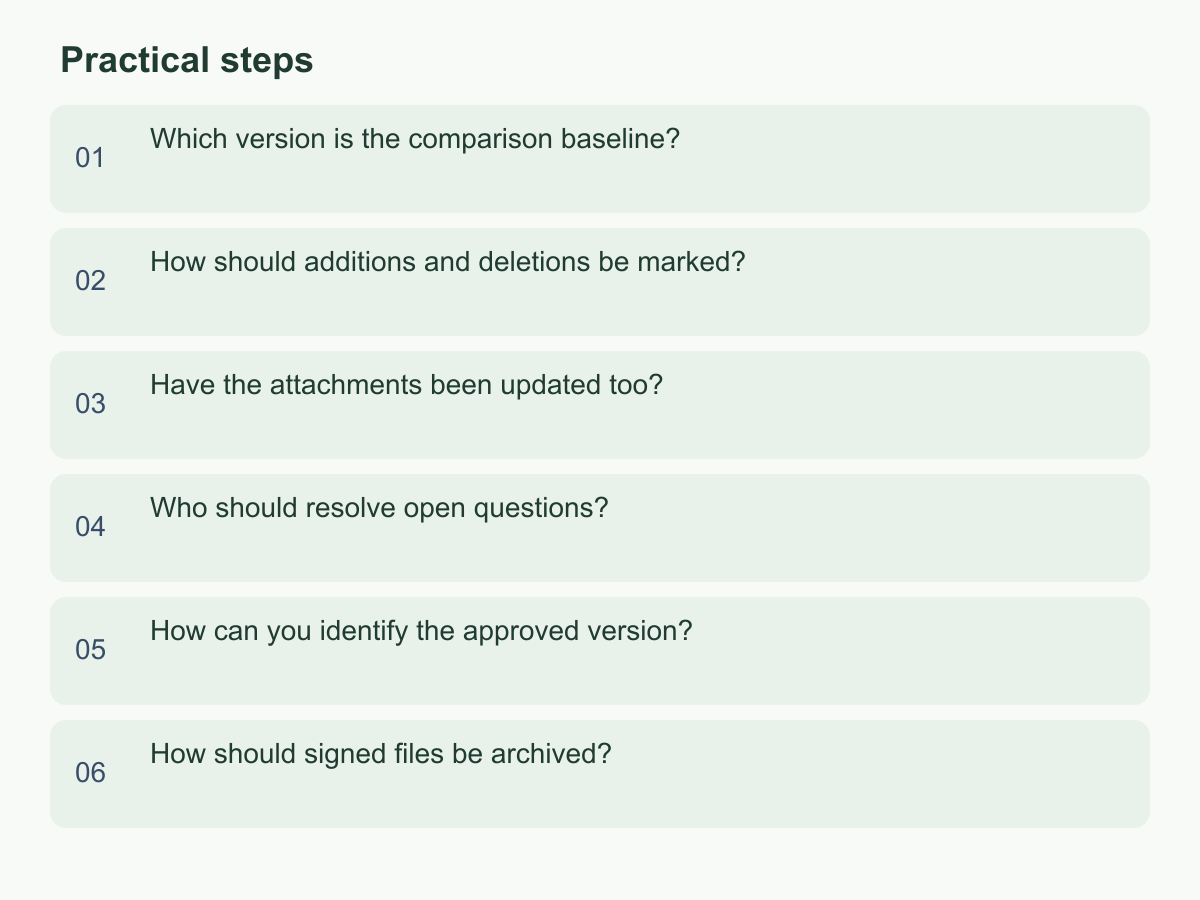
Which version is the comparison baseline?
Do not take “latest” in a filename as the baseline. Identify the exchange and direction: the agreement last sent and the file returned this time. Record each source email and recipient. Use working copies; leave originals unchanged.
Check the email and attachment together. A note may say “see revised draft” but attach a clean copy. Confirm the date, version field, tracked changes, and opening text. If sender and file conflict, ask and keep the reply. For phone or meeting changes, use the written follow-up and attachment actually sent, not memory.
Suppose a folder holds “contract_final.docx,” “contract_final2.docx,” and email attachments. If the email shows version 3 was sent and the reply is marked version 4, log “baseline: version 3; check: version 4,” with sources. If uncertain that version 4 came in that reply, leave it open; modification time is not proof. Have a second person locate both files from the log before comparison.
At the top of the log, note the question, direction, filenames, and sources. Record email, shared-folder, and messaging origins separately; a download location does not prove dispatch. Mark a one-sided draft as delivery unconfirmed. For a cloud link, note its target filename and download time, save a copy, and verify it matches the sender’s description.
How should additions and deletions be marked?
Set one baseline and one new draft. Record filenames, versions, source emails, dates, and direction. Compare forward for additions, deletions, and rewrites; compare backward to confirm old wording remains. Keep email and read-only originals; work on a copy.
Use a word processor’s compare feature for a first pass, then inspect every insertion, deletion, replacement, and move. Log clause or paragraph, old and new text, change type, proposing party, open question, and status. Keep nearby wording for pronouns, conditions, and cross-references.
If “notice by email” becomes “notice in writing,” record both texts as a replacement and ask whether the method or recipient needs confirmation; do not interpret the legal effect. For deleted sentences, retain the text and old location, not just a screenshot. Map old and new clause numbers when renumbering.
The tool may flag line breaks, tables, layout, or reordered text. Set aside pure formatting and check definitions, names, numbers, dates, negations, conditions, and references, including one-word edits. Preserve unclear changes and verify them in the source. For Word-to-PDF conversions, index by clause and source page, since pagination can shift; visually check tables and scans.
Have the attachments been updated too?
An attachment named in an agreement may be outdated. List each file’s name, number, date or version, pages, source email, and clause reference. Compare baseline and new attachments individually; matching names or an updated agreement do not prove they match. Keep same-named files with different contents as separate labeled copies.
Check both directions: each appendix or schedule reference needs a file, and listed files should appear in the agreement or email. Review covers, fields, version marks, and pages; compare tables and diagrams visually. A clean text comparison cannot confirm scanned images are unchanged. Log missing or unclear pages and request readable copies.
The revised agreement cites “Appendix A: Scope of Services,” but the Appendix A attached to the reply still has an old version mark. Record “main agreement changed; attachment pending confirmation.” Ask which file applies, whether it was updated, and whether the agreement reference changed. Do not assume it remains applicable or recreate the other party’s table.
Conflicts among the inventory, agreement, and email mean the package is incomplete. Preserve files and log locations, versions, and sources. Request written clarification, update the list, and compare replacements. Have a reviewer check references. For linked files, save a sourced copy; if inaccessible, request a resend rather than use a similar online file.
Who should resolve open questions?
Turn uncertainty into an answerable question: clause, old and new wording, change type, proposer, and point to confirm. Assign a reply owner, tracker, and response date. Use one contact to consolidate questions to the other party. Leave items open until answered.
State the choice neutrally. For two possible deadline triggers, quote both texts and ask if the trigger is a date, event, or process. Route operational facts to the operations owner, names or authority to an internal owner, and rights, obligations, or legal effect to a legal professional. Record sources without deciding meaning or treating silence as consent.
Use statuses such as “pending internal confirmation,” “asked the other party,” “reply received; update pending,” and “next draft; review pending.” For meeting or chat replies, log date, participants, and source, then ask the contact how to use them. Preserve email where the other party’s agreement matters. After an update, verify the draft reflects it.
Verify a proposed shared notification mailbox as an internal fact. Separately route any question about whether revised notice wording changes its effect. Link each answer to the date and adopted version; mark only confirmed points checked. If no response date was agreed, set one and assign follow-up.
How can you identify the approved version?
“Manager reviewed” does not identify the approved file. Record filename, version or date, location, scope, approver, time, conditions, and attachment set. State if approval is limited to clauses or attachments; list each file in a full package. Keep the original approval record to reconstruct what was approved.
Link approval to the change log. Separate confirmed changes, open questions, and excluded differences; note the summary and attachments shown to the approver. List unresolved items. Internal sign-off records who agreed to advance a working draft within the organization; it does not show the other party agreed or signed. Record dispatch files and emails separately.
Suppose version 4 is approved but an attachment’s company name changes before dispatch, producing version 5. Record the change; version 4 does not approve version 5. Check whether procedure requires renewed approval and ensure the dispatch file matches. Compare formatting changes against the approved scope. Repeat after returned drafts; record attachment versions reviewed.
Before sending, open the file from the approval record. Match its version, agreement, attachments, and open-item status to the actual email attachments. Stop on mismatch. Record the checker, time, and filenames. Confirm attachment versions were included in approval.
How should signed files be archived?
On receipt, preserve the return email and original attachments, then save a readable signed copy; do not replace the original electronic file with a scan. Label the working draft, approved dispatch version, signed return, and reference copy with document name, version, status, and date. Avoid “final” labels. Use suitable access controls and tell owners where to find the files.
Compare the signed return with the approved file sent: agreement, attachments, signature pages, and handwritten additions. If it is a different file or an incomplete or unclear scan, log the issue and ask the responsible contact; do not assemble a substitute. Record dispatch and return times, sources, filenames, attachment count, and review result. Label any merged search file “reference copy” and preserve the signed original.
Have another authorized colleague trace the return email, attachments, and approval, then open the signed file to confirm readability. Fix broken links or duplicate-name ambiguity in the index and note it; do not rely on verbal handoff.
Index the document identifier, counterparty, key email, attachments, current status, and access. Follow retention policy for emails, approvals, attachments, and signed originals. Before deleting duplicates, confirm the source record is complete and traceable. If names are not standardized, explain each file’s role and sequence.
Choose one exchanged contract and create six records: source versions, change log, attachment inventory, open questions, approval evidence, and signed return. Check each against the emails and files. For Chan & Chung background, visit the English homepage.