
Cross-border sales pipeline reports often put deal values, opportunity counts, and stage progress on the same page. Yet figures that look comparable may use different cutoff times, currency conversions, or status definitions. Comparing totals first can make differences in data preparation look like changes in performance. Set one reporting timezone for each comparison, preserve original currencies while documenting conversion rules, and define the evidence required at each stage. Keep records that do not meet a rule visible with an explanation.
The rules and figures below are adaptable examples for weekly or monthly reviews. Rates are hypothetical arithmetic inputs, not market quotes or benchmarks, and this guide does not prescribe a CRM. It covers report conventions, not lead qualification.
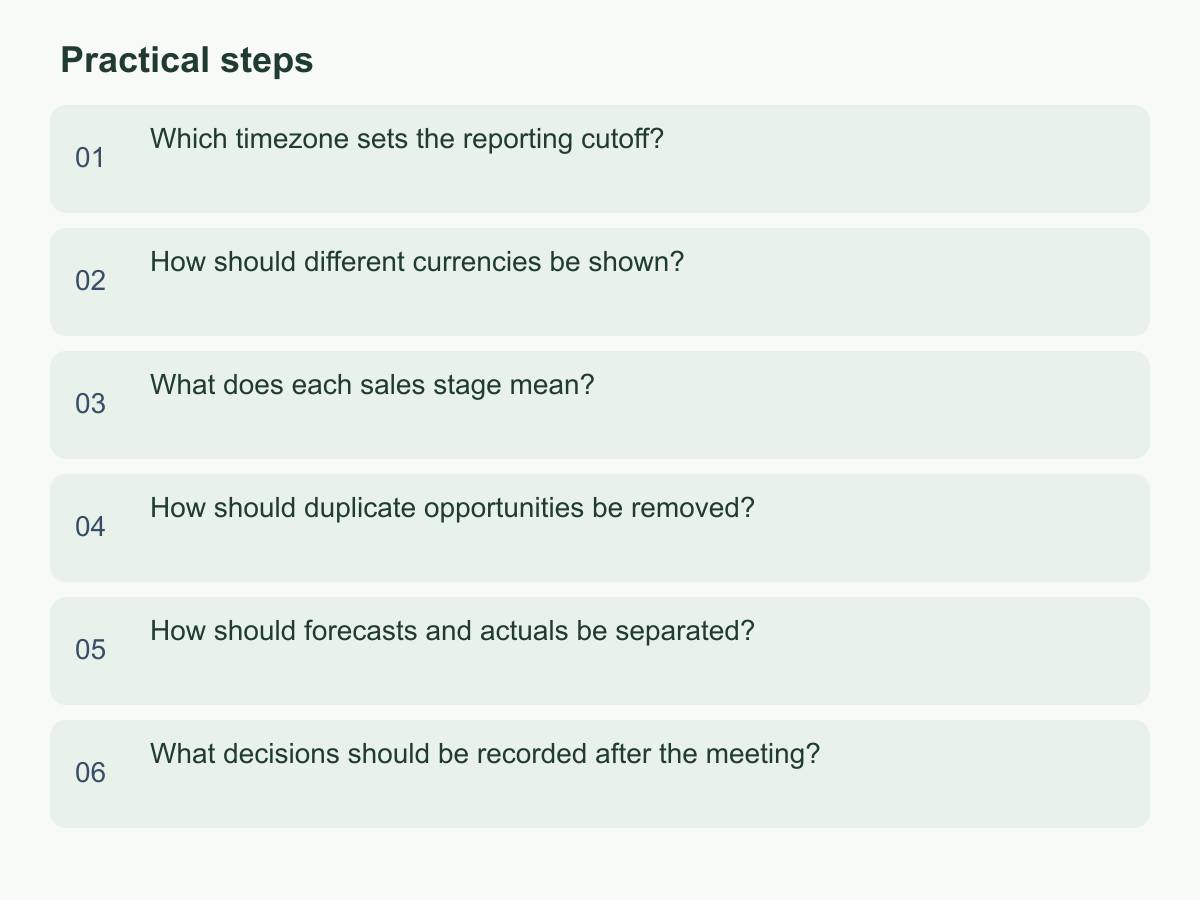
Which timezone sets the reporting cutoff?
Choose one cutoff timezone and define each interval as including its start and excluding the next period’s start. A weekly report could run Monday 00:00 to the following Monday 00:00 in the approved timezone. This is clearer than “this week” and avoids boundary loss from timestamp precision. Use a headquarters timezone to match finance periods or local time for local follow-up, but keep one basis across regions.
Store local activity time and its original timezone separately from the reporting period, then convert during aggregation. State which event determines the month: creation, stage change, expected close, or actual close. Do not rely on browser timezone. If a source lacks timezone, flag and verify rather than guess.
A late update near period end might fall into different weeks if dashboards use different zones. Before a meeting, audit records around the cutoff and rerun regional and consolidated reports with the same interval. Put timezone and snapshot time in the title. Keep local operating views separate; never add figures from different date ranges. If the cutoff changes, recalculate and identify the data version.
How should different currencies be shown?
Decide whether readers need original deal sizes, a common reporting currency, or both. Keep them in separate columns; never add face values from different currencies. Retain each original amount and currency code. For conversion, record the reporting currency, rate, applicable date, and source. A policy might use the rate on opportunity creation, each update, or a fixed date for the period; each answers a different question, so do not mix policies in one report.
Preserve source and converted values. Round only for display and retain adequate calculation precision. Reconcile original-currency and reporting-currency subtotals, and count and value records without a rate. If a rate is untraceable, keep the original amount, flag it, omit it from the converted total, and show the missing value separately. Record corrections as adjustments without overwriting the original. For period comparisons, use the same method and separate currency effects from new opportunities.
The following assumed rates demonstrate arithmetic only; they are not market quotations.
| Hypothetical opportunity | Original amount | Assumed rate | Converted to TWD |
|---|---|---|---|
| A | USD 1,000 | 31.5 TWD/USD | TWD 31,500 |
| B | HKD 50,000 | 4.1 TWD/HKD | TWD 205,000 |
| Total | Keep each original currency | — | TWD 236,500 |
The total uses example rates; original amounts remain traceable. Match signed amounts to a signing-date policy and month-end stock to the snapshot date. For amount trends, separate deal changes from exchange-rate effects. If using a CRM, spreadsheet, or external conversion tool, align fields and assign an owner.
What does each sales stage mean?
The same stage label may hide different entry conditions. For each shared reporting stage, document entry and exit criteria, required evidence, and the person responsible for updates. For example, “Proposal sent” might require delivery of a quote or plan and a traceable email or meeting record. A draft stays in the prior stage. Definitions should let two colleagues reviewing the same record reach the same decision.
Map each local source stage to a shared reporting stage while preserving the original value and mapping version. If a region has no equivalent, mark it “Unmapped” and report its count and value separately until the process owner decides whether to combine it. State whether the report shows stage inventory at the cutoff or opportunities that entered a stage during the period. Inventory shows where deals stand; transitions show movement. Do not use one count for both.
Test mappings against sample records. One region may count a proposal when sent, another after receipt. Compare evidence, dates, and update owners, then let the process owner set the threshold. Keep genuine process differences and annotate them instead of forcing a merge. List non-examples such as internal drafts or unapproved proposals. Version stage names by effective date; interpret history under the version then in force. Label recalculations and define how backward moves appear to prevent double-counting.
How should duplicate opportunities be removed?
A duplicate is not simply the same company appearing twice. Define opportunity identity before merging. Relevant fields may include the buyer or affiliated entity, need, product scope, budget or decision cycle, and responsible market. A shared company name or contact is only a clue: one business may assess separate products, while regional legal entities may buy independently. Across systems, compare the transaction and need instead of deleting by name, email, or amount alone.
Classify records as possible duplicates, confirmed same opportunity, or confirmed separate opportunities, and assign an owner to review candidates. After confirmation, keep one reporting identifier and link the other source IDs, creation sources, original owners, and merge reason. If stage, amount, or expected date conflict, have the data owner check current evidence. Do not always choose the higher amount, later date, or earlier stage; that can bias totals and progress.
For example, records in two regions may describe the same buyer, product scope, and purchasing cycle. If the meeting confirms one buying decision, count one opportunity under the documented rule and record how its primary record was selected. If one buyer is considering unrelated products, or subsidiaries have separate budgets and decision makers, keep two. Report original row count, confirmed duplicate count, and deduplicated count. Sample-check amounts before and after merging. Leave unconfirmed candidates on a review list, not as zero. If evidence is missing, assign someone to investigate. Exclusion reason codes can help identify recurring judgment errors.
How should forecasts and actuals be separated?
Define forecast and actual separately. Forecast is the expected amount or range for opportunities still open at a stated cutoff. Actual must identify the completed event being measured: signed contract, invoice issued, or payment collected. These answer different questions. Label each row with status, event date, currency, and reporting period. Open opportunities remain in forecast until the relevant event occurs; do not move them to actuals early.
For a hypothetical example, a month-end snapshot has two open opportunities worth 80,000 and 20,000 in the reporting currency after conversion. Forecast pipeline is 100,000. A separate opportunity meets the team’s definition of signed during the same period for 30,000, so it belongs in signed actuals. Do not describe that amount as cash collected or add all three amounts into one pipeline figure. If using a weighted forecast, show its probability assumptions and calculation separately from the unweighted value.
Save each cutoff snapshot to assess forecast accuracy, then compare it with the later result realized under the same definition for that closing period. Do not use a current status to rewrite an old forecast. Record delays, reductions, cancellations, and reopenings with dates and reason categories, and define their effects on forecast and actual. If data cannot establish an amount or event, mark it unverified rather than zero or won. Apply the same period and currency policies to forecast and actual. Record installments or currency corrections without erasing the historical snapshot; show any current-period net amount separately with its calculation.
What decisions should be recorded after the meeting?
Meeting notes should let the next report reproduce the same result. Record the reporting period and cutoff timezone; original and reporting currencies; rate dates and sources; shared stages and mapping version; duplicate criteria; forecast and actual completion events; data owners; and unresolved exceptions. For each decision, state the rule, covered data, responsible person, effective date, and exception handling. “Everyone agreed to standardize” is not enough for teams to apply a rule consistently.
Attach a few checkable sample records or anonymized IDs for edge cases: an update in the final hour, an amount without a rate, an unmapped stage, and a possible duplicate. Do not put customer names or sensitive transaction details in general notes; refer to record IDs in the controlled system. Mark unresolved decisions as pending, identify missing evidence, assign someone to provide it, and set a follow-up time. Preserve current figures until evidence resolves the issue.
After the meeting, have one data owner update the field guide and report notes. A colleague from another region should recalculate using the same samples; reconcile regional subtotals with the consolidated report and note differences. Version rule changes with their effective periods. If historical figures are restated, retain both versions and the reason rather than overwriting an old snapshot. Before the next review, sample records involving currency conversion, timezone boundaries, and stage changes, then bring exceptions back for resolution.
A decision table can put one rule per row, name the field, show old and new values, and state when the change takes effect. If regions retain different rules, record why and explain the comparison limits. Link the current decision version from the report entry point so new colleagues can find it. A one-page rule sheet is a practical starting point. For general information about Chan & Chung, visit the English website.