
With several overseas projects underway, the issue is often overlapping skill assignments or mistaking open calendar time for capacity the team can promise. Put each person’s available hours, committed work, required skills, and backup coverage in one weekly table. This helps surface conflicts early and decide who owns, supports, or reschedules each task. This internal planning method uses hypothetical examples and does not estimate project margins. Start with week, person, task, estimated hours, and required skills; confirm entries with project leads before each week.
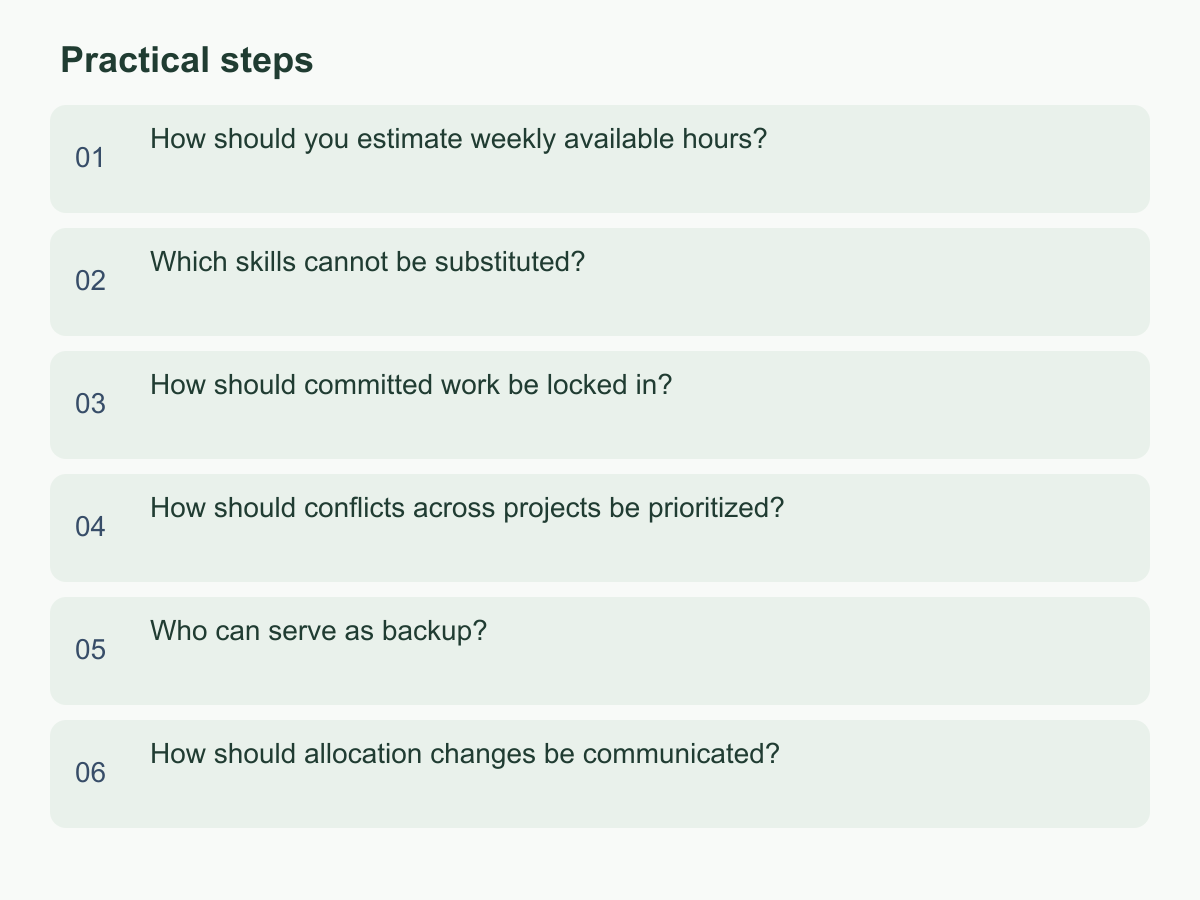
How should you estimate weekly available hours?
Estimate from time a person can actually spend on delivery, not contracted hours or a weekly maximum. List workdays, leave, recurring meetings, administration, and known support duties; have each person confirm realistic delivery time. For example, a nominal 40-hour week less 8 hours leave, 4 hours meetings, and 2 hours routine operations leaves 26 (40 − 8 − 4 − 2 = 26). Record 26, not 40, and check actual inputs against the team calendar.
Split capacity into committed, new-work, and buffer hours. Link commitments to named tasks or duties; assign only remaining hours to new work. The buffer covers revisions, follow-up across time zones, or urgent support, not hidden overtime. If it is regularly used, revisit estimates, meetings, and support work in the next plan.
Update at the same weekly cutoff. Record available hours separately from location-based unavailable periods; do not assume night replies or count waiting as labor. For each new request, note an hour range, owner, and assumptions such as input arrival. Mark it pending while key inputs are missing.
Include name, week, available, committed, new-work and buffer hours, unavailable periods, updater, and confirmation time. Enter hours by day when availability varies; weekly totals can hide a full Tuesday and open Friday. Recalculate after each assignment and flag capacity below buffer so projects do not claim the same hour.
Which skills cannot be substituted?
Describe skills as observable tasks, not titles or project participation. List current needs—requirements breakdown, system integration, data organization, bilingual proofreading, or client presentations. For each person, mark “independent,” “with review,” or “needs training,” using recent work or a demonstration as evidence. Participation alone does not prove readiness.
Identify steps with few substitutes. A sole person who can check a data format, configure a system, or perform final language review constrains the schedule. Routine filing or meeting notes may be easier to hand over, but confirm tool familiarity, access, and quality requirements. Break down vague “project support” into work that reveals needed skills.
Put skills beside each task and name owner and reviewer. If two skills are required, confirm capacity for both. When the only qualified person is double-booked, compare effort, deadlines, and what can be split; narrow or move work, or assign a trainee a low-risk portion with review time. Training alone is not backup readiness.
Keep a short skill note: relevant work completed, ability to self-check against a list, and exceptions needing help. Record scope and review conditions, not sensitive details. Update from observed work, not self-ratings, and include learning time for new tools or processes before promising delivery.
How should committed work be locked in?
Record externally promised work before new requests. For each item, note project, verifiable deliverable, owner, skills, estimated hours, agreed date, and prerequisites. Replace “make progress this week” with a checkable result, such as completing a named document version for review. Mark unconfirmed scope or dates provisional; do not lock them or let leads use conflicting versions.
Reserve time for clear external commitments and dependencies before movable internal work. Locking means reserved, not immutable. If information changes or someone is absent, the commitment owner reconfirms scope and date and records the decision. Assign hours to a person and skill; project colors alone hide duplicate bookings.
Include preparation, review, and external confirmation in estimates. If prerequisites are missing, schedule independent work and record a check-in date for the rest; do not block hours while waiting. Compare commitments with capacity weekly. If over capacity, show the gap, affected parties, and options early for the commitment owner to decide—without expecting silent overtime.
Set a weekly lock-in cutoff and one intake route. Request the source, latest decision time, and impact of not proceeding so the owner can decide whether to replace scheduled work. For multiweek tasks, separate this week’s deliverable from the next step to avoid recounting the full estimate.
How should conflicts across projects be prioritized?
Resolve competition for the same person using four factors, not message order or project volume: external commitments, work blocked by delay, scarcity of the skill, and whether scope can be split or reduced. Check the skill holder’s booked hours, calculate the gap, and give risks and options to the delivery owner for a recorded decision.
Suppose the only person familiar with an integration has 10 hours free after locked work, while three requests total 11. The hypothetical example protects commitments before moving flexible work; confirm actual assignments.
| Hypothetical work | Hours needed this week | Scheduling decision |
|---|---|---|
| Project A: review version due Thursday | 6 | Committed; reserve first |
| Project B: complete integration testing | 3 | Committed; schedule next |
| Project C: prepare an internal draft | 2 | Flexible; move to next week |
Schedule A and B for 9 hours, leaving 1 for minor revisions; move C’s 2 hours elsewhere. If B lacks a prerequisite, find independent work and let its owner decide whether to change sequence. Record reason, decision-maker, and review point so leads can revisit without privately competing for staff.
Add commitment status, priority reason, and decision-maker to the table. Keep unconfirmed requests pending with possible slots; do not overwrite assignments. If two priorities conflict, show consequences, such as narrowing a deliverable or moving an internal check, and record the chosen trade-off. At the next review, check capacity and clear stale conflict flags.
Who can serve as backup?
Backup coverage means someone can take a defined scope during absence or overload while meeting quality requirements. For each critical task, name primary, backup, and handover scope; confirm skills, access, available hours, and reviewer. List partial steps explicitly; limited support is not full coverage.
Mark readiness as independent, ready with brief review, or untrained. Only an independent backup is immediately available; the second needs guidance and check time, the third needs training. Shadowing or a small low-risk task can confirm readiness. Schedule practice rather than treating it as free work.
Check overlaps: a backup may be named by several projects, unavailable when the primary is busy, unfamiliar with tools, or dependent on another scarce reviewer. If no qualified replacement exists, record the single-person risk. Consider splitting work, sharing preparatory steps, documenting procedures, or negotiating time. Reserve backup hours and activation conditions; do not count the same time twice.
State triggers, approver, and what the backup may do independently. For hard-to-reverse steps, limit scope and add review points. For work requiring judgment, arrange overlap to transfer context. Periodically let the backup try a low-risk task, then add access, documentation, or training gaps to the next plan.
How should allocation changes be communicated?
Notices should say what changed, why, when effective, and who decides. Triggers include leave, delayed inputs, underestimated work, specialist reassignment, or changed delivery date. The proposer updates schedule version and time, affected tasks, before-and-after hours, and open decisions. A group message saying “staffing needs to change” lacks enough detail.
Offer options: which backup can take which portion, which deliverable can shrink, or which slot can replace the current one, with each option’s effect on commitments. Keep changes pending until the owner confirms. Then update owners, hours, reviewers, and review date; ask affected colleagues to acknowledge. For cross-time-zone work, state local time and a realistic response window.
If the primary takes leave and the backup has only 4 hours, specify what transfers and what waits. Ask the delivery owner whether scope or date should change; do not default the full workload to the backup. Close completed changes at weekly review and keep owners and check-in times for unresolved items.
Use a notice with week/version, affected people, old and new hours, reason, options, decision-maker, and reply deadline. Share only scheduling details needed. Notify every affected project owner using a link to the same table. Start by recording the team, availability, skills, and commitments in a weekly view. For related information, visit the Chan & Chung website.