
Overseas projects often stall not because people fail to meet, but because each person assumes someone else knows what to provide. Record dependencies as checkable inputs, name the provider and recipient, and keep the deadline, impact, and next follow-up together. This example focuses on outstanding inputs in a single project, not a review of long-term business risks. A useful tracker lets anyone taking over answer four questions: What is missing? Who is waiting? When will it be checked again? When will the material be ready to use? When clients, suppliers, and internal teams keep separate lists, recording each commitment and acceptance in one place also reveals exactly where a handoff has stalled.
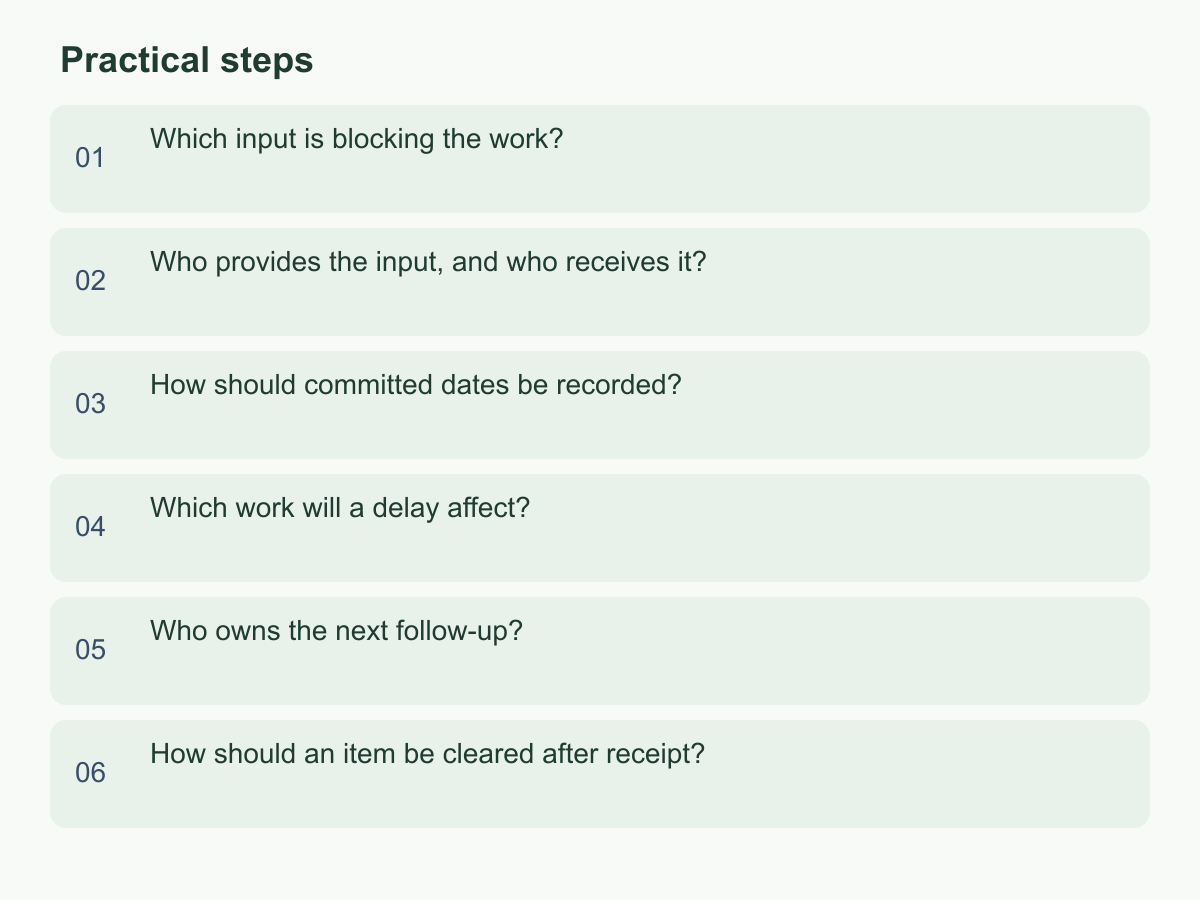
Which input is blocking the work?
Turn a vague entry such as ‘waiting for client information’ into a deliverable that can be checked. Record its name, purpose, scope, format, version or applicable period, and the conditions for accepting it. Track one document, decision, or data set per item. Broad entries such as ‘provide market data’ can hide different assumptions about markets, dates, and languages. If the requirement is unclear, ask for an acceptable example or list the required fields before a complete batch is delivered.
| Required input | Ready-to-use conditions | Provider / recipient | Due | Work affected |
|---|---|---|---|---|
| English product specifications | Models, dimensions, and version included | Client / content contact | Wednesday | Product-page review |
| Brand logo file | Readable, with usage rights clarified | Design supplier / marketing contact | Thursday | Page layout |
| Price approval | Currency, market, and approver specified | Client decision-maker / project lead | Friday | Price information check |
These are illustrative fields and dates for a fictional overseas channel launch. Add the source link or file location, date requested, current status, and last updater. The recipient should be able to distinguish ‘received but incomplete’ from ‘ready for the next step.’ If material arrives in parts, make each independently checkable, note what is missing, and link the follow-up to the original item. Keep inputs, work products, and decisions distinct: client specifications are an input, a page draft is a work product, and reviewer approval is a decision. Use one status per row and keep its evidence in a link or note. Agree on acceptance conditions with both provider and recipient; start with the minimum fields the team will maintain, then add more if needed.
Who provides the input, and who receives it?
For each item, identify who provides it, who checks it, who can approve its content, and who carries it into the next task. One person may hold several roles, but name a person or role rather than only a department, company, or ‘client side.’ For work across time zones, also record a contact method and backup. A supplier who creates a file may not have authority to approve its business content, and a coordinator who tracks progress may not be authorized to approve prices, brand use, or market choices.
For example, a design supplier delivers a logo file. The marketing contact checks the format and version, the brand decision-maker confirms the permitted use, and the web team places the file in the layout. If the tracker only says ‘design department,’ people may chase the supplier while waiting on the client, with no one sure who has approval authority. Record each handoff and name the final decision-maker. When several people must contribute, appoint one contact to collect their input rather than asking an external partner to decide whether their views agree.
Make the provider responsible for delivery and the recipient responsible for checking it; do not leave follow-up to whoever happens to notice a problem first. When a contact changes, have the outgoing and incoming contacts confirm open items, current versions, unanswered questions, and the next check-in date. For an unresolved decision, record who should receive the escalation and the specific question they need to answer. If there is no standing backup, agree who takes over during leave or departure. A backup can report progress without taking the decision-maker’s place on approvals.
How should committed dates be recorded?
Write a clear calendar date, time, and time zone, and specify whether it is the delivery date, review-completion date, or start date for downstream work. Phrases such as ‘next week’ or ‘by month-end’ can mean different things to people in different locations. Record verbal commitments in the shared tracker and ask the provider to confirm them. If an input arrives in several files or approvals, record a date for each usable part so that an overall deadline does not hide an earlier decision the team needs.
Suppose a client commits to sending English specifications by 16:00 Hong Kong time on Wednesday, and the content contact has reserved Thursday morning to check them. The project lead can then see the difference between delivery and readiness, instead of assuming that the file’s arrival means the page is ready to publish. Confirm whether the promised version is a draft or an approved version. If that is not yet clear, mark it as unconfirmed and set an earlier check-in so the team can change the work order before the deadline. These dates are examples, not statutory or service commitments.
Record who made the commitment, when it was made, when it was logged, the last confirmation, and the next check-in. When a date changes, keep both the old and new dates with the reason and the person who confirmed the change; do not overwrite the history. Work backwards from the recipient’s review and correction time. If a one-day delay would squeeze out that time, raise it early. For dates that depend on an external approval, shipment, or third party, record the source and set a separate confirmation point rather than treating an unverified date as guaranteed. Account for local workdays, holidays, file formats, and translation review when agreeing on a feasible schedule.
Which work will a delay affect?
For each input, name the next dependent task, when it is expected to start, the latest useful arrival time, and what the team can do if it is late. Distinguish work that must stop from work that can proceed independently, and work that can be prepared with provisional material but cannot yet be approved. That lets the project lead adjust the sequence or notify the right people, instead of marking every open item as equally high risk.
In the example launch, while the English specifications are missing, the content team can prepare confirmed page fields but should not invent unverified dimensions. While the logo is missing, the layout can use a clearly labelled placeholder, but final review must wait for a usable file. Until the price is approved, keep the price block and dependent copy pending. Track the blocked work, what can proceed, what cannot, the affected contacts, and the next decision point. A red status alone does not explain the practical impact.
Reassess downstream plans whenever a date moves. Ask whose work will be delayed, what can move forward, whether provisional material could create incorrect external information, and when the plan must change. Use a placeholder only when the material allows it, the responsible person agrees, and its provisional status is clear. If a delay does not affect a milestone, record who made that judgment and why. If a temporary approach is approved, write down who authorized it, how long it applies, and when the team returns to the confirmed material; otherwise, a workaround may be mistaken for a final decision and cause rework.
Who owns the next follow-up?
Give every open item one follow-up owner, a next contact time, and a person to contact. The provider is not necessarily the person responsible for chasing internally. The owner should know what is missing, when it was promised, who is affected, and what response is needed. When several people are involved, have one contact collect the answers and share confirmed updates with the recipient so different channels do not create conflicting versions.
Write follow-ups so the other person can act: name the item and missing fields, refer to the agreed deadline, ask whether delivery is still on track, and request an estimated date and current blocker if it is not. Ask whether any part is ready for review. Avoid a bare ‘Any update?’ and avoid having several team members chase the same item. For example: ‘The English specifications are still missing the unit of measurement and version, and were due Wednesday at 16:00. Can you confirm they are on track? If not, please share the expected delivery time and send the confirmed model fields first.’
Set the follow-up rhythm based on the downstream buffer and the other person’s work, not a fixed frequency for every project. If there is no immediate dependency, check at the next routine review. If review time is being compressed, contact the provider earlier and explain what decision is needed. Log the response, unresolved questions, next follow-up, and owner. If there is no response, use the agreed escalation route and give the project decision-maker the impact and available options. If the blocker belongs to another decision-maker, update the next contact and handoff date rather than waiting on the same person.
How should an item be cleared after receipt?
When a file or answer arrives, match it to the relevant tracker item and check it against the agreed conditions: readability, completeness, scope, version, market, date, and required approval. A working link or correctly named attachment does not prove that the content supports the next step. Check that the designated recipient can access it, and follow the team’s rules for storing and sharing client material. Do not circulate sensitive data to unnecessary groups or label an unapproved draft as final.
After review, use clear states such as ‘awaiting delivery,’ ‘received, under review,’ ‘changes required,’ and ‘accepted for use.’ Record the checker, review time, version accepted, and any gaps. If only one field is missing, identify its name, format, or scope and keep the original owner and follow-up date. If a usable portion can be separated, label it as such and link it to the original item. If the gap affects the document’s overall accuracy, explain why and request a corrected version. For important decisions, record the approver and what was approved; do not treat verbal agreement as blanket acceptance.
Once accepted, notify the downstream people who were waiting, update the work’s start conditions, remove resolved reminders, and keep the handoff information needed to continue. If a new version changes an assumption, reassess related dependencies and dates instead of closing only the row in front of you. Start with one item currently holding up work: add its acceptance conditions, provider, recipient, due date, and next follow-up, then ask the contacts involved to confirm the record. Store the file name, version or decision summary, and location, but no more personal or business information than the task requires. When the checker and implementer differ, confirm they have the same version and notify both when it changes. If you are organizing execution information for an overseas project involving Hong Kong, visit the Chan & Chung website to learn more.