
A weekly update on an overseas project is not a day-by-day timesheet. It should let the team and client contact see, in minutes, what was delivered, who owns next week’s work, what is blocked, which decisions are pending, and which milestones a date change affects. A useful report serves both readers: the team needs the next action and its owner; the contact needs to confirm a deliverable, supply information, or make a decision. The example below covers one project; all names, dates, and circumstances are hypothetical. Choose a weekly cutoff and reuse the same fields so changes stand out. This report is a reading and response guide, not a replacement for detailed work tickets.
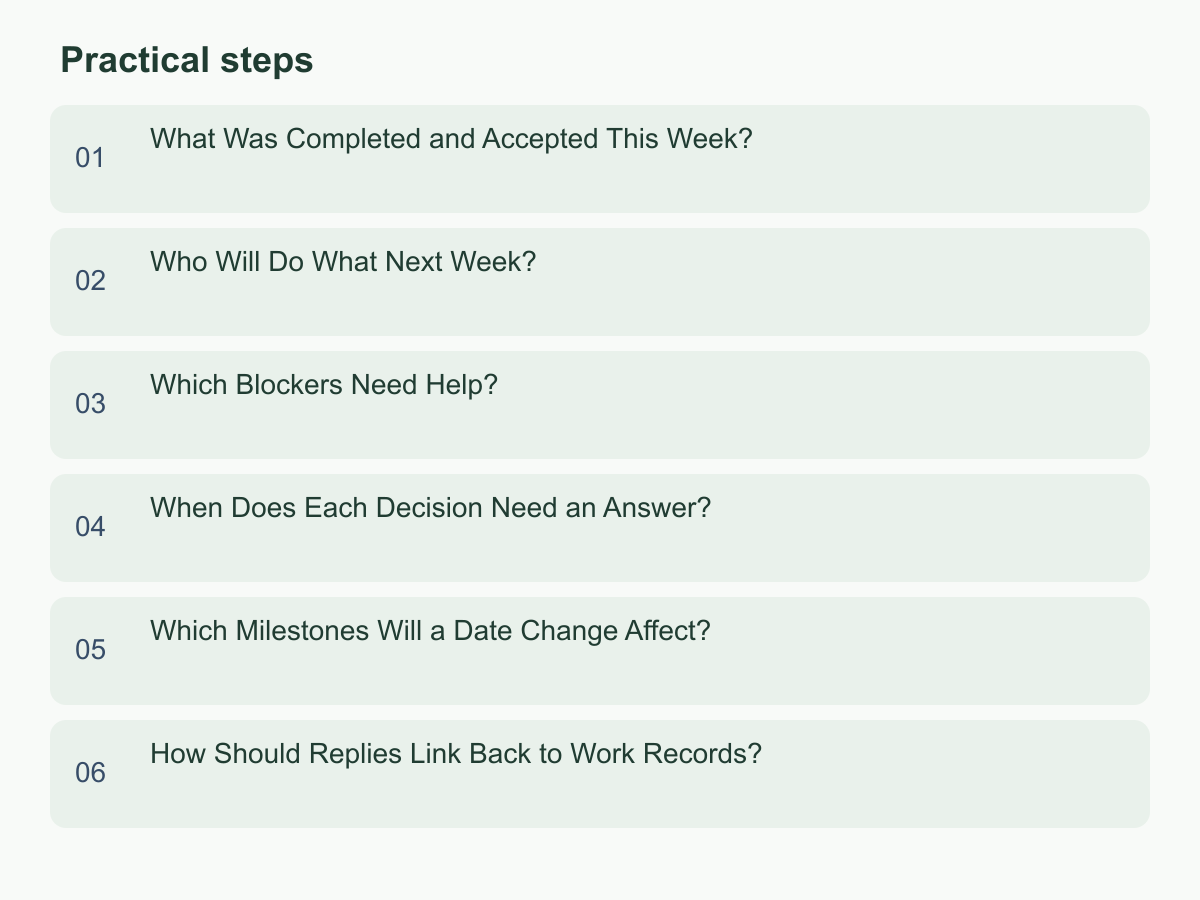
What Was Completed and Accepted This Week?
Define “complete” as a checkable result that meets agreed criteria, not as activity performed. Start with this week’s commitments and list each result, its acceptance criteria, status, and evidence location. If there is no formal approver, state who will check the work and against what standard.
“Integration completed” is too broad. Instead, write: “Sent the product-field mapping for the test environment; both sides confirmed twelve required fields; two exceptions still await a response; see the work ticket.” A meeting, a file sent, or a code change is an activity. Count the item as complete only when the agreed check is done or the deliverable has been accepted. If it has been submitted but not accepted, mark it “submitted; awaiting confirmation,” and include the sent time and expected reply date.
Keep one traceable result per line. If work has preparation, submission, and acceptance stages, show each status separately. Move unfinished parts to the blocker or next-step list, retaining the original commitment and the current gap. Point to evidence that answers the acceptance criteria, such as a file version and change summary, rather than simply saying “document updated.” If a client contact must confirm the result, ask a specific question. Use a consistent order: item, status, checkable evidence, and anything still outstanding. If evidence is internal-only, note the access limit and provide a summary the contact can view. This lets readers identify what needs correction and gives next week’s team the same completion standard.
Who Will Do What Next Week?
For each next-week item, specify the owner, action, deliverable, due date, and completion criteria. “The team will continue optimizing” has no single owner or checkable result, so it cannot be reviewed clearly in the next report. For example: “Ms. Lin will prepare examples for the three unmapped fields and add them to the shared work record by Tuesday; Mr. Chen will update the test sheet based on the confirmed results and send it to the project contact for review by Thursday.”
When work passes between time zones or outside partners, show the handoff order and recipient. Use a calendar date and time zone instead of “by Friday at close of business,” which can mean different things in different locations. Check dependencies: can the next person proceed in parallel, or must they wait for an input? If work depends on an input, state the condition and latest useful arrival date. If other work can proceed, say which independent part will start first.
Check each owner’s available time, existing priorities, and needed collaborators before making commitments. If the client or manager must contribute, specify what they need to provide, to whom, and by when. Confirm that each owner has seen and accepted the assignment. If not, label it a proposed assignment and name who must confirm it. When priorities change, show which task will be displaced or delayed and ask the decision-maker to confirm the trade-off. Mark tentative dates as estimates and state their dependencies. Each line should be clear enough to move into the team’s work record without creating a second, conflicting task list.
Which Blockers Need Help?
Include a blocker when it may affect delivery, quality, cost planning, or a later decision. Keep routine progress detail in the work record. Describe the affected task and observable issue first, then note what has been tried, what is still missing, who should help, and the latest useful time for that help. “Waiting for the client” is not enough: it does not say what answer is needed or whether escalation is necessary.
For example, assume a test account is missing a permission. Write: “We cannot verify the order status after cancellation. Login and other available checks are complete; the project contact still needs to confirm whether the test role includes access to cancellation records. If this is not confirmed by Wednesday, Thursday’s scenario test will need to move. Please help arrange the confirmation.” This tells readers the issue, its impact, work already done, and the specific request. If there is an alternative route, say what it can and cannot verify and whether approval is needed. Do not present a temporary workaround as a resolved blocker.
Label the status as new, in progress, resolved, or awaiting confirmation, and update the owner and changes each week. If nothing has changed, retain the original impact and next check-in briefly rather than copying a long paragraph. Escalation is more useful when the blocker has passed its planned checkpoint or the wait has reduced the time available for later work. If neither is true, set the next follow-up. If a commitment is at risk, name the coordination decision or resource needed. Keep sensitive details in an appropriately restricted record; the report can carry a factual summary and a safe link without requesting passwords or broader access.
When Does Each Decision Need an Answer?
Make each pending decision easy to answer, and show the cost of delay. Include its context, the choice required, feasible options or a recommendation, the decision-maker, a specific deadline, and what happens if the answer is late. Give the date and time zone, and explain what depends on the answer, such as scheduling, test scope, or an external document. Avoid “as soon as possible.”
| Decision needed | Who should reply and by when | Impact if unanswered |
|---|---|---|
| Assumption: Which payment flow should be tested first? | Client contact; Wednesday, 12:00 Taipei time | Keep both cases in the test plan; scheduling remains open |
| Should the proposed field names be adopted? | Data owner; Thursday, 16:00 Taipei time | Leave the report mapping unlocked and review it again later |
The deadlines and impacts in this table are hypothetical and should be replaced with the project’s actual plan. Do not frame a general request for comments as a required decision, or treat silence as approval unless that has been authorized. If a reply is late, record the current status, affected work, and next escalation contact or discussion time. A temporary approach can be proposed, but state who must approve it before it is used.
If one decision changes another item’s date or scope, show the connected item so the decision-maker can compare consequences. Keep each question focused on one main choice; split requests that mix direction, budget, ownership, and launch timing, and state any dependencies between them. When the answer arrives, record the decision, decision-maker, time, and follow-up action in the same work record, then report its status next week.
Which Milestones Will a Date Change Affect?
When a date changes, do more than edit one date in the report. Identify whether it is the original date, a current estimate, or an approved target. Record the reason, who proposed the change, and whether it has been confirmed. Then check downstream work, review time, staffing needs, and external commitments against the dependency chain. Distinguish work that is late from work that cannot start because an input is missing; the responses may require a change in approach, resource coordination, or a decision to reschedule scope.
Assume the first draft was due November 6 and is now estimated for November 9—a shift of three calendar days. If the review meeting remains on November 10, the reading and response window falls from four calendar days to one. State that impact and ask the relevant people whether to keep the meeting, move it, or narrow the review scope. Do not silently push every later milestone: other teams may already be planning around those dates. If the new date has not been approved, label it an estimate, name who must confirm it, and give a confirmation deadline.
If the impact is not yet clear, list the dependency to verify, its owner, and the next update time. Retain both the original date and the current estimate so readers can see the size of the change. Separate confirmed, pending, and unestimated impacts. If several milestones are affected, state direct and follow-on effects—for example, whether a late submission also compresses review, revisions, and the next test. Update a shared baseline only after the responsible people agree; the weekly report explains the change but does not replace the formal approval record. Notify other affected teams so they do not continue planning against an outdated date.
How Should Replies Link Back to Work Records?
Use the report as the entry point; keep detailed history in the team’s agreed work records. For each deliverable, blocker, decision, and date change, include a traceable work-item name or ID, the last updater, and a link the recipient can access. If details are sensitive, provide a non-sensitive summary in the report. Avoid unexplained URLs or copying the same material into multiple versions, where replies can land on an outdated copy.
Before sending, open each link and confirm that it points to the right project, item, and current version. If the recipient lacks access, ask the record owner to correct the sharing method before distributing the report. Keep each type of information in a stable place: evidence with the deliverable, decisions in the decision record, and causes or date changes with the relevant schedule or work item. The report should summarize only what readers need to decide or follow up.
When a reply arrives, record the response, responder, time, and resulting action in the relevant record, then update the report status. If it changes scope or dates, identify the affected items too. You can number the requests that need a direct response and reuse those numbers in follow-up, so the next person can trace each answer to its record. Add an update time when helpful for readers in different time zones. If a significant change occurs after the report is sent, update the record and point to the current version instead of circulating contradictory attachments. Keep credentials out of email; record access changes through the appropriate work record.
To get started, choose one completed item and one pending decision from this week. Add acceptance evidence, an owner, and an accessible record link for each, then use the same format for the rest of the report. If you are preparing for Hong Kong or overseas operations, you can explore related information on the Chan & Chung website.