
A cross-border parcel arriving back at the warehouse is not automatically ready for resale, even when its carton looks intact. If the system is updated only to “received,” a defective unit may be mixed into sellable stock while the return record remains incomplete. A reliable process links each unit to its identity, arrival evidence, condition decision, responsible person, and final inventory location. This workflow uses four statuses: Sellable, Pending Repair, Quality Hold, and Pending Decision. Adapt the checks to your products and warehouse rules.
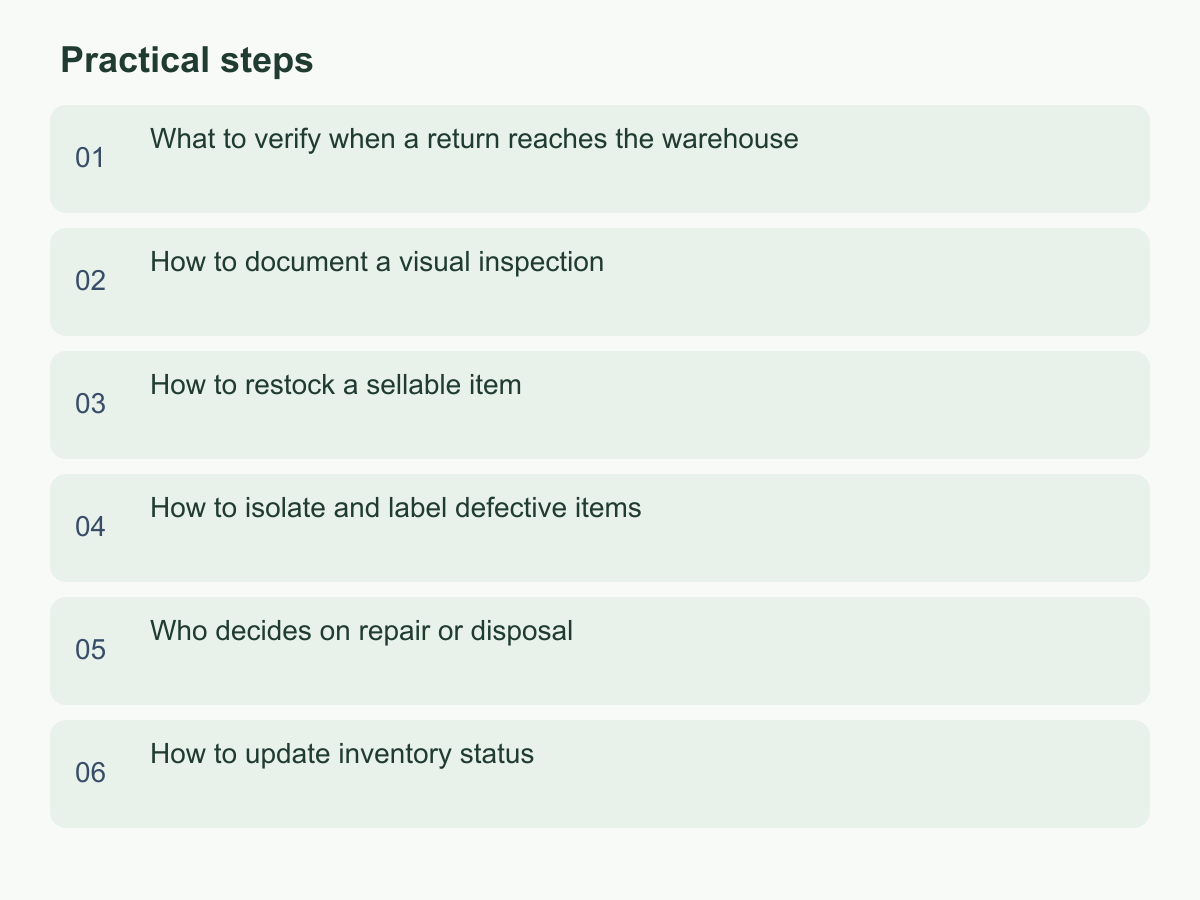
What to verify when a return reaches the warehouse
Create a record when the parcel is received, before unpacking or assessment. Capture the receipt date, warehouse or handoff point, carrier tracking number, original order and return request IDs, SKU and variant, expected and received quantities, carton count, and receiver. Record each unit’s serial or batch number when available. If the parcel contains different items, use separate lines.
| Intake field | What to record |
|---|---|
| Return reference | Return ID, original order, tracking number |
| Item identity | SKU, variant, serial number or batch |
| Count and condition | Expected and received quantities, carton condition |
| Handoff | Receiver, inspector, time, temporary location |
Compare the item label with the order for name, specification, color, size, and quantity; a matching SKU alone may not identify the right variant. Keep expected and received counts side by side, note any difference on the same return record, and attach a shipping-label photo. If the order reference is missing, a label is unreadable, or the count differs, preserve the item and mark it Pending Decision rather than guessing and posting it to inventory.
Assign each unpacked unit a temporary line ID, such as R-104-01 or R-104-02; replace these examples with the team’s existing convention. List loose items, replacement parts, and accessories separately. Note crushed cartons, resealed tape, or detached labels, but do not infer from the carton alone when damage occurred or who is responsible. At each handoff, log the person, time, count, and temporary location.
How to document a visual inspection
Photograph the unopened parcel label and carton exterior first. After opening, photograph the product, packaging, and accessories together, then each unit’s SKU, variant, serial or batch marking, and any visible scratch, dent, stain, break, or seal issue. Include the return ID and date in the images, or another clear identifier, so each file can be matched to its record.
If there is a suspected leak, unusual odor, powder, or another condition requiring special handling, do not move or open the item just for a photo. Follow the warehouse’s existing safety procedure and alert the responsible person. Use a consistent file name, such as return ID, unit line ID, and serial number. Record the photographer, time, file location, and photo count. Keep original images; save any annotated version separately rather than retaining only a crop or marked image.
Use specific descriptions such as “visible scratch on the right side of the casing,” not “looks old” or “seems fine.” Photograph each unit separately, or clearly identify how many units are shown. If glare or packaging hides a detail, take another image when it is safe to do so. Link added images to the same return line and record what could not be confirmed and why. Photos document visible arrival condition; they do not replace a function test or prove when damage occurred.
How to restock a sellable item
“Sellable” is a conclusion after inspection, not the default status at receipt. Apply the company’s product standards for model, variant, appearance, accessories, packaging, and any required function checks. Define applicable checks in advance for the product and sales channel. Keep the item in a returns holding area until each required check has a result. Then record the decision maker, time, storage location, and restock confirmer. If the standard is unclear, leave it Pending Decision, even if it looks good.
The table is an assumed example for three returned units. Its figures demonstrate the calculation only; they are not a typical rate.
| Assumed inspection result | Quantity | Provisional status | Next step |
|---|---|---|---|
| Accessories complete; appearance meets the rule | 1 | Sellable | Assign a bin and recount |
| Casing scratched; function not checked | 1 | Pending Repair | Refer for technical assessment |
| Variant label does not match the order | 1 | Pending Decision | Verify the source before deciding |
The count is: “1 Sellable + 1 Pending Repair + 1 Pending Decision = 3 units received.” Do not increase the quantity available for sales commitments until the Sellable unit’s bin is confirmed. At shelving, recheck identity, count, and bin, then have a second colleague or designated checker record “restocked” and the time. Confirm warehouse-to-sales system mappings before posting, so the right physical item is not recorded against another variant. For repackaging, verify the packaging and labels against established sales rules and record what changed. Do not use unverified replacement parts to make an item appear complete. Keep the return linked to its original order and inspection evidence; if a later check finds a mismatch, return the unit to Pending Decision and retain the status history.
How to isolate and label defective items
Stop normal stocking when an item has a crack, missing part, unusual odor, broken seal, mismatched serial, moisture trace, or another issue needing assessment. Move it to the designated returns hold area, separate from sellable stock, with additional separation where product characteristics or warehouse rules require it. A hold controls status; it is not approval to dispose of the item. Until authorized, do not clean, disassemble, repair, repackage, replace parts, or discard it, since that can change the original condition.
Label each held unit with its return ID, SKU or serial, reason, finder, date, current custodian, and next responsible person; include the batch when relevant. Use written status as well as color, and keep the physical label consistent with the system. If similar issues appear across a batch, list the affected quantity and batch range, stop adding units from that range to sellable stock, and ask whether a broader inspection is needed. If evidence concerns one unit, do not extend the hold to the whole batch without support.
Maintain a hold-area list and log every removal, move, or handoff with its time and handler. Prevent unauthorized staff from picking held goods for shipment. If a return may contain multiple batches, verify each unit’s serial or batch instead of relying on the carton. At shift change, reconcile physical counts and locations against the list. If they differ, freeze the related record and notify the responsible person rather than entering a presumed correction. Each unresolved item needs a next step and an internally set due date; it should not return to a regular shelf without an owner and direction.
Who decides on repair or disposal
The receiver records the count and arrival condition; the inspector records checklist findings. Functional tests and repairs should be performed by people with the relevant capability. A business-designated inventory or product owner decides whether to repair, return, redirect, or dispose of the item under internal authorization rules. Record the roles so a warehouse inspection is not mistaken for approval. One person may hold several roles in a small team, but keep the inspection finding distinct from final authorization. A second person can review important decisions. For an outsourced warehouse, follow the agreed work scope rather than assuming it may open or repair products.
Before assessment, assemble the return and order references, batch, photos, missing-parts list, completed checks, and open questions. The assessor should record the fault, method, repair feasibility, needed parts, estimated time, and checks required afterward. This is evaluation information, not spending approval. The authorized owner decides using the company’s criteria for product value, verifiability, sales standards, and internal costs; the business must set its own thresholds.
If the item will not be repaired, record the reason and next destination. Before disposal or return, confirm an authorized person approved it and retain the date, quantity, batch, and handoff evidence. A scratch may meet a defined grading rule, while an untested function cannot be cleared by appearance. Log every change with its previous and new status and decision maker. While awaiting a supplier or order owner, record whom you contacted, the question, date, and reply status. Keep the item Pending Decision or on Quality Hold; silence is not approval. If repair changes the original finding, retain before-and-after records for approval.
How to update inventory status
Use the same return ID, SKU, batch, or serial in the inspection and inventory records. Map each unit to Sellable, Pending Repair, Quality Hold, or Pending Decision. If the system uses different names, confirm the internal mapping first; repair and quality-hold codes must never map to available inventory. For each update, record original and adjusted quantities, reason, operator, time, and target location. Split partial quantities into unit-level or clearly bounded lines instead of applying one status to the whole parcel. Link updates to the original sales or return document rather than deleting history.
After posting, compare physical items with system quantities and locations. A designated checker should review items not posted, wrong bins, quantity differences, missing batches, and outstanding approvals. If stock and records disagree, keep the item unavailable for sale, log the discrepancy, and return it to the responsible person. Do not mark it Sellable just to balance a report.
Review open items daily or at handoff, sorted by receipt time, and add the current custodian and next action for returns still Pending Decision or Pending Repair. Restocking is complete only when Sellable status, physical bin, available quantity, and inspection evidence agree, and the photos and approval can be retrieved. For partial returns, record each delivery, received count, and final status separately under the same return ID. Where units occupy multiple bins, list the quantity at each location.
Align the form fields, four statuses, and approval roles, then run one return through receipt, routing, and inventory update. Confirm that its photos, batch, handlers, and restock check can be retrieved. For more information about Chan & Chung, visit the website.