
Before switching a cloud tool, teams can lose track of which data, permissions, or automated processes remain in the old account. Separate what must move, what should remain available for reference, and what can be retired. Name an owner and acceptance method for each. It applies to project, document, and customer-management tools. Export options depend on the vendor's current capabilities and the applicable contract.
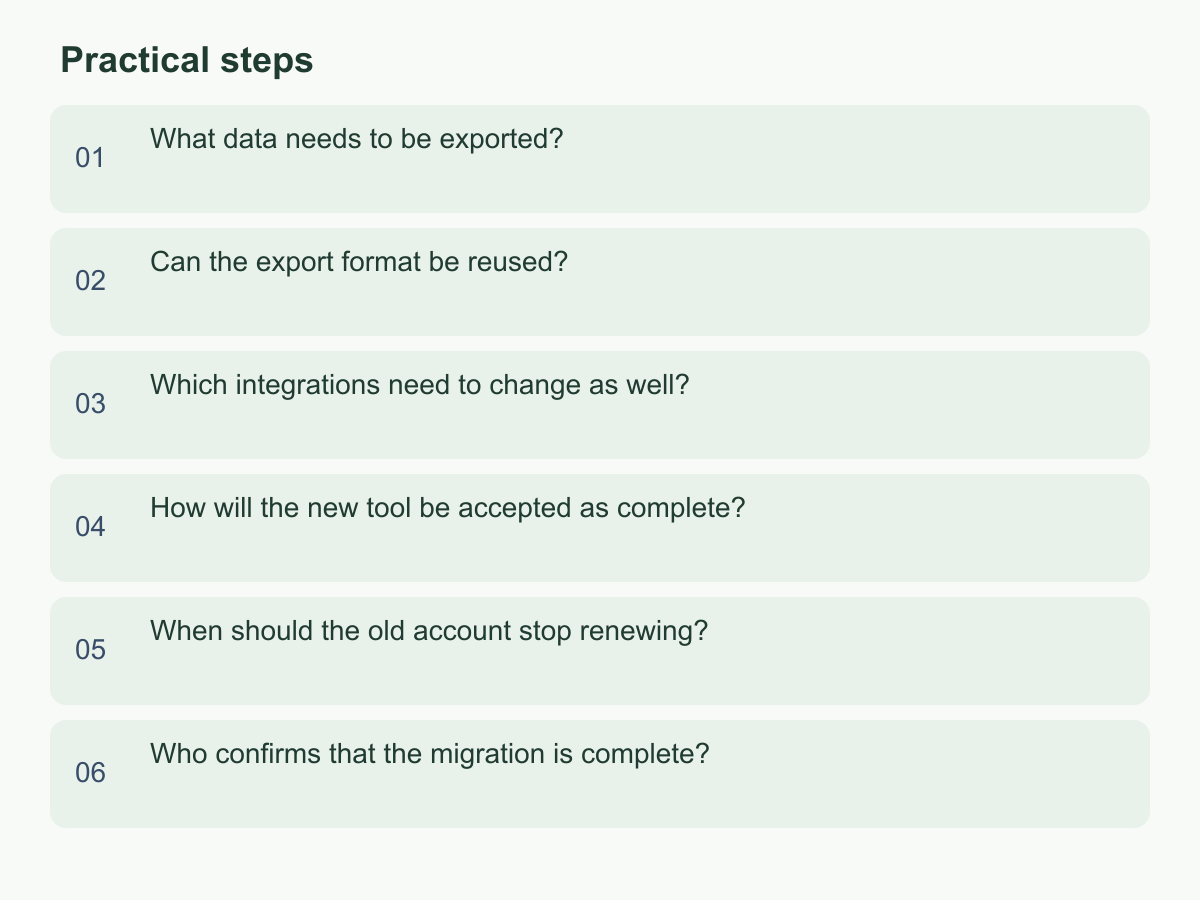
What data needs to be exported?
Inventory by purpose, not just home-screen reports. Include people, customers, projects, tickets, histories, comments, attachments, field and tag settings, templates, reports, users and roles, integrations, and billing or activity records. For each category, note its owner, date range, current count, whether it must move, its destination, and how it will be accepted. Identify who may access personal, customer, or confidential business data and what safeguards are needed; an export is not permission to make unrestricted copies.
Classify each item as migrate, retain for reference, or delete after approval, recording why. Flag admin-only settings, archives, departed users' content, and attachments, relationships, or discussion threads standard exports may miss. For example, assume a 12-person team has 8 active projects, 3 closed projects, and 400 attachments. Mark the 8 active projects for migration; ask the data owner whether to archive the 3 closed projects; and check the 400 attachments by type and against their related records. A download alone does not prove the handover is complete. Cross-check all 12 members against old and new accounts without giving everyone administrator access. These figures are illustrative; use the team's actual inventory.
For each workspace, record its administrator and export scope to avoid relying on a limited view. Assign every item a destination: new system, read-only archive, or approved deletion. Record who supplies each file, who receives it, and the planned reconciliation date. Mark uncertain fields as pending and name the decision-maker. For each export, record fields, creator, version, and delivery time.
Can the export format be reused?
A successful download does not mean the new tool can read the file. Confirm the formats, fields, and relationships needed. CSV, JSON, calendar files, spreadsheets, and PDFs are common examples, not a promise that either vendor supports them or allows bulk import. Check current vendor options, then build a field-mapping table with old and new field names, conversion rules, treatment of blank values, an example, and an acceptance owner.
Agree how dates and time zones, Chinese character encoding, currencies, duplicate names, status choices, and multi-select fields will be interpreted; otherwise records can be misclassified, overwritten, or hard to find. Preserve mappings between internal customer or project codes and displayed names. If the new tool assigns new IDs, retain old IDs in a field or separate mapping file. Define how attachments map to parent records, and distinguish actual content from interface presentation, including line breaks, formulas, hyperlinks, and comments.
Test a small, non-sensitive sample in a test space. Check for truncation, renamed fields, plain-text conversion, and broken relationships; then adjust the mapping. Verify attachments and links separately: an export may contain only filenames or URLs that stop working when the old account is disabled. If a format is unsupported, compare conversion, vendor import assistance, or a searchable archive. First confirm permissions, fees, and data exposure. Do not treat manual re-entry as unlimited. Keep the original and converted files, mapping table, and error summary with versions and handover details so the process can be repeated and differences explained.
Which integrations need to change as well?
Map each data flow into and out of the old tool: sender, receiver, trigger, account used, and failure owner. Check obvious app integrations as well as single sign-on, email notifications, forms, schedules, automations, backups, file links, and administrator accounts; different departments or outside vendors may own them. Record each flow's inputs, outputs, frequency, credential custodian, service owner, and test method. APIs, webhooks, and plug-ins are possible methods, not features to assume are in use. Keep passwords and keys out of general handover sheets; note their controlled storage location and who will rotate them.
For each flow, record source, destination, owner, sign-in method, cutover order, success evidence, and deactivation condition. If a former employee or agency controls a service, assign an internal owner before departure; do not rely on personal email or phone. Where data also goes to finance, customer, or inventory tools, identify the authoritative source and decide which record governs if they conflict.
Test a real scenario end to end. For example, submit a form and confirm that it creates a record, notifies the right person, and updates the expected report. Before cutover, decide which automated writes to pause, when the new flow starts, and how to identify duplicates. Simultaneous writes in both tools can create conflicting states. Rehearse a non-critical flow, then switch integrations in sequence and record start time, result, errors, and rollback steps. Compare counts or event lists afterward for omissions and duplicates. Each owner should confirm when old credentials will be disabled, who receives new credentials, and the manual fallback. Verify maintenance and costs with the actual provider.
How will the new tool be accepted as complete?
Before export, freeze a source baseline: export time, scope, record counts, attachment list, and known exceptions. After import, compare the same scope item by item; a screen that appears populated is not proof of completion. Set pass conditions for totals and category counts, required fields, relationships, attachments opening, timestamps, and status distribution. Fully check important data; risk-sample other records and keep sample identifiers. Test access with different roles so ordinary members do not receive administrator rights by accident and the incoming administrator knows who owns settings and accounts.
Write the acceptance plan before export so the baseline, samples, and pass conditions match. Review financial records, customer commitments, and active work item by item. For large historical datasets, check totals and groups, then sample across dates, statuses, and owners. Classify errors as retryable, requiring manual correction, or acceptable with owner approval. Avoid re-importing the same records and creating duplicates. For example, if the source has 1,200 records and 1,188 import successfully while 12 fail, the arithmetic adds up but the migration is not ready for sign-off. Determine whether each failure is a duplicate, formatting issue, or important record; correct and re-import it, or document an approved exception with an owner and due date. This is an illustration; set thresholds to the data's importance.
Run a complete user workflow: search for a customer, open an attachment, update a status, confirm the expected person receives a notification, and verify the change was saved. Record tester, date, input, expected and actual results, and evidence location. If something is missing, keep the original export and trace whether conversion or permissions caused the gap. Re-run the affected scope until every difference is explained and approved.
When should the old account stop renewing?
Check the renewal date, cancellation process, post-cancellation data access, and possible charges in the contract or billing records, then set an internal decision date. Do not infer a deadline from another company's experience. Wait to stop renewal until required data, attachments, and integrations pass acceptance, retained records have a destination, and the owner approves exit. If the vendor offers read-only access, a download window, or account suspension, verify its conditions and actual availability. Cancelling a subscription does not itself preserve data.
If several departments are involved, announce any read-only period or pause in writing and provide an alternative entry point. Before setting a cutover window, list unfinished transactions, open support cases, active projects, and scheduled tasks, then assign someone to continue each one. Login frequency alone does not prove that a tool is no longer in use.
Make retirement a sequence of checkable steps: complete and reconcile the final export; stop new data entry or change integrations; revoke unneeded users and credentials; then handle the account, renewal, and any deletion request under the approved process. Name an operator and reviewer for each step and keep relevant tickets, vendor replies, or billing records. If acceptance has unresolved differences, important attachments cannot be opened, or a business flow has not worked in the new tool, the account owner should reassess cost and risk before deciding whether to renew. Record exceptions, any old account kept temporarily, who can access it, and the next review date. After closure, finance checks later bills, the administrator checks access and credentials, and the data owner confirms authorized users can reach the archive.
Who confirms that the migration is complete?
Name a business owner responsible for the data scope before work starts. The system administrator confirms accounts, roles, integrations, and credentials; the data owner confirms required data, history, and attachments meet the agreed scope; users complete daily workflow checks; and the finance or account owner confirms renewal and billing arrangements. For customer or personal data, or cross-department access, the relevant owner should confirm applicable internal requirements and seek suitable professional advice if needed. One person may hold several roles, but record their name, responsibility, and scope for each confirmation.
Close with a handover record listing migration batches, file locations and versions, successful counts, exceptions, integration status, open tasks, owners, due dates, and acceptance evidence. Define completion through observable conditions: the data owner confirms every listed item has a destination; users complete specified actions; integration owners confirm expected notifications and updates; and the account owner checks exit arrangements. Do not replace clear acceptance with “everyone has looked at it.” For unfinished work, state what may proceed with an exception, who owns the decision, when it will be reviewed, and what would require pausing account deactivation.
Store the record where the team can find it with suitable access controls. Keep passwords, keys, and unnecessary personal information out. Explain abbreviations, make evidence links accessible to the right people, and mark remaining questions with an owner and review date. A signature does not replace professional judgment. If you are also planning next steps for a Hong Kong company or overseas operations, visit Chan & Chung's website for related information.