
When an external cloud tool suddenly becomes inaccessible, stops syncing, or is reported down by its provider, the biggest risk may be several people retrying independently and making the status harder to establish. Treat the incident as an operational interruption with a defined time window: identify the work it has stopped, what can continue temporarily, and which records will need reconciliation after service returns. This checklist applies to third-party tools such as cloud email, file collaboration, scheduling, forms, CRM, payment, and automation tools. Confirm each tool’s features and recovery status from provider notices and your own records.
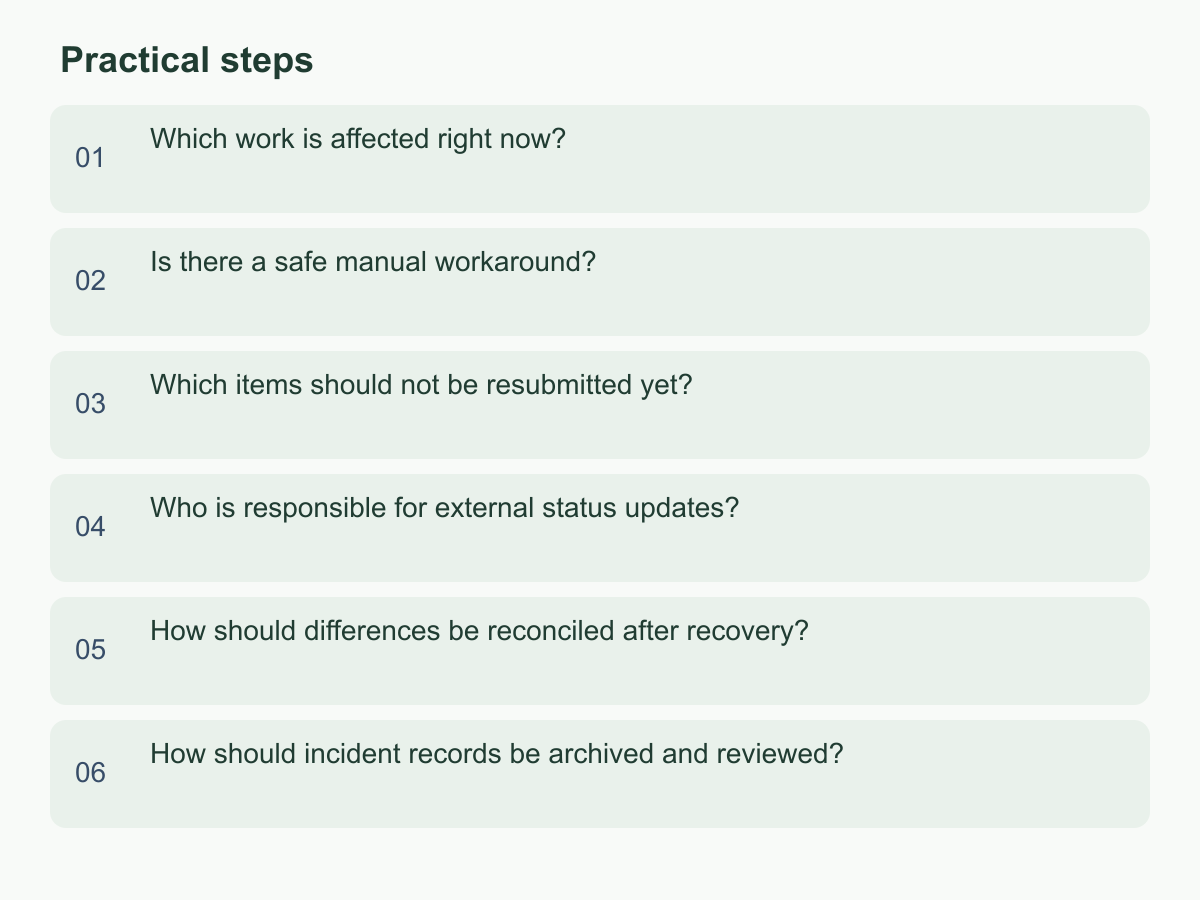
Which work is affected right now?
List affected work, not just tool names. Create an incident log with the process, tool, owner, last confirmed successful time, next deadline, dependent data, and current status. Classify each item as “confirmed outage,” “suspected delay,” or “still available” so assumptions are not recorded as facts. Through a known-working channel, check the provider’s status notice and ask one colleague to test only basic login, reading, and adding. Record the result and time; avoid repeated logins, settings changes, or reconnection attempts by several people.
Rank the impact: could it block customer service, payment reconciliation, shipping, or work due today? Is there another source for the data? Could repeating a step create a duplicate order or notification? Route each item to “must handle now,” “can wait,” or “awaiting confirmation,” and assign one owner. For example, if a weekly Monday order export to the warehouse is inaccessible, confirm whether the store already sent order notices and whether the warehouse received the previous file, then mark the exact range still outstanding. If the provider reports only delayed syncing, record the last successful export rather than marking every process down. Time-stamp each update and notify affected colleagues when the scope changes.
Trace the data path from entry, through each transfer tool, to the final recipient. An upstream step working does not prove the downstream recipient got the data, and access to a tool does not mean every feature works. For teams across time zones, record local time zones or use one standard zone consistently. For an unconfirmed handoff, name who will verify it and when.
Is there a safe manual workaround?
Manual work can keep essential activity moving, but first consider whether it could spread errors. Choose a small, reversible step that is easy to document; do not copy every automated action into a manual process just to maintain the appearance of normal progress. Use one temporary record with only the necessary fields: incident ID, source, received time, handler, status, next step, and whether the item has already been entered in the original tool. Limit access. Do not paste customer data into personal chats, private email, or an unapproved file service. If you cannot confirm who can view the record or how long it will be retained, record only a code and processing status, leaving sensitive details in their existing controlled source.
Set a stop condition for the workaround. For example, stop when the provider confirms recovery, the temporary log reaches a specified number of items, or the owner can no longer confirm that the data is complete; escalate for a decision at that point. Before using it for real work, run one test item that does not involve a real customer. Confirm that its ID is unique, the next person receives the handoff, and someone marks it complete. If a support system is down but email works, a shared controlled inbox could receive requests. Preserve each message’s original time and subject, assign it a sequential number in the temporary log, and have one person assign items and another check them. Keep new, changed, and pending-to-enter records distinct.
Protect paper or offline records too: include only necessary fields, keep them in a designated location, and count and acknowledge them at handover. After recovery, enter them one by one and retain or destroy them under existing data-handling rules. If the workaround changes how customers submit information, confirm who is authorized to notify them and that the alternative address works before announcing it.
Which items should not be resubmitted yet?
Before resending, check whether an item may have succeeded even though the screen or confirmation did not return. The data may already have reached the provider, a downstream system, or a customer’s inbox. Clicking submit again, rerunning a batch, or resending a notice can create duplicate orders, payment requests, or messages. Record the operation time, user, source-file version, record ID, and last result displayed before the interruption. Use independent evidence—such as a provider receipt, bank or store notice, sent-mail copy, or downstream import list—to check each item. Do not infer failure from one error message, and never test a payment issue by charging again.
Sort records into “confirmed complete,” “definitely not sent,” and “result unknown.” Resend only items with evidence that they were not sent, following the original process. For unknown items, check the receiving system or ask its owner to verify; if you cannot establish the result, preserve the original record and wait for evidence that can be compared. For example, if a batch has 20 items, 14 have receipt confirmations, three are shown as not sent, and three have unknown status, resend only the three known failures. Check the three unknowns individually rather than rerunning all 20. If the system has no unique ID, create a temporary key from the source filename, row number, and time, and have a second person review it.
When a system provides a unique transaction ID or idempotency key, preserve the original value and query its status before retrying. If it does not, create a temporary comparison key from the source and time. Before running a batch, check whether the original is still queued and whether anyone has already resent items manually. Record the scope and operator for each retry so that, after recovery, you can distinguish original successes, manual resends, and system retries without guessing from the total count.
Who is responsible for external status updates?
Assign one contact to send external updates. Other colleagues should send new information to that person so customers do not receive conflicting accounts. At the start, record the lead and backup, intended audiences, approval method, and next update time. The contact can communicate before the cause is fully understood by separating confirmed facts, areas still being checked, and temporary arrangements. Do not guess when the provider will recover or promise an outcome that has not been verified. Group customers or partners by the processes actually affected, avoiding unnecessary broad notices or disclosure of other people’s information.
An update can cover four points: which function or work is affected, what protective steps have been taken, what the recipient should do now (such as avoiding duplicate submissions or using a verified contact method), and when the next update will arrive. If there is no new progress, send a brief “still checking” update at the promised time rather than letting silence imply recovery. For example, if an external form is not accepting submissions but the team can view applications already received, explain the alternative submission method for new applications, that existing applicants do not need to resubmit, and when you will report again. Do not claim that all data is safe or the outage is resolved unless those points have been checked. Log the send time, audience, message version, and person handling replies so the next shift can continue from the same record.
For customers in different regions, state the time zone for the next update and use an established, verifiable contact channel. Keep one approved message and a recipient list. For individual questions, check the same incident record before replying; do not make unverified promises about refunds, deadlines, or compensation. If information is incomplete, narrow the notice to the known impact instead of guessing to make it sound comprehensive.
How should differences be reconciled after recovery?
A tool appearing to work again does not prove that all data from the interruption has been restored. Confirm that you can log in and that core reading and adding functions work. Then check any sync queue, pending notices, or batch jobs for status provided by the vendor. Avoid importing every temporary record at once. Start with a small, traceable group and confirm that fields, timestamps, attachments, and statuses match before expanding by batch. Keep the temporary list and source versions from before recovery. Assign one person to enter records and another to spot-check against an independent source. Do not overwrite the original log; record who returned each item to the system, when, and what response it produced.
A difference log should include the temporary ID, original source, recovered system ID, expected and actual status, reason for any difference, handler, and completion time. Classify each item as matched, missing, duplicate, different fields, or still pending; give every group an owner and next step. Matching totals alone are not proof of completion. For example, if the temporary log contains 10 items and the recovered system shows nine, compare IDs one by one. If one item failed to match only because its format changed, confirm its original time and content before mapping it. If it is genuinely missing, enter it. Also check for duplicate notices, missing attachments, and statuses that moved backward. A reviewer should confirm that every open item has a clear handoff and record when reconciliation was completed.
Do not force an unmatched record into a similar item just to close the incident. Preserve its identifying details and ask the source owner to confirm whether they refer to the same event. An import-complete message is not enough if required fields or downstream receipt still need checking. If only a sample can be reviewed, document the scope, sample selection, and unchecked items. Keep unknowns open with a named owner and next check time rather than recording them as zero differences.
How should incident records be archived and reviewed?
Keep enough information to reconstruct the incident and improve the process, while limiting unnecessary copies of personal data. Retain the timeline, affected-process list, temporary steps, versions of external messages, reconciliation log, decision makers, and final check results. Note where each piece of evidence came from, when it was obtained, and who owns it, so the original provider notice, export, or system receipt can be found. Do not copy passwords, verification codes, full payment details, or unrelated customer information into the review file. Keep sensitive attachments in their existing controlled location and link to them with the same access rules. Clean up temporary lists that are no longer needed under the organization’s existing rules, and record who confirmed the cleanup.
During the review, ask when the outage was first noticed, which dependency was previously unknown, where the temporary process stalled or risked duplication, and which message led the team to think data had been delivered. Separate observed facts from assumptions so a guess is not later recorded as the cause. Give each improvement a named owner, deadline or check-in point, and observable proof of completion—for example, adding a process contact, rehearsing a manual log, or confirming that an export file can be read. “Improve backup” alone is not a verifiable action. A future tabletop exercise can test whether staff can find the owner, record unknown status, avoid resending, and reconcile differences.
Before archiving, have the incident lead check that the records are readable, the timeline is coherent, link access remains appropriate, and no unnecessary copies are included. Before sharing with an outside adviser or another team, confirm the audience and the fields they need. Return each improvement to its day-to-day owner and check it at the agreed time; without observable evidence, leave it marked as incomplete. Choose one critical workflow for a tabletop exercise and assign an owner to check that the checklist works from start to finish. For information about Chan & Chung, visit Chan & Chung.