
When a customer asks for their data to be deleted, a team may need to handle account records, support history, exports and backups at once. The hard part is confirming scope and responsibility, not clicking a delete button. A note that says only “done” leaves the next person unable to see what was checked, what still has a retention basis or when follow-up is due.
This guide sets out a practical case record connecting the request, data locations, exception decisions, backup handling and completion evidence. Whether a record should be retained, and for how long, must be assessed by the responsible professional or internal role against applicable rules, contracts and facts. The process does not assume every system supports item-level deletion, or treat a backup awaiting rotation as already cleared. Separating live data, backup copies and undecided exceptions makes the response more accurate and handoffs clearer.
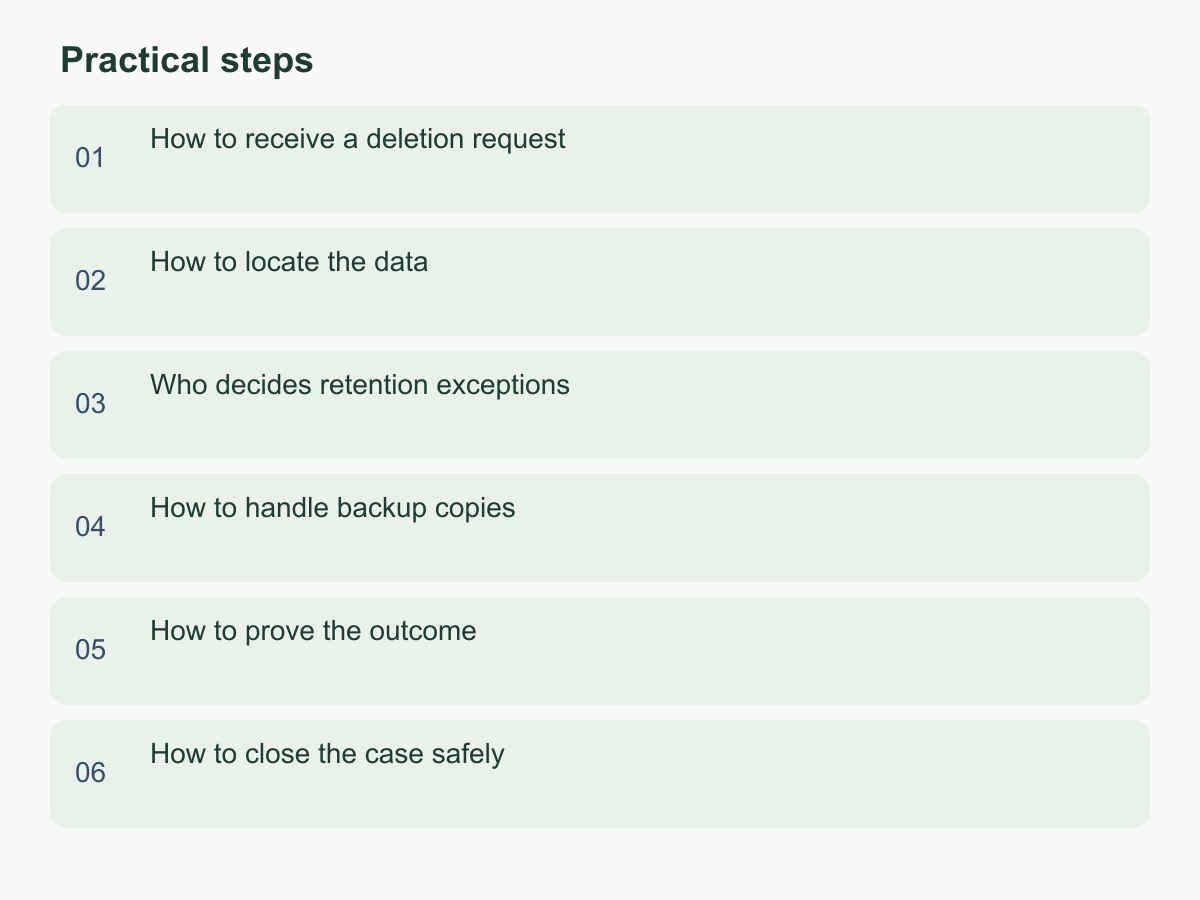
How to receive a deletion request
Create a trackable case before changing an account. Record the channel and receipt time, including time zone; a reply method; the account or identifier; requested scope; and where the original message is held. If an agent submits the request, note that the relationship needs verification. Confirm identity through an established contact channel; do not ask the person to send more sensitive information through public email.
Assign a case reference that does not expose personal data, such as the hypothetical ID D-018, and name a coordinator and executor. The coordinator tracks progress; the executor receives only the location details needed to act. If broader access is required, record why, who approved it and when it expires. Acknowledge receipt with the checks underway and next update time, without promising removal of every copy or a completion date before scope is known.
If accounts, identity details or the request itself are unclear, mark the case “clarification needed,” list the minimum missing information and assign follow-up. Keep a timestamp, operator and short result for each contact. Merge repeat requests from calls, forms or other channels into one case while retaining their timeline. For multiple data subjects, use separate sub-items so uncertainty about one does not block clear work on another.
An intake register can include receipt time, source, case ID, scope, identity-check status, coordinator, current status, planned response date and evidence location. Avoid full identity numbers when existing account verification can confirm control.
How to locate the data
Start with the person, systems and data flows, not just the primary database. From the account, email or customer number, list possible locations: core business systems, support inboxes, marketing lists, exports, shared folders, test environments, analytics tools and external providers that received data. These are possible locations or integrations, not tools every business uses or offerings supplied by the brand.
Ask each system owner what fields are stored, whether the approved identifier can be searched, whether attachments or linked records exist, and whether data remains in version history or synced endpoints. Record systems and query conditions before marking an item “found,” “not found,” “no access” or “awaiting response.” A “no data found” result must name the system and scope searched.
For shared exports, have a named custodian check copies and sharing permissions; clearing one folder may leave downloaded copies elsewhere. Record provider contact, request date and response separately from internal completion. Map where data enters, is processed, exported, shared and archived, then collect results from each owner.
Use approved identifiers and restrict export access. Do not create an uncontrolled list just to search more broadly. A person may have an old account, another email or a business contact record, so have the data owner confirm a match to avoid including a namesake. If an identifier cannot be searched, record the alternative query and its limits. Consolidate overlapping searches and save each owner’s response summary.
Who decides retention exceptions
The executor should not decide alone which records must remain. For each proposed exception, record the data category and location, possible contract or regulatory basis, who raised it, the authorized decision-maker, permitted use and review condition. Refer it to the company’s designated legal, compliance, contract or data owner according to actual responsibilities. This article does not set retention periods for any jurisdiction.
If the basis is missing, provisions conflict or the matter is disputed, mark the item “pending decision,” not “legally required to retain.” The responsible person decides what can be deleted now, what should be temporarily isolated, and which document version and approval time support the decision. Keep only the necessary part: if one transaction document must remain, separately assess contact history, preferences and nonessential attachments.
Move retained data out of routine marketing, support and analytics use, restrict access, and record when or why it will be reviewed again. If no decision-maker or supporting basis is identifiable, preserve the case state, escalate to the designated manager and list open questions. Support and engineering can explain deletion or isolation capabilities; they cannot replace an authorized retention decision.
The review should establish who owns the record, whether its purpose remains valid, whether the cited basis applies to that data category, whether less data could be kept, who may approve it and what triggers another review. Avoid “business needs it” or “required by law” without a contract clause, formal policy or decision record. If limiting processing or masking fields could suffice, have the responsible owner decide and record that judgment separately from implementation.
How to handle backup copies
Track backups separately from live data. Ask the system owner about backups, snapshots, version history, synced copies and disaster-recovery copies; how data enters each; and whether individual records can be removed. Deleting the primary screen does not prove every copy disappeared. Use approved backup cycles and contract arrangements rather than inventing a retention date.
For a backup that cannot be edited record by record, note its reference, owner, approved rotation or expiry condition, access restriction and later verification method. If it may be restored, the recovery process should reapply an approved deletion or suppression list and check the result before the system returns to use. Keep exception data separate from routine backup purposes, with its basis, access and review condition.
A register can distinguish live data, backups that allow targeted removal, backups handled only through rotation, and provider-managed copies. For each, record capability, verification method, platform, coverage and owner. Note whether a copy is full or incremental; one vague status can hide an older snapshot. Keep provider requests and replies separate. If a provider has only acknowledged receipt, leave deletion awaiting confirmation.
During recovery exercises, verify that the suppression list can be applied, name who checks it and record where the result is kept. If this cannot be confirmed, restrict access and have the owner define a verifiable correction process. To prevent data returning, keep only a necessary reference identifier under designated custody; do not copy clear-text personal data across multiple lists. Link rotation results to the original case.
How to prove the outcome
A completion record should show what was searched, who approved the decision, what was done and what remains, without copying more personal data. Keep the case ID, systems and search scope, approval basis, operator, time, action result, reviewer and exception status. Mask sensitive identifiers or use a controlled internal reference instead of putting full values in a general ticket.
Separate outcomes such as deleted, not found, pending decision under a possible legal or contractual basis, awaiting backup rotation and awaiting provider confirmation. In the hypothetical example, three of four locations have been handled and one backup copy still awaits confirmation of its condition. The case must not be described as fully deleted.
| Hypothetical location | Record to keep | Status |
|---|---|---|
| Support system | Case ID, operator, time and read-back result | Deleted |
| Shared export | Custodian, checked scope and reply time | Deleted |
| Marketing list | Owner, suppression and deletion result | Handled |
| Backup copy | Copy reference, approved rotation condition and reviewer | Pending confirmation |
This table illustrates a format; it describes no real customer or system capability. Screenshots are supporting evidence. Mask other people’s details or use a controlled log. If there is only a success message and no read-back, label it an operation receipt and schedule a separate check; do not claim the data is unrecoverable. The executor can report the receipt, while a reviewer checks the request scope again or examines provider confirmation. Reconcile conflicting results before closure.
Store an evidence link or controlled file reference with its access permissions and creation time. If the interface cannot delete one item, document the technical limit, approved alternative action and recheck condition. This lets a later reviewer distinguish work still outstanding from a documented system limitation.
How to close the case safely
Before closure, the coordinator should combine system results, exception decisions, backup arrangements and provider replies into a concise summary. Check each remaining item has a named owner and next confirmation condition. Tell the requester what scope was handled, what category remains retained or awaits rotation, the general reason and how to follow up. Do not include internal account details, other customers’ information or reusable sensitive identifiers.
If an exception is unapproved, use “partially complete / pending review,” not “all data deleted.” Mark the case complete under the internal process only after the authorized owner confirms exception treatment, backup conditions and required provider responses. Keep only minimum case evidence needed to show how it was handled, with access restricted under approved company practices; a deletion request is not a reason to retain a personal-data-filled email and attachments indefinitely.
Organize the summary as request received, scope checked, results, unresolved items and contact route. If a provider only acknowledges receipt, leave deletion pending. If no data was found, state which identifiers and systems were checked rather than implying a guarantee across every database. Use the date of final actual confirmation as the closure date, not the first action date. Keep internal approvals separate from the requester-facing summary, and have someone other than the executor check status wording before sending.
A practical next step is a case table with six columns: source, location, owner, exception, backup and evidence. Rehearse the handoff with a fictional case containing no sensitive information. For more about Chan & Chung and its contact information, visit the official English homepage.