
When a customer sends a purchase order (PO), treat it as a buyer-issued document that needs a field-by-field check. Match it to the relevant quotation, then compare items, quantities, prices, and delivery details. Record differences and open questions so your reply has a clear basis. This article covers a customer's PO placed with your business, not an internal order you send to a supplier; the direction, records, approvers, and follow-up are different. A checklist connects the quotation already sent, the customer's PO, and later confirmations. Keep both documents' original wording when something differs, and mark only the affected fields as pending. Fields that already match can still be recorded.
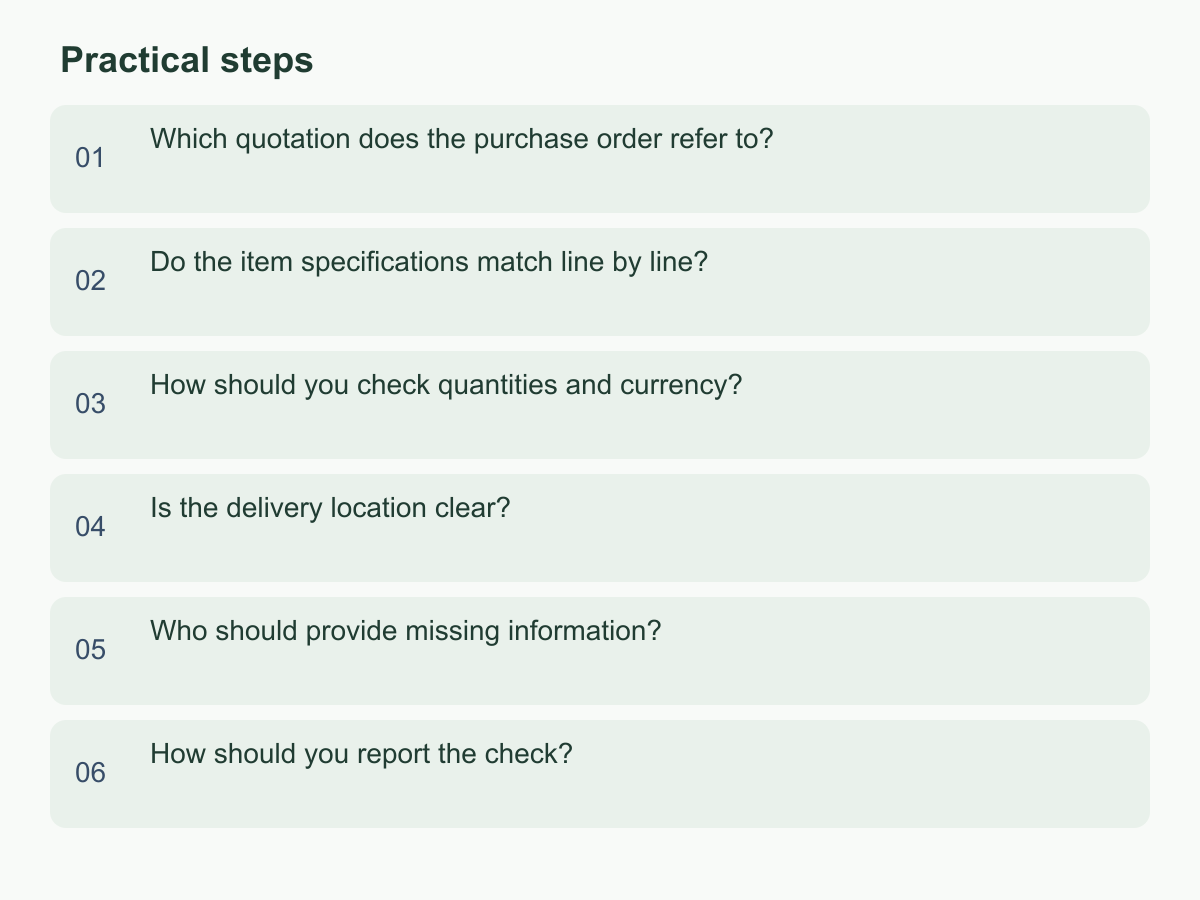
Which quotation does the purchase order refer to?
Check the buyer's legal name, PO number and date, project or delivery recipient, and any quotation number. Then locate the file and email actually sent to this customer. Do not rely on a filename marked “latest”: the quotation may appear in an attachment, a forwarded message, and several revisions. Compare the quotation number, revision date or mark, validity terms, and the document the customer cites. Check for later prices or specifications confirmed by email. If customer names are similar, confirm that the ordering entity, payer, and project contact match the correspondence.
If the PO has no quotation number, cross-check the customer entity, project, item description, sending date, and email thread. If two quotations remain plausible, mark the match as pending; a similar total does not prove the version. Record each candidate's filename, date, and differences, and preserve the original attachment. The checklist can show “version matches,” “confirmation needed,” or “revision needed,” with its source. Follow any separate approval or order-formation process already agreed by the parties; do not infer acceptance from a document title.
For a requested price change, split delivery, or item substitution, keep the confirmation email with the updated quotation. Check whether it replaces the earlier version; a supplementary note does not automatically invalidate the whole quotation. The PO date alone does not establish which version applies. Record identifiers and dates so another person can reconstruct the comparison.
Do the item specifications match line by line?
Compare the documents row by row. Check item number, model or version, specification, material or configuration, unit, accessories, and service scope. Confirm that referenced drawings, attachments, or specification sheets are the same version. Map each quotation line to a PO line and flag additions, deletions, combinations, or splits. “Standard set” may include accessories that “main unit” does not; a different model suffix is a difference too.
Mark each line as matching, changed with written support, or needing customer confirmation. Only move it to the checked column when the basis is traceable. If the PO says “including installation” but the quotation lists equipment only, confirm the location, work scope, and whether a price was included; do not silently add work to the quoted amount. For a substitute part number or new description, ask the customer to confirm the original quotation line and full specification, and request a revised document if needed. Cite the line or paragraph for each difference.
Keep the original wording and use a separate column for the mapped description so a shorthand, internal code, or translation does not become a new commitment. If quotation lines are combined into one PO line, ensure each quantity and unit price remains identifiable; request a breakdown if not. Preserve original line numbers and place corresponding fields side by side in multilingual documents.
How should you check quantities and currency?
Check quantity and unit together: twelve pieces and twelve cartons may represent different amounts. Verify packaging multiples, units per set, minimum order quantities, and split deliveries against the documents. Recalculate quantity times unit price for each line, check how listed discounts, freight, and other charges enter the subtotal, then add the lines against the stated total. If a handwritten calculation or total is wrong, record the source and recalculation without changing either document.
Use a currency code or full currency name, not the “$” symbol alone. If the quotation and PO use different currencies, mark the difference for confirmation; do not convert the amounts or apply a daily exchange rate. Compare taxes, discounts, and freight only as stated, without assuming they are included.
The hypothetical example below illustrates arithmetic only:
| Check | Assumed quotation | Assumed purchase order | Result |
|---|---|---|---|
| Quantity and unit price | 12 pieces × USD 200 | 10 pieces × USD 200 | 2 fewer pieces |
| Subtotal before tax | USD 2,400 | USD 2,000 | USD 400 difference |
The unit price and currency match, but the quantity and subtotal do not. Ask whether the order should be for 12 or 10 pieces, then update the relevant document. If a new PO line has no price, flag it; do not borrow a nearby item's price. For split delivery, add the batch quantities against the PO total and compare each date with the quotation or later written confirmation. Apply each discount to the line or whole order as stated, and retain the source figures and formula for the next person.
Is the delivery location clear?
Distinguish the ship-to address, billing address, and ordering legal entity; the same company name does not make them the same location. Check country or region, city, full address, receiving department or warehouse, contact, and requested arrival time. If the quotation says “customer's designated location” but the PO gives a new address, record the change. A head-office name may not identify the receiving dock or warehouse.
Compare delivery method, freight, packaging, split-delivery arrangements, and timing in both documents. Do not infer that freight is included, who arranges transport, or that a requested date guarantees arrival. If addresses differ, ask whether the new address applies and whether cost or schedule must be restated. Request only missing details that affect arrangements, such as recipient, phone number, floor, or receiving hours; keep known information separate from open questions and save the customer's confirmation.
Use only supplied information to organize abbreviations, building names, or translated address fields. Do not fill in a street number or recipient details yourself. Confirm explicitly if delivery is to a third-party warehouse or another company, and explain which unresolved detail affects the arrangement.
Who should provide missing information?
First decide who can answer. The person handling the order should look up available internal information, including the sent quotation, confirmed attachments, revisions, and correspondence, rather than sending that research back to the customer. Ask the customer only about choices they control, such as specification, quantity, currency, or delivery address. Route questions about price, delivery, or work scope to the person assigned to confirm them; purchasing, sales, and finance may have different approval roles.
For each question, include the PO line or field, the quotation wording, the current PO wording, and the decision needed. For example: “Quotation line 3 is for 12 pieces; the PO lists 10. Which quantity should we use? If it is 10, could you provide an updated document?” This is clearer than “please confirm the contents.” Combine questions for the same customer contact in one numbered list. Separate required decisions from optional details, and have one internal owner consolidate the response when several colleagues must confirm. Keep internal notes out of the customer email.
Separate missing data, such as a receiving contact, from contradictions, such as different quantities. The first asks for a detail; the second asks the customer to choose a version or send a revision. Set response dates according to the actual delivery schedule rather than a fixed number of days. If an answer is not needed immediately, state when it will be needed. Give each open item an owner and next step.
How should you report the check?
Organize the reply into “matched,” “differences,” and “information needed.” Include the PO number and the quotation version and date used. For each difference, show the wording from both documents, a short description, who must confirm it, and the next document step. Cite line numbers for matched items too, and number issues separately so a quantity question is distinct from a delivery-address question.
Use neutral wording, for example: “We compared the PO with the quotation and need confirmation on two items: line 2 lists …; the delivery address is … . Please confirm which version to use or send a revised document.” Do not present a pending change as accepted, or reply only “received” if that could imply all fields match. After the customer responds, keep the reply, updated quotation or PO, and final checklist together with file versions and confirmation time. Mark anything unresolved as incomplete.
Start with a checklist covering these six areas. Confirm that every page and attachment arrived, including page numbers, versions, and revision marks. Refer to line numbers so both sides can find the same detail. To learn more about Chan & Chung, visit the Chan & Chung English website.