
When a client asks for updated supplier evidence, the main problem is often not a missing file. Requests are scattered across email, messages, and portals, leaving no clear record of which version is needed, when it is due, or who should receive it. An item-by-item submission tracker connects each request to its documents, owner, and receipt, making handoffs easier.
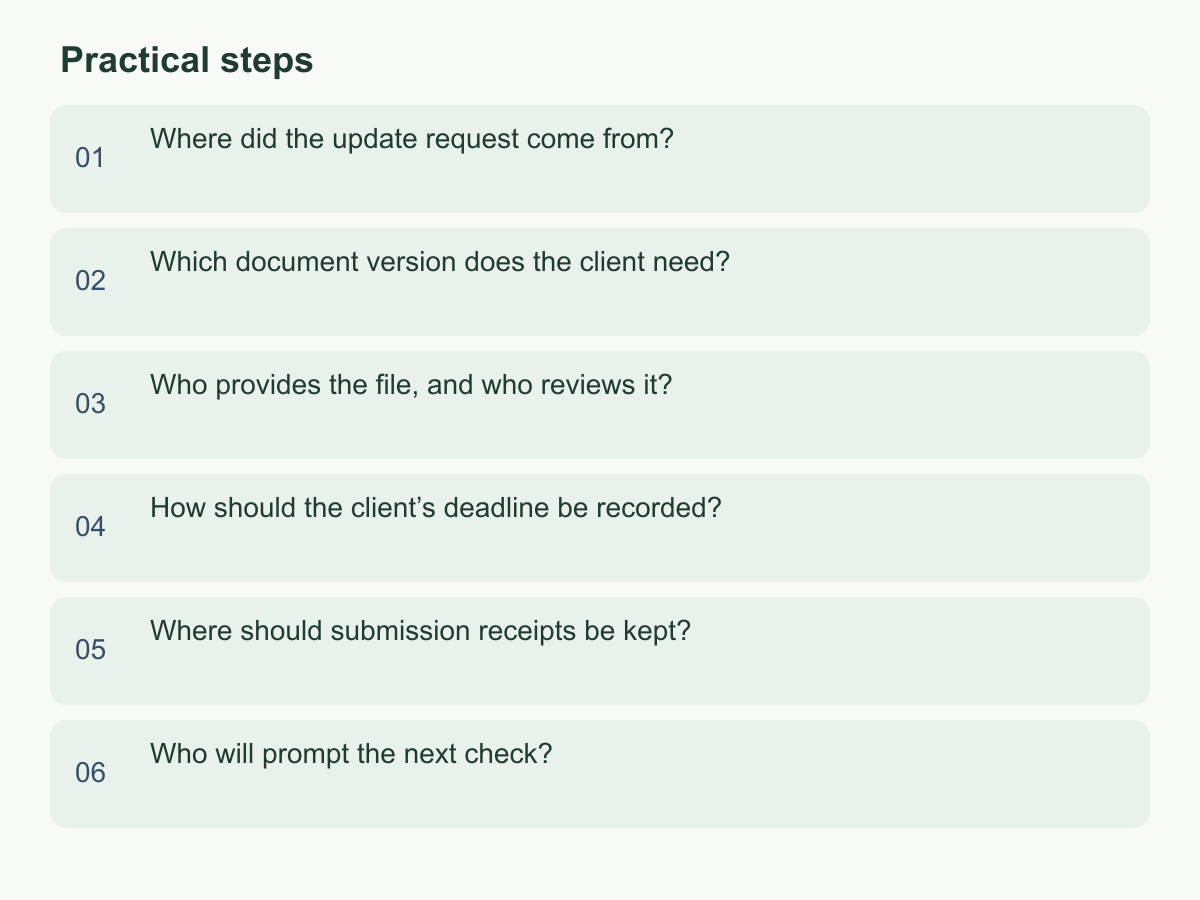
Where did the update request come from?
Log who made the request, when it arrived, the channel used, and the original wording or a retrievable record location. The source may be an email from the client contact, a procurement message, or a supplier portal notice. Keep any case number, page link, or screenshot. If the request came by phone or in a meeting, send a summary for the contact to confirm and record when it was sent and whether they replied. “Client asked for documents” is too vague for a colleague to identify the exchange or case.
Break the request into trackable items: document name, relevant entity, required content, file format, language, signature or seal instructions, and delivery method. Link each item to the source message. If a notice leaves the scope unclear, list the open questions and confirm them before work begins. Do not fill gaps from past experience or label internal habits as client requirements.
If requirements change, add a change record with the requester, time, revised content, and source; do not overwrite the earlier item. Use internal statuses such as awaiting clarification, in preparation, under review, sent, or awaiting reply, and name the last updater. These are workflow markers, not evidence that the client accepted the file. The tracker should show the current requirement, communication history, and next owner.
Which document version does the client need?
“Latest” may mean the most recently received file, or it may mean a particular document type, format, or date specified by the client. Confirm which supplier information is required, which entity it covers, and whether the client has specified a language, file format, signature method, content fields, or document date. If the client provides a sample, form, or filename, record its identifying details and compare them with the original request. A similar file already on hand does not necessarily meet the current requirement.
For each file being prepared, record its name, relevant entity, version identifier, date obtained, storage location, and current status. A consistent filename, such as “Document name – Entity – Version date,” helps colleagues identify a file without opening it. The version date shows when it was organized or obtained; it does not establish an expiry date. Check any date field the client has specified. If its meaning or the date to use is unclear, ask the contact rather than guessing or mixing up the issue, receipt, and filing dates.
Before submission, check that the file matches the requested entity, is readable and complete, and meets the stated format, language, and signature requirements. If multiple versions exist, mark the superseded file as inactive or move it to an archive location to prevent accidental attachment, while retaining its record and the reason for replacement. Flag files with unclear sources, conflicting contents, missing pages, or access problems for clarification. Do not rename a file to conceal differences or assign an expiry date the client has not specified.
Who provides the file, and who reviews it?
Distinguish the person who supplies the information, the person who organizes the files, and the person who checks them before submission. The provider is usually closest to the source; the coordinator gathers and arranges materials to match the request; the reviewer checks them against the requirements. When staffing is limited, one person may handle more than one step, but record who is responsible for each task. A department name alone is not enough for a handoff; include a reachable contact or role.
When assigning work, record what the provider is expected to supply, their expected response date, and how to reach them. If leave or a handoff could delay the work, name a backup contact or an alternative way to transfer it. A backup can locate the owner, check progress, or report a blocker; that role does not authorize them to create, change, or approve a file whose source is unclear. When responsibility changes, note the handoff date, outstanding work, latest working version, and next step.
Use a short review checklist: Is the entity correct? Is this the version specified for this request? Are all pages present? Does the file meet the client’s stated format and signature requirements? Are the recipient and delivery channel correct? Record any discrepancy, who will address it, and the expected correction date; send the file back for correction and review it again. Keep the reviewer, date, result, and version checked on record. If the file changes after review, recheck the affected items instead of relying on the earlier approval.
How should the client’s deadline be recorded?
Record the delivery date stated by the client, the email or notice that establishes it, and any time or time zone the client specifies. If the client says only “by the end of the month” or “as soon as possible,” ask the contact to confirm a workable date. Do not silently convert an imprecise request into a deadline of your own. If no date was provided, mark it “to be confirmed” or “not provided” and set a separate internal follow-up date. An internal target helps schedule work; it is not a client commitment and does not establish a statutory deadline.
Break the work into internal milestones, such as receiving materials from the provider, organizing files, completing review, resolving missing items, and submitting. Assign an owner and target date to each milestone, leaving time to clarify questions or correct returned files. Plan internal work to finish before the client’s deadline. If the provider has not replied, a file’s source is uncertain, or review may be delayed, ask the owner to assess the response before the deadline. If needed, use the established contact channel to explain progress and confirm arrangements. Do not wait until submission day to disclose a blocker.
For example, assume the team receives a request on October 20 and the client specifies November 3 as the delivery date. Those dates are 14 calendar days apart; this is a scheduling example, not a statutory time limit. The team could set October 24 to collect materials and October 28 to complete review, leaving time for a final check. If materials are still missing at an internal milestone, alert the owner to follow up or consider coordinating with the client. If the client changes the date, keep both dates and their respective notices, then update the internal milestones so colleagues do not work to conflicting schedules.
Where should submission receipts be kept?
For each submission, record its date and time, the actual recipient or client account, the channel used, and the names and versions of the files sent. For email, retain the sent message and attachment list. For a supplier portal, save a confirmation screen, case number, or system notice that identifies the submission. The record should answer what was sent, to whom, when, and what response followed. “Emailed” or “uploaded” alone is not enough to reconcile the file version with its recipient.
Keep submission evidence, client replies, and the corresponding files in a location the team can find and that has an appropriate access scope. Add the folder path or index to the tracker. Teams may use an existing shared folder or document-tracking tool, but should avoid forwarding company information to broad groups or leaving unmanaged copies on personal devices. If the client requests a change or additional material, retain the original submission record and add a new entry linking the original and revised versions, the person handling the update, and the time of resubmission.
If no confirmation arrives, first check whether the channel showed a successful submission, whether the recipient was correct, and whether a case number was issued. Then follow up using the contact details provided by the client. Record the inquiry time, reply, and next action. Track “sent,” “client confirmed receipt,” and “client confirmed the contents meet the request” separately: a receipt does not necessarily mean the contents were accepted. Handle retention and removal under the team’s applicable information-management arrangements; do not promise a retention period without a clear basis.
Who will prompt the next check?
After submission, assign an owner for the next check and record its trigger, planned reminder date, and method. Triggers may follow this client’s request, such as a new update notice, a change in the relevant information, or a review under the team’s internal procedures. “Remind periodically” is not enough without a date or owner. Do not treat a one-time submission date as a statutory expiry date. If the client has not specified when to check again, mark the reminder as an internal arrangement and keep it distinct from the client’s stated requirements.
Make the reminder point to specific work: confirm that the submission record is complete, check the available file version and its source, see whether the client has made a new request, and decide whether to contact the provider. If nothing has changed and the client has sent no new notice, record the check date, person, and result, then set the next check trigger under internal procedures. If information has changed or the client requests an update, open a new request and reconfirm the version, owner, deadline, and delivery method. Leave a record of the completed check so colleagues can see what was reviewed without relying on a calendar tick.
A shared calendar, task list, or existing document-tracking tool can carry reminders, but a reminder does not replace the original request, submission evidence, or client receipt. If the owner is away or hands off the work, the backup should be able to find the status, outstanding tasks, and next milestone in the same record.
Choose one pending update request and record its source, specified version, provider and reviewer, client deadline, and receipt location. For more information, visit the Chan & Chung homepage.