
When a company changes its name, contact address, or business contact, customer portals, CRM records, and internal documents can quickly end up with different versions. This guide sets out a traceable process: define the fields, check current values, confirm the basis for each change, notify the buyer, retain acknowledgments, and review related documents. It covers company and contact details in customer and supplier master records, not bank-account changes or statutory registration procedures.
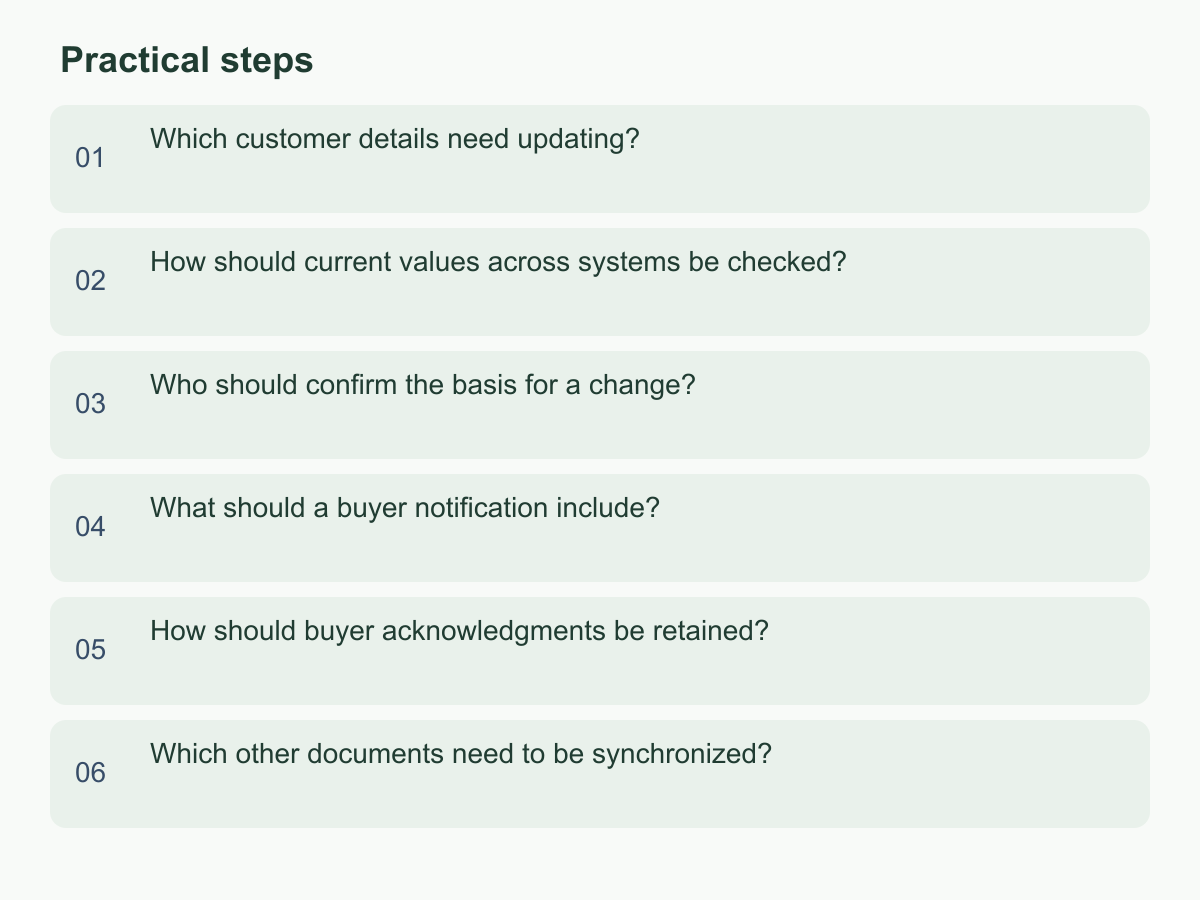
Which customer details need updating?
Start by separating the changes into three groups: company identification, address purpose, and contact details. For the company name, distinguish the formal name from any shortened version shown in a buyer’s system. For each address, note whether it is used for correspondence, daily operations, or receiving goods. For each contact, record the person’s name, title, department, phone number, and email address, along with who handles purchasing, orders, or general notices. This prevents similar-looking fields from being treated as interchangeable.
Mark each field as “changing,” “confirmed unchanged,” or “needs verification.” A change to one address does not mean every address should be overwritten. If the company is updating how its brand appears while transaction documents still use another formal name, ask the internal owner which name field the notice should address. Do not treat display text as registration information.
Clarify an address’s purpose and effective arrangements. For example, if an administrative office moves but the warehouse and customer delivery point remain in place, the buyer’s correspondence address may need updating while the delivery location may not. Record the field name, old value, new value, and purpose so the buyer can tell which orders, documents, or contacts are affected.
For contacts, distinguish the person responsible for handling work from people who receive copies. Record the primary contact, backup contact, and the notices each person should receive. If the former contact is still handling open orders, list both contacts during the handover and note what remains to be transferred. A field-by-field list makes each system easier to check and shows what has been confirmed as unchanged. Where a buyer uses the same data for different purposes, state those purposes explicitly.
How should current values across systems be checked?
Do not rely on a single spreadsheet. List the buyer procurement portals, company CRM, quotation and order templates, contact lists, and shared documents that are actually in use. For each location, identify who can access or maintain it. Record at least the review date, field name, current displayed value, expected new value, reviewer, and next status. If there are separate buyer accounts or subsidiary records, list them separately; different purchasing units within one group may maintain distinct supplier profiles.
Compare by field purpose, rather than deciding that a record is complete because it looks broadly similar. Check the full company name, including punctuation; confirm an address’s floor, room, and intended use; and verify that the contact’s email works and that the person still handles the relevant work. If the CRM shows a new address while the buyer portal shows the old one, record the discrepancy and ask the field owner to confirm the source before changing either value.
The table below is a fictional tracking example; it does not indicate that any record has already been updated.
| Check location | Current value observed | Follow-up |
|---|---|---|
| Procurement portal | Old office address | Confirm purpose, then request an update |
| CRM | New office address | Confirm the basis and effective arrangements |
| Order template | Former contact’s email | Confirm the handover before replacing it |
Use distinct statuses such as “awaiting confirmation,” “submitted,” “buyer replied,” and “portal rechecked.” Keep “submitted” separate from “updated”: sending an email does not prove that the buyer’s master record changed. If the buyer only confirms receipt, check whether the field was updated or more information is needed. Write specific questions about discrepancies, such as whether an address is for correspondence or delivery, and record the answer, its source, and the next step.
Who should confirm the basis for a change?
Identify who proposed the change, who can approve it for the company, and who enters it into each platform. These may be different people. The proposer can explain the background and expected effective date; the internal data owner confirms the company’s information; the system maintainer makes the approved change; and the buyer confirms its required format and completion process. Record these responsibilities on the change list. A sender’s role alone does not show that the information has been approved.
The supporting information may vary with the field and the buyer’s requirements. A contact change might be confirmed by an internal manager or the existing company contact directory. If the buyer requires formal support for a name or address field, ask the responsible internal owner for a version suitable to provide. If the only information available is a forwarded message, mark the field as awaiting confirmation and ask for the original source, the field it applies to, and the effective timing. Do not fill in details that the source does not provide.
For example, a sales colleague may receive an email saying that the former buyer contact has left, with no mention of a company-name or office-address change. The appropriate next step is to verify the contact handover: confirm the new person’s name, responsibilities, and official email with an internal manager, then establish who will handle open quotation requests. Do not change the name or address as a consequence, or treat a personal email as a permanent shared contact unless the owner confirms that it is suitable.
If internal accounts conflict, present the versions together and ask the authorized decision-maker to resolve them. Record who confirmed the information, how it was confirmed, what was approved, and when. Keep “internally approved” separate from “buyer notified”: the first records the basis for the change; the second only means the notice was sent. Other confirmed fields can proceed while an unclear field is assigned to an owner with a follow-up time.
What should a buyer notification include?
Before sending a notice, confirm which buyer unit to contact, which supplier record it concerns, and which channel the buyer normally accepts for changes. The subject line can identify the company, a supplier reference if available, and the profile change. In the message, list the fields changing, their old and new values, the expected effective date, the contact person, and what you need the buyer to confirm. “Please update our information” is too vague: the buyer needs to identify the record and understand the requested action.
Choose attachments based on the fields being supported. Ask what format or form the buyer requires instead of assuming that every buyer accepts the same document. A routine contact change may need only a clear notice. If the buyer needs evidence for a name or address update, use an internally approved document suitable for sharing, and remove personal or commercial details unrelated to the request. Before sending, check the filename, date, and consistency between the attachment and the notice, and make sure the file opens correctly.
A fictional example might say: “We plan to change the supplier correspondence address from Address A to Address B, effective on [date]. The purchasing contact will remain unchanged. Please confirm whether we need to complete a separate form and whether you will acknowledge completion.” Replace the placeholders only with verified details. If the effective date is not confirmed, say so rather than implying a firm deadline.
Ask the internal approver to review the fields and recipients before sending. If several buyer units are involved, send separate notices or follow the buyer’s designated process; avoid copying unrelated recipients. Keep the sent message and attachment list, then update the tracking status after a reply or portal check. If the buyer requires its own update form, record who will complete it and which fields remain unresolved so the notice and form stay consistent.
How should buyer acknowledgments be retained?
An acknowledgment is useful when it shows which party confirmed what. Distinguish among receipt of a notice, agreement with the field details, a request for more information, and confirmation that the portal was updated. These are not equivalent. Track when the notice was sent, what the buyer replied, any requested follow-up, the actual portal check, and the person responsible. If an automated message only confirms delivery, record “delivered,” not “approved.”
Keep each reply linked to the original change. Use the company or buyer unit, change topic, and date as an index. Retain the sent version, attachments, original buyer reply, and subsequent messages. If the buyer comments inside a portal, record which supplier record and reply location are involved. Save or export the relevant information according to internal access rules. A brief summary copied into another spreadsheet is not a substitute for preserving the original reply if someone later needs to check its meaning.
Suppose the buyer replies, “Received; I’ll forward this to the master data team.” That confirms receipt and forwarding, not a completed update. You can ask whether any further information is needed and set an internal date to check again. Once the portal displays the new address, record the reviewer and the field result. If the buyer says the update is complete but the portal has not refreshed, keep the reply and schedule another check rather than deleting the earlier record.
Keep versions in date order, including corrected acknowledgments and follow-up requests; do not overwrite earlier files. Filenames can include a change reference, buyer unit, document type, and date. Store them in a consistent location with access limited to relevant staff. This lets the next person see who was notified, what the buyer said, and which displayed value was ultimately checked. Link any unresolved reply to a tracked task so that filing the email does not leave the follow-up unattended.
Which other documents need to be synchronized?
After checking the buyer’s supplier record, follow the same fields into documents that copy or reference them: the CRM company page, contact list, quotation and order templates, email templates, and internal handover records. Confirm which documents are still in use, then note their maintainer and update method. If the customer has several buyer units, review them by unit so that changing a shared file does not leave a unit-specific version behind.
A practical sequence is to update the internal master record first, then active customer documents, then reusable templates, and finally archive obsolete copies. For an open quotation or order, ask its owner whether a revised document is needed. Updating a template does not update documents already in circulation. Record who handled each item, when it was completed, and how it was checked so the current version can be identified.
For example, if only the purchasing contact and correspondence address are changing, the CRM, contact list, email signature, and customer-facing templates may need review. Keep a delivery address that has not changed, and mark it as confirmed. If a customer contract or another document requires a designated specialist, record the responsible person and supporting basis; do not turn a master-data update into a statutory registration process. Mark discontinued documents as inactive or move them out of reusable locations to prevent colleagues from copying old details.
Before closing the change, check each item: the field basis is verified, the buyer has been notified, acknowledgments can be retrieved, the portal value has been rechecked, and related documents are updated or marked not applicable. Assign an owner and next check to every open item. Start with a change list containing the old value, new value, purpose, owner, and status, then work through the highest-impact buyer account first.
For information about Chan & Chung, visit the Chan & Chung homepage.