
A DNS change can affect a website, sign-in, form notifications, email authentication, and third-party systems at once. A common blind spot is preparing for the web host while overlooking email, subdomains, or service verification records that still depend on the old setup. Before starting, list each domain, purpose, record, owner, and acceptance check. Proceed only when old and new values are recorded, one operator is responsible, and the recovery order is clear. Confirm targets and access with your actual registrar, DNS, host, and email providers.
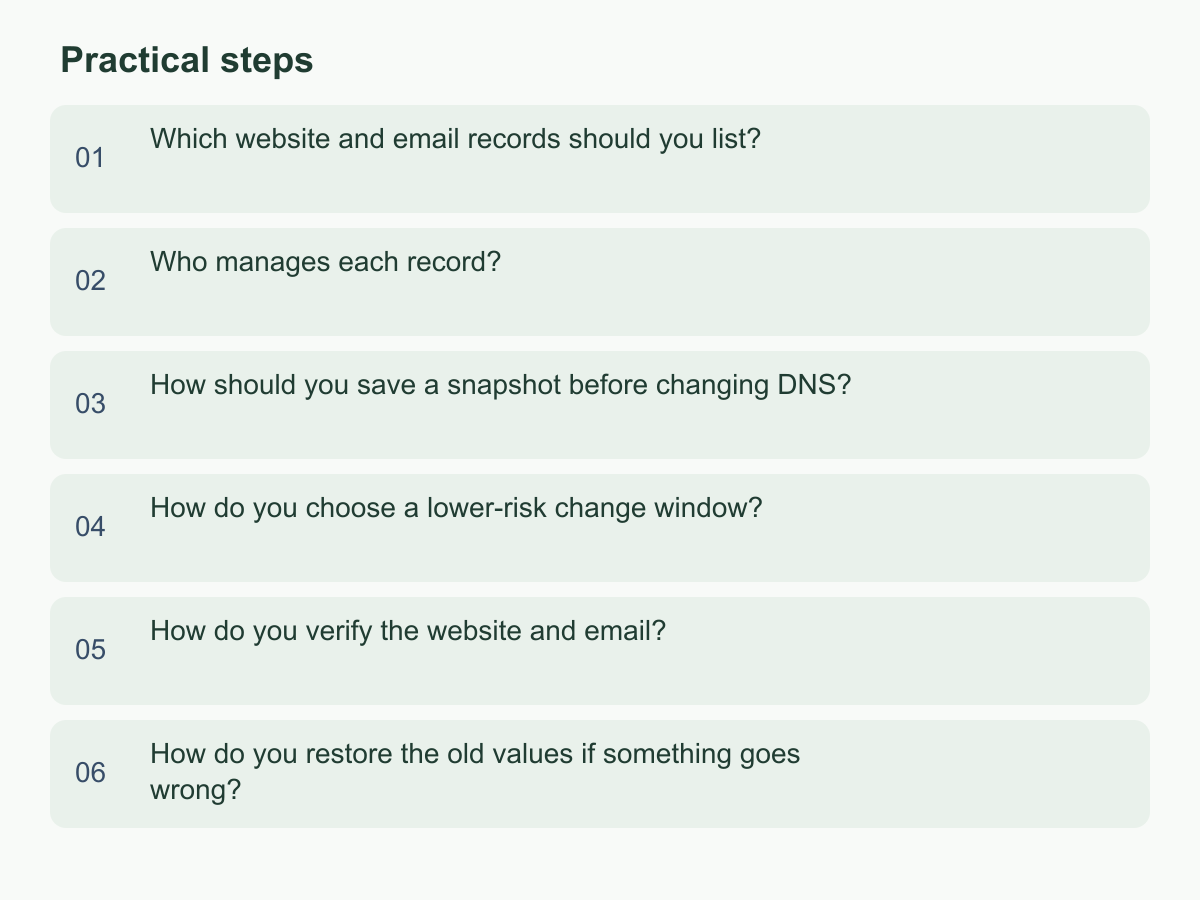
Which website and email records should you list?
Inventory every hostname in use, not just the bare domain: homepage, www, admin login, API, images, downloads, form callbacks, and provider verification subdomains. Map each to its dependent system. Mark unfamiliar legacy entries “confirm first” rather than deleting them. Cross-check website, mail, form, and team settings, including names found only in code or vendor dashboards.
For the website, record A, AAAA, and CNAME names and targets, including different routes for the root and www. If using a CDN or reverse proxy, capture its state and origin host. Also check conflicts, CAA, TXT, SRV, renewal, and required subdomains; a working site may use multiple A records.
Record MX targets and priority, plus SPF, DKIM, and DMARC TXT/CNAME values. Webmail, sending, support, website notices, and marketing may use separate records on one domain. Verify exact values with the provider.
Use five columns: hostname, purpose, dependency, owner, and acceptance check. A mail subdomain may serve only sending; an old A record may hide sign-in. Ask website, email, finance, and support owners what they use, and check root and subdomain mail routing. Know each record’s impact before moving the zone.
Who manages each record?
Distinguish the registrar from the authoritative DNS provider. Check current NS delegation to see which service answers public queries; registration with one company does not mean the DNS zone is there. Changing NS moves the whole zone, including email and verification records. For a single record, have the person managing that zone make the change so competing copies are not edited.
Name owners and backups for access, DNS edits, system targets, checks, and coordination. Resolve missing access through the account’s invitation or recovery process; never share passwords.
If DNSSEC is enabled, coordinate DS state and sequence with the DNS and registrar owners. A mismatch can break validating lookups; a new provider may not copy the old DS. Confirm who handles NS, DS, DNSSEC, and the old zone. Read back the record, target, and snapshot location; stop on a mismatch. Confirm multi-factor backup access, keep one operator editing, and name the post-handoff maintainer.
How should you save a snapshot before changing DNS?
Export the complete zone or copy each name, type, full value, priority, TTL, proxy state, NS, DS, and DNSSEC status. Screenshots help locate settings but do not replace searchable text. Label the snapshot with time, domain, source account, preparer, and version; store it for authorized teammates without credentials.
| Category | Snapshot fields | Confirm with |
|---|---|---|
| Website routing | Name, A/AAAA/CNAME, target, TTL, proxy state | Website or host owner |
| Email routing | MX target, priority, TTL | Email administrator |
| Email authentication | SPF/DKIM/DMARC name, type, full value | Email provider owner |
| Delegation and security | NS, DS, DNSSEC state | Registrar and DNS owners |
Replace only the approved field, keeping its old value in the snapshot; do not overwrite email TXT while changing a website target. After importing a zone, compare every record because providers can handle TTL defaults, proxy settings, and formats differently. Import success does not prove equivalent behavior.
Have a second administrator check MX, SPF, DKIM, DMARC, and key subdomains for transcription errors. Preserve old NS/DS, TTLs, proxy states, and old-account access. Include root TXT, service verification, and SRV records. Keep the snapshot read-only, mark approved fields, and label others “do not change.” Complete the backup or narrow scope before proceeding.
How do you choose a lower-risk change window?
Choose a window when website and email owners are reachable, business reliance is low, and time remains to observe and recover. Avoid launches, payment settlement, important email sends, and deadlines. Arrange an independent checker.
Write the order and stop conditions in advance. For example, verify the new zone, switch website records, and test them before touching email records. If NS must change, confirm the complete zone and both administrators’ responsibilities first. Avoid bundling NS, MX, SPF, and website A changes into one untraceable step. Record each step’s time, operator, and before-and-after value.
TTL affects how long some recursive resolvers retain an answer. If the old TTL is 3600 seconds (one hour) and you lower it to 300 seconds, wait at least one full old 3600-second interval before switching. This is an example: use the actual TTL and consider provider behavior and caching. Lowering TTL does not clear existing caches immediately or make all users see the new value together.
Keep the snapshot, change list, test addresses, and recovery steps ready. Confirm the old zone is accessible and hosting and email remain active. Postpone for an uncertain target, incomplete zone, or unavailable owner. If services can run in parallel, agree on the overlap and keep the old ones until checks are stable.
How do you verify the website and email?
Query public DNS, then test the services. From a terminal, run:
dig +short NS example.com dig +short A example.com dig +short AAAA example.com dig +short MX example.com dig +short TXT example.com dig +short TXT _dmarc.example.com
Replace example.com with your domain. Query DKIM using your provider’s selector at selector._domainkey.example.com. After an NS change, query the new authoritative server; saved dashboard values are not enough.
Test root and www, HTTPS, redirects, sign-in, images, API, and a full form submission. Repeat on a mobile network outside the company network. Send the notification to a test inbox. If sign-in or the API fails, record the path and contact its owner instead of repeatedly changing DNS.
Test mail in both directions, including a reply, website notices, and support workflows. Check SPF, DKIM, DMARC, and bounce results at the receiving service. Confirm sending and signing domains match provider settings. Test services people use; verify current DKIM selectors rather than inventing them.
Record expected and observed values, time, tester, and pass/fail. Define a path and result for each function: correct homepage, successful sign-in, form in test inbox, and outgoing reply. Note a page state or message time so another person can reproduce it.
If authoritative DNS is correct but one resolver still returns an old answer, compare TTLs and lookups from other networks. If the authoritative answer is wrong, the site fails, or email repeatedly bounces, stop before the next batch. One successful browser load does not verify email.
How do you restore the old values if something goes wrong?
Use the stop conditions to locate the issue: authoritative records, caching, host, or email. For a wrong authoritative answer or repeatable mail failure, stop edits and save queries, errors, and times. If only one network sees an old answer, compare other lookups and TTLs first.
Restore only fields changed in this operation, using the snapshot for original names, types, full targets, priorities, and proxy states. Query DNS again and repeat website and email checks. If NS changed, confirm the old zone is complete, usable, and includes any records needed since the change before returning to it. If DNSSEC changed, have the registrar and DNS owner follow the agreed DS sequence; NS and DS are not interchangeable switches.
Rollback does not update every cache instantly. Some users may retain an answer until its TTL expires. Keep both zones available until queries from different networks and service tests are stable. Do not delete the old DNS account, host configuration, or email records before confirming recovery. A dashboard showing the old value is not proof that service has recovered.
Record the failure, rollback trigger, restored values, and results. Have website and email owners confirm recovery; recheck authoritative NS, A/AAAA, MX, and email-authentication values, then test externally. Mark items complete or under observation and hand off unresolved cache behavior.
Start with one domain: list its website and email dependencies and identify who can access the relevant accounts. For background on Chan & Chung, visit the English website.