
Moving a domain to another registrar takes more than obtaining an authorization code. Confirm who can manage the domain, which charges remain open, and who maintains DNS, the website, and email. Start an inventory of the current registrar, code request process, outstanding fees, contacts, and post-transfer checks. Then follow the rules for the domain extension and both registrars. Times and amounts below are examples; check current official information for the actual process.
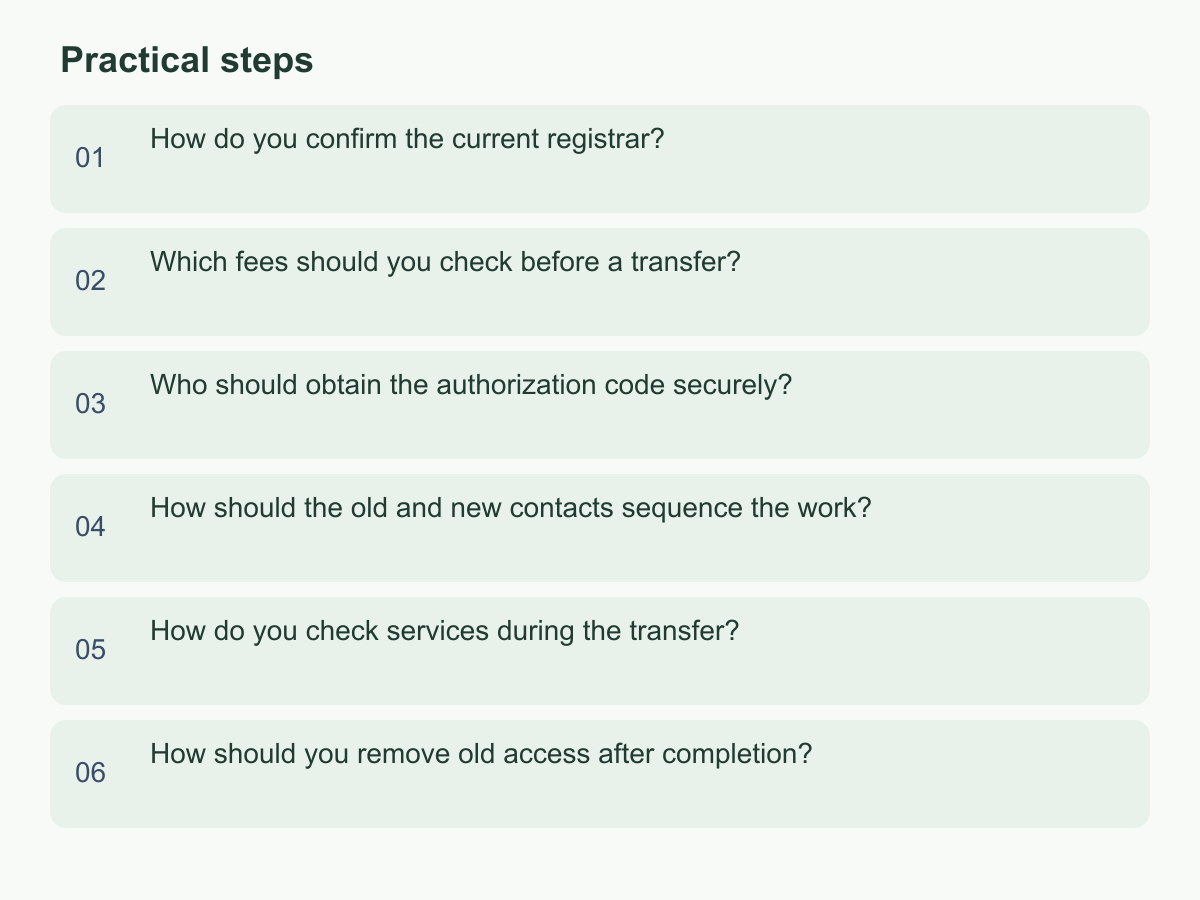
How do you confirm the current registrar?
First separate who sells or renews the domain from who hosts DNS and maintains the website; these may be different companies. Ask procurement, finance, and the previous administrator for receipts, payment records, account emails, and password-manager records. Search the full domain name and extension. Record the billing entity, account holder, and login URL. If an agent issued the bill, check whether it is the registrar or only handles payment and contact for another provider.
Use the official registration data or lookup page for the extension and check its registrar field. If privacy masking, an agent registration, or a mismatch with the bill makes the result unclear, do not guess. Check likely providers' accounts and renewal records. If still uncertain, ask official support in writing who manages the domain, then note the source in the inventory for the next owner to verify.
Name-server records show where DNS responds; they do not prove who the registrar is. Hosting, email, and payment can be separate too. A working site or inbox does not prove a provider can issue a transfer code. Distinguish the account user, registered holder, and internal approver.
Use one row per domain: full name and extension, current registrar, account holder, renewal date and evidence, payment method, DNS host, email owner, approver, and backup contact. Check each extension separately, even for similar names. If Agent A invoices, Host B runs DNS, and Registrar C holds registration, confirm C and record B's DNS contact. Mark mismatches unresolved; do not request a code yet.
Which fees should you check before a transfer?
Separate domain charges from related services. For each fee, note the service period, payer, payment status, and invoice evidence. Check the latest renewal invoice, unpaid items, automatic charges, refunds, and payment disputes. Ask the old registrar whether unresolved billing affects its process. Ask the new registrar about transfer-in charges, currency, payment timing, and conditions for this extension. Rules vary by extension, provider, and contract, so use current official information rather than old quotes or colleagues' recollections.
Check whether DNS hosting, website hosting, email, SSL, privacy, and administration extras are billed separately. A registrar transfer does not move these services into the new account or cancel them. Record each contract account, renewal date, cancellation process, and the effect of stopping service. Adjust auto-renewal only after a replacement arrangement is ready, so you do not interrupt the site or email by mistake.
The figures below are hypothetical and show addition only; they are not quotes, required charges, or market prices. Replace them with invoice or written-quote amounts, and note the currency, payee, service period, and whether tax is included. Approve charges from different providers separately so hosting is not mistaken for a transfer fee.
| Review item | Assumed amount | How to check |
|---|---|---|
| Outstanding domain fee | 600 units | Compare with invoice |
| Transfer-in fee, if applicable | 900 units | Check new registrar's information |
| Separate DNS fee | 300 units | Check service agreement |
| Illustrative total | 1,800 units | 600 + 900 + 300 |
These three assumed amounts total 1,800 units; they do not predict actual costs. Before paying, match each item to the full domain name, payee, and service period. If the amount, currency, or service does not match, ask the issuer to explain and obtain approval from an authorized payer. Mark any unconfirmed item with an owner and follow-up; do not treat it as settled.
Who should obtain the authorization code securely?
Confirm who is authorized to act for the domain holder, then have that administrator request the code through the current registrar's official login. Extensions and registrars may use different names, steps, or transfer conditions, and some situations may not use the same kind of code. Check the official workflow for the domain and confirm the full name and extension before requesting anything. If an agent will help, the internal approver should authorize the task specifically and record who requested and approved it.
Before the request, compare the full domain name, holder details, and account. Make sure notices go to a company email address that will remain accessible. If a former employee or outside agent controls the account, follow the formal access handover process; do not ask for that person's private password. The authorization code and login password serve different purposes. Obtaining one does not mean the other should be sent to the new registrar or a helper.
Use the registrar's controlled handover process for the code. Do not paste it into a group chat, shared document, or ordinary email. Limit access to the person authorized to perform the transfer. If approval and execution are separate roles, the approver can confirm the domain and recipient, and the executor can enter the code on the new registrar's official page. Do not store the full code in the inventory or handover notes; record the request time, owner, and status instead.
Ask about validity conditions, whether the code can be regenerated, and what steps remain after it is issued. Follow the rules for that registrar and extension. If the code fails or someone asks for delivery to a private email address, return to the official account or support channel rather than retrying through an unfamiliar link. For example, the domain administrator can request the code, the approver can confirm the domain name, and the designated executor can complete the new-account step.
How should the old and new contacts sequence the work?
Assign one internal owner to coordinate decisions. List a primary and backup contact for the old registrar, new registrar, DNS host, and website or email administrator. Each contact should know their task, required information, reply method, and escalation contact. Track progress in the same inventory, with an owner and completion evidence for each item, so requests, payments, or DNS questions do not disappear across separate email threads.
Plan backwards from a completion window the business can accept, but do not treat a registrar's processing estimate as a guarantee. Avoid starting close to renewal or an important business event. Confirm status, extension rules, and required information with both registrars, then allow time for internal approval, payment checks, and service acceptance. If any party has not confirmed the conditions for proceeding, revise the internal target date rather than skipping a check.
The following is an assumed internal schedule, not a registrar service timeline: on Monday, the owner checks the inventory, fees, and contacts; on Tuesday, the team confirms both registrars' rules and completes approvals. Once conditions are met, the designated administrator starts the transfer. After receiving a result, the team checks the website and email, then decides when to remove excess access from the old account. Mark blockers and the next contact clearly; submitting a request does not complete the handover.
Agree on a change window and reporting method, and save the current DNS settings, website status, email sending and receiving status, and relevant contact records. If DNS is part of the old registrar's service, confirm whether it must be moved or reset separately before choosing the order. If another provider hosts DNS, inform that contact too. Avoid changing hosting, email routing, or name servers at the same time where possible, so a problem is easier to trace.
How do you check services during the transfer?
Before starting, record a baseline for comparison: the registrar shown for the domain, name servers, key DNS records, and basic website and email status. Depending on use, include A or AAAA, CNAME, MX, and TXT records, including SPF, DKIM, or DMARC settings used for email verification. Ask the DNS administrator about records whose purpose is unclear; do not delete them just to simplify the list. Note the contact for any separate DNS provider.
Track registrar processing and service health separately. A status in the new registrar's account or an email notice is evidence of process, not proof that the website, email, or DNS has passed acceptance checks. Confirm that the domain appears in the correct new account, the administrator can log in, and contact details are usable. Then compare name servers and DNS settings with the baseline. If processing is still pending, record the time and official support response instead of guessing when it will finish.
Test actual workflows. Open key website pages from different networks and check login, forms, or other essential functions. Use a company email account to test sending and receiving, and confirm that domain authentication settings still match expectations. If a page fails or email is returned, compare DNS records and timestamps before and after the change, then contact the owner of that service. Investigate one evidence-based setting at a time rather than changing several records before locating the issue.
For each acceptance check, record the expected result, actual result, checker, time, and evidence link or screenshot. For example, have an administrator open the homepage over a mobile network and record the result. For email, record the test send and receipt without saving passwords. Mark the inventory complete only after the new account, DNS comparison, and business services have been checked by their owners. List any remaining issue, impact, and follow-up contact; a transfer-success notice alone is not a service check.
How should you remove old access after completion?
First confirm the transfer through the new registrar's official account or notice. Have an internal administrator log in again and check the full domain name, management contacts, and renewal details. Recheck the website, email, and DNS, then see whether the old account still manages other company domains or related services. Remove only access that is no longer needed for this transfer; do not close an account that still manages other assets.
Review delegated users, shared administrator roles, API tokens, and integrations in the old account. Remove former employees, outside agents, or unused access only after confirming that the new administrator has an independent login and working account-recovery method. If a code, password, or other sensitive information was exposed in an uncontrolled email or document, replace or revoke it under the provider's process and update the company's access records.
Decide about access and payment separately. Check which domains, DNS, hosting, and email services remain with the old provider before changing auto-renewal or ending a contract. Cancelling domain registration service does not mean website or email service should also be cancelled. Keep necessary invoices, official notices, access-change results, and acceptance records under the company's usual document access controls. Do not put the authorization code in a general handover file.
For example, if the new account manages this domain but the old account still holds another company domain and an email service, revoke only the outside delegation that no longer applies to this transfer. Assign an internal contact for the services that remain. Update the inventory with the new registrar, holder or management contact, renewal details, DNS host, removed access, and open service items. The next step is to complete the inventory and have an authorized administrator confirm it against the official process. To learn more about Chan & Chung, visit the official homepage.