
Duplicate-claim review helps identify whether an expense was submitted or paid more than once, then lets a responsible person check the transaction. Put receipt numbers, purchase dates, merchants, currencies, amounts, and payment records in a searchable register. Similar entries are candidates for review, not proof of misconduct. The workflow centers on internal records, human review, and a trail of submissions and corrections.
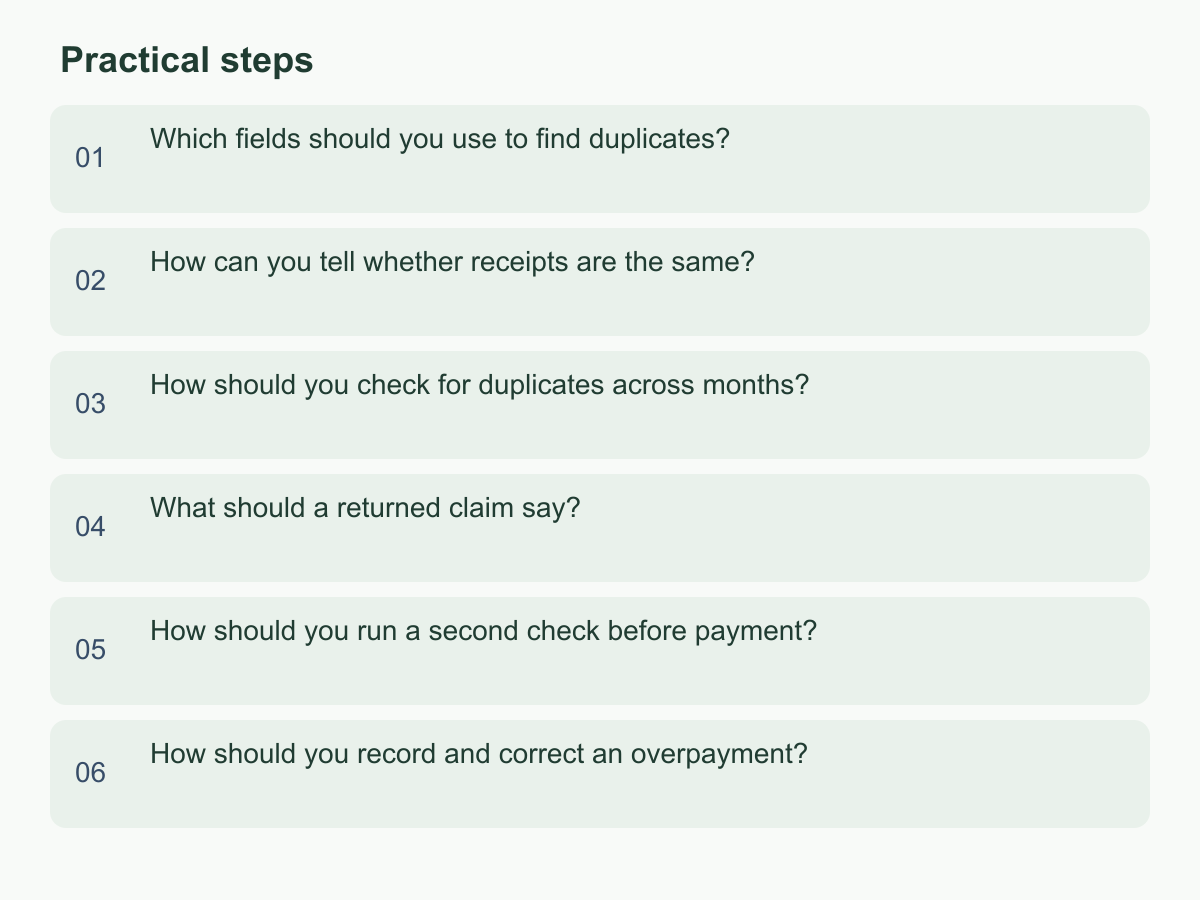
Which fields should you use to find duplicates?
Give each claim one row with employee, receipt number, merchant, purchase date, claimed amount and currency, payment method, submission batch, approval status, actual payment date, and transaction reference. First match receipt number plus merchant; then combine employee, merchant, date, currency, and amount to find near matches. Keep purchase date separate from submission date, and record actual debit/transfer status separately from approval.
| Field | Comparison | Check after a match |
|---|---|---|
| Receipt number | Remove spaces in a search copy; keep the original | Merchant and document version |
| Date and amount | Employee, merchant, currency, and amount | Transaction time and payment reference |
| Payment record | Claim ID against batch reference | Paid or approved only |
Keep source values separate from search fields. Normalize merchant spelling in a helper column, preserve the original currency, and use a separate conversion field for sorting; equal numbers in different currencies are not a match. Start with strong matches and widen the search. Record each query's filters and operator, not just highlighted rows. Use claim ID as the spreadsheet key; retain source row order, import filename, both candidate IDs, and match reason. Do not rely on names alone: names can repeat, one employee may pay for another, or a corporate-card holder may differ from the user. Confirm who incurred the cost.
For example, two May 8 claims by one employee with the same merchant, receipt number, and HKD 680 amount are a high-priority candidate. If the receipt number matches but currency or amount differs, check for a refund, discount, or reissued document before returning either claim. Record the decision so the comparison can be repeated.
How can you tell whether receipts are the same?
A receipt number is a clue, but receipts may have none; images may be crops, new photos, or forwarded copies. Compare merchant-name variants, date, currency, total, item summary, payment-card ending digits, and transaction reference. Keep the submitted number and image unchanged. Put a cleaned number with spaces or separators removed in a separate search field.
View images side by side, checking corners, transaction time, tax, discounts, and total. The same merchant, date, and total with different items may mean separate purchases. If a number matches but the total was handwritten over, look for an approved correction or reissued receipt. For an unnumbered receipt, create a comparison key from employee ID, merchant, date, currency, and amount, then check the payment record and image. Similarity, filenames, or sender details can narrow the search but cannot confirm a duplicate.
For each candidate pair, record source filenames or locations, versions, differences, reviewer, and date; keep both original images. Link original and corrected versions and identify which supports the claim. Confirm pages or attachments belong to one transaction. Separate the payment method printed on a receipt from proof of payment: a credit-card receipt does not show the company paid, and a bank debit may cover multiple receipts. If merchant names differ, cross-check date, amount, and transaction reference, then note the difference without overwriting source values.
How should you check for duplicates across months?
Treat months as reporting periods, not search boundaries. Keep purchase, submission, approval, and payment dates separate. Search new claims against prior records, and prior unpaid claims against the current payment batch, using receipt number first and then employee, merchant, date, and amount across adjacent months.
For example, a June 30 taxi receipt submitted July 2 and reimbursed July 10 may be uploaded again later; the submission month differs, but the purchase may be the same. A card's transaction date and account posting date are different events, so store them separately. Link receipt, approval, and payment records with a unique claim ID. Distinguish paid, awaiting payment, returned, and withdrawn items. For returned claims, check for a revised resubmission; for paid claims, check for a refund or reversal.
Define scope from accessible records, company policy, and actual process; do not assume a retention period. Record date range, included payment batches, and excluded sources. Keep export filenames and versions when older records are available only as exports. If no candidate appears, say only that none was found in the records searched; anything outside that scope is unconfirmed.
What should a returned claim say?
Explain which records need review, what matched or differed, what evidence could resolve the question, and which workflow state is paused. Include claim IDs, receipt date, merchant, amount, and matching fields. For example: "This matches EXP-021 on merchant, date, and receipt number. Are these the same transaction? If not, provide a record or receipt page that distinguishes them." "Possible duplicate" alone is not enough.
Reason labels can include an exact receipt-number and merchant match, a similar date and amount with a different transaction reference, a reused image, an earlier claim already paid, or a corrected receipt. These labels aid communication; they do not assign fault. Confirm the matched record belongs to the right person and distinguish approved-but-unpaid from paid claims. A match based only on amount or merchant should remain pending confirmation.
Log when and by whom the issue was found, fields compared, both claim IDs, reason, employee response, decision-maker, outcome, and linked resubmission ID. Preserve timestamped updates. If a duplicate is confirmed, record which claim was withdrawn or cancelled and who approved it; if the expenses differ, note the evidence and clear the flag. Track states such as waiting for the employee, waiting for internal review, or cancelled. Follow existing company response timing and share only the data needed.
How should you run a second check before payment?
Review the payment batch about to be sent against approved claims and bank or card records. For each line, verify claim ID, payee, approved amount, and currency; check for duplicate lines, same-payee same-amount entries, prior payment, and matching account or payment reference. Approval permits processing but does not prove funds were sent. Mark a claim paid only after confirming the bank-side or finance record.
Link payment and claim lists by unique ID, compare row counts and totals, and sample-check payees. If the payment system cannot carry claim IDs, retain batch sequence and bank reference, then have a second reviewer check the mapping. Record partial payments, split transfers, returned advances, and failed retries with amounts, balances, original batch, and retry reason. Two lines for one claim do not automatically mean one should be deleted.
Suppose two pending claims for the same employee are each HKD 420: one is transport on a different date, the other office supplies. The HKD 840 total does not prove duplication; review receipts, transaction times, or payment references. If a claim ID occurs twice in the batch, pause it and inspect the source list, export, and sent instructions. An authorized person should record why a line was released or removed.
Use an independent reviewer or re-export and compare. Confirm each claim ID traces to a source and that counts and totals agree. Pause discrepancies; do not adjust the total to balance. Before release, resolve candidates, separate unpaid from paid claims, link retries to original claims, and log reviewer, time, batch version, and exception reason.
How should you record and correct an overpayment?
Preserve both submissions, approvals, payment batch, and bank evidence. Record extra payment date, amount, payee, and reference, then check whether funds cleared, were refunded, or returned by the bank. If a duplicate instruction was never executed, record it as cancelled, not recovered. Explain the finding to the employee; an authorized person decides whether to request a refund, recover the amount separately, or use another internal process. Do not treat an unresolved amount as a payroll deduction.
Do not delete the original or change a paid status to unpaid. Add a linked correction record with original claim ID, duplicate payment ID, calculation, discovery date, reviewer, notification and response, agreed handling, actual recovery date, and evidence location. For a partial return, show recovered amount and open balance. If the employee says the claims are different expenses, recheck receipts, dates, and references and preserve why the decision changed.
For example, a claim for HKD 500 paid twice means HKD 1,000 was sent and HKD 500 is the overpayment to resolve. If HKD 200 is later refunded, record HKD 200 recovered and HKD 300 still open, with the refund reference. Link the calculation to the original claim and both payments.
Keep the expense register and payment reconciliation table aligned by the same ID. Review unresolved corrections weekly or at each close, assign an owner and next-action date, and attach recovery evidence before a reviewer closes the item. Rehearse on an existing batch to confirm IDs, statuses, and exceptions before adding the steps to the internal procedure.
For general information about Chan & Chung, visit Chan & Chung.