
When an employee leaves, the gaps are often not a missing form but uncertainty about where records are, who checked them, what remains open, and who can access them. Separate inventory, review, handover, and retention decisions so payroll and work transfer each have a traceable basis. The goal is to let the next owner reconstruct known facts from source records rather than fill gaps from memory; leave incomplete items marked pending. This is an administrative organizing method. An internal checklist can record sources and responsibilities, but should not be used to calculate a statutory retention period. Confirm the rules for the applicable location when needed.
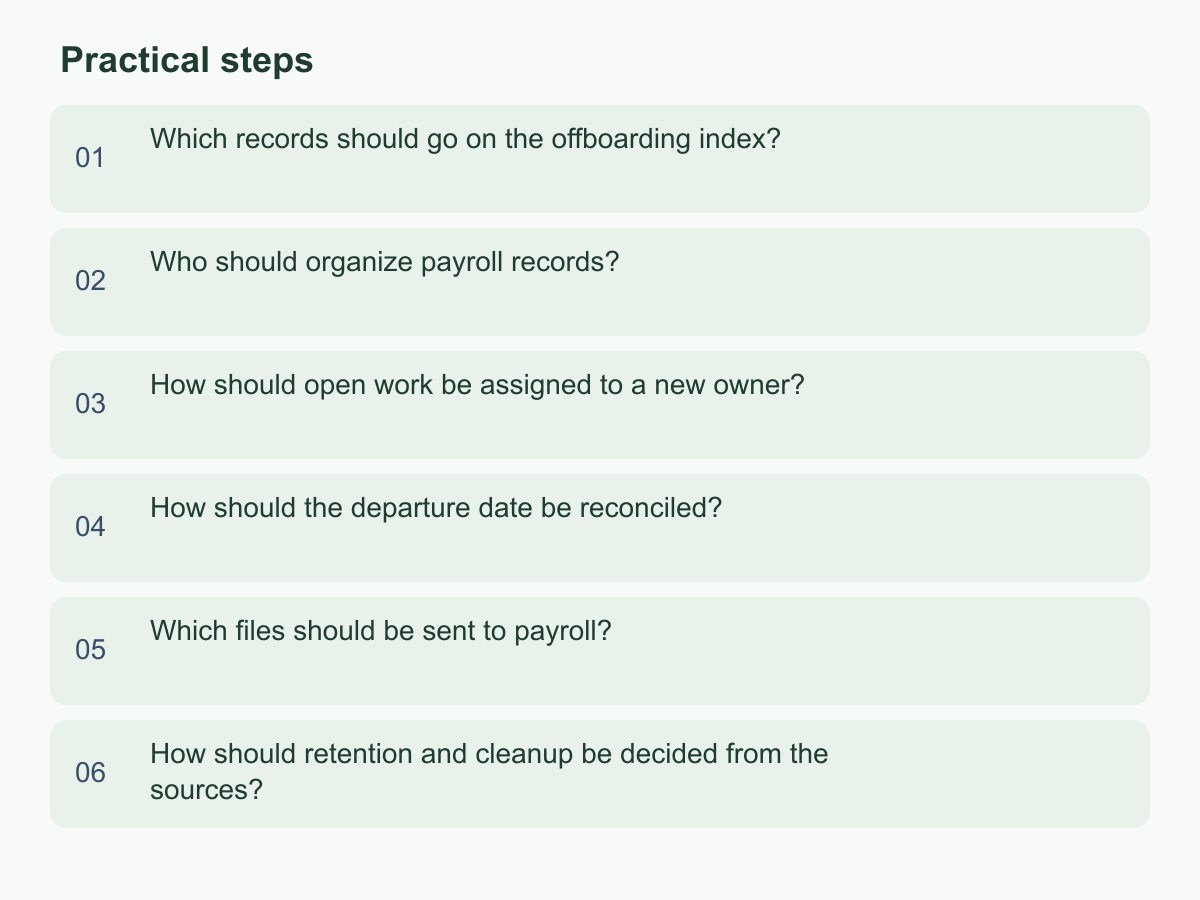
Which records should go on the offboarding index?
When notice arrives, create an index so the next person can find each record and see what needs to happen next. Include the record name, period covered, current version, storage location, custodian, and next step. Group entries by work context: employment and contact details, attendance and leave, payroll inputs, unresolved items, and account or access changes.
Give each row a clear status: complete, information missing, not applicable, or awaiting confirmation. A blank cell cannot show whether an item does not exist or was simply overlooked. Link to the controlled folder instead of copying identity documents, bank details, or payslips into a spreadsheet or email. Use the company’s existing employee code and period in file names, not sensitive identifiers, and check that only people who need the records can access the shared folder.
Record exceptions, such as a missing supervisor approval, inconsistent sources, or an explanation still needed from the departing employee. Name the person handling each issue and the expected update date. For example, an unapproved June field visit could be listed as: June attendance record; original folder path; supervisor confirmation pending; receiving owner: Ms Lin. Do not copy the file to a new employee’s personal inbox.
Have the sender and receiver check each status together. A manager should resolve disputed entries. Record the index version and update time, and keep a change history showing who changed each item. If there are multiple regions or employing entities, identify the relevant company and location so records with similar names reach the right owner. A complete handover means necessary records have a known destination; it does not mean the folder is full or every item has been verified.
Who should organize payroll records?
Assign payroll handover duties along the source and approval chain. A manager or designated HR owner confirms the employee, period, role, and approved changes. The people responsible for attendance, leave, overtime, or commissions provide their source records. The payroll processor compiles approved inputs, an authorized reviewer checks exceptions, and the company’s designated payroll owner confirms the handover. Being familiar with payroll does not make the departing employee solely responsible for settling it.
In a small team, one person may perform several roles. The index should still show who supplies information, who reviews it, and who can decide how to resolve a difference. Avoid vague labels such as administration will handle it. Fix a pay period and data cutoff, then compare the attendance version, approved changes, calculation sheet, and open items. Information received after the cutoff should follow a correction process rather than silently overwrite the original record.
Suppose the departing employee’s overtime hours differ from the supervisor-approved record. List both sources, the difference, and the person who must confirm it. Pause finalizing that item until the supervisor confirms the facts and approval status, then record the decision date and supporting source in the index. Keep prior versions and the reason for each correction. Any total should be traceable to its underlying entries.
Distinguish between data transferred, review completed, and a decision still pending. Receiving a file does not mean it has been reviewed, paid, or settled. If an external payroll processor or accounting provider is involved, the company should retain an internal data owner and provide only the access needed for the work. Confirm that the provider received the right period and version; sending an email alone is not confirmation. Refer calculation questions or disputes to the appropriate professional instead of inventing an answer.
How should open work be assigned to a new owner?
An open item should give the next person enough information to continue, not just a task title. Record its purpose, current status, last completed step, next action, planned check-in time, dependencies, relevant contacts, and evidence location. If no deadline has been set, write that a manager needs to schedule one rather than inventing a date. Include blockers and people already contacted so the receiver does not repeat the same inquiries.
A manager can prioritize items by the impact of interruption. Assign an owner promptly where customer service, payments, or internal settlement could stop. For items waiting on an external reply or team decision, record how to check for a response and whom to contact if escalation is needed. Lower-priority organizing work can have a scheduling owner. This is an internal coordination method; priority labels do not establish legal deadlines.
For example, if a supplier confirmation is missing, note which files arrived, what is missing, when the supplier was last contacted, where the evidence is stored, and who will follow up and when. Do not leave only a note to ask the supplier. Where an item involves customer or employee information, keep only the identifiers needed in the index and leave attachments in restricted storage.
Hold a joint review before the employee leaves. Ask the departing employee to explain context that is not documented, then have the receiver locate the file, describe the next step, and confirm they have suitable access. Mark the item incomplete if access is not ready, information is missing, or approval is outstanding; assign an owner to remove the blocker. The manager should name one primary owner for each item, even when others will help. The handover is confirmed when the receiver can explain the next action and evidence needed, and the check time is recorded. Add a closure note only after the work is actually finished. For cross-team or cross-time-zone work, include the time zone, contact channel, and internal escalation contact.
How should the departure date be reconciled?
Different systems may use different dates because they describe different events. The notice date, last day physically worked, final day of leave or a scheduled shift, payroll cutoff, account deactivation time, and equipment return date may each serve a different purpose. Define each field and its source rather than copying one calendar date across all records.
A manager or HR owner designated by the company should maintain a traceable master record based on the confirmed written notice and internal approval. Payroll and IT staff can use that record in their own processes. If a date changes, update the master record, note who made the change and the supporting basis, then notify everyone who relies on it. A change mentioned only in a chat should not replace the recorded decision.
Compare the employee code across the staff register, schedule or attendance records, payroll period, handover index, and account list. Check the employing entity, work location, and time zone too; teams in different regions may record different calendar dates around midnight. Suppose the schedule shows Friday as the last shift but the notice email gives Monday as the departure date. Record the discrepancy and ask an authorized person which field and basis apply. Payroll staff should not guess, and a date should not be selected just to make a system accept the entry.
Keep the source of the confirmation, approver, and time synchronization was completed. If a system cannot store each event separately, preserve the definitions and corresponding dates in a note or control sheet. Once the dates are reconciled, check whether payroll cutoff and account deactivation follow the approved process. This check identifies inconsistent records; it does not determine legal employment status or a legal deadline.
Which files should be sent to payroll?
Send only the records needed to calculate payroll and investigate differences. The handover may include the applicable period and employee list, approved pay or role changes, attendance and leave sources, approved variable-pay records, corrections awaiting confirmation, and the company’s current payroll version and contact owner. For each item, note its source, approval status, effective period, version, and whether it remains disputed. Isolate items based only on an oral explanation or missing approval instead of mixing them with confirmed inputs.
Do not send the entire personnel file, health information, identity-document copies, performance comments, or unrelated bank documents. If it is unclear whether a field is needed, have the data owner confirm its purpose and access under company procedure before sharing it. Use a controlled folder or a company-approved secure transfer method, name the intended recipients, grant only necessary access, and set a check-in point. An email attachment that many people can forward is not a substitute for access control.
Ask the recipient to confirm the file names, periods covered, attachment count, and readability. A receipt confirmation does not mean the contents were reviewed. For example, if an expense receipt still awaits a department head’s approval, list it as pending, name the responsible manager, and link to the original receipt. Do not treat it as approved spending.
After importing or organizing the records, the payroll processor should return the calculation version, questions, and unresolved items to the designated reviewer. Record confirmation of any payment or settlement separately; the handover form does not replace that process. When the work is complete, handle temporary copies under the company’s approved retention and cleanup rules. Record which original locations must remain, and avoid leaving copies in personal downloads folders or on private devices. Track who removes access or clears data and when.
How should retention and cleanup be decided from the sources?
A handover index can show where records are stored, but its fields cannot determine how long they must be kept. For each record type, identify the relevant company entity, location, purpose, and source. Check applicable official requirements, the company’s approved records policy, contractual commitments, and whether there is an unresolved dispute or preservation requirement. Confirm a specific statutory period or special circumstance using official information for the relevant location or advice from an appropriate professional.
Do not reuse a period from another location, a number from an online article, a folder label, or a former colleague’s memory. A retention decision table can record the record category, source link or document name, applicable location, event that starts the calculation, date checked, reviewer, policy owner, and next review point. If sources conflict or no applicable rule has been found, mark the item pending. Do not delete it or claim compliance while the basis remains unclear.
Before cleanup, distinguish formal originals from working copies, email attachments, exports, shared-folder files, and backups. Inventory their locations and access first. Then an authorized person can decide, under the approved rules, what to retain, restrict, or delete. After deletion, record its scope, operator, time, and outcome. If a backup cannot be cleared file by file immediately, note its cycle and access conditions and ask the policy owner to confirm the handling approach.
The next step is to fill in the source, owner, unresolved question, and review date for each record type. Keep access controlled while decisions are pending. If legal or accounting input is needed, give the appropriate adviser a specific question and retain the response. The records owner can then review the items marked for retention, deletion, or confirmation. If you are organizing operational records for a Hong Kong business expanding overseas, visit the Chan & Chung website for related information and consider whether it fits your situation.