
Leave information often sits across emails, spreadsheets, and payroll exports. One list may not show approval, balance review, or payroll handoff. A traceable master record links each request to status changes, balance adjustments, and payroll handoffs. This article covers internal recordkeeping only; it does not determine legal eligibility or entitlement to any leave type or number of days. The employer should confirm the applicable category, calculation method, and payroll treatment. Use a request ID to connect source documents, approvals, balance entries, and payroll batches. Before importing old data, standardize employee IDs, date and time formats, and units; check blanks, duplicate IDs, and date order, and retain original files for comparison.
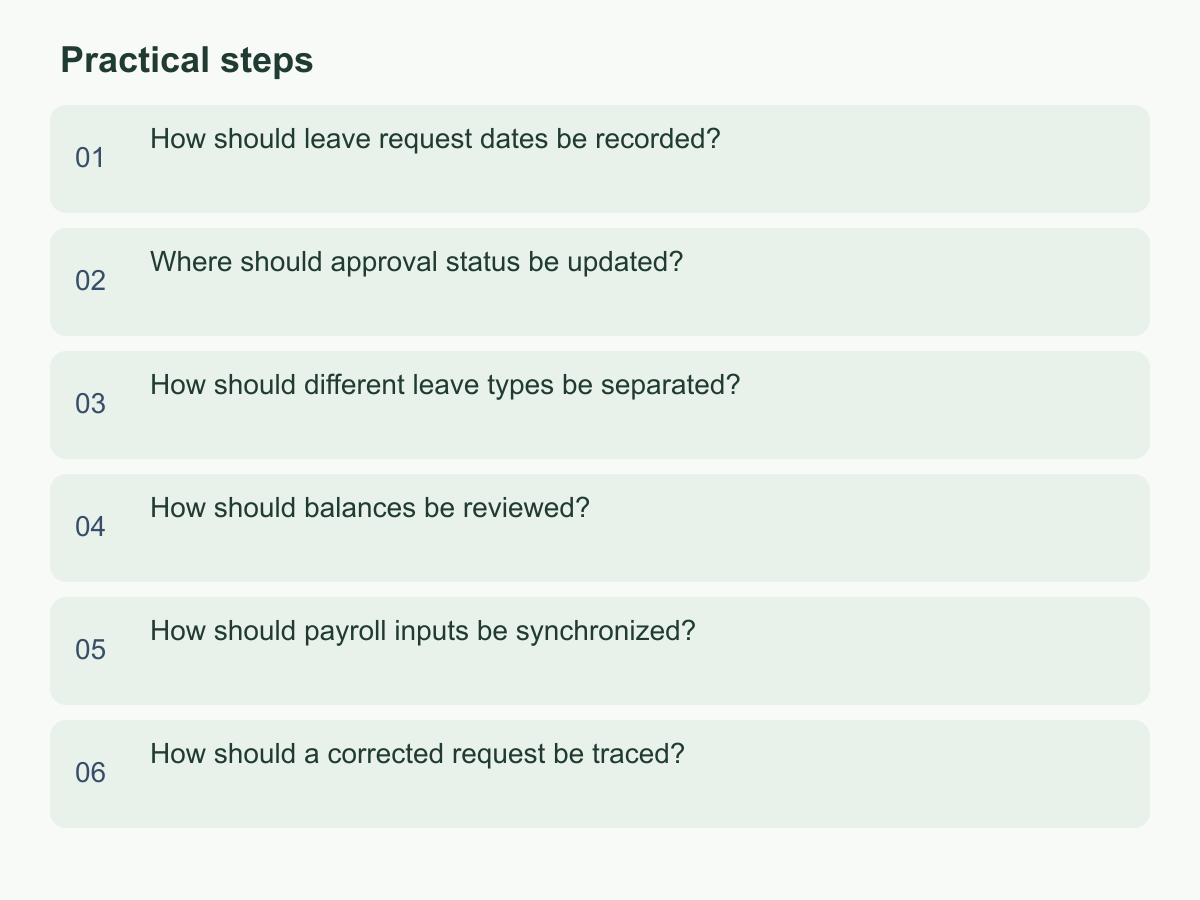
How should leave request dates be recorded?
Record the submission time, requested start and end dates, daily portion or hours, and employee-selected leave type in separate fields. A total number of days alone cannot show how a cross-date request, half-day, or shift period was treated. Give each request an ID linking attachments, messages, and approvals. For an overnight or partial shift, keep start and end times and the schedule ID so a reviewer can recalculate using the confirmed unit rather than guessing from dates.
Save the requested value first. After approval, record the adopted value and any difference, with the reason, confirmer, time, and basis. Use YYYY-MM-DD throughout; for forms, keep the response ID, import time, and original file location.
For example, if an employee requests four hours on the afternoon of June 9 during a scheduled eight-hour shift, keep the period and unit in the record. Whether it counts as half a day or reduces a balance by a particular amount depends on the confirmed internal rule. For a multi-day request, record each date and actual period separately. State the local date and time zone used when they matter. For a worker without a scheduled shift, record the confirmed source and version for standard daily hours so the calculation can be repeated.
Where should approval status be updated?
Update the agreed master record and link emails or chat messages as evidence. Define internal statuses such as received, pending approval, approved, not approved, withdrawn, and awaiting information. For every change, record who made it, when, the old and new status, and any explanation. If there are multiple approval steps, record each approver’s decision separately.
Keep approval status separate from payroll handoff: approval does not mean a record was exported, and export does not mean payroll accepted it. Use separate handoff statuses, such as not handed off, exported, pending reconciliation, and confirmed, with the batch ID or file location.
Fictional example:
| Request ID | Date and unit | Internal approval status | Update record | Payroll handoff |
|---|---|---|---|---|
| L-026 | June 9, four hours | Awaiting manager confirmation | Manager response pending | Not handed off |
| L-027 | June 10, one day | Approved | Manager confirmed June 8 | Pending reconciliation |
At month end, trace approved-but-unhanded requests and unconfirmed exports to their evidence. Do not use color as the only status indicator; it may disappear in print, exports, or accessibility tools. For verbal approval, add a traceable source and time before updating the master. If it cannot be verified, leave the item pending for the designated person. For a delegate, note the original owner and delegation period. Reminders may follow the internal cadence, but should not become automatic approval.
How should different leave types be separated?
Keep the employee’s submitted leave name separate from the internal category, policy or rule version, calculation unit, payroll marker, and confirmation status. If payroll requires a code, map it in a separate field. Retain the original text and mapping date, identify who maintains the mapping, and record the version when a policy or code changes.
If a name or treatment is unclear, preserve the submitted value and mark it pending. Record whom the team asked, the response, and its basis before changing the internal category. Do not guess whether a category is paid, unpaid, or assigned to a particular balance, and do not send an unconfirmed category into a payroll-impacting classification. Public holiday, sick leave, annual leave, and compensatory leave are examples of data labels to distinguish here; this article does not determine eligibility or available days.
Use field validation and have a designated person review exceptions. Keep old and new values when a category changes. If a manager approves a different category from the employee’s selection, preserve the original submission and record the adopted category and reason separately. A controlled spreadsheet may be enough for a small team. Before using an external HR or attendance tool, check that it exports the required fields, versions, and source IDs. A tool’s default option does not establish company policy.
How should balances be reviewed?
Treat an internal balance as a calculation, not a determination of legal entitlement. For each employee, record the opening amount, confirmed additions or adjustments, approved usage, period and unit, rule version, reviewer, and review date. A working formula is “opening balance + confirmed additions − approved usage ± corrections,” with each movement linked to its source. Keep pending requests separate from approved usage to avoid deducting the same request twice.
Verify how the opening amount was carried forward and that each movement has an approval or traceable basis. For a year change, hire or departure, scheme change, or renamed category, check whether the period or rule version changed. Mark missing-source differences for investigation rather than inventing an adjustment to make totals match.
For example, an internal ledger with an opening balance of 24 hours, 12 hours added during the period, and 8 approved hours used would show a provisional balance of 28 hours. This is arithmetic only; it does not represent anyone’s legal eligibility, leave entitlement, or pay due.
Use three checks: balance ledger against requests, approvals against manager evidence, and exported totals against the payroll handoff sheet. If figures differ, identify the entry and version, and retain the original amount, adjustment, reason, and approver. Do not change the opening amount to hide a discrepancy. Mark the result as consistent, difference under review, or insufficient data, and name the next owner. Record the sample, reviewer, date, and version so the check can be repeated; before payroll is finalized, confirm whether unresolved differences affect the current input.
How should payroll inputs be synchronized?
Set a data cut-off and handoff owner so payroll knows the covered period, approved requests, and unresolved items. At the cut-off, export only approved records with employee ID, date or period, category, unit, payroll marker, and source request ID. Check source records for missing fields or unclear status instead of filling unknowns with blanks or zero. Track not exported, sent, reconciliation pending, and confirmed separately.
Payroll may use a spreadsheet, accounting or HR system, or external service. Confirm field mapping, code format, period rules, and recipient before transferring a controlled file; do not assume systems interpret categories, hours, or paid markers alike. Include a batch ID and generation time, restrict access, and use a secure internal channel. Check the actual import result and errors: “file sent” does not mean “payroll updated.”
Record accepted and rejected counts, failure reasons, correction owner, and completion time in the handoff log. If source data must change, correct the original request and create a correction record instead of making an unexplained payroll-side edit. In a fictional mixed batch, export only items eligible under the internal process; leave the rest on the follow-up list and notify the responsible person. This article assumes no particular interface, external service capability, or fee. Checking a small batch first can reveal field mismatches before a larger transfer.
How should a corrected request be traced?
Do not overwrite the original request. Create a linked correction entry with the person and time, reason, old and new values, confirmer, status, and whether the change affects a balance or payroll handoff. State whether it changes only formatting or wording, or changes a value that may affect a calculation.
Choose the next step based on the request’s stage. Return an unapproved request for revision and retain its version history. For an approved request not yet handed off, record the revised approval result and review the balance again. For a request already sent to payroll, update the internal record, open a handoff correction item, and get confirmation from the recipient. This tracks internal data handling; it does not set a payroll rule or statutory deadline. If an employee entered June 9 and later confirms June 10 was intended, link both dates, the reason, confirmation, and affected period in one correction chain; do not delete the original value.
Use a unique correction ID and timestamps to order versions, and limit editing rights to appropriate people. Before month end or a payroll cut-off, check whether open corrections concern exported data. Keep the withdrawal time and approval status for cancelled requests instead of deleting them.
Start with one period, create the master, status history, and correction log, then trace a fictional request through submission, approval, balance review, and payroll reconciliation to its source. For general information about Chan & Chung, visit the English homepage.