Overseas buyers often ask suppliers to complete a registration form, attach specified documents, and wait for review. Track fields, attachments, owners, delivery methods, and status separately, marking items “submitted,” “to be supplied,” or “awaiting buyer confirmation.” Follow the buyer’s form and instructions. If local document requirements or legal effect are unclear, ask the buyer to define them and consult an appropriate local professional when needed. This process keeps answers traceable and next steps visible. Submission alone does not mean approval.
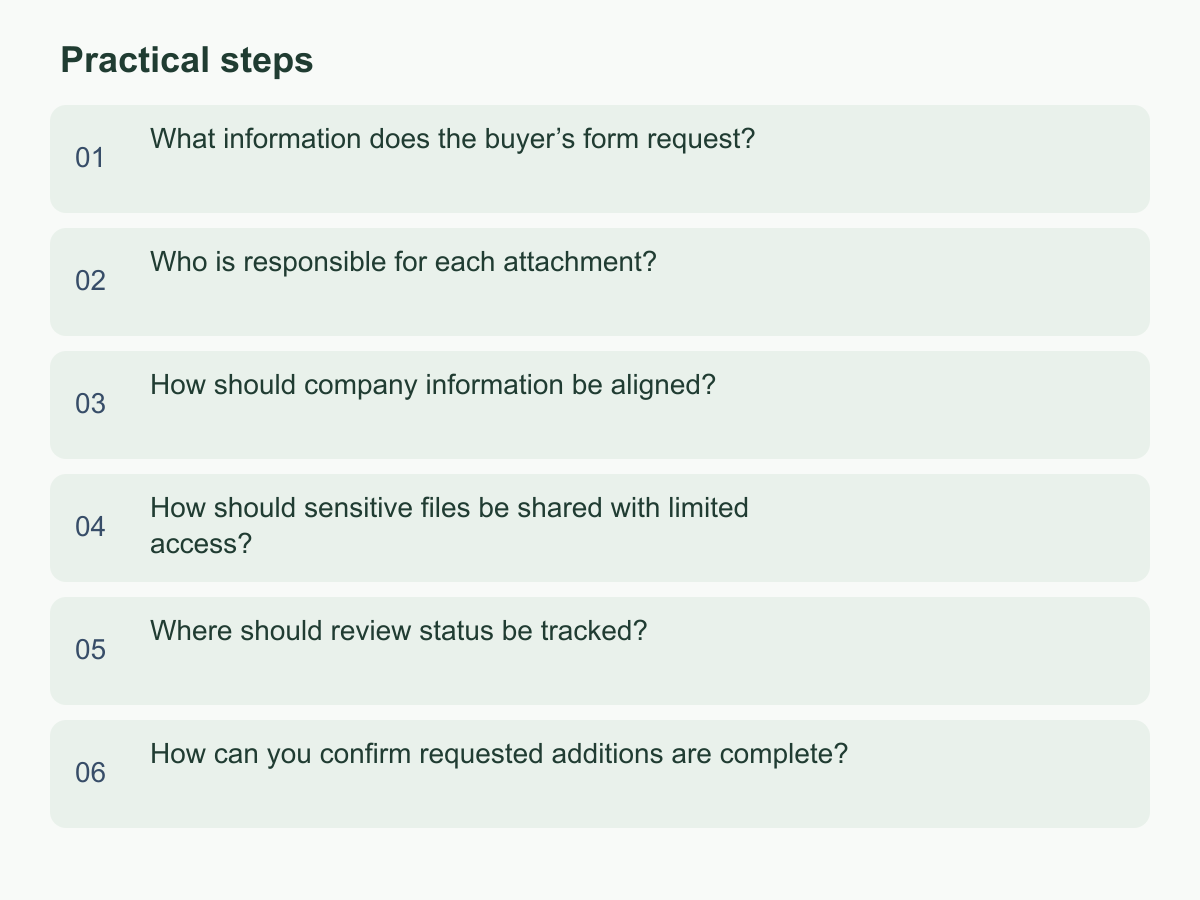
What information does the buyer’s form request?
Get the buyer’s current form, instructions, and attachment list; confirm the version and language. For each field, record its original label, required status, format, source, owner, and open question. Do not infer requirements from another buyer: “company name” could mean a registered or trading name. Keep unclear labels and ask the buyer.
Group fields for internal work, such as identity, contacts, payment, and operations; these are not assumed requirements. Mark each “required,” “if applicable,” or “awaiting buyer confirmation.” If an answer is unavailable or inapplicable, ask whether “not applicable” and an explanation are accepted. Follow stated date, currency, address, and identification-number formats.
Use a mapping sheet for label, answer, source, question, and updater. Distinguish “not available” from “not applicable”; do not substitute zero, blank, or an arbitrary code. Maintain a reference version and synchronize repeated information across the form, attachments, and payment setup. Have someone familiar with company records check names, address, and contact details. Confirm the buyer’s deadline and delivery channel, asking if either is unstated. For ambiguity, quote the field, ask which source or format is wanted, log the answer and date, check similar fields, and keep it unresolved until confirmed.
Who is responsible for each attachment?
Create a row per requested attachment: document, related field, information holder, preparer or signatory, approver, delivery contact, and status. Assign a person. Administration might locate company records, finance verify bank details, and operations prepare a product description, but the company chooses actual owners. A department name alone leaves no one responsible for follow-up.
For declarations or self-assessments, the content owner checks facts and an authorized representative reviews and signs; the form-filler may lack signing authority. Track fact-checking and signing authority separately, with owner, completion time, and approval basis. Administrative review cannot replace professional judgment on accounting, tax, legal, or regulated-service questions; refer them to an appropriate professional.
Record each file’s date, version, language, format, translation or certification requirement, and request source. Ask the buyer about unclear formats instead of promising acceptance. Assign an owner, backup, internal response date, and delivery location. On receipt, check filename, legibility, and match; for missing files, record the gap, follow-up owner, and next update.
If an outside bank, institution, or partner must provide a file, confirm who may request it, required internal authorization, and sharing approver; log request, reply, and gap. Before translation or certification, ask the buyer for language, format, issuer, and accepted version. Do not promise an unconfirmed date.
How should company information be aligned?
Choose a verifiable source and baseline. Record registered and trading names, addresses, contacts, and payment data separately, noting source, check date, and use. If a name field is unclear or registered name differs from brand, ask which is wanted and whether separate entries or a note are accepted.
Compare addresses by floor, unit, district, and spelling. Keep registered, mailing, and business addresses separate; confirm which is needed. Do not omit details or translate unverified addresses. If space is short, ask about attaching a comparison. Have finance check payment data. For discrepancies, stop reusing the old answer, confirm with its owner, and ask what format is accepted.
Example: the name matches, but the address omits a floor and the bank account name has an extra space in English. The coordinator leaves source files unchanged, logs both differences, confirms with address and finance owners, and asks the buyer how to show them. After confirmation, update the submission version and retain source and revision history. Note baseline date, custodian, and customer; recheck before reuse.
For requested local proof, translation, or another format, confirm specifications and assessor. If data changes, review affected submissions as the buyer instructs. Keep bilingual source and translation together; the translation is not official. Record delivered version and source.
How should sensitive files be shared with limited access?
Check each file’s purpose, contents, and approver. Use a buyer-specified or agreed channel and only needed information. Do not omit requested details or pass an altered official document as original. Before redacting, ask what is accepted and how to identify it; keep the source and approved copy distinct.
For a folder or buyer portal, check recipient account, view or download rights, expiry, and revocation. Avoid forwardable links in group email. For portal uploads, confirm recipient and category, assign an owner, and retain evidence. If no channel is agreed, ask before using a group or personal inbox. Log file, version, recipient, purpose, approver, channel, and time.
Limit access to people preparing, reviewing, or receiving the file. Confirm a colleague is authorized and send passwords separately from links. Test access with a controlled account; revoke and reset excess permissions. Inspect drafts, duplicate pages, notes, hidden comments, and extra worksheets. For unredacted originals, verify recipient, purpose, channel, and approval.
Have a separate reviewer check recipient, version, access, and tracker. For multiple buyer contacts, get the list or group confirmation; do not share with the whole organization. Before a link expires, confirm retrieval or agree another channel. If misdirected, notify the information owner, restrict access under procedure, and record the response.
Where should review status be tracked?
Use a shared team tracker or buyer portal as the primary record. Give each field or attachment a status, owner, update date, next step, and evidence location. Keep “submitted” separate from “accepted.” Preserve fixed portal wording and explain it internally.
| Status | How to determine it | Next step |
|---|---|---|
| Submitted | Sent through agreed channel; evidence saved | Check receipt |
| To be supplied | Information or file is incomplete | Assign owner and update date |
| Awaiting buyer confirmation | Definition or format is unclear | Consolidate questions |
| Under review | Buyer says it is checking the item | Record basis and follow-up |
| Revision required | Buyer requests correction or addition | Save request; assign owner |
Support updates with a reply date, portal item, or file. If portal and email disagree, record both and ask the buyer which is formal. With no deadline, set an internal check date and politely ask for an update; this is not a buyer commitment. Give a backup contact the tracker, versions, and open questions if the usual contact is away.
For multiple buyers or batches, use consistent customer names and identifiers. Keep prior status, updater, date, and original corrections or email location. Close accepted rows individually; leave the whole batch open while files remain under review. Link portal receipts or status in the tracker, not downloads.
How can you confirm requested additions are complete?
Keep the buyer’s request and split it into fields or files, format and version, signatory, submission location, whether to replace an old file, and how completion is confirmed. Break multi-part requests apart and clarify unknowns. For local validity, translation, or professional judgment, assign an owner and keep the item pending until resolved.
Before sending, check name, version, legibility, language, signatures, form-and-attachment consistency, and location. Mark a replaced file withdrawn; if the portal cannot retract it, ask how the latest is identified. Preparation is not delivery: record date, channel, and receipt evidence, then mark “submitted.” Keep the request and response.
Confirm the buyer received the file, can open it, and has an answer to the original issue. An automated notice may mean receipt only; record “received, pending review,” not approval. If incomplete, leave it pending, schedule follow-up, and record the gap and version on the original item. Close only on buyer confirmation, a completed portal item, or another buyer-specified method. Save evidence and hand over open items.
When complete, link the confirmation to the batch and note the current company-information version and update contact. One buyer’s acceptance does not carry over; check each new buyer’s list again.
Start by turning the buyer’s form and attachment list into a tracker with one row per item, three working statuses, and an owner. Combine unclear format questions for the buyer. For information about Chan & Chung and Hong Kong businesses expanding overseas, visit the Chan & Chung website.