
Before sharing records with an external accountant or adviser, a broad request or long-lived access can leave the company unable to track copies and holders. Use one handoff checklist for scope, necessary fields, sharing, expiry and cleanup, with an owner and a checkable result.
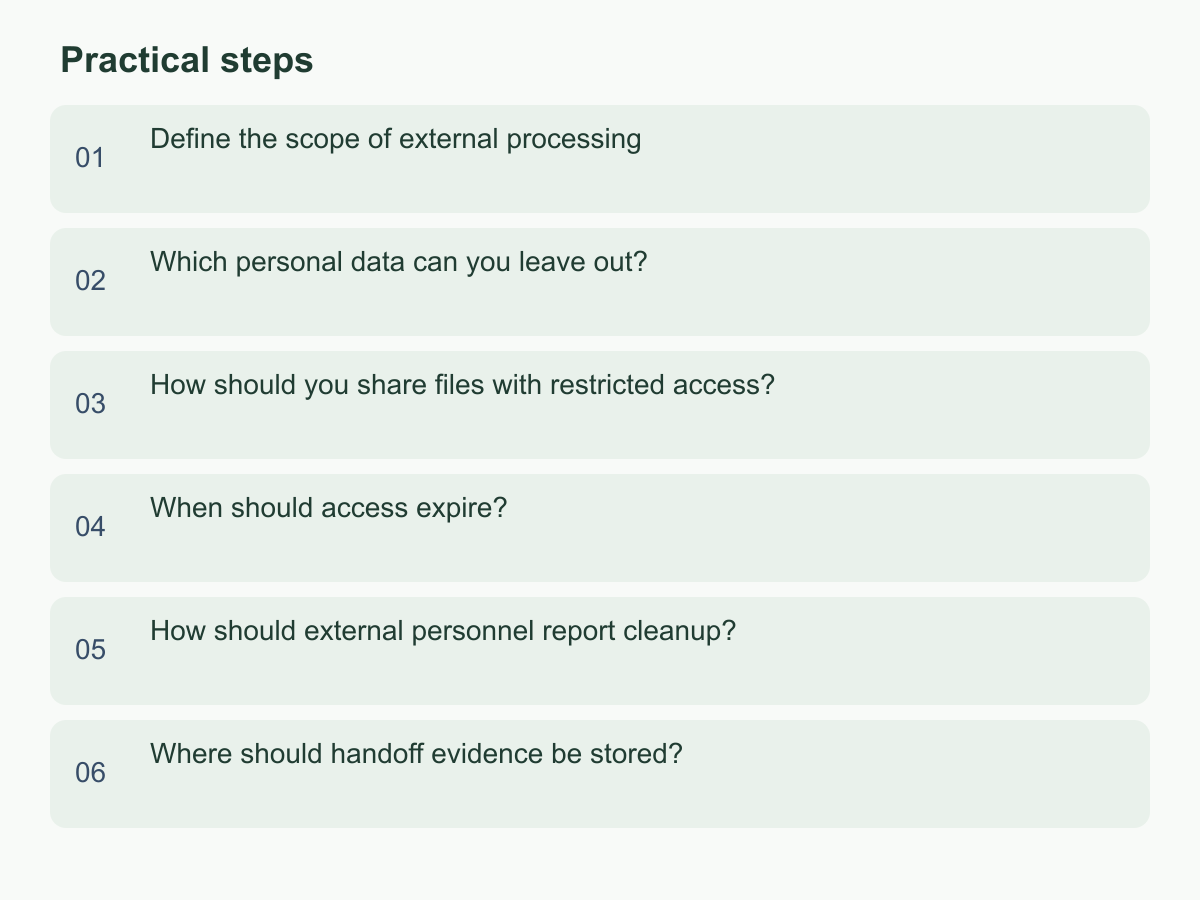
Define the scope of external processing
Turn the adviser’s work into answerable tasks. Record the purpose, company or project, data period, questions, deliverables and exclusions. Avoid “review everything.” If an accountant is reconciling receipts and invoices for a period, identify the relevant accounts, dates and document types; that does not require the full customer database, employee files or other years’ records by default. Ask why each field is needed and how it supports a finding or deliverable.
Name a company data owner and adviser-side recipient. Distinguish requesting, approving, uploading and removing access. Confirm the recipient and route, and ensure internal contributors know the scope. Resolve different understandings in writing first. For changes, record the added item, reason, approver and date, then reassess necessity. Initial approval does not cover a new project; separately approve new questions and data.
Match every file to a question. Hold unmatched files and choose one clear, traceable source when several serve the same purpose. Give each adviser separate recipients and folder access. Agree on the output format and a company contact to avoid duplicate requests or unnecessary working papers.
Which personal data can you leave out?
For each field, ask whether it directly supports the work and whether less data could answer the same question. Classify it as necessary, replaceable or not currently needed; redact what you can before deciding whether an original is required.
| Data type | First check |
|---|---|
| Invoices and transaction records | Keep needed dates, amounts and references; mask unrelated contact details. |
| Customer or employee lists | Ask whether codes, summaries or a sample will work. |
| Identity or account verification data | Do not provide passwords, one-time codes or unrelated identity document copies. |
Payment checks may need a reference linking a transaction to a document. Try the same code in both places instead of a person’s name. If identification is necessary, ask which fields are needed, why and how they will be handled. Do not send addresses, private phone numbers, identity details or whole message histories just because they appear in an export.
Keep the original internally and prepare a separate external copy. Check hidden columns, comments, filenames, page images, attachments, scanned-page backs, spreadsheet tabs and filtered rows. A visual black box may leave selectable text underneath. Open the final copy to confirm sensitive content cannot be read. If totals or coded data suffice, start there and keep any re-identification key internally; provide more only to resolve a specific issue. Leave fields with no explained purpose out.
How should you share files with restricted access?
Use a company-managed location with named-user access, and ask advisers to use their own work accounts. Avoid sharing an entire cloud drive, defaulting to private email or using a public link. Put this engagement’s files in a separate folder and invite approved recipients only. The data owner checks the folder and recipients, the work owner checks the files, and the adviser confirms access before work begins.
Grant only what the task needs: view access when editing is unnecessary. For annotations or returned work, use a separate return location so original records remain unchanged. Download, copy or print controls may help, but cannot prevent screenshots or other capture. Check the folder, file version and recipient address from a non-admin perspective, including that unlisted people cannot enter through the link.
Tell the adviser the data’s purpose, who must not receive it and whom to contact if misdirected. Record who shared what, with whom and when; note where access logs can be checked if available. A non-sensitive test file can confirm the recipient opens the right folder. Keep an access list with each person’s organization, purpose, file scope and approver. Before adding an assistant or collaborator, get the engagement contact’s reason and have the data owner update permissions. Remove people when they leave the task; approve a new account for replacements instead of transferring a login or link. If email is necessary, agree how returned files will be handled and keep personal data out of subject lines and filenames.
When should access expire?
Tie access to work milestones, not just a convenient link date. Agree on review, follow-up, response and closeout stages, then set review points and removal conditions. In this assumed advisory-review example—not a statutory timetable—the company owner approves recipients and opens the folder before work; the project owner checks continued need while awaiting material; after confirming the result, the data owner removes access and requests cleanup.
If work pauses, consider suspending access. Reopen it after checking the current scope and recipients. For an extension, ask what remains unfinished, which files are needed and when access should end; the original approver records a new review date. Do not wait if the engagement ends, personnel change, a link is shared in error or responsibility moves: confirm who still needs access and remove the rest.
If a platform cannot expire a link, assign a reminder naming the responsible person, checklist and backup owner. Set separate review points for advisers at the start, planned review and closeout. At each point, check actual need and the current list rather than simply marking the reminder complete. If only a few questions remain, ask whether the adviser still needs the full folder. Record each extension’s stop condition and notify the approver and backup.
How should external personnel report cleanup?
At closeout, request an itemized status of delivered materials and working copies, not just “Has everything been deleted?” Ask which files or folders were received, what happened to each, when and by whom, and whether anything was saved, printed, forwarded or placed in another work system.
For records that must be retained, ask for the data category, reason, permitted use, roles with access and next review point. The data owner should check that this fits the engagement purpose and seek appropriate professional input when needed. Avoid demanding an absolute assurance that cannot be demonstrated. For backups, email attachments or collaboration tools, ask what can be cleared now, what follows the adviser’s existing process and how routine access is restricted meanwhile.
Check company-side access removal against the recipient list or logs; verify adviser-held copies through a written, itemized response. Record exceptions, reasons, owners and follow-up. Ask for the checked scope even when there are no exceptions. A reply does not prove every platform copy is gone, so sample-check permissions. If the response is unexpected, pause new sharing while clarifying where data went. For unresolved copies, log what is known, why status is unclear and the next step; assign an owner and do not expand sharing until understood.
Use a fixed response format: data item, storage locations, action taken, uncleared items, people who can still access it and next review point. If the adviser replies only “handled,” ask whether that includes downloads, working copies and forwarded attachments, and who checked each category.
Where should handoff evidence be stored?
Keep the handoff record in a company-controlled location so a colleague can trace the request through access removal and cleanup without searching private inboxes or chats. Record scope and version, fields and sharing reason, approver, data owner, file inventory, recipients and method, access start and removal times, receipt confirmation, cleanup response and open exceptions.
Store management records apart from personal data, limiting access to people who manage the handoff. Do not copy sensitive content into the log; retain only what locates files and explains decisions. Use consistent file names or identifiers linked to version, purpose and storage location. For supplements or replacements, note if the old copy was withdrawn, who checked the new one and which version is current. Name a backup who can find approvals, active permissions and open items if the owner is away or changes.
Show the record’s last-updated date and location so an old checklist is not mistaken for current status. Do not set an arbitrary retention period here; follow company arrangements, engagement terms and relevant professional advice, and name who reviews the record. If files used several channels, record when each link, email route or collaboration platform was closed. The handoff is not complete while any route remains open.
Before closeout, the data owner should reconcile every checklist item; a backup can sample-check access removal and cleanup responses. Keep the status open if anything is missing, assign an owner and review date, then update the record when resolved. “Sent” does not mean “closed.” Start by naming a data owner and using these fields for a one-page checklist, then confirm the arrangement with the external adviser. For information about Chan & Chung, visit the English website.