
Sending a document does not always finish the work. You may still need to show which version was sent, how it was delivered, whether it was received, and whether anything remains open. Keeping those details in one case record makes follow-up easier and avoids filling gaps from memory.
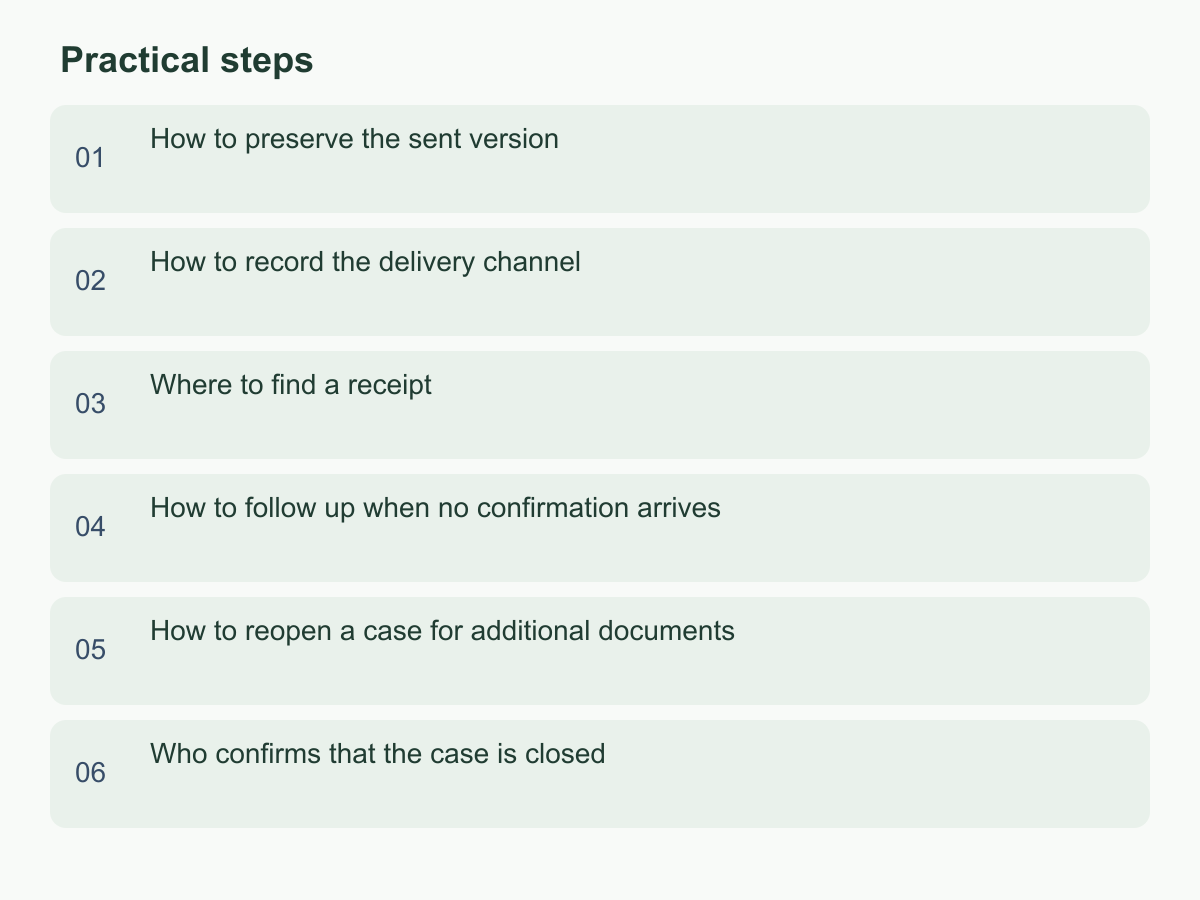
How to preserve the sent version
Before sending, fix the record of what will actually be delivered, rather than relying on the newest file in a shared folder. Check the document name, version date, page count, attachments, recipient, and purpose. If several people have edited the document, save a separate copy that will not be overwritten and make sure it can be matched to the transmission record. That lets the team identify what the recipient received without guessing from a filename or memory.
After checking the content, place the copy in a case-specific folder and use a consistent name, such as the case reference, document name, version date, and a sent marker. Record its location, confirm that it opens, and check that all attachments are present. If the channel limits file size or format, confirm the format being used before sending so it matches the version prepared for delivery.
For example, if a case sends one form and two attachments on Monday, record the form name, version date, both attachment names, and the location of the sent copy. This is an operational example; adapt the names to the case. If a page is later found to be missing, the original delivery can still be identified and a corrected version saved separately.
Do not overwrite the sent copy when the working file continues to change. Keep the original, create a new version, and note the changes, date, and reason. If a channel converts, compresses, or previews a file, the recipient may receive something different from what appears locally. Keep any file or screen evidence the channel provides. If you cannot establish what was delivered, mark it for verification rather than complete.
How to record the delivery channel
A channel record should let someone taking over reconstruct how a document left the team and where it went. At minimum, record the date and time, channel, recipient or account, document and attachment list, person who sent it, and any message or transaction identifier that can be checked later. Evidence varies by channel: email may have a sent copy, an online form may show a submission page, and physical delivery may have a handoff record or proof of receipt.
Add the details soon after sending, while they are easy to confirm. For email, keep the subject, sender and recipient addresses, and the location of the sent message. For a portal, record the account, submission time, case number, and where to find the receipt. For in-person or courier delivery, note who received the package, any document or package identifier, and available proof of handoff. Keep only information needed for the work and limit access to the record.
For example, an email record might say: “October 19, 14:10; sent by operator A from the work mailbox to the designated contact; subject includes the case reference and document name; three attachments; sent copy saved.” If the recipient later says an attachment is missing, the team can check whether it was included before deciding whether to resend or use another channel. This example does not describe any particular system.
If someone sends on another person’s behalf, record both the actual sender and the case owner so the sender is not mistaken for the approver. Add a separate event for an error, cancellation, or resend, keeping failed and successful attempts distinct and in order. If no platform receipt is available, state what can be established, what is missing, and how it will be checked.
Where to find a receipt
First identify what the receipt needs to establish. A system accepting a submission, a file reaching an address, and a named recipient confirming receipt are different states. Look in the original channel record for relevant evidence, such as the sent email, submission confirmation, case message, delivery record, or recipient’s reply. A successful send alone does not show that someone read the contents or accepted them.
Search by the sending time, recipient, case reference, and document name to confirm the evidence relates to this delivery rather than an earlier case or version. Preserve the original receipt, email, or screenshot, and record its source, when it was obtained, and where it is stored. If the receipt is only available online, note where to return and what search details to use. A screenshot should include enough case information to identify it, not just an isolated part of a page.
Suppose a portal shows a completed submission but no recipient has replied. Record those facts separately: “Portal shows submission complete” and “No manual receipt confirmation obtained.” Save the evidence for the portal status in the case folder. This makes clear what is known without implying that the recipient read or accepted the material. If the recipient later confirms receipt by email, link that reply to the case and update the receipt status.
If the receipt lacks a time, case reference, or document name, look for context that connects it to this delivery, such as the email subject, portal case number, or transmission log. If you still cannot confirm which submission it belongs to, mark the evidence insufficient and check with an appropriate contact. A similar filename is not proof. Also preserve the distinction between confirmation that something arrived and confirmation that it was complete.
How to follow up when no confirmation arrives
If no confirmation arrives, review the agreed response method, the case status, and the transmission evidence before deciding when to follow up. Silence does not prove receipt, but repeatedly switching channels without new information may add confusion. The follow-up task should identify an owner, the next check date, the question to resolve, and who to contact if it remains overdue.
Before contacting anyone, recheck the recipient address or account, sending time, attachments, and any receipt. This can reveal a wrong address, an incomplete submission, or a returned notification. Keep the message short: give the case reference, sending date, and document name, then ask whether it arrived, can be opened, and needs any additions. Record the contact time, channel, reply, and next step in the case; do not record only that someone was chased.
For example, if documents were sent Monday and the record sets Wednesday as the check date, the owner can review the sent copy on Wednesday, then send one confirmation using the agreed contact method. If the recipient has not seen it, verify the address or resend through a channel both sides can use. If it arrived and is still being processed, record that status and the agreed next check. This example does not set a standard response period.
If contact details no longer work, the expected response time is unclear, or other work depends on the case, use the organization’s existing owner and escalation process. Record the contact attempts and outcomes. After repeated silence, do not label the other party as refusing or agreeing. Keep the case pending external confirmation, state the evidence and blockage, and ask the case owner whether to contact an authorized person, pause dependent work, or take another confirmed step.
How to reopen a case for additional documents
When an additional request arrives, determine whether it asks for an explanation of the original document, new information, or a correction. Record who made the request, when it arrived, the specific items, and the requested response method. Even if the initial submission was completed, add the request as a new task or reopen the case while preserving the original sent version and receipt. This keeps the full sequence from initial delivery through follow-up visible.
Break each request into work that can be checked, with an owner, needed input, target completion date, and submission channel. Confirm which information is available and which details need to be checked with others. Once ready, recheck the version, page count, attachments, and recipient; save a new sent copy and link it to the original case and request. If items are handled in stages, mark each one complete or pending instead of using “additional documents sent” to hide unfinished work.
For example, if the recipient says a form is missing a field and asks for a separate explanation, create two tasks: correct the form and prepare the explanation. After checking both, record the new version date, attachments, and sending time, then track whether they were received. If the explanation is sent while the form is still being completed, show partial completion and name the owner and next step for the outstanding item. This is a general example; confirm the actual requirements against the request received.
If a request is unclear, contradictory, or depends on internal information that has not been verified, do not guess at the expected answer or put unchecked details into a formal document. List the specific questions and ask someone authorized to confirm them; record the answer and its basis. If the response will be delayed, update the task date and tell the relevant owner. Keep the original message if the request may change the case scope so the owner can decide how to arrange the work.
Who confirms that the case is closed
Decide closure against the deliverables and confirmation method agreed for the case, not simply whether a file was sent. Check that the required documents are preserved, the channel record is complete, available receipts are saved, outstanding external responses have a clear status, and any additional requests are handled or assigned to a named owner. If a key confirmation is still with the recipient, keep the case pending external confirmation instead of marking it fully closed.
Before closure, the case owner should review the record and, when needed, ask the sender or other relevant team members to check the evidence they hold. Note who confirmed closure, the date, the criteria used, and any remaining tasks. Follow the organization’s review responsibilities where applicable. The record should show the basis for the status so someone taking over can tell what is complete and what still awaits an external response.
For example, a portal may provide a submission receipt while the recipient has not confirmed whether the contents are complete. The owner can mark the sending task complete while keeping the overall case pending external confirmation, with a follow-up owner and next check date. Once the recipient confirms no additions are needed, record that evidence and the closure time. Separating successful delivery from case closure prevents different people from reading the status differently.
If external processing pauses, a contact changes, or a receipt cannot be obtained, record what is complete, what evidence is missing, who will decide, and what event will trigger another review. The owner can then confirm whether to pause, remain pending, or close under internal rules with the exception documented. A simple record covering version, channel, receipt, follow-up owner, and closure confirmation can help keep future handoffs clear. For related information, visit the Chan & Chung homepage.