
Before asking a freight forwarder to arrange a booking, bring the cargo summary, packaging details, contact people, expected handoff window, and unresolved fields together in one shipment instruction. Requirements can vary by carrier and route, so check the format and information requested by the actual carrier for this shipment. This checklist explains how to organize details; the carrier must confirm its own requirements.
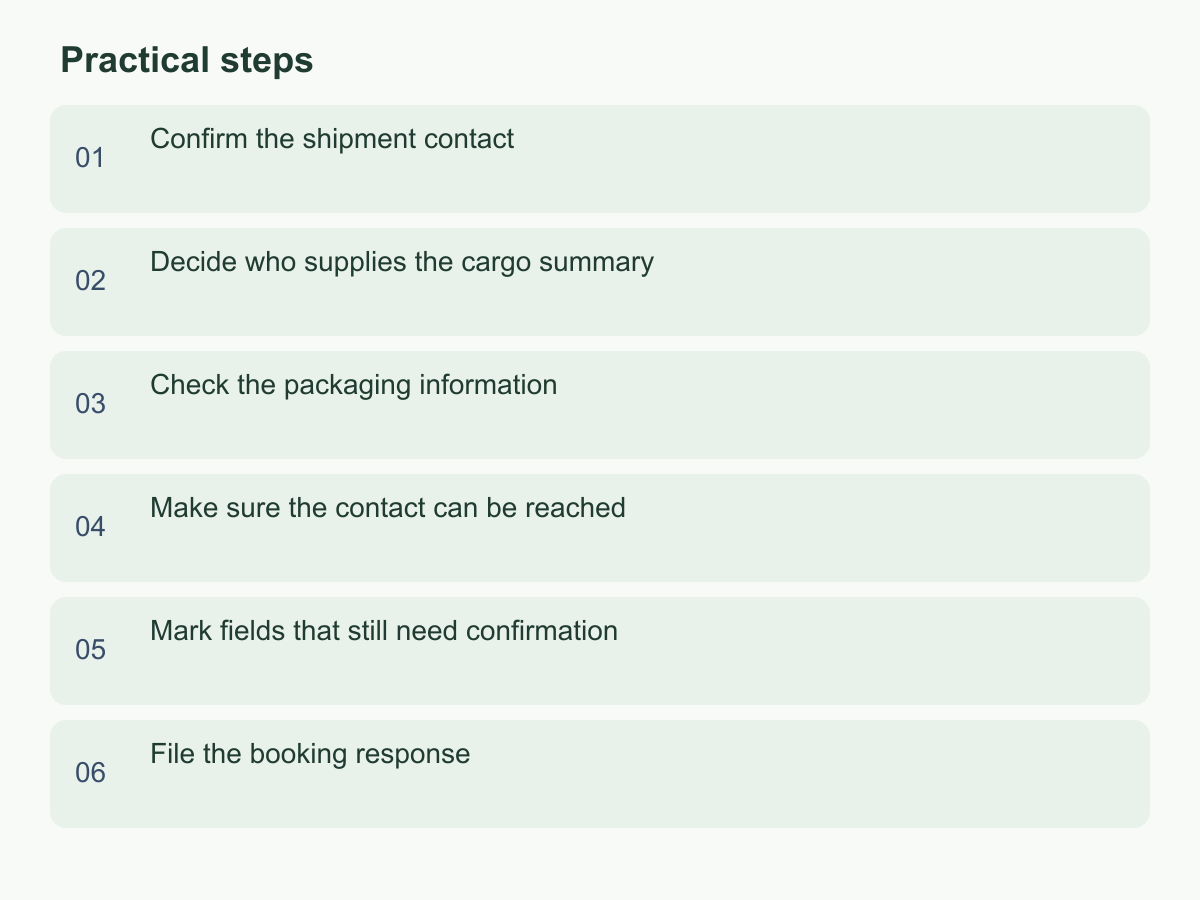
Confirm the shipment contact
Choose a shipment contact who can compile details, answer carrier questions, and obtain internal confirmation when needed. Before filling in a form, identify who sends the instructions, who can verify cargo information, and where the carrier should send its reply. Clear roles help preserve context when messages are forwarded and keep pending details from appearing approved.
Create a contact block for the shipment: company or shipper name, primary contact, role or team, phone, email, and suitable contact hours. Label any backup contact and their role. Check spelling and details against internal records, then transfer them into the carrier’s form. Keep one person responsible for the current version. If the primary contact cannot verify cargo or handoff details, name a colleague who can and make each person’s responsibilities clear.
Suppose Company A’s operations contact, Ms. Lin, compiles the booking details and Mr. Chen at the warehouse handles handoff. Name Ms. Lin as the booking contact and Mr. Chen as the handoff contact, with a reachable phone number and email for each. Leave the date and time pending until the warehouse confirms them. This tells the carrier whom to ask about the information and whom to contact on site.
Record the expected handoff date, time range, and time zone separately from the carrier’s estimated arrival; an arrival estimate is not an appointment. If only afternoon availability is confirmed, mark the exact time pending with an owner and reply deadline. Update the same version after warehouse confirmation, and check there before accepting a carrier’s proposed change.
Decide who supplies the cargo summary
Have the person who knows the actual shipment provide the cargo summary. The shipment contact can then organize it in the carrier’s format. Confirm the product description, quantity, purpose, and any other requested identifiers with the relevant warehouse, purchasing, or inventory colleague. Use the field names and definitions on the form for this shipment. The summary should help the carrier understand what needs arranging, not fill gaps with guesses.
Check the source, unit, and version for each item. Make clear whether a quantity means individual pieces, cartons, or pallets; confirm that weight and dimensions match the actual packaging; and record who verified the information and when. Do not copy a number from one field to another just because it looks plausible. Carton count, for example, may differ from the number of items inside.
Suppose the warehouse confirms paper stationery in 6 outer cartons, with 12 notebooks per carton. Enter 6 in the outer-carton quantity field. If the carrier’s form has a suitable field, list 12 as the quantity per carton as well. If you have a weight figure, first confirm whether it applies to one carton or the whole shipment and whether packaging is included. These are examples; verify actual shipment data before sending.
If records disagree on quantity or weight, pause the disputed entry and ask the data owner which version applies. Record the difference and who will resolve it. Check whether the carrier permits a blank or an not-applicable entry instead of inventing a code. For multiple products, note each field’s provider and record date. If a source description differs from the picking name, ask the product owner to confirm the match before consolidating it; preserve the original wording and ask a specific question if it remains unclear.
Check the packaging information
Packaging details should describe the outer packaging that will actually be handed over and answer the carrier’s requested fields. Ask the packaging or warehouse contact to confirm the package type, count, labels, and measured dimensions or weight. Then check the carrier’s field instructions. Do not reuse figures from an earlier shipment without checking them, or enter product dimensions as though they were outer-package dimensions.
Tie each number to a specific object. Label dimensions as length, width, and height with units. Say whether weight applies to one item, one carton, or the whole shipment, and use the unit requested on the form. If a shipment contains different package sizes, list each type and its quantity separately; a single average can hide important differences. Ask the carrier to define any unclear field or measurement method before entering a value.
Suppose a shipment has 2 cartons, each with warehouse-measured outer dimensions of 40 × 30 × 20 cm. List 2 cartons and the dimensions for each carton, noting that these are measurements of the outer cartons. If the carrier also asks for the contents, enter that information separately so it is not confused with the carton count. These figures are illustrative; use this shipment’s measurements for an actual booking.
If packing is unfinished, dimensions, weight, or count may still change. Mark each incomplete value as pending, assign the packaging owner, and give an expected confirmation time. Do not present an estimate as a measurement. If the carrier requests a specific packaging description or another field, obtain its written explanation and check that it applies to this shipment before updating the instruction.
If a form says only weight, do not assume that product net weight is the right entry. For example, keep the internal note as measured with the outer carton: 12 kg; field basis to be confirmed. Ask the carrier whether it wants net or packed weight, and record the reply and who took the measurement. Retain the original measurement. If the reply does not settle the definition, leave the field pending rather than converting or inferring a value.
Make sure the contact can be reached
Before sending the instruction, check that the phone number and email address work and that the contact knows the carrier may reach out about this booking. Follow the carrier’s format for country or area codes. Check the email spelling, spacing, and recipient. Use any designated contact fields the carrier provides; do not assume a main switchboard or shared inbox will reach the responsible person.
You can send a brief test email or use the company’s usual process to confirm that the primary contact receives messages. For phone details, follow internal procedures to check that the number reaches the person or backup contact. State each person’s role and suitable contact hours in the instruction. If the carrier has separate fields for the primary contact and notification recipients, use them. After sending, have the shipment contact watch for replies so that a message does not sit unattended.
Suppose Ms. Lin handles booking details and Mr. Chen manages warehouse handoff. Put each person in the matching field. If the carrier accepts only one primary contact, follow its form rules and put the handoff contact in an allowed notes field. Before sending, have both people verify their names, phone numbers, and emails; the shipment contact should also check the recipient and any copied addresses.
If the primary contact cannot answer during the handoff, arrange a backup, get their agreement, and update the instruction. If an email bounces, a phone number fails, or a recipient changes, correct the details, resend the current version, and ask the carrier to confirm receipt. Record when and how contact details were checked and the available hours. A correctly formatted address alone does not show that anyone monitors it. If no one can confirm coverage, assign a reachable contact before sending.
Mark fields that still need confirmation
Make every unresolved field easy to recognize. Show its current status, what information is missing, who will verify it, and when they expect to reply. A pending list can include the field name, information already available, reason it needs checking, source, owner, and follow-up time. This lets you organize confirmed information while reducing the chance that an open item will be mistaken for a final instruction.
Classify each field as confirmed, pending, or not applicable. Use not applicable or leave a field blank only if the carrier permits it. For each pending item, record the next step, such as asking the warehouse to confirm carton count, asking the cargo owner to confirm a description, or asking the carrier to define a field. Keep a revision time or version label. When the information arrives, update the status and notify whoever sends the instruction so everyone uses the same version.
Suppose the form requires packed weight but the warehouse has not finished measuring. Mark packed weight as pending warehouse measurement, assign Mr. Chen, and give an expected reply time, such as this afternoon. Organize the other verified fields and handle the weight field according to the carrier’s rules. This example does not mean every carrier accepts an incomplete form; check whether all fields must be complete before sending.
If the carrier does not accept pending fields, finish verification before submission. If the internal provider cannot reply on time, revise the follow-up time and tell the shipment contact so they can reschedule. When two records conflict, document both sources and the person resolving the difference instead of choosing the more plausible figure. Change a field to confirmed only after its owner verifies and updates it.
Also flag fields that depend on an unresolved value. If carton count is unknown, mark the total-piece field for recalculation once the count is confirmed, with an owner and reply deadline. After receiving the answer, clear each dependency and recheck affected entries before updating the sendable version. If the new figure changes the cargo summary or packaging fields, return to those fields’ source owners for confirmation; do not just change the total. Record the revision so a reviewer can see what changed.
File the booking response
Keep the carrier’s reply with the shipment instruction that was sent, somewhere the contact and relevant colleagues can find it. Link both to the same shipment record. Before filing the response, check that it concerns the correct shipment, that the related correspondence and attachments are present, and record when it arrived and which version it refers to. The goal is to let someone reconstruct the exchange without applying another shipment’s reply by mistake.
Use a consistent filename or folder index, such as the date, internal shipment identifier, and document type. Follow company access and retention practices; do not expose contact details unnecessarily in a shared location. Keep the final sent instruction, the carrier’s reply, attachments, and later revisions together. Mark which version was sent and which was updated. If the exchange happened by email, preserve the thread rather than saving only an isolated attachment.
Suppose the internal identifier is A-102. Store A-102 shipment instruction sent and A-102 carrier response under the same shipment record, with their sent and received dates. If you later add a confirmed weight and revise the instruction, save a new version and note why it changed rather than replacing the original sent copy. Treat the identifier and naming pattern as examples, and follow the company’s existing filing rules.
If no response has arrived, mark it as pending, name the person following up, and set a tracking time. When a reply does arrive, confirm its attachment and version against the sent record; ask the carrier if the reference is unclear. Record what it answered, what remains open, and the next internal step. A receipt notice confirms receipt only; it does not confirm booking details. You can use this checklist to prepare a shipment instruction and check it against the actual carrier’s requirements. Learn more about Chan & Chung at the English website.