
GSC clicks and GA4 sessions often sit side by side in reports, but measure events at different stages. Align dates, organic-search filters, and metric scope, then compare landing pages to locate gaps.
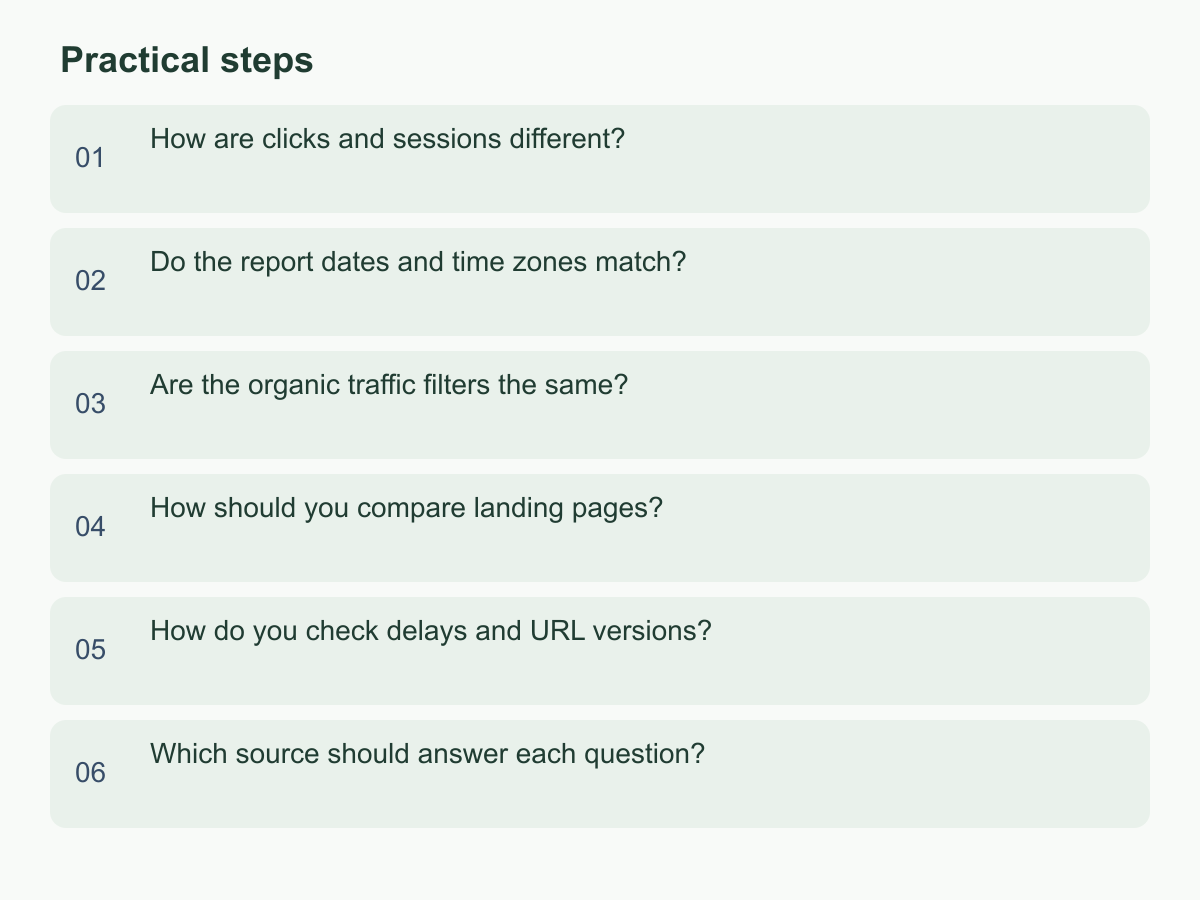
How are clicks and sessions different?
In Google Search Console (GSC), a click records a user clicking a link in a Google Search result that leads to the site. It is an interaction on the search-results side. See Google’s explanation of GSC clicks. A GA4 session is a period of interaction with a website or app recognized by its analytics setup. See GA4’s definition of a session. Someone may click a result and close the page before the analytics tag loads, leaving a GSC click without a GA4 session. Several visits also do not necessarily create several sessions: repeated search-result clicks may occur within one GA4 session.
The difference is not a count of “visitors missed.” For example, if GSC records 80 clicks and GA4 records 61 Google organic sessions for the same assumed period, the arithmetic difference is 19. Timing, filters, page loading, repeat clicks, consent choices, and browser settings can all contribute. Confirm that GA4 shows sessions rather than users, events, or page views, and that traffic is limited to Google organic search.
Use GSC for clicks from Google Search results and GA4 for recorded sessions and on-site behavior. If both fall for the same period and pages, investigate that signal; their totals still need not match. Check tags, consent, and the final URL rather than treating the difference as a correction factor.
Do the report dates and time zones match?
The same calendar dates may cover different hours. GSC daily data is divided by Pacific Time (GSC date and time zone guidance); GA4 uses the reporting time zone set for its property (GA4 time zone settings). With a Taipei-time GA4 property, activity near midnight may fall on a different date in the two reports. A longer period helps show the trend, but use and record matching start and end dates.
Check both date ranges and the GA4 property’s time zone rather than inferring it from your computer clock. GSC may still be processing recent data, and report update times can differ. Compare a complete period available in both and exclude incomplete recent dates; do not count a partial day just to complete a week. GSC’s 24-hour view may use the browser’s local time, unlike standard daily, weekly, or monthly reports. Record any GA4 time-zone change.
For example, GSC may show 70 clicks and GA4 62 sessions under the same date label. The arithmetic difference is 8, but that does not establish that sessions are missing. Check each report’s midnight boundary and data completeness. For weekly comparisons, use fixed start and end dates instead of mixing different week starts or rolling seven-day windows.
Are the organic traffic filters the same?
Specify the GSC report and search type. GA4’s “Organic Search” is a channel grouping that may include search engines other than Google, so it is not equivalent by default. See GA4’s default channel definitions. For a closer comparison, inspect GA4’s session-level source and medium and focus on google / organic. Do not compare GSC with first-user source, all organic channels, or all site sessions. If source information was not retained, GA4 may classify a session as direct, referral, or unassigned; do not count those rows as Google organic.
Record the scope on each side: GSC property and search type, plus any page, country, or device filters; GA4 property, source and medium or session default channel group, internal-traffic exclusions, and landing-page scope. Check whether GSC covers the whole domain or only a URL prefix, since subdomains, protocols, or site versions may differ. Apply the same device and country filters in both reports. Two filters labeled “organic search” may still include different sources.
If GA4’s overall Organic Search sessions exceed GSC clicks, add the Google source and organic medium conditions, then compare again. A smaller gap suggests the original scope included different sources, but the figures still need not be equal. If a gap remains concentrated in a device or country, check tags, consent, and dates for that segment. Change one filter at a time and retain the conditions and figures before and after.
How should you compare landing pages?
Totals show a gap; landing pages show where it may be concentrated. In GSC, view clicks by page. In GA4, view sessions by landing page, confirming the metric is sessions rather than events or page views. Export both reports and preserve the original URLs. Check host name, http versus https, trailing slash, capitalization, and query parameters. Do not lowercase every path or remove all parameters; merge URLs only after confirming they represent the same content and destination.
Match exact URLs first. Compare redirect or canonical URL matches separately, and merge only when they confirm the same page. Keep uncertain variants unmatched. Retain the original URL, normalized URL, and reason for each match so the comparison can be repeated consistently.
The hypothetical example helps prioritize checks. The arithmetic differences are not counts of missing visits or direct traffic loss; the metrics have different definitions.
| Assumed landing page | GSC clicks | GA4 Google organic sessions | Arithmetic difference |
|---|---|---|---|
| /guide/ | 60 | 44 | 16 |
| /pricing/ | 25 | 21 | 4 |
| /faq/ | 15 | 9 | 6 |
| Total | 100 | 74 | 26 |
Start with important pages showing larger differences. If GSC has clicks but GA4 has no session, check redirects, tag loading on the final page, and whether GA4 assigned the source to another medium. If GA4 has unmatched sessions, check for another search engine, direct visits, or a different URL version. List unmatched URLs separately and keep a mapping of original path, confirmed destination, and merge reason.
How do you check delays and URL versions?
The latest data may not be final. Check the latest date in each report and whether GSC marks recent data as processing; see Search Console’s latest data guidance. Exclude incomplete dates and compare again when both sources cover the same complete period. Different update times alone are not a reason to change tracking code or declare a decline. Keep the original exports and conditions, then reread the same period later to see whether figures were revised. Mark incomplete dates as pending.
URL versions can split data that appears to belong to one page. GSC may attribute clicks to its identified canonical URL, while GA4 may retain the landing-page path and query string. See GSC click data and GA4 landing pages. Check http/https, www/non-www, slash variants, tracking parameters, language paths, and the final URL after redirects. Use redirect rules and canonical settings to confirm which URLs represent the same page. Preserve parameters that change content or language, and record site changes that alter canonical URLs.
Suppose a search result points to an old http address that immediately redirects to a new https path. Check the canonical URL in GSC, the final landing page recorded in GA4, and whether the redirect preserves source information. If the gap appears only on redirected pages, investigate those paths first. If many unrelated pages lack sessions in the same period, check shared tags and consent behavior. These are diagnostic possibilities, not evidence of a site fault. Trace one clear example through the full journey before widening the check.
Which source should answer each question?
Use GSC Search performance data to answer how many clicks came from Google Search and which pages were clicked. Use GA4 to answer how many sessions the site recorded and what visitors did after arriving; narrow it by session-level source and landing page. For enquiries, purchases, or other site events, confirm GA4 event tracking too—GSC clicks cannot replace on-site event data. Label reports “GSC clicks” or “GA4 Google organic sessions,” with dates, scope, and filters.
If GSC clicks fall while GA4 sessions hold steady, check date boundaries and search type, then compare pages, countries, and devices. If GA4 sessions fall while GSC clicks stay stable, check tag loading, collection after user consent, and source-medium classification. When both move in the same direction over a complete period and matching landing-page scope, after the main URLs have been checked, that is a stronger search-trend signal. A monthly report can show both with source, time zone, latest complete data date, and filters. If there is room for one lead metric, choose the one that answers the page’s decision question; do not add clicks and sessions or convert one into the other.
To start, choose a complete period available in both reports. Record the time zone, search type, source and medium, device, and country conditions. Export GSC page clicks and GA4 landing-page sessions, then check the three URLs with the largest differences. Mark unmatched paths and possible causes for follow-up. For background on Chan & Chung, visit the official homepage.