Published · Updated

Filing a Hong Kong company's Profits Tax Return electronically is not complete once the attachments have been uploaded. For a corporation filing Form BIR51, the usual sequence is to upload the required supplementary forms and supporting files, complete the return, and have an eligible person sign and submit it. Tax payment is a separate task. Assign an owner and keep evidence for each step. The notice issued to the company and the Inland Revenue Department's (IRD's) current instructions determine the applicable route, required documents and deadline.
If your business operates in Taiwan, mainland China, Malaysia or another market while using a Hong Kong company, map Hong Kong filing separately from obligations where the business operates. Employer annual returns BIR56A and IR56 use different services and procedures. This guide focuses on Profits Tax e-filing. Start with the IRD's electronic filing guide, then check each step against the company's notice and current official guidance.
First Confirm Which E-Filing Arrangement Applies to the Company
Check the notice for the return type, year of assessment (YA), file number, Return Identification Number (RIN), issue date and filing deadline. BIR51 is for corporations. If the notice names another form, confirm that form's procedure instead of inferring the route from company size, location or overseas customers.
The first phase of mandatory e-filing took effect on 1 April 2026 and applies to specified Profits Tax returns for YA 2025/26 onward; it does not cover every Hong Kong company. Check both conditions: the entity must be a Part 4AA entity of an MNE group for the relevant group fiscal year, and that group must be in-scope for the corresponding fiscal year or the preceding one. An in-scope group has annual consolidated revenue of at least EUR 750 million in at least two of the four fiscal years immediately before the relevant fiscal year. An entity meeting the conditions must e-file.
Certain affected entities may file the return on paper if they are being wound up or amalgamated; have no Business Register record; have notified the Companies Registry or Business Registration Office of cessation; have financial statements covering more than 12 months; file a YA 2025/26 return issued on or before 31 March 2026, or a YA 2026/27 return issued on or before 31 March 2027; or are re-filing a return previously e-filed but later found invalid. These are paper-filing exceptions, not exemptions from filing. Required supplementary forms must still be submitted electronically. The rule is “once in, always in”: after an entity is required to e-file, the requirement generally continues in later years even if it leaves the in-scope group or the group no longer meets the revenue test. Check the IRD's mandatory e-filing guidance and BIR51 notes for the full conditions and exceptions.
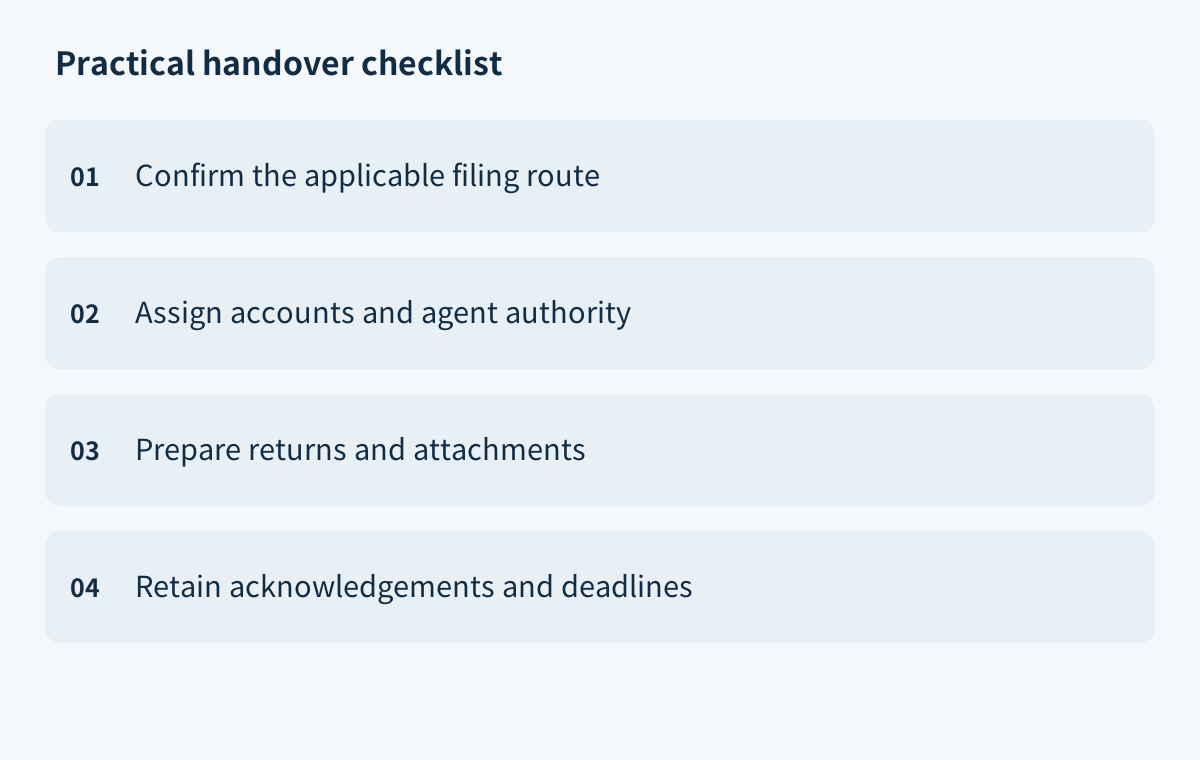
For handover, record the return type, YA, notice date and deadline; the entity's and group's status; the fiscal years and revenue test; any possible paper-filing exception and its supporting evidence; the planned route and account authority; and the person responsible for confirming each open item.
Check portal coverage separately. The IRD's Profits Tax e-filing guide lists BTP/TRP electronic completion of main returns for YA 2022/23 to 2025/26. Its supplementary form guidance covers electronic submission of supplementary forms for YA 2020/21 to 2026/27. The year ranges differ: electronic support for a supplementary form does not establish that the main return for that year can also be completed online. Before filing another year, check the current instructions and portal. The Hong Kong company tax filing guide provides general background; the company's route depends on its notice and the IRD's guidance.
Separate Company, Agent and Account Permissions
Confirm the filing portal and each user's actual authority before assigning tasks. With a registered Business Tax Portal (BTP) account, the administrator or an authorised user assigned “Profits Tax Matters” can access the upload, completion and submission services. If the company has no BTP account, a person appointed by it can use the file number and RIN to upload supplementary forms and print a control list. That route does not allow the user to complete or submit the main return. Upload access is not submission authority. A tax representative or service provider using the Tax Representative Portal (TRP) must also have the relevant appointment or engagement recorded.
For BIR51, the eligible signers include a director, secretary or manager. An investment manager may sign only for an open-ended fund company. A service provider may sign and submit for the taxpayer after obtaining the taxpayer-signed confirmation form IR1476. It is not uploaded for electronic or semi-electronic filing, but should be retained in case the IRD requests it; for paper filing, submit it with the return. An adviser helping prepare documents is not automatically authorised to access an account or sign. Use the formal appointment process, not shared login details.
Separate preparation, review, signature, submission and payment responsibilities. The preparer organises the accounts, forms and attachments and records their sources. The reviewer checks the YA, figures, files and corrections. The signer confirms eligibility and reviews the final version. The submitter checks portal access and filing mode, then saves the transaction reference and acknowledgement. The payment owner checks the tax bill, amount and due date. Keep a handover record of each person's name, role, authority, assigned step, file version and completion status. Engaging a provider does not remove the taxpayer's filing responsibility.
Prepare the Return, Accounts and Required Attachments
Use the notice and the notes for that return as the checklist. Depending on the company's business and disclosures, the filing package may include financial statements, a tax computation, applicable supplementary forms, an auditor's report and other requested information. The required set varies by case. All required supplementary forms S1–S22 must be submitted electronically, including when the main return is filed on paper.
For e-filing, prepare financial statements and tax computations in iXBRL format under the IRD taxonomy unless an exception applies. Include the auditor's report in the relevant financial-statement file where required by the instructions. Cross-border e-commerce, trade, SaaS or brand businesses may find it useful to organise bank statements, contracts, invoices, platform sales reports and collection reconciliations to trace transactions. These are common preparation examples, not documents that every company must upload. If the financial statements are in a foreign currency, convert them to Hong Kong dollars and state the exchange rate used in the tax computation; see the BIR51 notes.
Fix the accounting period and file version first. Reconcile the ledger to the statements, check that the tax computation agrees with the main return, and confirm the file formats, supplementary form versions and YA. Link each material figure to its source and record who reviewed it so the signer can identify the version being approved.
After upload, check the portal's validation result. The IRD says validation results for financial-statement and tax-computation files are provided within one working day. If validation fails, download the error list, correct the files and upload them again; a failed file is not treated as attached. If supplementary forms are added, amended or removed, upload the complete set required for that return again to replace the earlier set, then update the transaction reference and control list. Uploading attachments alone does not satisfy the filing obligation if the completed return is never submitted. For further background on financial statements and audit documents, see the Hong Kong company audit guide.
Manage Submission, Signature, Payment and Deadlines Separately
Use the deadline on the company's notice. Confirm whether an extension applies, whether an application was made and the date actually granted. Do not carry a commonly used date from another YA or company into this filing, and do not assume e-filing automatically extends the deadline. The IRD says a further month may be granted on application when the taxpayer or its service provider voluntarily e-files the return; follow the applicable process and confirm the granted date.
From 1 April 2026, tax representatives must apply for clients' block extensions and submit related notifications online through the TRP's electronic Block Extension service. Paper applications are not accepted, and the previous transitional email arrangement has ended. Save the TRP validation result and acknowledgement after successful submission; a draft or upload screen alone is not proof. See the IRD's electronic Block Extension Scheme guidance.
Track three outcomes separately: attachments uploaded and validated; the reviewed return signed and successfully submitted; and the tax bill paid by its due date. Record the submission date, any extension approval date and the payment date independently. One completed step does not mean the others are complete. Match the amount and payment details to the actual tax bill, and retain the transaction reference and bank or payment-platform confirmation.
Track Errors, Rejections and Follow-Up Submissions
First identify where the issue occurred. If an attachment fails upload validation, review the error list and affected file, correct it and upload again. Keep the original and corrected versions, note the new transaction reference, and confirm that the refreshed result passes. If a supplementary-form file is replaced, check that the full required set was uploaded. An email alert may prompt a check, but confirm the result on the service page.
If you find an error after submitting the return but before receiving an assessment, send the IRD a signed written notice with your name and capacity, the corporation or business name, file number, YA and details of the correction or additional information. Re-uploading an attachment or sending another paper return does not replace this notice. If an assessment has arrived, distinguish a request to revise an assessment that is incorrect because of an error or omission in the return from an objection disputing the assessment. A revision request must be made in writing within six years after the end of the relevant YA or six months after the assessment notice was served, whichever is later. An objection must be made in writing within one month after the notice's issue date. A general request for additional documents follows the instructions in that request, not these correction deadlines. See the IRD's correction guidance.
For every error or follow-up, record the message, YA, file, old and corrected versions, owner, notice date, resubmission time, portal result and next deadline. Confirm that the updated file is linked to the correct return, then retain any written notice and delivery proof. If the current owner lacks access or authority, assign the task to someone who has it; “handed over” does not mean “accepted.” Employer BIR56A/IR56 data files and signatures follow a separate process described in the IRD's employer services guidance.
Keep Receipts and Assign Responsibility for the Next Filing
Keep the return acknowledgement, attachment transaction references, validation results, final return, tax bill, payment confirmation and receipts together. Label them by company, YA, document type and storage location so the next owner can identify the final versions and trace each step. A payment screen does not prove the return was submitted or the attachments validated; a successful return submission does not prove the tax was paid.
IRD electronic receipts remain in the taxpayer's eTAX inbox for six years from issue. The IRD also issues paper receipts for Profits Tax paid by corporations and businesses, excluding sole proprietorships. BIR51 notes require business records to be kept for at least seven years after the transaction date, or until the corporation is dissolved if that happens sooner. These are different retention periods; manage receipts and underlying business records separately. See the IRD's electronic receipts guidance and BIR51 notes.
For the next filing, recheck the YA and notice, e-filing eligibility, portal and form coverage, account users, agent authority, signer and deadline. Have the preparer and reviewer reassess changes to the accounting date, group relationship, business activity or responsible people; update payment reminders from the new tax bill. For broader company and compliance context, see the English Chan & Chung website. For case-specific questions, use the site's contact details. This guide is for process planning, not legal or tax advice, and does not promise an outcome.