
A useful month-end handover gives the next person an item they can continue working on: its original period, what is holding it up, who owns the next step, and what evidence will close it. A clear list helps distinguish routine waiting from items that may affect the next period’s opening records.
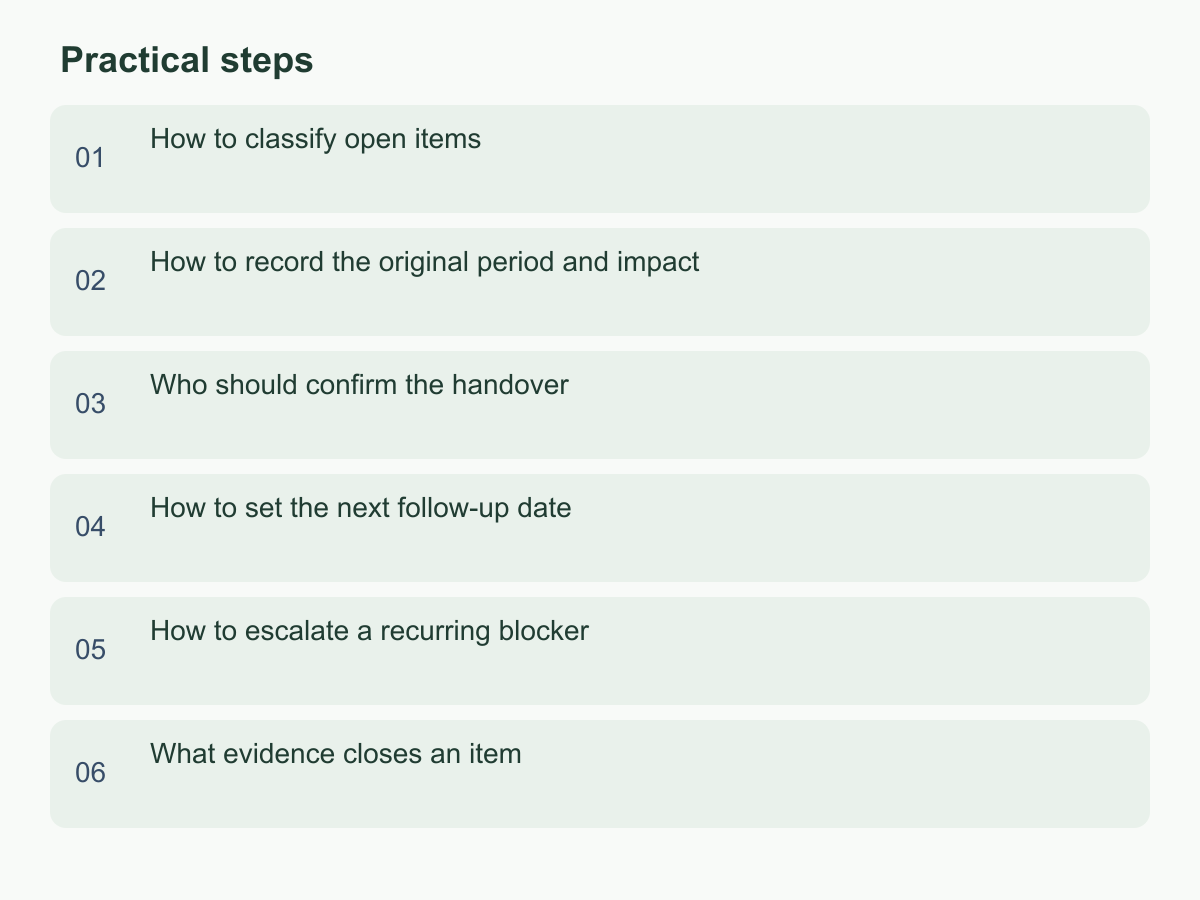
How to classify open items
An open item is not simply any unfinished work. Classify it by its current blocker: missing information, a transaction awaiting identification, a difference under investigation, an incomplete internal review, or a decision awaiting authorization. Give each item one primary category and note the related account or process. Keep “waiting for a document” separate from “amount does not agree”; each requires a different next step. If one difference involves separate documents or owners, split it into trackable items and link them.
For each row, record what is missing, who can provide it, what happens next, and what counts as closure. Classification describes the current state, not a presumed answer. For instance, a bank receipt with an unknown payer is “transaction awaiting identification”; checking the remittance advice and matching the payer is the next action. “Possibly a bank fee” remains a lead to investigate, not a confirmed cause. If the evidence is complete and the reason for a difference is known but review remains outstanding, classify it as “awaiting review.”
Also mark whether the item must carry forward and whether it could affect the next period’s opening records or an existing balance. Include at least one identifying clue, such as the month, account, counterparty, or difference. For example, record a supplier invoice received with a page missing from the delivery note as “information missing,” with status “partially received,” the supplier, invoice number, missing page, and request date. If the replacement shows a price difference, retain the original item number, create a linked investigation item, and note what transactions a substitute statement covers and which entries are still missing.
How to record the original period and impact
Keep the period the item belongs to even when the work happens in the following month. Record the original period, transaction or document date, date discovered, currency and amount, related account, and current recorded status. If a date or amount is unknown, mark it pending and say what evidence is missing; do not estimate. If the item may cross periods, describe the possible effect to confirm, such as an account, bank reconciliation, or report interpretation that could be affected.
Separate known facts from conclusions that still need confirmation. “Receipt appears on the bank statement; customer not identified; receivable settlement pending confirmation” is more useful than “reconciliation difference.” It helps the next owner avoid duplicate entries, missed follow-up, or premature closure. If the amount cannot yet be calculated, note what has been checked, how far the comparison went, and what remains unavailable. The handover list describes the issue and next step; any proposed account adjustment should go to someone authorized to handle and review it.
| Field | Hypothetical entry |
|---|---|
| Original period / item | October / unidentified bank receipt |
| Amount / status | HK$8,400 / receipt seen, payer unknown |
| Impact / next step | Receivable settlement pending; check advice and match |
| Closure evidence | Source document, matched record, and review record |
Keep the original period unchanged. If later evidence changes the assessment, record why and who confirmed the change so the history remains traceable. For example, if a freight invoice is dated October 31 but received November 2, enter October as the original period and November 2 as the receipt date. If the service spans two months, record its start and end dates and mark the allocation basis pending. Do not assign the period from the invoice or payment date alone. If only a payment record is available, list what it confirms and what must be asked before an authorized reviewer confirms the period treatment.
Who should confirm the handover
Assign one main owner who can move the next step forward, and record that person’s role. A department name or “Finance to follow up” can leave an item without an accountable person. Distinguish the owner from the information provider, checker, and reviewer. If a customer must supply a document, an internal owner still needs to request it and check completeness. If an external accountant’s view is pending, someone should organize the question, follow up, and bring the response back to the close list.
Handover requires confirmation from both sides. The current owner provides context, completed steps, contacts, available evidence, and unresolved questions. The successor confirms receipt, understanding of the next step, and authority to perform it. If they cannot accept the item or lack access, record an alternative owner and coordinator; silence does not mean acceptance. When people change roles, update the names and handover date, and transfer pending external replies along with the item rather than merely forwarding an old email.
For example, “requested from supplier” should identify which document was requested, when, whether a reply arrived, and what transaction must be checked when it does. Name the reviewer too, so an owner cannot mark an item complete when review is still pending. If one person fills multiple roles, list each action separately. If the successor accepts only part of the list, update each row as accepted, awaiting information, or reassigned. Keep an owner and confirmation date for every unaccepted row; do not let a list-wide “handed over” label conceal an item with no owner.
How to set the next follow-up date
A follow-up date is the next date to check progress. It is not automatically an external reply deadline, company close date, or other formal due date. Consider who the item depends on, when information is expected, how long checking it will take, and how many working days remain before the next close cut-off. Set a check-in early enough to leave time for handling and review. Do not write “ASAP” or treat an unconfirmed reply date as a commitment.
For an internal blocker, tie the date to a deliverable, such as checking again after the document list is complete. For an external dependency, record when the request was sent, any expected reply timing, and when to contact the provider again if nothing arrives. Label each date by purpose so a follow-up is not mistaken for a transaction deadline. If timing is uncertain, choose a reasonable internal check date and mark it as an assumption until the owner confirms it.
In a hypothetical example, a query is sent on October 21 and a check is set for October 23. If no reply has arrived by then, the owner records the contact outcome and sets another check while there is still time before the next close cut-off. These dates illustrate a process; they are not standard deadlines. After each check, update the status, actual reply date, and next action. If a date has passed, state the reason for delay, assess the possible impact, and set a new check date instead of leaving the old one to imply progress.
Suppose the list must be organized by November 5, but no external reply date has been promised. The team could set November 3 to check for new information and November 4 to decide internally whether to escalate or carry the item forward. Label these as separate internal milestones. If the team is away on the 3rd, move the check to a workable day and note why. When information arrives, mark the receipt check complete and set a separate date for review; do not reuse the old check date as if it were the next action.
How to escalate a recurring blocker
An item does not need escalation just because it has been open for a while. Set internal triggers such as a missed follow-up with no reply, repeatedly incomplete information, a difference that remains unexplained after successive checks, or too little time left to resolve an issue that may affect the next opening records. Notify a manager or the person who can make the needed decision, based on impact and authority. Raise high-impact items early. If an item has low impact and a clear reply arrangement, follow that plan instead of escalating merely because it is waiting.
Make the escalation brief and useful for a decision: identify the item and original period, confirmed facts, steps already taken, the blocker and possible impact, the latest internal decision date, and the specific help needed. That might be coordinating with the information provider, naming another checker, or deciding how to track a pending item. Do not forward a long email chain without context or present an unverified theory as a cause or final conclusion.
The item stays on the next-period list after escalation until the new owner, route, and follow-up date are confirmed. Record who made any decision to correct a record, pause work, or use another approach, along with the reason and evidence still needed. Escalation alone does not close an item. If the same type of blocker recurs, note the pattern, such as an unclear document format or missing handover field, for later process improvement; keep the cause marked unknown until it is established.
For two supplier document gaps from different periods, link both with a shared blocker label while preserving each item’s number, original period, missing document, and request date. A manager can then decide whether to coordinate one contact or use another point of contact. If the manager approves a substitute document for only one item, record its item number, required document, and reviewer. Keep the other item open under its existing criteria; one coordination decision does not approve the whole group.
What evidence closes an item
Before closing, compare the evidence with the condition set for that item. A statement that someone has handled it is not enough. Evidence might include the source document, traceable transaction data, a matching record, and any required review confirmation. Record the evidence name or location, checker, check date, and result. For an accounting system or spreadsheet, note a reference to the relevant account or row instead of copying sensitive details into the handover summary. Another person should be able to find and understand the support.
Closure depends on the blocker. For a missing-information item, confirm the material arrived and is sufficient to proceed. For an unidentified transaction, keep support for the attribution and completed matching. For a pending-review item, record the review result. If evidence conflicts, remains incomplete, or fails to explain the difference, keep the item open and update the next step. If the work reveals a new issue, link a new item before closing the original so separate problems do not disappear into one confusing record.
A closure note should briefly state how the issue was resolved, what supports that result, who confirmed it, and whether follow-up remains. For an unidentified receipt, a remittance advice plus a match to the transaction and completed review may support closure; an email alone, without the check, does not. If a later correction changes the conclusion, reopen the original number and record the reopening date, triggering document, former conclusion, change, and new owner. Preserve the prior closure date and evidence. If review confirms the correction does not change the conclusion, record the document, comparison, and reason for leaving the item closed.
Start by reviewing this month’s list and filling in each item’s original period, blocker, handover confirmation, next follow-up date, and closure condition. Confirm the entries with the relevant owners. For more information about Chan & Chung, visit the Chan & Chung homepage.