
When several sales channels show an item as out of stock, the cause may be different inventory update times or the same unit being promised twice. Put physical stock, commitments, holds and sync times in one record. Set a clear order for customer notices, split shipments and cancellations so customer service and the warehouse share a traceable basis.
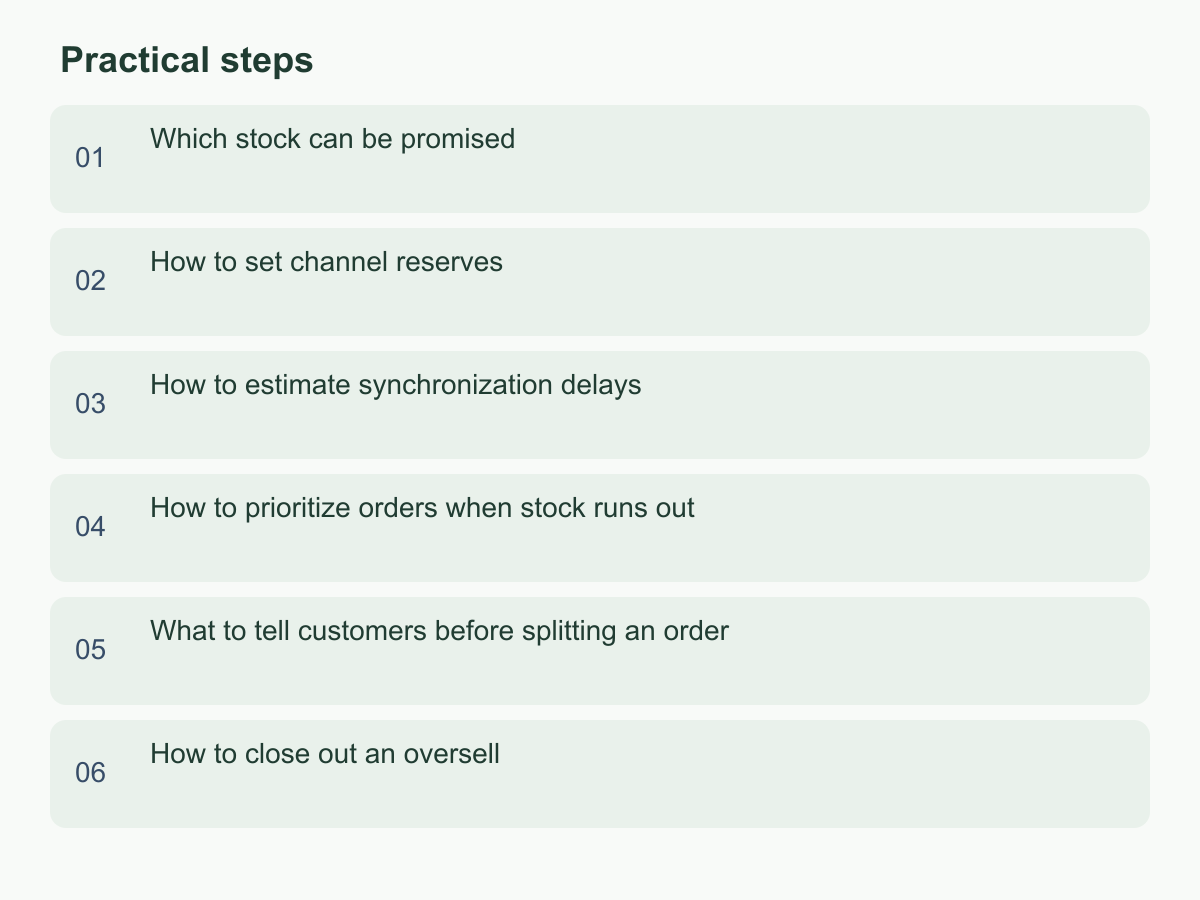
Which stock can be promised
Calculate sellable stock from the warehouse count. Subtract units not ready for release, including damaged goods, items awaiting inspection, samples, locked units and unresolved count differences; the balance is usable stock. Separately record commitments—paid orders, or orders meeting your stated rule, that have not shipped—and holds, such as pending customer confirmation or channel reserves. A unit must not be both committed and held.
Committable quantity = usable stock − committed stock − held stock.
If the result is negative, the records conflict. Stop adding commitments and investigate; do not change it to zero and hide the discrepancy. Track the SKU, warehouse, usable, committed, held and committable quantities, last count time, update source and responsible person. Keep warehouses and product variants separate.
Do not count in-transit stock as ready to pick or transfer stock in the destination until confirmed. Apply consistent inspection rules to exchanges, defects and incomplete packaging, recording adjustments. For unresolved count differences, use the smaller verified quantity and assign a checker and time. At handover, reconcile unfinished pick lists so a unit is not counted as both free stock and awaiting shipment.
For example, count 24 units: 3 await inspection, 12 are paid but unshipped, and 2 are held for customer confirmation. Committable quantity is (24 − 3) − 12 − 2 = 7 units. Add the 3 back only after recording inspection. If the customer misses the stated hold period, release the hold and update channel quantities, recording old and new values and the reason.
How to set channel reserves
A channel reserve caps how much of the same physical stock that channel may sell; it is not a separate copy of inventory for every marketplace. Set caps from total committable quantity, ensuring their sum does not exceed it. If channels share a pool, show its remaining quantity separately without counting it again in the caps.
Base caps on your order patterns, replenishment reliability, cancellations and customer-service workload, using records rather than assumptions about platform demand.
| Channel (illustrative) | Initial cap | Release condition |
|---|---|---|
| Brand website | 40 units | Recalculate after each successful sync |
| Marketplace A | 30 units | Hold until the next reconciliation |
| Marketplace B | 20 units | Review during the day's quieter period |
| Manual orders | 10 units | Record through a designated staff member |
This illustrates a split of 100 committable units, not a platform recommendation. Before releasing unused capacity, check for payment holds and orders still synchronizing. Return it to the shared pool under your rule; lower the source cap before raising another and use one reference ID for both entries.
For multiwarehouse orders, record the picking location and transfer owner. Review caps at replenishment, around promotions and at end of day; define who may adjust them. Below your alert level, lower quantities or pause orders. Remove temporary promotion caps afterward and record old and new caps, reason, approver and effective time.
How to estimate synchronization delays
A system connection does not guarantee immediate updates. For each channel, record the order event, inventory-decrement request, sync start, successful completion and retries. Measure delay from completed records; mark failed or timed-out tasks incomplete. Record checks for channels relying on exports or manual updates rather than assuming they update like another channel.
Use available history to calculate typical and longest observed delays, then use the more cautious figure for risk estimates. For example, assume a channel received about one order every two minutes during a recent promotion and its longest observed sync delay was five minutes. Roughly three more orders could arrive before the update completes. This estimate follows those assumptions; it is not a service level or guarantee. If sales cluster, events are missing or sync fails, treat the estimate as invalid, pause automatic increases and reconcile manually.
Estimate units that might sell during the delay window from same-item records at similar times, round up, and subtract them as a buffer from the channel cap. Without enough history, start with a smaller cap, short check intervals and a low-stock alert, then adjust after observing results. Do not invent a precise-looking percentage.
Track each channel's last successful sync, task status, estimated delay, buffer, data owner and failure procedure. If sync exceeds your internal limit, lower displayed quantity to the manually confirmed amount and tell customer-service staff not to make verbal promises. Use the estimate to cap allocations and schedule checks, not to predict an individual's order. After a manual change, record confirmations and keep unconfirmed channels at the lower quantity.
How to prioritize orders when stock runs out
State when an order starts using stock, such as after payment, manual confirmation or another published condition. A cart, incomplete payment or inquiry should not silently become a commitment. If an item is held while payment is completed, tell customers the duration, what happens at expiry and whether confirmation is needed. Map channel labels to common internal states—awaiting payment, held, committed, shipped and cancelled—so an order is not deducted twice.
When orders compete for the last units during a sync delay, apply a rule set in advance. Confirm which orders meet the commitment condition, then rank them by commitment time. For matching or unreliable timestamps, use order creation time or a fixed order-number rule and retain the platform's original timestamp. Do not change the order because staff saw one first, prefer a channel or received an urgent complaint. Priority for members or preorders also needs a clear, consistently applied rule.
Suppose one unit remains. A website order is paid at 11:02; a marketplace order was created at 11:01 but paid at 11:03. If payment completion defines commitment, the website order gets the unit and the marketplace order enters shortage handling. Record the basis. If timestamps cannot be verified, pause both shipments and tell customers you are checking; faster synchronization alone does not confer priority.
For each decision, keep the order number, commitment status and time, payment status, exception reason, decision maker and outcome. Staff may add evidence but should not overwrite the ranking. For an exception, record the approver and reason, then check at handover that it is resolved.
What to tell customers before splitting an order
A split changes which items arrive together and when; creating two orders internally does not notify the customer. Confirm available items and quantities, shipping warehouse and carrier handoff timing. If replenishment timing is unknown, say so. List the original order, what can ship now, what is unavailable, the waiting option, delivery details for each parcel and any arrangement or charge needing confirmation. Explain that parcels may arrive separately.
Offer clear choices: ship available items first, wait for the full order, cancel the unavailable item or adjust the order with the customer's agreement. State the next step and response deadline for each. Do not promise an unconfirmed replenishment date. If the customer does not reply, follow the policy disclosed before purchase; if it is unclear, pause for customer-service guidance rather than choosing for the customer.
For example, a customer orders 3 units but only 2 are ready. A notice could say: “We can ship 2 units now; the replenishment time for the remaining unit is unconfirmed. Choose to receive 2 first, wait for all 3, or cancel the unavailable unit. If you wait, we will contact you once we have confirmed information. We will confirm split-delivery arrangements and any possible charges first.” Record time, contact channel, choice and staff member. Until the customer confirms, keep the unavailable unit pending; do not resell it or mark it cancelled. If the notice is not delivered, use another agreed contact method and record the attempt. Sending is not receipt or consent.
After the customer chooses, update the order notes and inventory record. For a wait, assign the next update time. Keep a cancellation or adjustment in progress until complete, so another employee does not resell stock before it is released.
How to close out an oversell
First stop new commitments: lower or pause the affected SKU on each channel, preserve a screenshot or export, and record the last successful sync. Have one person reconcile physical stock, items awaiting inspection, paid and unpaid orders, holds and shipments being picked. Check each affected order and timestamp. Do not hide a discrepancy with an unexplained adjustment; arrange a count if physical quantity is uncertain. Identify fulfillable orders, then handle the rest under the published priority rule.
Contact each affected customer with the unavailable item, confirmed stock, waiting, split-shipment or cancellation options, and any decision needed. Do not promise an unconfirmed arrival date or let channels give conflicting explanations. Record each order's number, quantity promised and available, notification time and method, customer choice, inventory adjustment, refund or shipment status, owner and completion time. Assign an owner and next follow-up time to open items.
If an order is cancelled or split, link the old and new order numbers. Ensure the original no longer consumes cancelled units and the replacement does not deduct them twice. Use one incident reference for customer-service notes and inventory movements. After correction, compare each channel's displayed quantity with the internal record. Remove the temporary low cap only after every channel reports back with a matching quantity.
Trace the cause: duplicate caps, delayed sync, failed import, an unrecorded manual promise or stock released before inspection. Correct the verified source, then resume normal quantities only after all channels confirm the new figure. If one channel remains unconfirmed, keep the lower cap and include it in the handover.
Start with one high-volume SKU and a six-field table: SKU, usable stock, committed stock, held stock, caps by channel and last successful sync. Rehearse one hypothetical order through notification, ranking and hold release. For contact details, visit the Chan & Chung website.