
Overseas employee leave records can be split across forms, email, and chat. Requests, approvals, and actual days away may differ, while employees and managers may see different local dates. Keep each stage separate and link every entry to its source, decision, and correction history. This guide covers roles, dates, and payroll handoffs; verify leave categories, eligibility, units, and retention against official local rules and applicable policy.
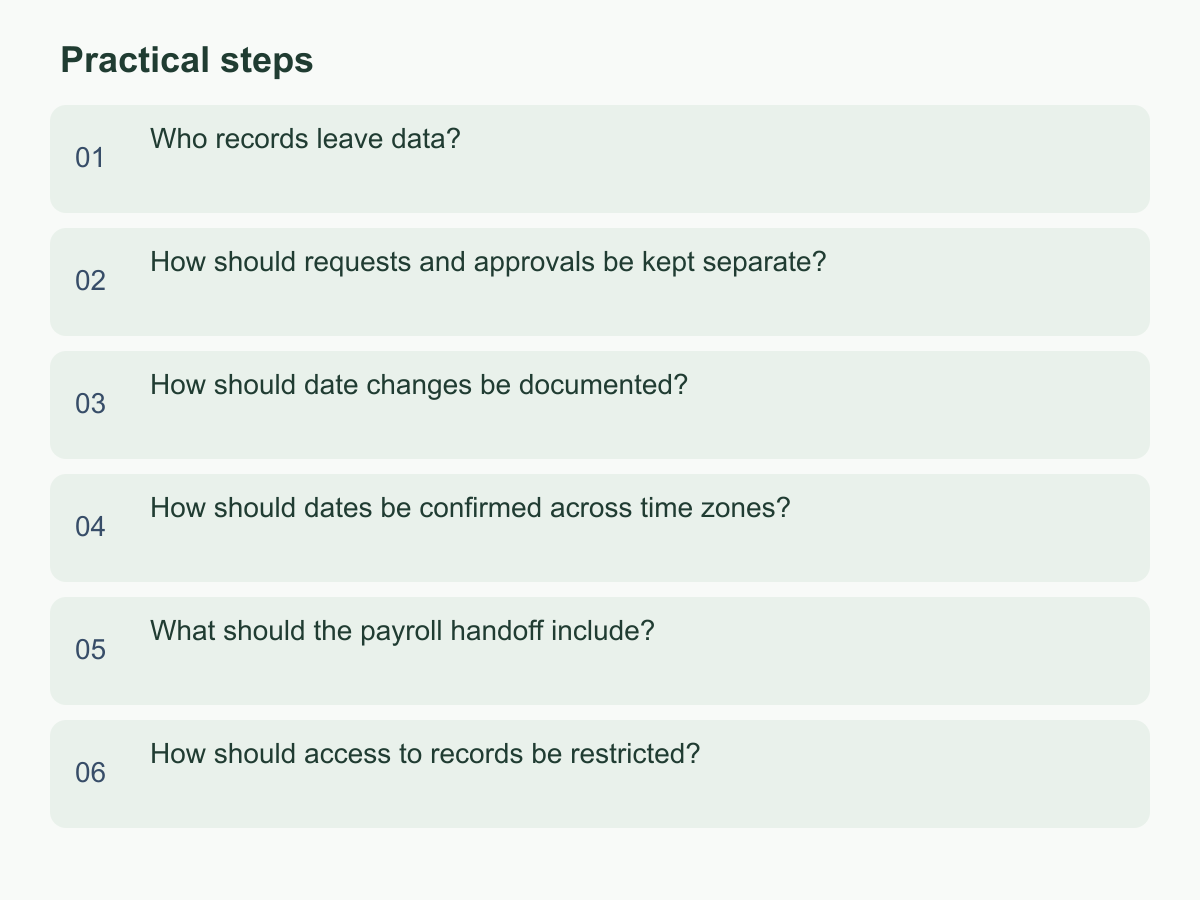
Who records leave data?
Assign an HR or administrative record owner and tell employees where to submit. A manager approves; payroll receives approved, checked information. When one person covers several roles, record who entered and approved each item. A message being seen is not formal approval. Keep the request, entry time, source link, and correction history in the main record.
Link each entry to the roster with a stable employee identifier and record name, category, requested dates and unit, date basis or time zone, and status. The identifier separates employees with similar names. Do not assume categories, hourly options, or eligibility are consistent across countries; check local rules and confirmed policy. Mark unverified fields pending and pause the related payroll decision.
The owner checks completeness; the approver records the decision, time, and required notice; the employee confirms important changes; payroll acknowledges receipt or raises questions. Keep messages as evidence links and use the main record for status. For missing information, have the employee correct dates, owner check identity, manager reconfirm, and payroll receive only the approved version. With an external payroll provider, name an internal liaison and backup; the provider does not approve leave.
How should requests and approvals be kept separate?
A request records the dates and category an employee proposes. An authorized manager’s decision under applicable policy is approval; actual leave is confirmed afterward. Give each separate fields and retain submission, decision, and confirmation times. “Processed” cannot represent all three. For declined or returned requests, record the decision maker, brief reason, and employee notice. The form does not establish entitlements.
Name the approver and backup, reassignment route, and required information. The owner checks identifier, dates, category, and attachments; the approver considers applicable rules and work arrangements. Link the decision, outcome, time, and notices to the request version reviewed. Treat verbal agreement as awaiting evidence; a receipt acknowledgement is not approval.
Keep returned versions, missing information, and resubmission steps. Give date changes a new version. Name one final confirmer when several people decide; keep criteria internal and omit unverified legal deadlines from form hints.
For example, an employee requests Monday and Tuesday off, but the manager approves Monday only. Preserve the two-day request, record one approved day, and ask the employee to confirm the difference. Link acceptance to that version. If the employee declines the partial approval, let them revise and resubmit. Send payroll the effective decision only after confirmation.
How should date changes be documented?
Add a sourced revision when dates change; never overwrite the original. Retain initial dates, submission time, and approval status. Record old and new dates, requester, reason, receipt time, and new decision. For cancellation, keep the request time and outcome. The history supports reconciliation.
Check whether payroll already received the information. If pending approval, update the handoff and ask the manager to confirm new dates. If sent, identify the payroll period, send a separate correction, and obtain acknowledgement. State old and new values, affected fields, and reason; do not quietly alter a file others downloaded.
The owner compares versions, checks whether approval covers the new dates, and notifies employee and payroll. Keep a requested change pending until approval. If already processed, ask payroll how to correct it and what may be affected; record its answer instead of calculating an adjustment.
For example, if June 10–11 changes to June 12, retain both versions, reason and request time, manager’s decision, and payroll’s acknowledgement. This illustrates recordkeeping, not local calculation rules. Reconcile changes against acknowledgements and assign follow-up for missing, pending, or mismatched items.
How should dates be confirmed across time zones?
Confirm the date basis: the employee’s work location, a location specified in the employment arrangement, or the company process’s time zone. Do not assume server time decides applicable rules. Verify categories, start rules, and eligibility under official local rules. Record the basis so reviewers can distinguish a display difference from a real change.
Record the date as entered, submission time zone or location, and payroll date with its basis. For hourly leave, include a timestamp and zone identifier such as Asia/Taipei, not “9 a.m.” alone. For full days, state the range and basis. Use YYYY-MM-DD and keep the original request.
Ask the employee to confirm local dates; compare approval and payroll records against them. Record submission and manager handling times separately with their zones. A late notification is not the leave date. If instructions omit the basis, have the responsible person confirm and record it.
For example, a Taipei employee’s request is seen by a London manager the following local day. Keep both timestamps and the requested range. If conversion crosses midnight, ask the employee to confirm intended dates, then follow applicable rules. Payroll must not guess. This distinguishes a display difference, unresolved basis, or genuine change.
What should the payroll handoff include?
Send only payroll-period information linked to the employee, request version, and approval. Names and dates may miss partial approvals, revisions, or status. This worksheet is illustrative, not a statutory list. Confirm fields and calculations with the processor and local rules.
| Field | Handoff purpose |
|---|---|
| Employee identifier | Match the payroll roster |
| Leave category and unit | Verify for the employee’s location |
| Approved dates and quantity | Link to the decision version |
| Actual dates and quantity | Reconcile after leave |
| Payroll period and status | Match the processing batch |
| Source and approver | Retrieve request evidence |
Agree on cycle, format, missing-info route, receipt confirmation, and error contact. Have the processor confirm cutoffs. Send no health information or private reasons unless required by local rules or a confirmed process. Someone familiar with local rules should review amounts, deductions, carryover, or balances; do not derive them from days absent. Keep each batch’s time, version, and receipt acknowledgement.
Order fields for import, define them, and specify blanks so they are not mistaken for zero. If two days were approved but only one actual day is confirmed, preserve approval and mark actual leave pending. Send confirmed details through the correction process; do not silently change approved quantity. Assign one contact to close questions. The recipient’s acknowledgement confirms receipt.
How should access to records be restricted?
Limit access by role: employees see their requests and decisions; managers get approval details; the HR owner keeps the full record; payroll receives processing fields only. Record each person’s role for each action. Remove access when their duties end. Shared accounts obscure responsibility.
Collect only information needed to submit and approve requests, process payroll, and perform checks. Avoid copying medical or family details into general handoffs unless local rules or a confirmed process requires them. Store necessary documents in a restricted location and share only verified processing status. Do not send full rosters, unrelated attachments, or personal data through public links.
Check local rules and company policy before setting retention. Record who confirms the period and review date; do not apply one period across countries by default. Keep needed change history, approval evidence, exports, and acknowledgements, limiting download and correction access. To fix an error, check the source, preserve old and new values, and record when handled.
Transfer files through access-controlled channels and verify recipient and version after each export. Avoid broad email groups where attachments may be forwarded. If sent to the wrong person, notify the responsible contact under the existing procedure and adjust access.
To learn more about Chan & Chung, visit the English homepage.