
Cross-border payroll handoffs can become difficult when people use different names, periods, or currencies for the same information. Before sending a file, organize the employee and work location, processing period, approved changes, contact person, and open questions in one record. This guide covers preparation and handoff checks. The appropriate local party should determine employee classification, local treatment of pay items, and tax outcomes.
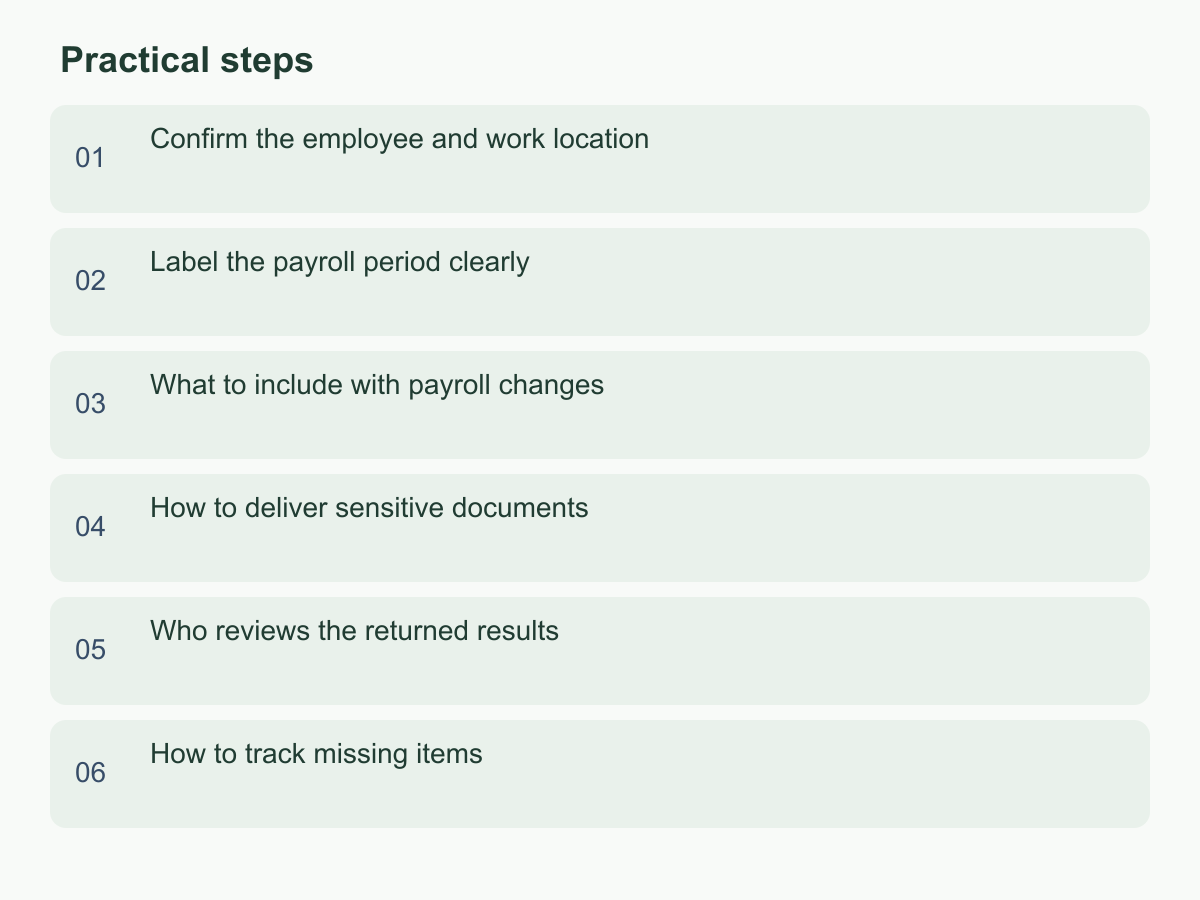
Confirm the employee and work location
Do not use one country field to represent the whole arrangement. Record the hiring or contracting entity, employee ID, actual work location, and payroll unit separately: they may differ, and the company's registration address does not establish where an employee works. For a cross-location assignment, remote work, short business trip, or employer change, add relevant start and end dates, who confirmed the details, and the source record.
Copy an employee classification only from an approved internal record, with the confirmer and effective date. Mark an uncertain classification as pending; the person preparing the handoff should not reclassify a contractor, agency worker, or part-time employee. Check names, employee IDs, start or end dates, work locations, cost centres, and payment currencies against the master record and current-period changes. If spelling, address, or ID differs, preserve both values and note their sources rather than overwriting one.
Before attaching identity or bank information, confirm its purpose, required fields, and secure delivery method. If existing master data is unchanged, list its filename and version and ask whether it must be sent again. If a field's necessity is unclear, use employee IDs to list the field, reason pending, and owner; do not attach a full identity scan by default. A cover sheet can list IDs, entities, work locations, period, contact person, and version. For an eight-person roster with one unconfirmed location, state that seven records can be checked and one awaits a reply, identifying the exception by employee ID. Keep its sensitive reason out of a broadly accessible master sheet.
Label the payroll period clearly
State a start date and end date instead of writing only “April payroll” or “this period.” Also identify the planned pay date, internal data cut-off, time zone used for that cut-off, and employees included. If groups have different periods, separate them into rows or files and label each scope so a date is not mistaken as applying to everyone.
Align the cut-off with the confirmed processing schedule. Show which changes received before it are included, which arrived later, and how late items are expected to be handled. Do not silently add late information to an earlier version. If internal approval, file delivery, and planned pay dates differ, record each date and time zone separately.
Put a currency beside every amount and label it original, converted, or pending. For a conversion, record the approved method, date used, or person who supplied the value. If no decision is settled, mark it pending and ask who must decide. For cross-month items, prior-period adjustments, or corrections to sent data, state the relevant period and reason separately.
For illustration, a file may cover a month's first through final day and list the pay date, cut-off, and time zone on its cover. This is a format example, not a payroll-date recommendation. If contacts use different time zones, label each timestamp and agree which one determines whether a response met the cut-off. For late or cross-period items, state the period and ask the responsible party how to handle them.
What to include with payroll changes
For each change, show the employee, item, applicable period, amount and currency, effective date, submitter, and approval status. Keep fixed-pay master data separate from this period's changes, linked by employee ID. Retain internal item names with a short explanation where needed; do not assume how the local processing party will classify or calculate them.
Attach only evidence needed to check an item, such as an approval, hours summary, or before-and-after values for a correction. Exclude unrelated personal information. For system exports, note the source, export date, and record ID so the original can be found. Label drafts or unapproved attachments clearly; they are not final instructions.
For an illustrative calculation, suppose fixed information is 32,000 in the stated currency, with an approved addition of 1,200 and an approved correction of minus 800. The handoff subtotal is 32,000 + 1,200 - 800 = 32,400. These fictional figures show handoff arithmetic only; they are not salary payable or a final payment amount. List each line's currency, period, support, and approver, then have the appropriate local party confirm its treatment.
For a cancellation, replacement, or retroactive correction, retain the original row and record ID. Add the new version, reason, effective period, approval time, and which row it replaces. Before sending, compare the number of change entries with supporting files. Move items lacking evidence or approval to the open-questions list, naming what is missing and who can supply it.
How to deliver sensitive documents
List what this handoff requires. For each data category, note its purpose, recipient, fields to provide, and whether a copy is needed. If the purpose is unclear, ask first. Keep working papers separate from the external delivery copy; remove internal notes, unrelated employee data, and old versions.
Use a secure channel the recipient has confirmed. Before sending, verify the recipient and account or folder permissions, limiting access to people responsible for processing. If files need encryption or a separately transmitted password, agree on a method both sides can use and send the password separately. Avoid unconfirmed personal email addresses and public links. If unsure, ask for the approved method for this handoff.
Use filenames that identify the company, period, data type, and version without exposing personal details, such as “companycode_period_datatype_version.” Use employee IDs inside detail files; do not put full identity or bank numbers in filenames. For multiple files, provide a manifest without sensitive content listing each filename, version, record count, purpose, and whether a reply is needed. This lets the recipient confirm receipt and the sender supply only a missing file.
Keep a delivery log with date and time zone, sender, recipient, filename and version, channel, and receipt confirmation, without copying sensitive contents into it. Agree how to handle expired links, misdirected files, or unneeded copies. If a wrong recipient or version is discovered, contact the agreed point person and record the affected file and follow-up. These records track the handoff; they do not determine local legal or retention requirements.
Who reviews the returned results
Agree who prepares, approves, submits, and receives the processing result. One person may fill several roles, but label each responsibility. Confirm with the local processing party what it will return, the format, expected response time, and correction process. List unspecified outputs as open questions rather than inventing a format.
When the result arrives, compare its period, employee count, names or IDs, currencies, and data version with the submitted file. Check whether approved changes appear, anything is missing or duplicated, and exceptions are explained. If a total is included, recalculate the handoff lines. When it differs, locate the discrepant line and preserve the returned file as received; do not change the total to make it appear consistent.
Have authorized roles confirm payment information, classification, and local treatment. The person organizing the file can check completeness, compare values with input records, and confirm employees are within the roster. Refer employment or tax questions to the responsible party; a data check is not a professional conclusion. For a second review, record the reviewer's name, date, scope, and exception handling rather than only “reviewed.”
For a discrepancy, record the employee ID, location in the returned file, submitted value, returned value, and expected respondent. Keep it marked unconfirmed until the processing party or internal approver explains the basis. Record the answer and new version in the tracker. If the issue may affect other employees or the full file, ask whether the batch should be resubmitted. Do not alter the returned file, so later reviewers can trace each change.
How to track missing items
Keep one shared list for missing documents and questions instead of scattering them across email and chat. Include the employee ID or data scope, missing field, known information, person expected to answer, date raised, internal target reply date, status, and related file version. An internal target is a tracking point, not a statutory deadline. Route local-determination questions to the responsible party, not only the person assembling the data.
Phrase each item so it can be answered directly, specifying scope or format. Instead of “work location unclear,” ask: “Please confirm employee A017's primary work location for the stated period, and identify the source and person who confirmed it.” For a requested document, state its name, period, whether an approved version is required, and the secure upload method. Do not guess a value into the master record and hide the guess in a note.
Statuses can include awaiting an internal reply, awaiting the processing party, documents being supplied, answered and awaiting review, and closed. Assign one contact to each important question. As the internal cut-off approaches, confirm the next action and owner for each open item; there is no need to resend the whole file every day. If an answer is late, follow up through the agreed channel and record the date and reply. Ask the responsible party whether the missing item prevents processing or requires a schedule change rather than deciding in the tracker.
Whenever a document or answer arrives, update the version, date, changed fields, and editor. Keep the sent version with its reply so people do not edit competing copies. Before closing a question, confirm it has an answer or clear next step, and that the answer is reflected in the master record or change sheet. You can use this checklist to organize one payroll period's folder and open-item list, then visit the Chan & Chung website for brand information.