
An overseas purchase order can change while the buyer, supplier and finance team hold different copies. The practical question is which revision governs the next step. Link each version to its changes, approvals and supplier confirmation, and make the current approved copy easy to find. This workflow can start with one active order and the team’s existing tools.
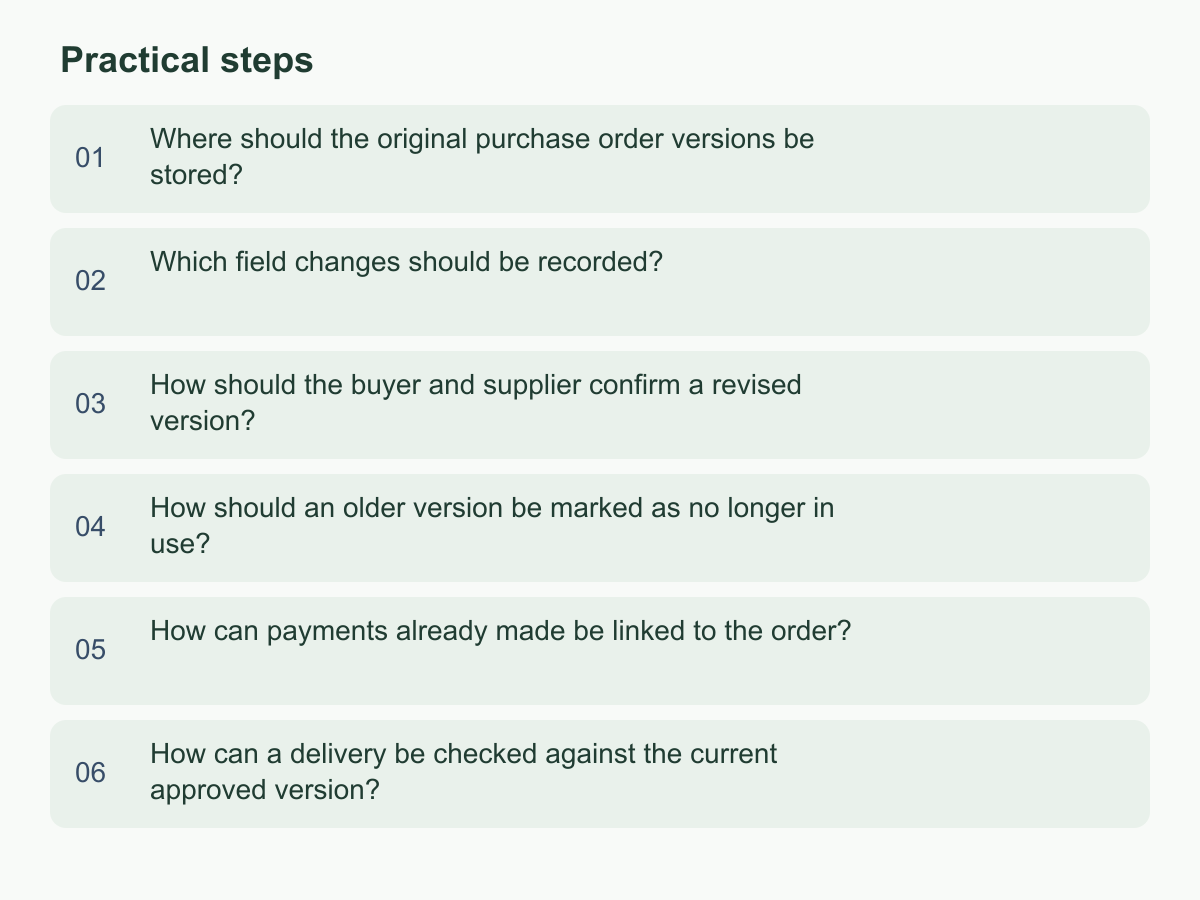
Where should the original purchase order versions be stored?
Choose one shared, searchable location, such as a controlled document library with one folder per purchase order. Procurement, the supplier contact and finance should know where the baseline is. Email and chat scatter attachments across accounts and downloads, making handoffs harder.
Keep the original, every revision, approvals and relevant correspondence. Use a register as an index with order number, supplier, approved revision, change status, contact, folder and last confirmation time.
Use sortable filenames that include order number, revision and purpose, such as PO-2048_R00_Original_20261002 and PO-2048_R01_Quantity-Date-Change_20261009. Agree what the date represents. If the library assigns names, retain its filename and storage time in the register. Never overwrite an older file.
When an order opens, save the baseline and register its number. Keep buyer sign-off and supplier reply with sender, time and attachment version. Compare attachments by revision, page count, items, quantities and dates; mark mismatches pending and confirm the governing copy before updating the register. That lets a new colleague start at the order number and reach the supporting record without relying on anyone’s memory.
Which field changes should be recorded?
Record changes that affect preparation, approval, payment or receipt: item and specification, unit, quantity, unit price and currency, total, requested date, location or contact. State the affected line, field, old and new values, and reason; “details updated” is not traceable.
For every change, note proposer and time, scope, approver and time, who was notified and the revised-file location. Name the date field—for example, requested delivery date—so email time is not mistaken for the order’s effective date. Identify affected line numbers.
For example, 80 units at $12 total $960. At 95 units with price unchanged, the amount is 95 × $12 = $1,140, up $180. Record old and new quantities, unchanged price, new line amount and reason.
Follow existing authority rules; do not invent thresholds or assume unchanged price removes review. A changed date, specification or location can also affect arrangements. If approval is unclear, mark the field pending and hold the revision as unapproved until the responsible people decide.
How should the buyer and supplier confirm a revised version?
Complete internal buyer approvals before sending. Identify the order number and revision, summarize changes, list fields requiring confirmation, set a reply date and attach the file or an accessible link. If sending both, say which copy to confirm and check link access.
Ask the supplier to check each item, quantity, price and requested date and state acceptance. If something differs, ask for the field and proposed value. Acknowledgment, silence or broad verbal agreement does not confirm every field; obtain an explicit, traceable reply.
If the supplier proposes a change, record the differences, check whether another buyer approval is needed, prepare the next revision and resend it. Do not annotate an already-sent version as the shared record. Link exchanges to a revision and record who proposed and confirmed what; leave unconfirmed fields pending.
Save replies with their time and revision. Where languages or formats differ, retain the original and add a field-by-field internal summary; a translation cannot extend confirmation. The register should show colleagues which fields remain open.
How should an older version be marked as no longer in use?
Update the current approved revision only after required approval and supplier confirmation. Keep the old file or archive it. Record the replacement revision, when the old one stopped being current and who updated the register. Label it “Superseded by R02” without altering its contents.
Use consistent statuses in the register, folder and sending record; a filename date does not show approval. Distinguish current files from archives and drafts. Mark or collect paper copies. If the supplier received an old attachment, send a correction stating which revision to use.
Check which copy procurement, the supplier and finance hold. For a file without a clear revision, ask for it or compare its fields. Record notifications, times and replies until relevant people confirm the older copy is no longer in use.
If the new version awaits confirmation, show the pending step and keep the current status clear. For cancellation, record the reason, decision maker and whether the prior approved version resumes; link the status change to approval or cancellation evidence.
How can payments already made be linked to the order?
Match each payment to the order number and revision, invoice or payment document, currency, date and transaction reference, not just supplier or amount. For payments spanning orders or installments, record allocation and basis. A receipt proves transfer, not which revised items it covers.
If a change precedes payment, ask finance to verify the planned payment against the approved revision. If already paid, retain history and list the revised total, amount paid, unresolved difference and parties’ decision separately. Do not overwrite history or assume an excess refund, credit or carry-forward without confirmation and a finance record.
For example, 100 units at $20 total $2,000; $600 is paid. A confirmed change to 80 units gives $1,600. If the parties credit the full payment, the balance is $1,000 ($1,600 − $600). Until confirmed, mark treatment pending, not as a refund or credit.
Link the original and revised orders, change summary, supplier confirmation, approval, receipt and invoice for finance. Flag an amount or currency mismatch with its source and confirmer. Procurement provides order context; finance reconciles under its process.
How can a delivery be checked against the current approved version?
Before delivery, use the register to identify the currently approved revision, then compare it with the supplier’s last confirmed version and delivery information. Check the order number and item identifiers, then specification, unit, ordered quantity and relevant agreed date. If revision details are unclear, confirm with procurement; record the exact revision used for the check.
At receipt, record ordered quantity separately from quantity received. For split deliveries, log each arrival’s date, item, quantity and identifiable receiving document. Record a specification difference, shortage, excess or unconfirmed substitute as a discrepancy, attach retrievable evidence and notify procurement. Do not change the purchase order to show what physically arrived; that hides the difference between the order and receipt.
If delivery matches, record who checked it, the date, revision used and result, then share the receiving record with colleagues who need it. If it differs, record the ordered value, actual value, evidence location, owner and next confirmation step. The purchase order shows what the parties agreed to order; the receiving record shows what arrived. Keep them linked because they serve different purposes.
Next step: Start with one active order. Find its original and approved revision, then ask procurement, the supplier contact and finance which copy each is using. Correct the index or notification trail if their answers differ. For more information about Chan & Chung, visit the English homepage.