
Overseas projects can stall at closeout when files, decisions, and account access sit with different people. A useful handover identifies the delivered versions, unfinished work, client acceptance, access changes, maintenance responsibilities, and follow-up contacts. This checklist makes those decisions traceable so the next owner can use the work without reconstructing it from old conversations.
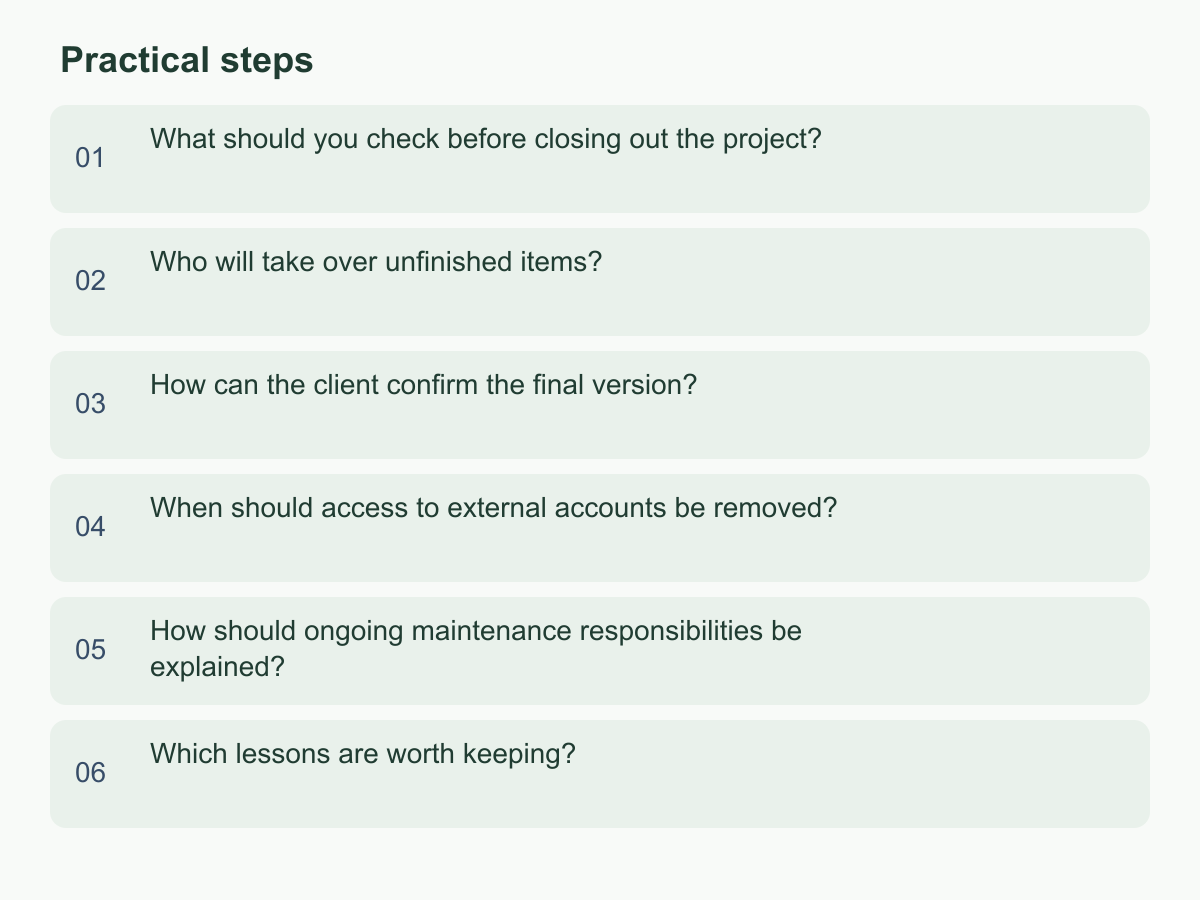
What should you check before closing out the project?
Closeout means recording what was done, which version was delivered, and what remains. Start with the contract, statement of work, or scope confirmed by both parties. List agreed deliverables—documents, design files, code, account settings, or training records—and do not add items that were never in scope. For each, record the location, filename or version, last editor, status, and acceptance basis. If files are spread across storage, email, and messages, create one register linking to their source locations.
Use statuses such as delivered, awaiting confirmation, needs revision, or out of scope. For example, 9 delivered + 2 awaiting confirmation + 1 canceled by mutual agreement = 12 total items; record why the canceled item is closed and retain the confirmation. Link each status to evidence, such as a requirement number, screenshot, or email; “complete” alone is not acceptance.
Check usability: open files, test links with a client-accessible account, and explain downloads. Distinguish source files, exports, and delivery versions; mark drafts and obsolete files. For anything unverified, record the blocker, owner, and next step. Have someone outside production locate a sample file and explain which need it meets. If they cannot, fix the register or file before handover.
Who will take over unfinished items?
List each incomplete item, pending reply, third-party dependency, or follow-up outside chat. For each, capture status, work completed, missing conditions, next action, suggested due date, and responsible role. Mark an unconfirmed date as a suggestion, not a commitment. For an unanswered supplier request, record the contact, last method and date, and follow-up trigger.
Name people, not just departments. Distinguish who will do the work, who decides or accepts it, and who needs updates. Clarify roles across the client, original team, and supplier. At handover, confirm each new owner has the information, understands context, and agrees to take responsibility; until then, mark the item awaiting assignment. The current owner maintains necessary contact until transfer under the agreed arrangement.
Write tasks so the successor can start. Instead of “report incomplete,” say the May import file is missing, identify the client finance contact who can provide it, and tell the successor to use the field-mapping guide and ask the requester to confirm the result. Record open options, effects, and decision maker. Ask the successor to repeat the first action, needed help, and source document. Correct gaps, log confirmation, and name a backup if responsibilities may change.
How can the client confirm the final version?
Use one main delivery location. Identify each item by project, purpose, version or date, status, and owner. A name such as “proposal_final_latest2” is ambiguous; use a clear filename and identify the official version in the register. Retain relevant history when replacing a file. Separate drafts, review copies, and accepted versions; neither folder location nor the word “final” proves approval.
Define assessable acceptance checks: does the work meet the agreed requirement, do files open, do key processes work as described, and are known limitations disclosed? Match evidence to each item. The client can confirm a named document version, review specified website pages and screenshots, or have the successor follow process instructions. For a requested change, decide whether it is in scope or new, record the decision, and identify the version requiring another review.
Request confirmation with the main link, version, review items, reply method, and agreed response time. Map reservations to deliverables and record disposition. Identify who gives final confirmation and where it is recorded. Do not treat silence as acceptance. Update the register: accepted, accepted with comments, returned for revision, or awaiting confirmation. After revision, record the new version and request review of affected parts.
When should access to external accounts be removed?
Inventory accounts before transfer: cloud folders, website administration, analytics, cloud services, collaboration tools, and supplier portals. Record owner, users, roles, purpose, billing, recovery method, and whether each account is client-owned, contractor-owned, or shared. Never request personal login details or put passwords in handover documents.
Transfer control before removing the outgoing team. Verify the internal administrator can sign in, has required permissions, and understands recovery. Check administrator access, two-factor authentication devices, backup contacts, domain and payment settings. For client-owned accounts, use the platform’s official invitation or transfer process and verify permissions. Before changing supplier-managed access, confirm the supplier’s transfer method and contact; platform processes differ.
After transfer, remove personal access no longer needed under the agreement, policy, and responsibilities. This may mean disabling a user, revoking an invitation, or changing shared credentials. Check operational impact and preserve needed data and recovery details. If an account also supports other projects, separate permissions or appoint a replacement administrator instead of closing it.
Record the person, system, permission change, and result. Ask the client to inspect its member list. If access remains temporarily, note why, remaining access, alternative controls, and next review date. Treat unclear ownership or a departing sole administrator as a priority handover item.
How should ongoing maintenance responsibilities be explained?
Delivery does not establish who handles work on documents, websites, data imports, or routine processes. List maintenance activities—checks, permission changes, content updates, incidents, supplier contact, backups, and operating questions. For each, name the responsible party and contact, request method, and whether it is in agreed scope. If no arrangement exists, say so; avoid implying continuing support.
Set boundaries: who classifies an issue first, when to involve the supplier, who approves changes, and what non-sensitive details to provide. Response hours, service period, fees, and workload must match confirmed terms. Educational examples do not establish terms, and the project team cannot promise an external platform’s availability or response speed.
Attach instructions for tasks: steps, needed screenshots, expected result, applicable version or environment, and failure-reporting method. Mark unverified steps as needing confirmation. Route choices such as adding a user or changing suppliers to the authorized decision maker.
Test a scenario: if a new employee cannot see files, who checks permissions, when to contact the original team, and when to involve the supplier? Record the route, responsibility holder, contact, and exclusions. If follow-up is undecided, separate closeout from maintenance status, name who will arrange discussion, and avoid implying the original team will continue indefinitely.
Which lessons are worth keeping?
Use closeout to identify evidence-backed decisions, information gaps, and tool limitations—not to score people. Compare original goals, change records, open tasks, and handover problems. If similar filenames caused confusion in two handovers, consider a naming rule. If a delay happened once, record its circumstances without claiming a pattern.
Give each improvement an action, owner, and review point: the situation, change, and date someone checks the result. “Improve communication” is vague; ask someone outside production to sample files against the checklist before delivery, then fix the directory if an item cannot be found. If a change affects cost, scope, or the client’s process, identify whose agreement is needed. One project’s approach is not automatically company-wide.
Keep reusable templates to necessary fields and general steps. Remove client names, personal contacts, login details, unpublished strategy, and other sensitive content. Retain required records only in an authorized, access-limited location with a named custodian. Separate confirmed facts from observations and unverified hypotheses.
At the next project start, check which improvements apply and adapt them to the new circumstances. This preserves useful learning without copying the previous process wholesale.
To get started, add the project name, successor, and main delivery folder to a closeout checklist, then review one open task and one high-privilege account. For more about Chan & Chung, visit the English website.