
Cross-border projects often hand work over through email, shared documents, and meeting messages. A record that says only “sent” or consists of scattered replies leaves the next person guessing which version the client reviewed, which comments were addressed, and what remains open. A useful acceptance log connects each deliverable to its feedback, revisions, and confirmation status so a teammate can follow the history and act.
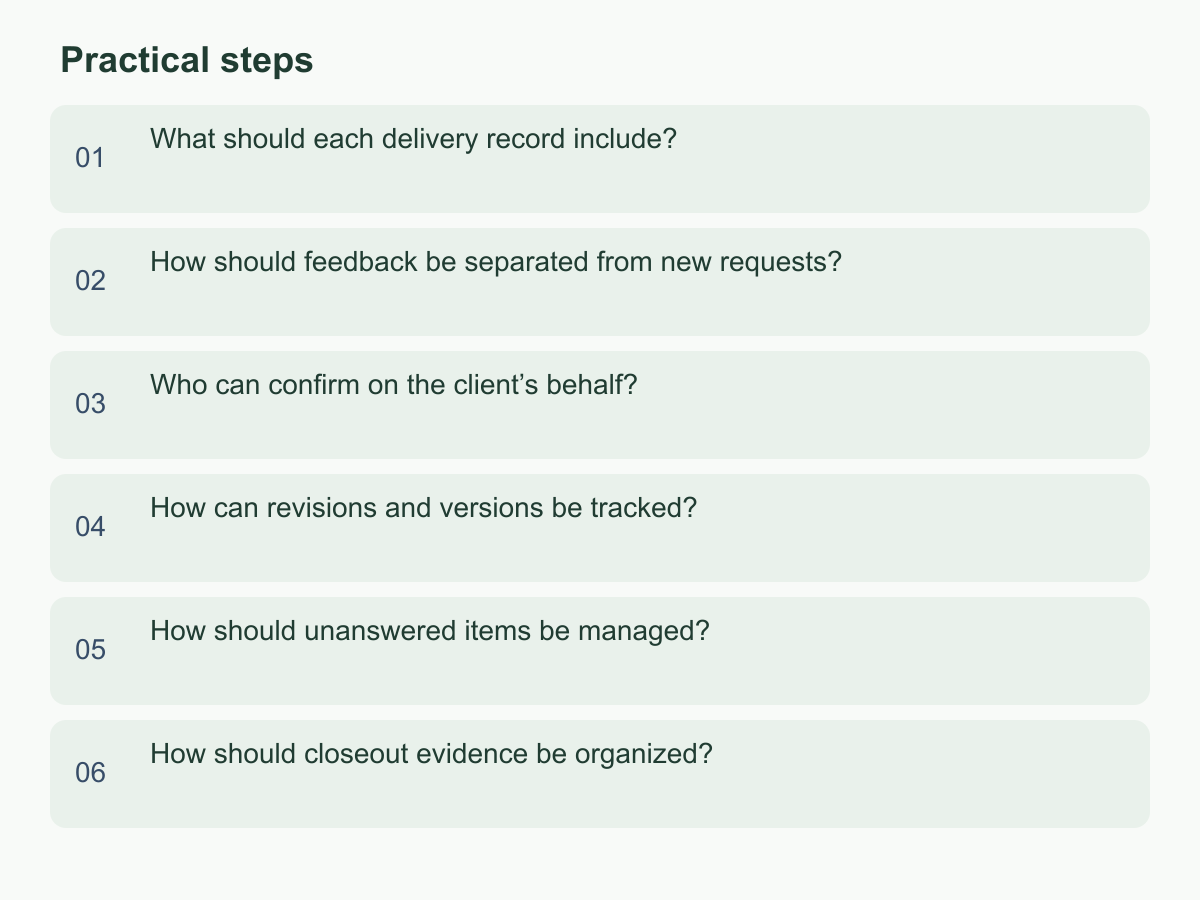
What should each delivery record include?
Create one record for every handoff. Include the project or work item, deliverable and scope, acceptance criteria, version and file link, sender and recipient, date and time zone, response deadline, status, and next owner. Make clear what was sent, what the recipient should check, and what is holding up the next step. For multiple files, add an index so the recipient knows what to review instead of receiving an unexplained folder link.
Write acceptance criteria before delivery in terms that can be checked. “Includes a bilingual Chinese and English contents page, with a screenshot for each step” is more useful than “good quality” or “meets expectations.” If review depends on client information, access permissions, or a third-party response, record those prerequisites and what they affect. This distinguishes an incomplete deliverable from a review that cannot proceed because an input is missing.
In the evidence field, note where the delivery notice was sent, link the files, and record a timestamp. Do not make a pasted chat transcript the main record. Give each client comment an identifier and use it in replies, revisions, and decisions. An assumed example might read: “Operations manual v2; delivery link; contents page and screenshot criteria; awaiting item-by-item review.” Enter the actual deadline and status agreed by both sides.
Record changes after delivery instead of letting a newer email replace earlier history. If work is submitted in stages, list each portion separately so a partial handoff is not marked complete. An unfamiliar teammate should be able to find the file, identify who must respond, see the review standard, and know the next action. If they cannot, improve the links or ownership fields.
How should feedback be separated from new requests?
Compare each client response with the original scope and acceptance criteria. A missing agreed item, an inaccessible link, or wording that conflicts with confirmed information is usually feedback on the existing delivery. A request for another language, page, or analysis that was not previously requested is a possible new request. When the request is unclear, ask what result the client wants before estimating effort or promising a change.
Preserve the client’s wording, who raised the point, the date, and the location in the deliverable. Add a provisional category and any question still to be answered. Avoid replacing the client’s words with a guess such as “they dislike the layout.” Record instead: “Please change the two home-page sections so one appears before the other; reason to be confirmed.” This gives the team a concrete point to discuss and compare against the next version.
When a request may exceed the agreed scope, acknowledge it and list the extra work to clarify, affected deliverables, and possible schedule impact. Wait for the authorized person to decide whether to add it. Until then, keep it pending; do not quietly add it to a revision or treat an entire email as approval of new work just because it also contains feedback. If the client confirms an item was already agreed, update the original entry and record the basis.
For example, assume an agreed manual must include three language versions, but one is missing. Track the omission against the existing deliverable. If the same reply asks for a new training presentation, list it as a request awaiting confirmation. Give the two points separate identifiers, owners, and statuses so the correction is not missed and unconfirmed work does not enter the acceptance result.
Who can confirm on the client’s behalf?
Before work begins or the first delivery goes out, agree who can confirm each item, who can act as backup, which response channels count, and which deliverables each confirmation covers. Put the person’s name or role in the record and make sure they know what to review and how to respond. List different approvers for different deliverables separately. Do not infer authority from a job title, recipient order, or earlier email replies.
Clarify whether the person providing feedback also confirms the delivery. A collaborator may suggest changes while a project contact consolidates comments, but the agreed approver should leave the final confirmation. If the client says an internal review is underway, mark “client review in progress,” record who coordinates the answer and when an update is expected, and identify the backup to contact if needed. A read receipt or meeting attendance is not confirmation.
If an answer comes from someone not listed, preserve it and check with the agreed approver whether it represents the client. Mark conflicting directions as awaiting clarification instead of choosing one. When the approver changes, record who requested it, when it takes effect, and which open items transfer.
For example, a marketing contact may give copy feedback while the project lead confirms the final version. Record them as “feedback provider” and “approver.” If a colleague temporarily takes over, update the backup arrangement and transfer each unanswered item. Do not assume an old email’s copied recipients are authorized replacements. Link each confirmation to a specific deliverable and version so “approved” cannot be mistaken for confirmation of every attachment.
How can revisions and versions be tracked?
Give each deliverable a clear, continuing version number and retain every version that was sent. Avoid replacing the contents behind an old link: the client might review a different document from the one the team expects. Connect each version to its link, delivery date, and main changes. A useful summary identifies the changed section or screen, the related comment, and what remains unchanged; “updated” alone is not enough.
Use the same identifiers for feedback and revision summaries. If comment A03 refers to section 4 of a manual, the v1.1 entry can say that operating steps were added in response to A03 and include the new file link. If a comment was not adopted, state why and what remains to be resolved. Do not let it disappear when a new version is sent. The delivery log or a separate revision list can hold these links, provided every version can be traced to its source, changes, and current status.
The following is an assumed format, not a record of real project dates or status:
| Field | v1.0 | v1.1 |
|---|---|---|
| Version contents | First draft delivered | Operating steps added in response to A03 |
| Still to address | Awaiting item-by-item feedback | New content awaiting confirmation |
| Current status | Client review in progress | Sent; confirmation pending |
When sending a new version, update the index or landing page so the recipient knows which file to check. Keep earlier versions as history and label them clearly. If one comment affects several locations, list each one. If instructions conflict about the same location, pause and ask the approver to choose a direction. This makes the history useful for handoff instead of leaving similarly named files whose contents are hard to distinguish.
How should unanswered items be managed?
Put every comment, information request, or decision without a clear answer on a pending-items list. Record when it was raised, the exact question, who should respond, the deadline agreed by both sides, the current impact, and the next follow-up date. “Waiting for the client” is not enough: the next teammate needs to know what answer is missing, who is following up, and which work is blocked.
Make follow-up messages easy to answer. Include the deliverable location and choices, then state what depends on the reply. Split broad questions such as “Please confirm everything” into items that can be answered one by one. If several people need an internal discussion, record the coordinator and next check-in. Use the parties’ actual deadline; do not present an internal reminder as a client commitment or apply one fixed number of days to every time zone and work arrangement.
If no reply arrives, keep the status “awaiting response” or “blocked,” then update the last follow-up and next owner. Where appropriate, contact the backup under the agreed process or explain the schedule impact. Silence is not acceptance, approval, or completed review. Mark which work can continue in parallel; if an item blocks the next stage, name the affected deliverable so the owner knows what can move and what is not confirmed.
For example, assume both layout options for a manual are ready but its home-page heading still needs a decision. Send the ready parts for review and list the heading separately, noting that it affects finalizing the home page. When a reply arrives, record its source and date, link it to the relevant version, and update the status. If the deadline passes, retain the follow-up history and next expected arrangement. Transfer unresolved items with their owner and next action at closeout.
How should closeout evidence be organized?
Prepare an index listing final files, versions, delivery times, recipients, acceptance criteria, individual comments, and resolution status. Link to the original notices and confirmation replies, and connect final confirmation to the exact version it covers. “Received, thank you” without an attachment name does not show what was confirmed. Preserve the status, reason, owner, and next action for any item left unconfirmed, paused, or deferred.
Before archiving, check that each closed comment links to a revision or a decision not to adopt it, each open item has a next owner, and the intended teammate can access the final files. Use consistent names for the project, deliverable type, and version. Keep the index where the team agreed, rather than leaving essential details only in an individual inbox or chat. Follow existing team arrangements for access and storage instead of guessing at retention periods or applying an unverified rule.
For projects with several deliveries, do not put every attachment in an unexplained folder. List the final version, earlier versions, feedback list, and confirmation evidence separately, with their purpose and relationships. Retain earlier versions as change history and label the delivered result. Before handoff, ask someone other than the original contact to use the index to find the final file, unresolved items, and confirmation record. If they must guess the path or message the original contact, add an entry point, file name, or brief context.
Before the next delivery, start a record with the deliverable, acceptance criteria, approver, and version. Afterward, update replies, revisions, and status item by item; at closeout, give the index to the next owner.