
Before sending a proposal, check details that can drift across its cover, tables, attachments and email: the recipient, currency, delivery owner or an unapproved commitment. Use one checklist to verify the recipient, figures, responsibilities, supporting files, approval status and final version. Record each reviewer and result. Keep unresolved items visible; an unanswered question is not approval. A brief, recorded check gives the team a clear basis for deciding whether the file is ready.
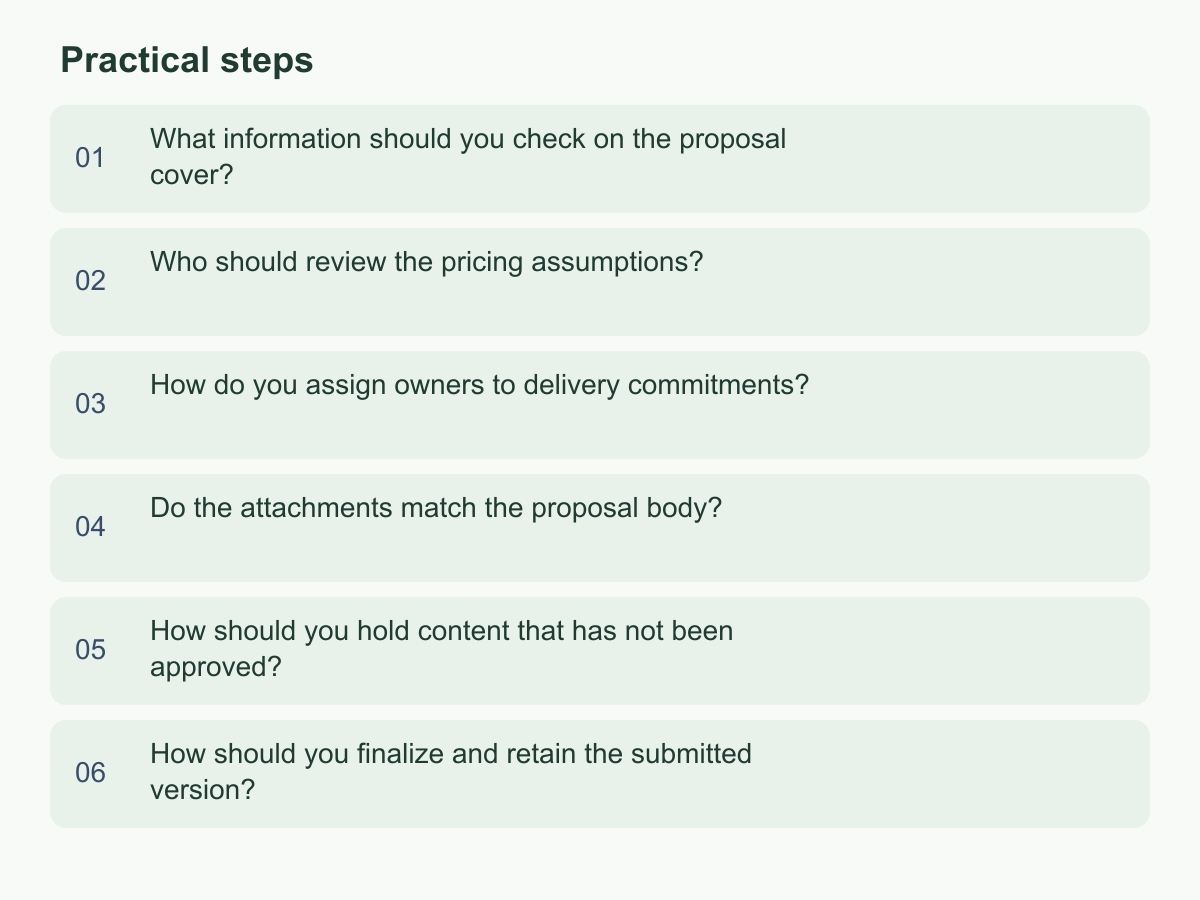
What information should you check on the proposal cover?
Use the cover as an index for the matter, recipient, proposing party and version. Check the client’s official name, form of address and contact title; project name, proposal date, currency and main contact. Verify any validity period internally. Use spelling from confirmed correspondence. If records conflict, note the source and assign someone to verify.
Compare the cover with the first page, footer and contents. Names, project reference, version date and currency must agree. For a joint proposal, verify each party’s role and contact and permission for each logo; omit a logo from the client copy while permission is pending. Keep the cover’s scope aligned with the body.
For Chinese and English versions, identify the primary review copy and compare names, amounts, dates and delivery terms. After changing either copy, check its counterpart again; formatting will not synchronize figures. Search reused documents and attachment names for old client or project details. If an old email conflicts with a newer document, ask the contact to confirm the official spelling, update the cover and footer, then have a colleague search the full file. Keep unverified fields on an internal pending list.
Who should review the pricing assumptions?
Ask the preparer for the basis of each figure and an independent colleague to recalculate it. Check hours, billing unit, currency, discounts, one-time items, payment stages and exclusions. Compare the body, pricing table, summary and email; record each figure’s basis, owner and approval status.
These hypothetical figures illustrate arithmetic only; they are not an actual or recommended quote.
| Item | Assumption | Calculation |
|---|---|---|
| Labor | 40 hours at HK$600/hour | HK$24,000 |
| Internal reserve | 10% of labor subtotal | HK$2,400 |
| Total | Labor plus reserve | HK$26,400 |
Forty hours × HK$600 equals HK$24,000; the 10% reserve is HK$2,400, so the total is HK$26,400. Confirm whether the reserve is internal, belongs in the client copy, how it should be described and whether it is already included. Record separate approval for a discount if required. Name who will confirm verbal estimates. The preparer supplies the basis, a business lead checks the proposal and client communication, an appropriate finance or management reviewer checks amounts, and an authorized approver confirms release. Follow internal approval rules, not job titles. After a change, update every occurrence and recheck it; approval of an earlier version does not cover the revision.
How do you assign owners to delivery commitments?
For each promised deliverable, record its lead owner, collaborators, completion criteria, milestones and required inputs. Naming only a department can leave follow-up unclear. Ask the day-to-day owner to confirm the scope and resources; listing a person does not mean they accepted the commitment.
State format, boundaries and acceptance method. A market research deliverable, for example, should say whether it is a report, presentation or workshop materials and which questions it covers. Mark open points as assumptions or leave them for discussion. Treat dates as dependent on client inputs, decisions and internal scheduling unless confirmed.
Use a responsibility table to identify client inputs, decision-makers and cross-team handoffs. Check for unowned work or roles that each assume the other is responsible. Mark suppliers or other teams as dependencies until their contribution is confirmed.
If client information is needed before work starts, name who follows up, list the information and state who confirms it is complete. Ask the owner to verify the wording. If it is unconfirmed, make the commitment conditional, mark it pending or omit it from the client copy. Tell affected teams about changes to scope, timing or acceptance criteria.
Do the attachments match the proposal body?
List each attachment’s filename, version, purpose, owner and status; compare it with files cited in the proposal. Confirm the contents, pricing, scope, schedule and supporting documents concern the same client and work. A familiar filename does not prove current scope; confirm uncited files are needed. Match each filename to its listed purpose and version.
Compare names, amounts, currency, deliverables, dates, assumptions and exclusions. An included item should not still be priced extra in an attachment; update a changed schedule everywhere. Comparison tools help, but reviewers must interpret differences: conversion can move tables or comments, and figures may have different units or conditions.
Check for internal notes, tracked changes, hidden pages, comments, wrong recipient details and sensitive information. Confirm permission for reference cases and remove unnecessary identifiers. Exclude internal cost sheets and approval notes. Reopen the export to check for old pages or comments.
Ask someone else to confirm each file or link opens and matches the proposal. If the body promises two sessions but an attachment lists one, confirm the approved scope, update both and recheck. Refresh the list; label unconfirmed items as discussion material.
How should you hold content that has not been approved?
Keep unapproved content in an internal draft or decision list, separate from the client-ready version. Record each question, assumption, decision-maker, evidence needed, next step and status. Add dates only for real deadlines. Silence is not approval.
Label a discussion draft on the cover and in the email, and identify unapproved scope. A formal proposal should state confirmed terms or clear conditions. Keep internal notes, alternatives and opinions out of the client copy; separate estimates from approved prices and commitments.
Restrict internal estimates and comments to decision participants; keep internal links out of external email. Do not share an actively edited copy. Save and label a separate review version when work continues. After a decision, update the proposal and remove obsolete questions. Keep the decision and its source in the record so later edits do not revive a rejected option.
If a manager has not approved price wording, record options internally and ask the authorized decision-maker to choose. Update pricing and summary; have another reviewer compare pending items with the client copy. Treat any unconfirmed figure, owner or scope as a submission blocker.
How should you finalize and retain the submitted version?
After content checks and approvals, export the approved version. Use a filename naming the matter, purpose, version and date; match it to the cover. Open the export and check every page, table, link, font and page number for missing or shifted content.
Record the approved file, approver, time, version identifier and later changes. For changes to price, scope, schedule, attachments or client-facing wording, decide whether approval must be renewed. Get confirmation when needed and update the record; approval of one draft does not cover later versions. Keep changes traceable to who proposed, checked and approved them.
After sending, store the submitted file, email, attachment list and approval record where the team can find them. Record recipient, filename and sending status. For revisions, create a new version and retain the submitted copy. Keep the submitted copy read-only where practical so it cannot be mistaken for a new draft.
Before sending, confirm the recipient, matching body and attachments, approved figures and commitments, readable export, no internal traces and complete records. Use a checklist for the six review areas.
Use this six-part checklist for your next submission. For information about operating in Hong Kong and overseas, visit the Chan & Chung website.