
When a business relationship ends, contact details may still support an open transaction, follow-up or accounting check. But “keep it just in case” is no permanent reason. A review records each dataset’s purpose, retention reason, owner and next check. Assess accounting and statutory records separately where requirements differ. Decisions include continued use, fewer fields, restricted access, formal-record transfer or copy cleanup. This guide sets no statutory period; confirm requirements for each document and case with an appropriate professional.
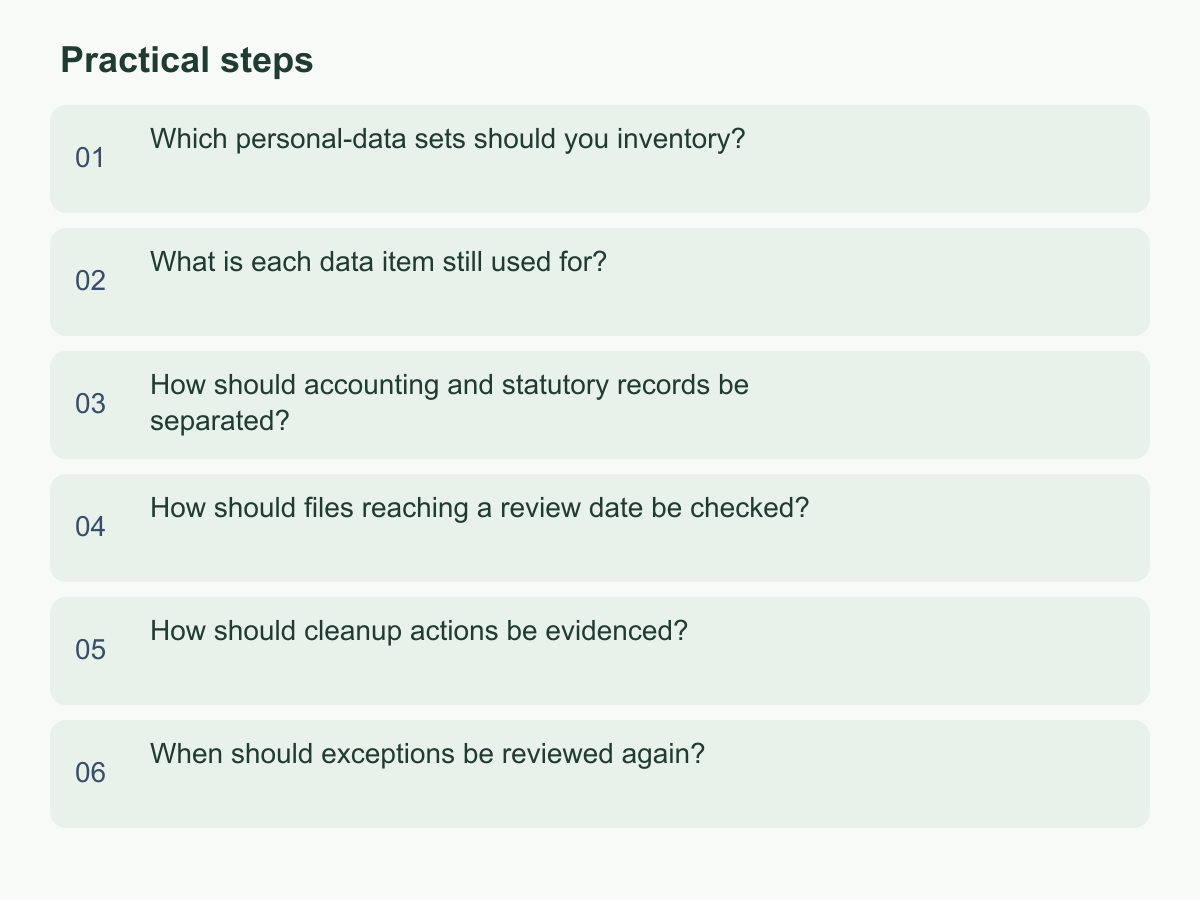
Which personal-data sets should you inventory?
Start with datasets, not individual customers, so you do not copy personal details into a new master sheet. Search CRM, enquiry forms, sales spreadsheets, shared folders, customer-service email labels, messaging exports, business cards and offline backups. For each set, note location, data types, source, owner, last actual use, access roles, export locations and whether another system reads it. Keep the summary to field names and necessary counts, not full personal data.
Map collection, updates, sharing with agents or platforms, export locations and employee handoffs. A customer may appear in prospect, sales, event and accounting records; a CRM check alone is insufficient. Assign an owner to each set. Mark an unknown source or inaccessible system as unconfirmed, with a check method; “not found” does not mean “does not exist.”
Example: an operations manager lists enquiries, email labels and event records; each owner confirms purpose and copies. Accounting documents are listed separately. Inventory is complete when each set has a location, source, owner, initial purpose and next step—not when all old data are deleted. Check links, permissions or with the owner if an export may still be active. Record review date and scope.
What is each data item still used for?
Return to the collection context and current workflow. For each field, ask which task it supports, who uses it and when, and what step follows. An email may answer an enquiry; a phone number may support a scheduled callback. “It might be useful later” is not a clear use. Record actions such as “reply to this quotation” or “complete the outstanding delivery,” not a broad label like “customer management.”
Classify records as still in use, completed or awaiting confirmation. Name an owner and next action for active records. For completed work, check for an open service matter, refund, dispute, warranty or accounting link; lack of recent contact alone is not a deletion rule. Restrict access to unconfirmed records and assign an owner and deadline. If a transaction needs identification but no further contact, consider fewer fields, separated contact details or an internal reference code.
Example: a sales row has a company name, email, personal mobile and job title, but the next step is checking an unfinished quotation. Confirm whether company ID and email suffice, mark other fields unnecessary, and check the quotation is recorded separately. This illustrates workflow, not statutory retention. Before using old data for different messages or broad promotion, confirm applicable notices, choices and internal rules. Record purpose, fields, users, decision and basis; date and approve a changed purpose.
How should accounting and statutory records be separated?
Contact details and accounting or statutory documents may share a folder, but not a purpose. Classify by document. Phone, email, job title and preferences are contact details. Contracts, quotations, invoices, payment evidence, reconciliations and delivery records may belong to transaction or accounting processes and need separate handling under verified requirements. This guide assumes no statutory period or start date and does not replace accounting, tax or legal advice.
Keep separate lists and decision owners. The business owner assesses whether contact fields still serve their workflow; the accounting owner or an appropriate professional confirms which documents have separate retention or audit needs. Do not treat an entire email with contact details and transaction instructions as disposable marketing data. An accounting file’s retention also does not justify keeping every contact copy. Identify the formal record and approver, then address unnecessary copies.
Suppose a quotation has ended, payment records remain under review, and the sales list needs no follow-up. The business owner decides the list’s handling; the accounting owner decides what payment records to retain. State a reason such as “payment evidence pending accounting review,” not “all customer data must be kept.” If classification is unclear, pause handling, limit access and ask an appropriate accounting, tax or legal professional to confirm requirements.
How should files reaching a review date be checked?
A review date prompts reassessment, not automatic deletion. It may follow an enquiry ending, project delivery or contract termination. Ask whether the purpose is complete, who owns the next step, whether a matter remains open, whether the document belongs on another retention list, and whether a customer request or internal restriction needs attention. If no general period applies, record the trigger and how requirements were confirmed instead of applying one number of years to every record.
Choose an outcome: continue the original use with necessary fields; remove an unneeded copy; restrict access pending confirmation; or transfer the record into an accounting or other formal process. Record the dataset, decision-maker, reason, operator, review date and evidence location. Replace “keep for later” with a trigger, such as delivery acceptance or accounting confirmation. If no event date is predictable, set a follow-up date. Update status and owner after review; if the original user left, identify their successor.
Hypothetical example: of 30 old enquiry records checked, 18 relate to open quotations or service matters, 7 are duplicate copies confirmed as replaceable by the master, and 5 have an unconfirmed purpose or transaction status; 18 + 7 + 5 = 30. Keep the 18 in a restricted work list with next steps, schedule cleanup of the 7 after checking the master, and restrict access to the 5 while tracking exceptions. These figures illustrate classification, not retention ratios or periods. Sample reasons for consistency; return uncertain cases for confirmation, not majority decision.
How should cleanup actions be evidenced?
Before cleanup, define the dataset and location, fields or record types, selection criteria, expected count, exclusions, operator and reviewer. Have the owner check that accounting documents, open transactions and unresolved exceptions are excluded, then have another authorized person confirm. Do not put complete personal data in a general work chat; use internal identifiers or masked fields, keeping any mapping controlled. For an automated batch, test a limited scope and verify the selection before processing.
Afterward, record actual time, system, criteria, method, successful count, failed or skipped count, exception reasons, operator, reviewer and evidence location. If a target of 30 yields only 28 removals, state why the other 2 were skipped and who owns follow-up; do not report the target as completed. Check each location separately: main system, exports, shared folders, mailboxes, third-party platforms and paper. Keep a receipt, access-change record or sample-check result where useful, without copying sensitive content into a new log.
Deletion, archiving and backups may work differently. If backup copies are unconfirmed, record “main system processed; backup awaiting confirmation under the existing procedure,” with the check method and next review point. Do not claim permanent deletion across all copies. Use a sample or query to verify criteria, list exceptions, and link decision and operation records so another person can see why, what batch, what remains and who checked it.
When should exceptions be reviewed again?
An exception is an unresolved status, not permission to retain data indefinitely. It may involve an unfinished transaction or dispute, unclear document classification, a customer request, a copy still used by a workflow, or an unanswered question for an external professional. Record the dataset and fields, which use or cleanup is paused, who raised the issue, who will confirm it, the next trigger and review date. “Important” or “might be useful later” is not enough.
While it remains open, limit access, do not use data for promotion or a new purpose, do not add fields, and identify the retained copy. Send accounting or formal-document questions to the accounting owner. For an external adviser, record the question and expected response point. Add the conclusion, basis, decision-maker and outcome to the original exception when an answer arrives.
Example: “Payment status unconfirmed; accounting owner to check; contact fields must not be used for promotion; reassess copies when the result arrives.” This does not require keeping all contact data until payment records close or classify the accounting documents. Resolve the exception under the separation rules or, if extended, add a reason, approver and next check point. Revisit reason, fields, owner and evidence until resolved or covered by a supported formal retention arrangement. If an owner misses review, ask a manager to assign one.
Start with one customer-contact list still in use: note its owner, purpose, open matters and next review point, then route accounting documents to their separate review. For more information about Chan & Chung, visit the English homepage.