
Mapping cross-border personal data starts with a practical question: how does information move from collection to the systems, people, and organizations that store or access it? Draw each step and record the data fields, purpose, recipient, and known location. Mark unknowns for follow-up instead of guessing. The result is an internal working map, not a legal conclusion, vendor exit checklist, or complete inventory of every system. Start with one process or data category and label the scope so a partial view is not mistaken for a company-wide register. The examples below are illustrative; verify actual systems, recipients, and locations against organizational records.
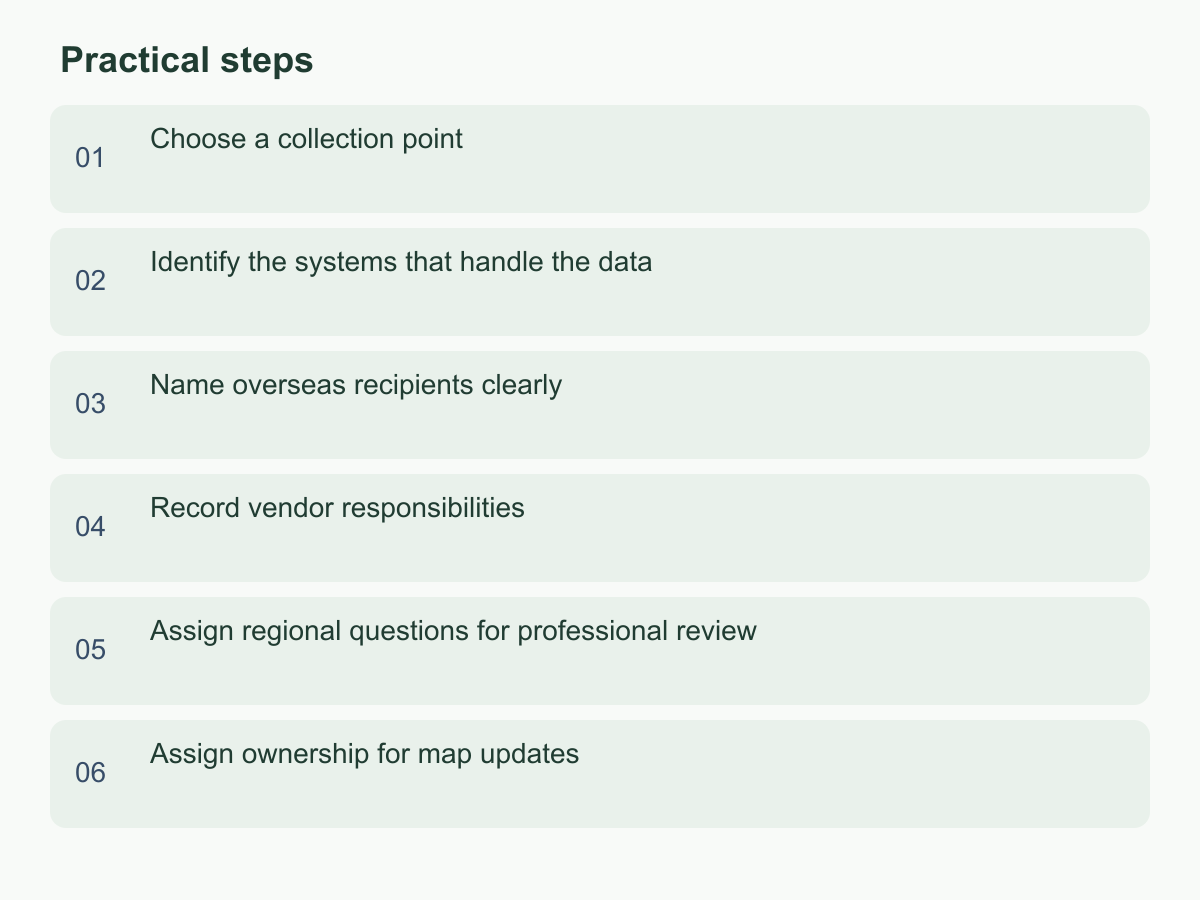
Choose a collection point
Start with the first action that brings data into the organization, rather than listing only website forms. Entry points may include enquiries, orders, customer support, event registrations, lists supplied by employees or business partners, in-store records, and imports through an API or batch file. For each, record who enters or generates the data, the fields collected, the purpose and trigger, whether each field is required, and the first system that receives it. Name recognizable fields such as a person’s name, contact details, or an order identifier. “Customer data” is too broad to show which fields move onward.
Follow events such as form submission, completed payment, or a support case being opened. Mark automated transfers, manual downloads, and staff re-entry. If one form supports enquiries and newsletters, draw separate paths when the purposes or fields differ. For example, assume a website enquiry sends a name and email address to a contact system, then a marketer exports a list. Those are two processing steps. If the export destination is unknown, label the recipient as pending and ask the person who performed the latest export to help trace it.
Compare the field list with the live form, database, or export template; a field not visible on screen may still be submitted. Record the version checked and compare a sample process record against the list. Separate paths where language or customer type changes handling. For an old list with no traceable source, mark the source unknown and identify its current users rather than stating an assumption as fact. Note whether each record came directly from the person or from another source. The starting point is complete when each data type has a source and trigger, and a colleague can follow the map to the next handler.
Identify the systems that handle the data
From each starting point, follow every read, write, copy, and manual download. An asset register alone is not a data-flow map. Possible nodes include cloud hosting, contact management, payment or support platforms, email, analytics, shared documents, backups, logs, and administrative consoles. Include only nodes that actually handle the data in scope. For each, record the fields, purpose, access or transfer method, environment, internal owner, location evidence, and next destination. Distinguish the formal process from temporary spreadsheets.
The table below is a hypothetical enquiry route to validate against actual operations:
| Node | Data and purpose | Next step or open question |
|---|---|---|
| Website form | Name and email; respond to enquiry | Contact system; hosting location to verify |
| Contact system | Contact details; assign follow-up | Support staff; export method to verify |
| Support platform | Conversation; handle case | External support provider; access location to verify |
This is a working format, not a description of a particular website. A company account does not prove that the data in scope enters that system. Ask the administrator and check settings or process records. Check manual copies, downloads, and backups for off-path copies; keep unknown labels where evidence is incomplete instead of guessing a country or recipient.
Review integrations, scheduled exports, notifications, and user roles to see whether data is synchronized or visible to support staff. If documents and staff accounts disagree, record both sources and assign someone to resolve the difference. No visible usage log does not prove that no access occurred. Check test and backup environments separately for production data; do not assume they share the production system’s locations.
Name overseas recipients clearly
Record each recipient as a traceable organization or role, not simply as a country. Distinguish a group company, outsourced processor, vendor’s subservice provider, overseas support team, and support staff who can log in remotely. For each, note the legal entity when known, its work, data fields accessed, purpose, location or access locations, and whether information may be passed onward.
Keep the contract entity, selected hosting region, and actual work locations of staff in separate fields. They may differ. Check contracts, vendor documentation, administrative settings, and the operating team’s process, and record the source of supporting evidence. For example, if an overseas group company receives delivery details only to fulfil orders, show that company, those fields, and that purpose. Do not infer that it can see enquiry records or all customer files.
If an entity name, location, or onward transfer is unconfirmed, mark it pending and name who will ask. Show an actual copy sent to a recipient separately from permission to log in and view data; those routes need different evidence. If a provider replies under a brand name, verify which entity signed the contract and which supplies support. Preserve what is known and unknown for each. Record whether access is regular, on demand, or limited to incident support. Split recipients whenever their purpose, visible fields, location, or responsibility differs.
Record vendor responsibilities
Connect the vendor list to each flow. Record who decides the purpose, configures the system, operates it, and handles issues. For each external service, identify an internal business owner, system administrator, contract contact, and vendor contact. Describe the vendor’s actual work, data received, permissions, location information, retention or deletion arrangements, and any other service providers involved. These fields describe operations; legal or contractual roles must be assessed against the real arrangement, not inferred from the word vendor.
For example, with an external email tool used for service notices, check whether it receives contact addresses, message content, or other fields. Confirm whether administrators can export a list, how access can be disabled or deletion requested, and who keeps the vendor’s response. If vendor documentation differs from the live configuration, preserve both and assign someone to investigate instead of changing the map to match the documentation.
If the vendor cannot clarify its subservice providers or support locations, record the gap and ask the contract contact to follow up. For questions about roles or cross-border handling, organize the facts for a suitable legal or privacy professional to assess. Add who approves access, who reviews permissions, and where evidence is held. A vendor serving several processes can share contact details, but each flow still needs its own fields and purpose. Update the record when permissions change, a contact leaves, or a contract is updated. Check whether a colleague can answer who can see the data, why, and who can verify that access.
Assign regional questions for professional review
The map should establish facts without declaring that a region’s law does or does not apply. List potentially relevant locations: where collection and operations take place; recipient entities are located; hosting and backups reside; remote-access staff work; and any known onward destinations. Technical administrators can verify system locations and permissions, business owners can explain purposes and use, and contract contacts can clarify contracting entities and vendor arrangements. A legal or privacy professional familiar with the relevant regions can assess applicability against those facts.
For review, provide the data types, individuals concerned, route, recipients, purposes, evidence, and unresolved details. Ask answerable questions: which regional rules may be relevant, whether notices or contracts need attention, and which data may be made available to a recipient. For example, suppose contact details of customers in Taiwan are collected by a Hong Kong team and overseas support staff can log in. Neither the company’s registration location nor hosting region alone settles the question. Verify each step, then ask a professional to assess this route.
Track items as verified against records, pending internal review, awaiting an external response, or awaiting professional judgment. Assign an owner and an internal follow-up date; this is a management reminder, not a statutory deadline. Do not add legal thresholds, reporting periods, or fees without a current authoritative basis for the specific circumstances. If a professional view depends on unverified facts, record the conditions and missing information. Keep the reviewer, route version, assumptions, conclusion, and events that would trigger another review together so a conclusion is not reused outside its original context.
Assign ownership for map updates
Name one process owner to maintain the overall version, with system and business owners confirming the parts they know. Responsibility should not sit only with IT: collection purposes, manual exports, and recipient choices often belong to other teams. A new form, vendor, group-company transfer, system migration, expanded permissions, or changed support team should trigger review of the affected arrows.
Build updates into the change process. When a change is proposed, describe the fields, purpose, recipient, and expected location. Before launch, have the owner update the route and evidence and list regional questions for review. Afterward, ask the people who operate the process to compare the map with current practice. Keep a version date, editor, evidence, open questions, and next owner so the reasons behind the map are not lost.
When replacing a support platform, check what data the new platform receives and whether export files, backups, or active accounts remain in the old one. The aim is an accurate flow map, not a vendor exit checklist. During an operations review, compare it with system records, vendor records, and actual permissions. Even when nothing has changed, record what was checked and where the evidence is held instead of keeping an undated diagram. If a route no longer matches reality, open a correction item naming affected data, nodes, and owner. Update the approved version after verification, then ask each affected owner to confirm the relevant arrows. An unanswered section remains pending, not approved.
A practical next step is to choose one process with a clear starting point, find its current operator, and trace the fields, recipients, and location evidence through the actual route. Assign unresolved questions to an owner or suitable professional. For general information, visit the Chan & Chung English website.