
Once a product is on the market, its specifications may still change because of materials, dimensions, accessories or packaging. If a team simply replaces a document, warehouse staff may pick to the old version while product pages show the new one, leaving customer support unsure which version a customer received. A revision record connects the reason, effective batch, old-stock plan, channel owners and checks in one trail, so each team can work from the same approved version.
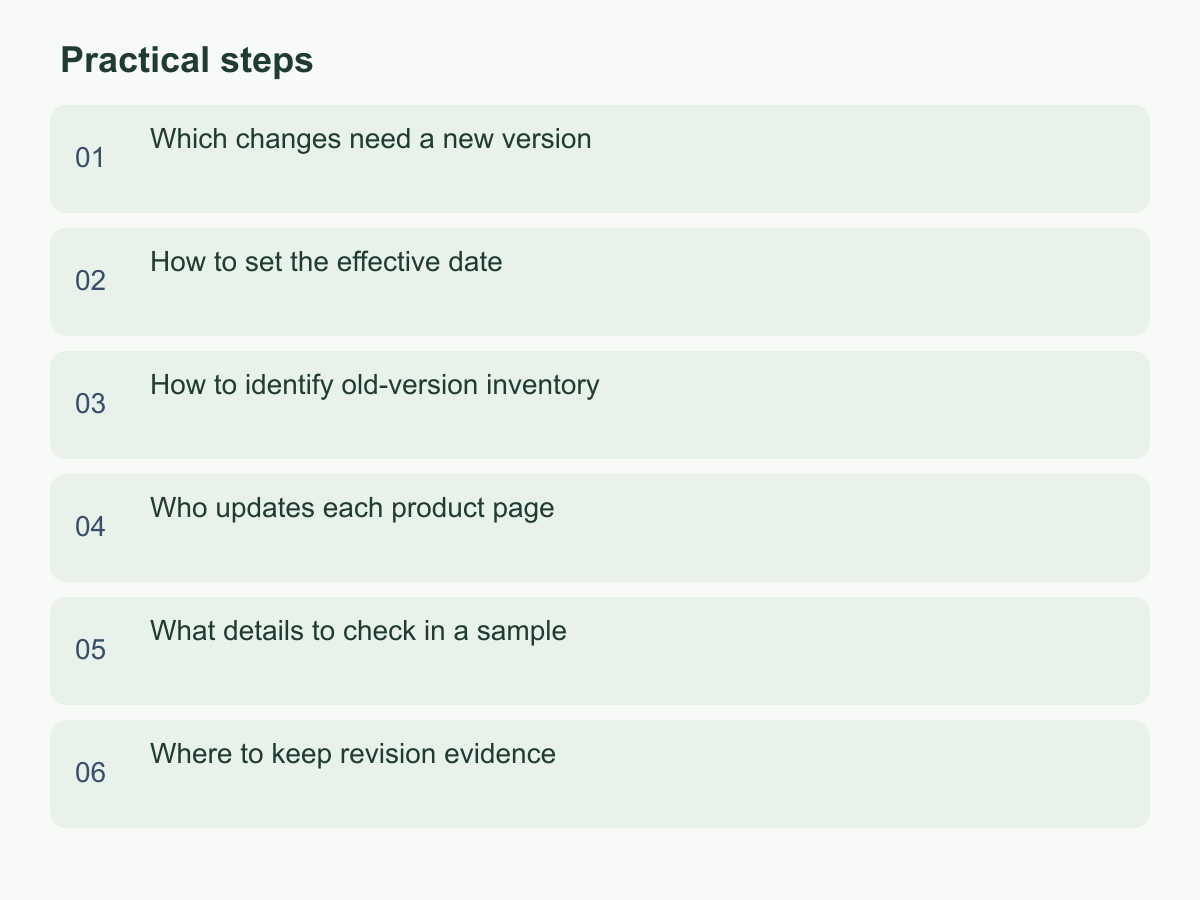
Which changes need a new version
Create a new version when a change affects what customers receive, how staff pick orders, or whether a product can still be installed or used in the same way. Compare dimensions, weight, capacity, material, accessories, pack quantity, interfaces, compatibility, instructions and warnings before and after. If a field can affect a quote, promise, acceptance, shipment or after-sales decision, link it to a version and applicable batch. A simple numbering rule works if everyone agrees which approved specification each number identifies.
Typos, layout order or internal field cleanup that do not affect the product or a reader's understanding can be logged as document revisions without creating a new sales version. But a changed value, icon, photo or translation that buyers may use to choose a product should not stay under the old version because the edit seems minor. List related changes separately instead of using a vague reason such as 'appearance improvement.' Record at least the product identifier, current and new versions, fields changed, reason, proposer and approver.
Suppose a bottle's capacity changes from 500 ml to 450 ml. Although its exterior looks similar, capacity affects the product page, packaging label and support answers, so give it a new version and plan how to distinguish the labels. A typo correction can remain a document revision if the product, image and purchasing meaning are unchanged. If an image actually shows a different color, reconsider whether it is a specification change. Record the reason so warehouse, support and channel teams do not have to guess.
How to set the effective date
The effective date should identify the point from which the new version applies. Use a clear trigger, such as a production work order, supplier batch, receiving inspection, specific order or shipment date, and record its definition, decision owner and mixed-batch handling. A calendar date can remind people, but a midnight switch may split a batch if old materials are already in production, in transit or promised to customers. Reconcile supply, work in progress, transit and warehouse stock before setting the changeover.
Give procurement, warehouse, support, product-page and sales teams enough time to update. Production and channel announcement dates may differ: production follows batch identification, while the announcement tells customers when new orders will receive the new version. Record both dates and why they differ. If a carton, label or batch record cannot identify the version, pause mixed storage or shipping until the identification method and owner are clear.
Suppose a factory plans to use a new part starting November 10. Name that production batch as the new-version start and state that earlier completed batches ship under the old version. If an order could span batches, assign someone to check before shipment and notify support; 'updated in November' is not specific enough. If the schedule slips, the owner updates the actual batch or date and any channel work still underway. The record should show the planned and actual changeover and who confirmed it.
How to identify old-version inventory
Before the changeover, count old-version saleable stock, reserved quantities, goods in transit and work in progress. Make version information visible to people picking and checking orders. Record product code, version, batch, quantity, location, status and count date; label physical goods or mark separate zones. If the system cannot track versions, use a controlled form or handover log with a named maintainer. Records, labels and goods should match, without relying on memory.
Decide whether each old-stock quantity will remain for sale under the old specification, be reserved for promised orders, reworked, returned or withdrawn. For each disposition, record an owner, quantity, completion status and approval. Mark undecided stock as pending so it is not treated as new-version saleable stock. If versions look alike, put batch-label, package-marking or specification checks into picking and verification; storage location or color alone may not survive a handover.
As a hypothetical example, suppose there are 40 old-version units and 60 new-version units. Reserve 12 old units for existing orders, leaving 28 old units for other orders; all 60 new units are for sale. Record these separately instead of writing only '100 units in stock.' If eight old units later become display stock, update the old-version saleable quantity to 20 and record their destination and the person who moved them. Reconcile the total: 20 for sale + 12 reserved + 8 for display + 60 new-version units = 100.
Who updates each product page
Name one data owner for the approved specification fields, images, documents and version number, then assign an updater and checker for each channel. Copies may appear on the website, ecommerce platforms, distributor portals, catalogs, quote attachments and support materials. List affected channels and track each as waiting, submitted, live or needing confirmation. Name a person or role instead of writing 'marketing,' and prevent channels from independently rewriting specifications.
Before updates, the data owner gives channel staff the differences, approved version and usable assets. Updaters revise product names, specification tables, images, downloads, FAQs and sales materials. The checker compares the live page with the approved specification and records its location, check time and result. If a channel has display limits, document how important specifications will still appear. For a delayed update, name a temporary measure, such as pausing a link or giving a manual explanation, and its owner.
Suppose a connector's size changes. The data owner identifies the changed dimension, close-up image and compatibility notes; channel staff update pages and downloads, and the checker confirms buyers can identify the new size. Synchronize support answers too. Record each channel's updater, completion time, checker and delay reason. Leave an unupdated platform pending with a follow-up time; other completed pages do not prove it is in sync.
What details to check in a sample
Check that important differences are identifiable in the product, documents and sales channels. Verify changed values, units, version number, accessories, package markings and applicable conditions; inspect a matching product or batch label and confirm warehouse records do not combine versions. On pages, check the title, specification table, images, downloads and key explanations. Even a single-field change may affect related accessories or compatibility. Choose samples based on impact, not convenience.
Turn each change into a pass-or-fail question, such as 'Does the new package show the correct capacity?' or 'Can the old batch still be identified?' For a mismatch, record the page or stock location, field, screenshot or photo, owner and recheck result. Keep affected pages or goods pending until corrected and rechecked. If the same error could appear in several channels, define the affected scope and check each one; 'sample checked' alone is not enough for handover.
Suppose a connector cable changes from 1 meter to 1.2 meters. Check the specification value, image label or proportions, document, compatibility conditions and carton marking. Confirm every channel listed for the change shows approved information and the warehouse can distinguish the two lengths. If an image is updated but a downloadable document still shows the old value, that channel is incomplete. Keep the mismatch and recheck result together until another colleague can repeat the check from the evidence.
Where to keep revision evidence
Give every change a unique revision ID and one shared, searchable location with version control. Record the before-and-after specifications, reason, effective trigger, inventory count and disposition, channels, owners, checks and results, open items and approval. Attach images, specification sheets, packaging files and page screenshots. Put the revision ID, product identifier and version in filenames, and separate approved files from drafts.
Choose a location that supports team handovers and set suitable viewing and editing access. Do not keep evidence only in private chats, on one person's computer or in an unindexed email thread. If a decision must remain in chat or email, copy the decision and link back to the revision record. Save document changes as new versions with the editor; mark old versions as withdrawn or applicable to specified batches rather than deleting records that may be needed later. If files are spread across tools, list their links, owners and latest status in the main record.
Suppose the revision ID is PS-026. Link the new specification sheet, old-label photos, inventory count, updated channel list and sampling screenshots. Before closing, the owner checks that attachments open, filenames match the actual versions, and every open item has an owner and follow-up time. Later, a colleague can trace the decision and work from the same record. For the next revision, enter the changed fields, effective batch, old-stock quantity, channel owners and check results. To learn more about Chan & Chung, visit the English website.