
Organizations often commit to spending before making a payment: an order is approved, a service is commissioned, or a quotation is accepted. If you look only at bank transactions, these commitments can disappear from view until the money leaves the account. A register connects the approval, expected amount, payment stages, and actual payments, giving month-end reconciliation a clear starting point.
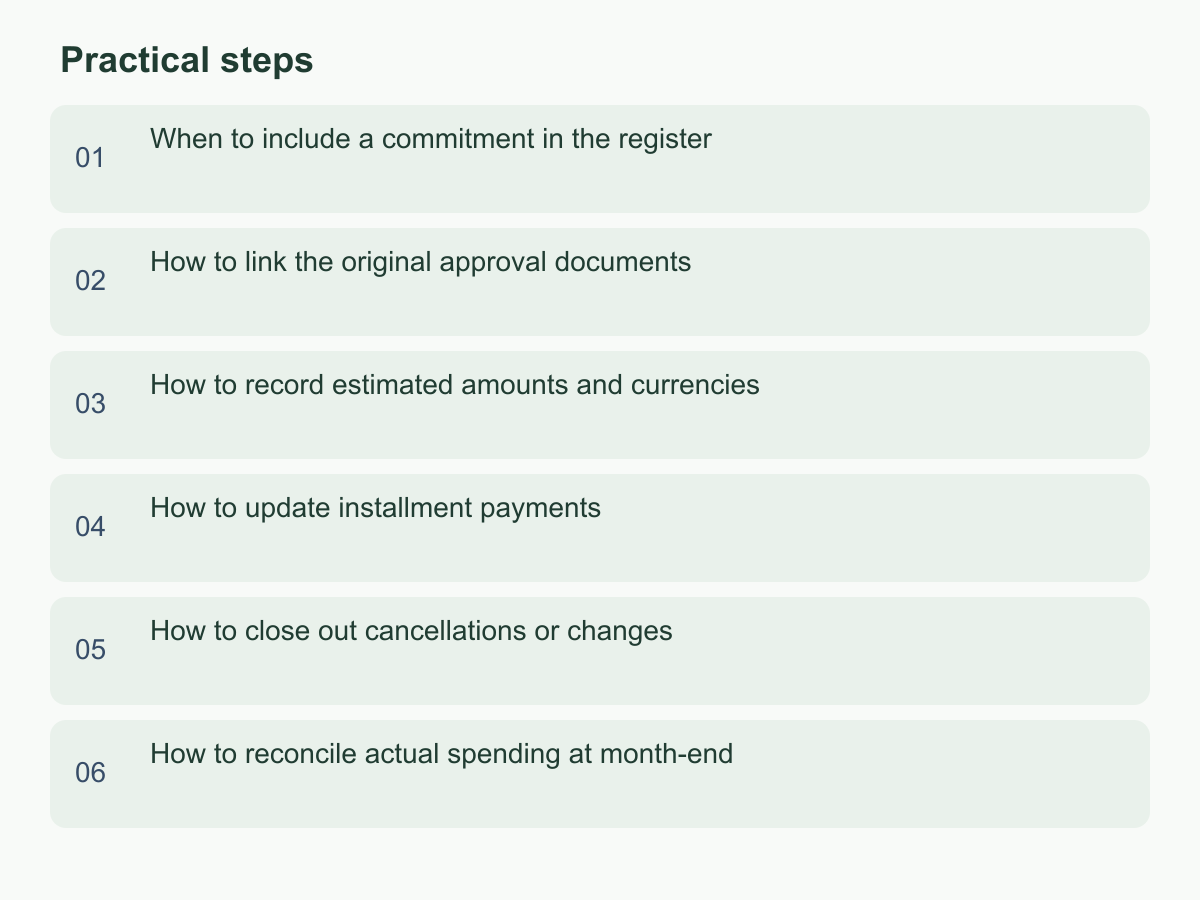
When to include a commitment in the register
Track a cost once the organization has approved an identifiable future expense; whether payment is due yet is not the deciding factor. An order, accepted quotation, service engagement, or internal approval may create a commitment. The invoice or payment request may still be pending. Before entering it, confirm who approved it, the supplier or payee, the purpose, and the amount or scope. A request for pricing, an unapproved draft, or an option still being compared should not be recorded as committed spending.
Set a clear inclusion rule, such as “approved and expected to be paid by this department.” For each entry, record a commitment ID, approval date, supplier, purpose, expected payment date, responsible department, and current status. Assign one person to update the entry and note the last review date. If approval covers only part of a quotation, record only the approved portion and list the rest as pending confirmation.
For example, a department receives a quotation for NT$60,000, but approval covers only NT$48,000; accessories worth NT$12,000 are still under review. Enter NT$48,000 as the estimated commitment, note that NT$12,000 is unapproved, and link to the approved version. If the accessories are later approved, record the change, its date, supporting approval, and the amount before and after. For framework agreements, renewals, or usage-based fees, separate confirmed minimums from options and estimates, and identify the estimate basis and person responsible for confirming it. Mark unclear approvals as “pending confirmation” until checked with the approver.
How to link the original approval documents
A register should let a colleague find the documents that supported a commitment and identify which version was approved. “See email” or a private link that may expire is not enough to reconstruct the decision later. Check that the source shows the supplier, goods or services, amount, currency, and approval. If the approval depends on both a quotation and an email reply, make both documents accessible from the entry.
Give each commitment a stable ID and use it in the file name or document index. Useful register fields include the document name, version or date, storage location, evidence of approval, link-check date, and document owner. Before sharing a link, confirm that its intended internal readers can open it. Do not put passwords, private credentials, or unnecessary personal information in the register. If a document is replaced, retain the earlier version or a record of the change so the original approval can still be traced.
For example, commitment PR-026 may rely on a quotation dated October 8 and an approval email dated October 9. Link to both and note that page two of the quotation shows the amount and the email approves that version. A colleague can then check that both documents refer to the same supplier and scope without searching the inbox for similar subject lines. If a link is broken, access is missing, or versions conflict, mark the entry “document needed” or “version check required,” describe the issue, and ask the document owner to resolve it. Do not guess which attachment is valid or silently replace the old file. After correction, have another authorized reader open the link and record the check date. If the document cannot be found, assign an owner and follow-up date.
How to record estimated amounts and currencies
The amount fields should answer two questions: how much is currently approved, and in what currency is it priced? Keep the original-currency amount and currency together so they can be compared with the quotation, invoice, or payment record. Do not retain only a converted home-currency figure. Also state whether the amount includes tax, freight, or other charges. If the source does not clarify the basis, mark it for confirmation instead of filling in an assumption.
Fields can include original amount and currency, quotation basis, known additional charges, converted amount if needed for internal tracking, the conversion basis and date, and the person responsible for following up on exchange-rate differences. The original amount should match the source document. Label any home-currency figure used for budgeting as an estimate and keep its calculation basis. If a commitment mixes currencies or tax treatments, list components separately rather than adding unlike amounts into a misleading total.
Suppose an approved quotation is US$1,000 and the team uses an assumed rate of NT$32 per US dollar for budget monitoring. The estimated home-currency amount is NT$32,000. Keep “US$1,000” as the original commitment and label NT$32,000 as an estimate using an assumed rate of 32. This does not state the eventual exchange or payment amount. After payment, reconcile against the actual currency and amount in the payment record, showing any difference separately. For a price range, usage-based fee, or unconfirmed surcharge, record the approved cap or confirmed portion and separately show the estimate, its basis, and open items. If a later document exceeds the approval, confirm internally whether the difference can be committed before updating the record, and retain both amounts and their supporting documents.
How to update installment payments
A commitment may be paid in stages, so show the original total, expected amount for each installment, and amounts actually paid. If each payment overwrites the total field, the remaining responsibility becomes unclear. If the original commitment is recorded without payment updates, amounts already paid may still appear outstanding. Use one main record with multiple payment details, or another traceable format, based on how the source documents define the stages.
For each installment, record its number, expected date and amount, actual payment date and amount, currency, payment reference, and status. Use the bank or internal payment record to verify actual payments, retain the original estimate, and add a variance where needed. Before calculating the unpaid balance, confirm that the commitment and payment amounts use the same currency and basis. Subtract confirmed payments from the commitment total. Track refunds, credits, and offsets separately instead of rewriting historical payments.
For example, a service commitment totals NT$90,000, payable in three installments of NT$30,000. After the first payment, record NT$30,000 paid for installment one and retain the planned amounts for installments two and three: NT$30,000 paid plus NT$60,000 unpaid still equals NT$90,000. If the second installment is actually NT$28,000, record the difference and its reason. Confirm the remaining responsibility against the documents and approval; do not simply change the original commitment to NT$88,000 and erase its history.
When a date or amount changes, distinguish a scheduling adjustment from a change in scope or total value. Keep the original planned date and record the revised date and its source. A change to the total, number of stages, or services needs its supporting approval and effective date. If a payment cannot be matched to an installment, appears twice, or uses a different currency, mark it for review rather than pairing it automatically or carrying the difference into the next installment.
How to close out cancellations or changes
A cancellation does not mean the original commitment never existed. Keep the approved amount, source documents, and change history, then update the current status and remaining payment responsibility. First identify what changed: fewer items, a higher amount, a revised date, or cancellation of the whole commitment. Mark an entry cancelled or closed only when there is traceable evidence of the change and you have checked payments made, payments still due, and any refund or credit. This avoids showing a zero balance while an obligation remains unresolved.
Record the change date, person who raised it, reason, approval, old and new amounts, amount already paid, amount still due, and person responsible for follow-up. For a cancellation, check whether goods were received, work began, or expenses were incurred, and whether an invoice, refund, or offset remains outstanding. Record confirmed results only; clearly flag anything unresolved. If a new document changes the scope, retain the original document link and date so reviewers can follow how the commitment changed.
For example, an original commitment is NT$50,000, of which NT$20,000 has been paid. The parties confirm that the remaining service is cancelled, and a document confirms no further amount will be invoiced. Keep the original NT$50,000 commitment and NT$20,000 paid, then record the cancellation evidence and that the remaining NT$30,000 is no longer payable; the outstanding amount is zero. Track a refund separately if one is still being processed. Do not mark it received until an actual receipt record confirms it.
If the cancellation is only verbal, responsibility for fees is disputed, or a replacement quotation is not approved, keep the status pending and list the documents and person needed to resolve it. Do not delete the original entry to make the list look clean or describe an unconfirmed cost as waived. Once confirmed, record the closure basis, date, and result. Give a new commitment its own ID or clearly link it to the earlier entry to prevent overlapping totals.
How to reconcile actual spending at month-end
Month-end reconciliation connects committed budget amounts to actual payment records and identifies unpaid items, differences, and unclear sources. Set the period and data cut-off first, then compare payment records using the commitment ID, supplier, currency, payment date, and amount. At minimum, distinguish fully paid, partly paid, unpaid, amount difference, document needed, and cancelled. A single “complete/incomplete” status hides meaningful differences.
Review each commitment against its payment details, then search the payment list in the opposite direction for transactions with no matching commitment. For each match, check the source document, installment, original-currency amount, and actual payment. Update the status, unpaid balance, reviewer, and review date. An amount not yet due is still an unpaid commitment, not a payment. A paid item should link to payment evidence. If the finance system or bank record uses a different reference format, note the basis for any manual match so it can be checked again.
Suppose the month-end list contains three commitments: A for NT$40,000, fully paid; B for NT$30,000, of which NT$10,000 is paid; and C for NT$20,000, unpaid. Total commitments are NT$90,000, paid amounts total NT$50,000, and unpaid amounts total NT$40,000. Mark A paid, B partly paid with NT$20,000 remaining, and C unpaid. These figures summarize the register; verify each match against the actual payment records.
When figures do not match, classify the reason before changing amounts: amount mismatch, payment crossing periods, different currency or conversion basis, missing commitment ID, or refund not yet received. Assign an owner and follow-up date. Keep a version or export of the reconciliation and carry open items into the next period until there is evidence to close them. To get started, choose one approved, unpaid expense and record its source, original-currency amount, and payment stages; then use the same ID to check it against the month-end payment records. Learn more about Chan & Chung on the official website.