
When a SaaS plan changes mid-cycle, the next bill may include a price difference, unused-time credit, or immediate charge. A traceable record lets support, operations, and finance connect the old and new plans, effective time, remaining term, platform preview, customer approval, and resulting invoice or receipt. The example below uses explicit assumptions; a linear estimate is a cross-check, not a platform quote. Confirm the platform's billing treatment and keep its preview separate from your estimate.
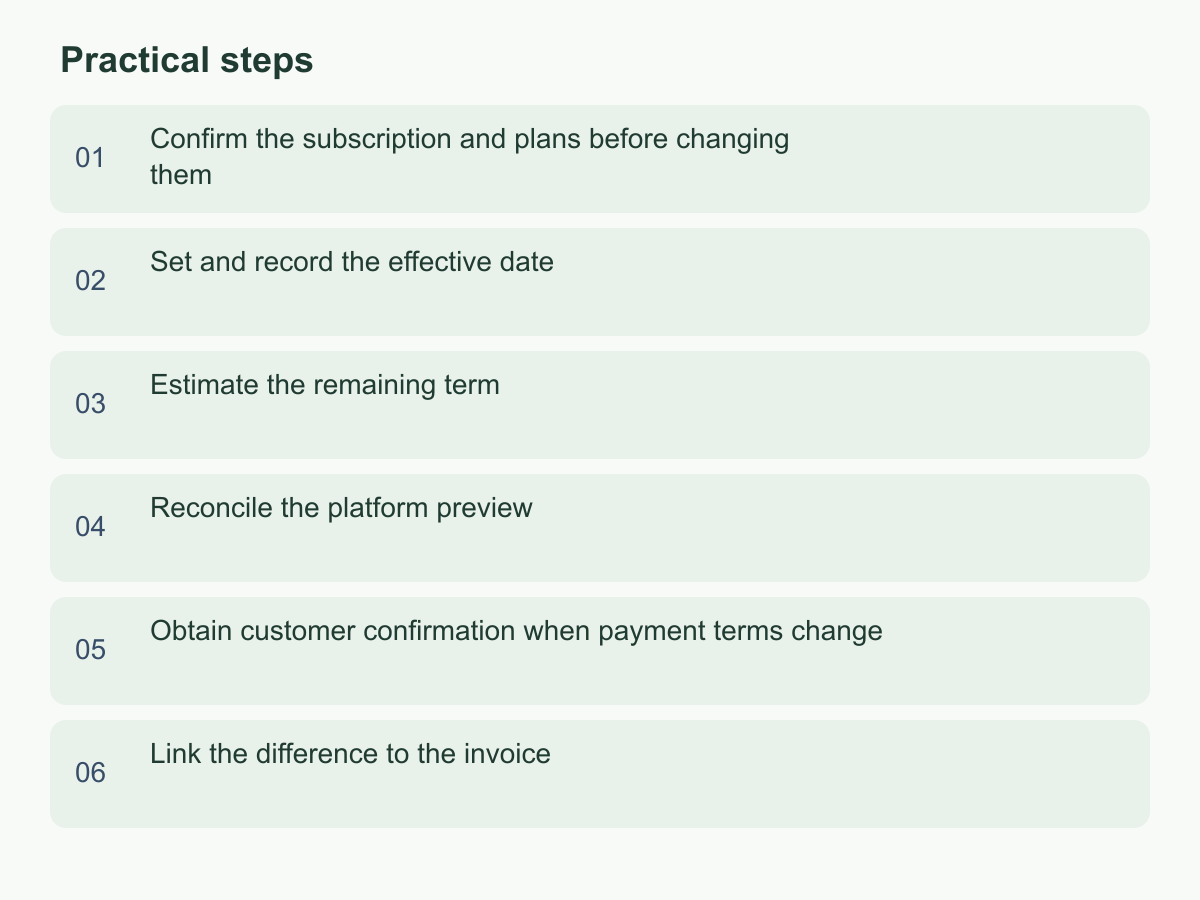
Confirm the subscription and plans before changing them
Find the subscription by ID or customer account, not just company name or email subject: one customer may have multiple workspaces, products, seat add-ons, or test subscriptions. Verify the account, subscription ID, product, currency, status, next renewal, and latest invoice. Use the field labels shown in the platform or export; labels are not universal.
Compare the old and proposed plan names and versions, billing period, unit price, quantity, discounts or promotions, and access or usage changes. Confirm whether the upgrade is immediate, scheduled for renewal, or only adds seats. Similar plan names do not guarantee the same price or entitlements. If a quote, order, or customer message conflicts, confirm which record reflects the accepted arrangement before editing. Summarize the change in one line for handoff.
Before editing, save the original screen or export with the operator, time, and source; redact unnecessary personal or payment details. Record any canceled, failed-payment, refund, or unsettled-change status and pause the ordinary estimate because pending transactions can affect the amount. Identify affected accounts, workspaces, and seats. For a partial upgrade, list the changing and remaining seat counts and each group's old and new prices.
Set and record the effective date
Record the customer's request time, intended effective time, and platform processing time separately. A request does not establish when the new price applies. Save the effective date, time, time zone, and source, such as customer confirmation or a platform event. A note saying only “today” can be interpreted differently across time zones or billing cycles.
Confirm whether the change is immediate or starts at renewal, and whether the platform will charge now, credit unused time, or apply the new price next cycle. Copy the option label shown; a scheduled change is not yet active. If the requested date is unavailable, explain the available dates and billing effects and ask the customer to choose instead of silently selecting the nearest date.
Keep four fields: request time; effective date, time, and zone; platform confirmation time; and the reason or evidence for that date. For manual handling, add the operator and ticket or message reference. If the platform shows only a date, record “date only” and the capture time rather than inventing a precise time. After saving, reread the subscription to confirm the date was not shifted and the renewal date was not reset. If the result conflicts with the customer's choice, retain before-and-after evidence and resolve it. For a time-zone conversion, retain both the displayed and converted values with their zones. The final platform state confirms what took effect.
Estimate the remaining term
Find the billing period's start and end, then compare the effective time with both in the same time zone. Platforms may prorate by days, seconds, or another interval. Show the numerator, denominator, and rounding method; if the platform does not expose its method, use the remaining share only as a rough cross-check, not an amount owed. Free trials, pauses, extended periods, or usage billing may make a monthly formula unsuitable.
Assume the same unspecified currency unit, a monthly fee rising from 100 to 200 after half the cycle has elapsed, with no tax, discount, seat change, or other credit. The monthly difference is 200 − 100 = 100. If the platform prorates by the remaining share, the estimated current-period increase is 100 × 50% = 50. These figures illustrate the arithmetic; they are not an account quote or a promise about platform billing.
| Estimate field | Hypothetical entry |
|---|---|
| Old monthly fee / new monthly fee | 100 / 200 |
| Elapsed / remaining share | 50% / 50% |
| Monthly fee difference | 200 − 100 = 100 |
| Linear current-period estimate | 100 × 50% = 50 |
Record the actual period boundaries, remaining share, formula, amount unit, and rounding method beside the estimate. A daily calculation differs: fourteen days remaining in a thirty-day cycle gives 14 ÷ 30, or about 46.7%; applying that share to a difference of 100 gives about 46.7 before rounding. Month length, leap years, and the platform's day boundary may change the result. A calendar mid-month date does not necessarily mean half the cycle has elapsed.
Reconcile the platform preview
Save the platform preview or downloadable detail with its capture time, subscription ID, currency, displayed amount, tax treatment if shown, and charge description. Preserve each line for plan fees, old-plan credits, tax, or other items. Mark fields the platform does not display as “not shown” rather than guessing what they include.
Ask a second person or use a spreadsheet to recalculate the plan-price difference, quantity change, remaining term, and displayed result. Use the same effective time, cycle boundaries, and units. This check tests consistent inputs and arithmetic; it need not reproduce the platform's algorithm. If the preview is not 50 in the example, do not call it an error or alter the record to match. Check for different time ratios, discounts, tax, rounding, credits, or an immediate charge.
Classify unexplained differences as an input mismatch, a different calculation rule, or insufficient detail. Record the estimate and platform result side by side with the difference and evidence location. If the amount remains unexplained, pause before quoting a definite amount and ask platform support or the internal finance owner to clarify it. After the transaction, read back the actual payment separately; a preview is not proof of a completed charge. Record zero and its visible explanation when applicable. For a negative amount or credit, confirm what the sign means so a credit is not mistaken for a refund.
Obtain customer confirmation when payment terms change
Ask for a clear customer choice whenever timing, an immediate charge, or the scope of the new price could change what they pay. Summarize the old and new plans, effective date and time zone, platform preview and currency, next renewal, and unresolved items. Ask whether the change should take effect now or at renewal. A read receipt, informal discussion, or silence is not a recorded choice. If the checkout amount may change, say the final amount is the one displayed before checkout confirmation and retain that detail.
Pause if the requested date is incomplete, the contact cannot decide, the subscription ID is unclear, the estimate difference is unexplained, or payment is pending. Separate customer decisions from internal billing checks and questions for the platform; assign each open item an owner and next step. A non-financial wording or note change can follow the existing workflow, with its content and time retained.
Record the confirmer, role or contact reference, time, selected timing, and amount version they saw. Keep a reference to the email, ticket, or message without copying payment details into a general note. If the preview changes, the date resets, or the customer changes the request, send a revised summary for confirmation. Track “customer confirmed” separately from “platform change completed.” After the operation, reread the status and amount; close the record only when both are documented.
Link the difference to the invoice
Treat the platform preview, completed payment, and invoice as separate records: they may appear at different times and differ because of credits, tax, failed retries, or refunds. Link the change ID and subscription ID to the plans, effective time, preview detail, transaction ID, and invoice or receipt number. Mark an amount as estimated until the transaction is read back; never copy an estimate into an issued-document field.
If the invoice has not been generated, check that its billing details match the confirmed plan and final platform preview. Record the fee or credit through the organization's existing invoicing process and retain the calculation basis. If an invoice already exists, do not overwrite its amount or delete the original. Check the platform's adjustment options and the organization's invoice process, then link any additional document, credit, or next-cycle adjustment to the original. Refer questions about document treatment or reporting to the responsible accounting or tax professional.
Useful fields include original and new plan amounts, the platform's current-period difference, amount collected or credited, currency, transaction date, invoice status and number, mismatch reason, and reviewer. Mark unmatched amounts as pending; do not use a linear estimate to make them balance. If the example's actual amount is not 50, retain the platform detail and reconciliation result, then update the customer-facing summary. During handoff, confirm the invoice links to the change record and the change record matches the payment or credit. Leave a missing link pending until checked. For more information about Chan & Chung, visit the Chan & Chung website.