
When subscription accounts do not reconcile, an “active” platform status does not prove collection, and an invoice does not prove payment. Start with a shared matching key, then link subscriptions, service periods, invoices, payments, refunds or credits, and payouts as separate events. This example follows one merchant’s workflow; match each system’s fields to the available exports.
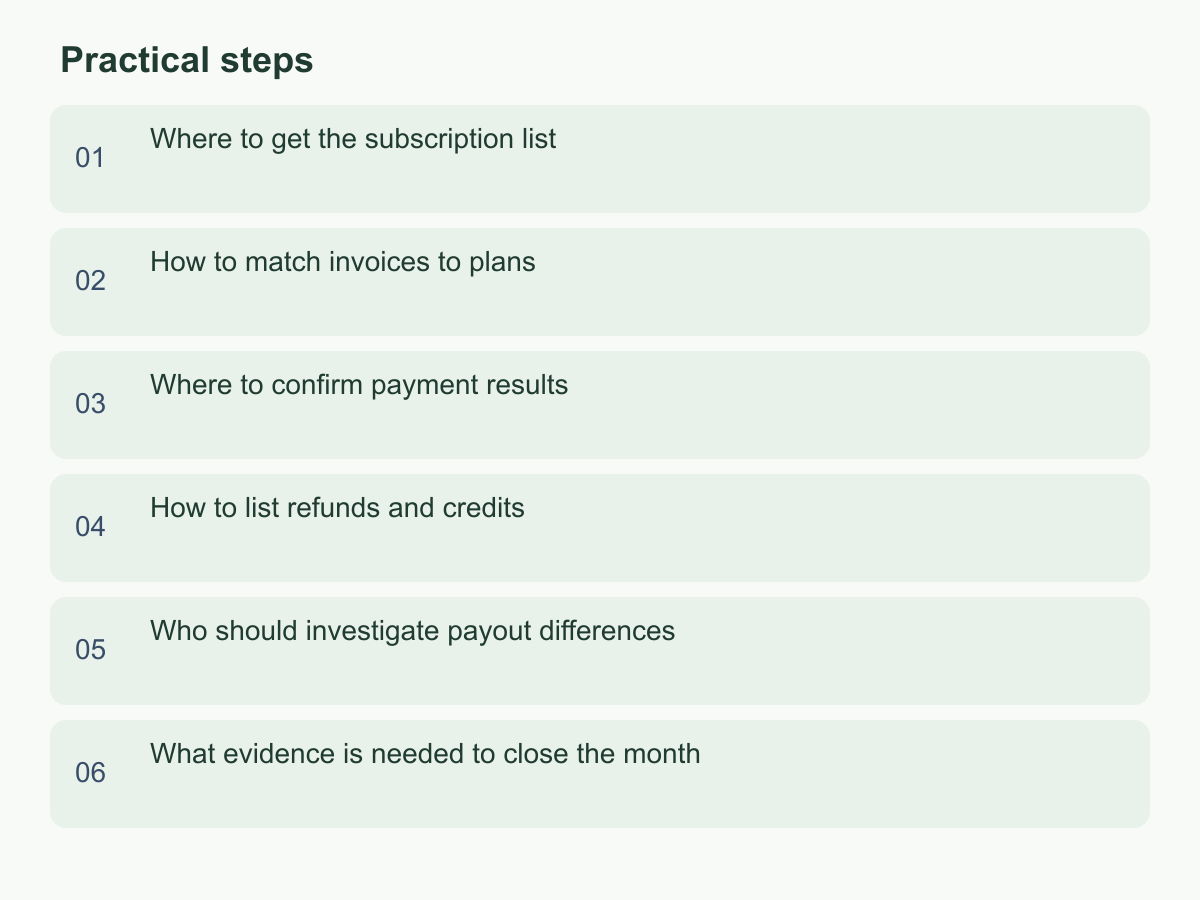
Where to get the subscription list
Set the period first—for example, review October only. The person responsible for subscription data should export one row per subscription, retaining subscription and customer IDs, plan, currency, amount, service dates, current status and effective date, renewal date, and cancellation or pause dates. Record the export time and filters; for a manual lookup, record the operator and scope so the same data can be retrieved.
Keep customer and subscription IDs separate. A customer may have several subscriptions, while the invoice payer may differ from the login name. If there is no stable customer ID, create a temporary cross-reference from available identifiers and flag uncertain matches. Do not merge records just because names or email addresses look alike.
Use status to find items to investigate, not to prove the period was invoiced, charged, or deposited. Check each status change’s effective date: a month-end export may show a cancellation for next month, so confirm when it takes effect before deciding whether October is billable. Split a mid-month plan change into dated service segments and retain the amount basis for each.
For example, create an October row for subscription S-204 and customer C-88 on the Standard plan. If the plan changed, record both segments under S-204 and await their invoice and payment records. Flag duplicate IDs, missing customer matches, overlapping periods, and unclear status dates for the subscription-data owner to resolve before accounting matches invoices.
How to match invoices to plans
Pull each issued invoice or accounting entry, retaining invoice ID, issue or adjustment date, payer ID, service period, plan or line-item description, currency, amount, status, and any subscription link. If there is no subscription ID, match using customer ID, period, plan details, and amount together; record the basis so an equal amount alone does not create a false match.
Confirm the service period, plan name, and effective date. Names can vary by abbreviation, language, or plan renaming, so have the business or accounting owner confirm a mapping table with old and new names, applicable dates, and confirmer. For a mid-month change, check whether the invoice separates the periods or records an adjustment. Keep historical plan names intact.
Compare the currency and amount components: base plan, recorded discounts, upgrade or downgrade adjustments, and other line items. Confirm the components add to the invoice total. If they do not, identify the differing line and ask the plan owner to confirm price or effective-date information and the accounting owner to check the invoice. Do not put an unexplained difference under a discount or miscellaneous fee. Record the invoice ID and result for payment matching.
Suppose S-204’s October segment and an invoice both identify C-88, but the invoice uses the former plan name. If the mapping confirms that name was valid in October and the period and amount agree, record the match and mapping version. If the payer differs or the invoice crosses a month boundary, mark it for confirmation and record the evidence explaining the relationship.
Where to confirm payment results
Check the actual payment-processing records. Retain each transaction ID, linked invoice or subscription, amount, currency, processing time, and original result; field names vary, so match by meaning. For a transfer or other method, use a deposit record or receipt linked to the receivable and note the matching basis.
Link transactions to invoices, then check for retries, duplicate charges, partial payments, or later adjustments. A renewal may create several events; distinguish completed collections from pending or incomplete attempts. Authorization, pending status, or an active subscription does not prove funds arrived. Keep uncertain items open until a transaction record or receipt supports them.
Compare the invoice and collection for the same currency and event. Check whether a difference comes from installments, retries, or an invoice adjustment, and link the explanation to a record. The accounting owner should investigate a successful transaction with no invoice; the collection-records owner should investigate an invoice with a missing payment event. Do not use subscription status as a substitute.
Mark each item collected, unpaid, partially collected, possible duplicate, or insufficient data, linked to its invoice and transaction IDs. These labels are work results, not source evidence. If amounts differ, check for installments or a valid adjustment, assign an owner and next step, and leave unexplained differences open.
How to list refunds and credits
Record refunds and credits separately. For a refund, link the original payment to the transaction returning funds, retaining refund ID, amount, currency, date, and result. Confirm completion from the refund source and transaction record; a customer message or invoice note alone is not proof. Assign pending refunds to the collection-records owner for follow-up.
For a credit, record its effect on the receivable or customer balance, the invoice or service period it applies to, and who confirmed it. It may reduce the current receivable or carry forward, according to the accounting record. Link an original invoice, adjustment, and resulting receivable so the same amount is not deducted twice.
The following figures are hypothetical. An invoice and collection are each 1,200; a later refund of 200 leaves net cash of 1,000 (1,200 minus 200). Record a separate 100 credit for next period. It does not reduce current-period net cash again; check its application against the next invoice.
| Event | Hypothetical amount | Reconciliation |
|---|---|---|
| Invoice and collection | 1,200 | Link invoice and successful transaction |
| Refund processed | -200 | Link original payment and refund |
| Net cash this period | 1,000 | 1,200 minus 200 |
| Credit for next period | 100 | Check next period; do not deduct again from current cash |
If the refund amount differs from its record, ask the collection-records owner to investigate. If an invoice shows a credit with no accounting basis, ask the invoice owner to supply it. Record linked IDs, reason, status, and owner to avoid treating a refund as a credit or applying an adjustment twice.
Who should investigate payout differences
After matching collections, link payout records and bank deposits to the collection batch. Subscription status, an invoice, and a successful payment each describe a separate event; use payout and actual deposit records to confirm arrival. Retain batch ID, currency, date, total, bank reference, and links from transactions to the batch.
Classify differences by where they occurred and assign an owner and next step. A subscription/invoice mismatch goes to the plan or accounting-data owner; a missing payment goes to the collection-records owner; a confirmed collection with a batch or bank mismatch goes to the finance or payout contact. Route refund and credit differences to their respective event or invoice-adjustment owners. If those roles do not exist, assign the person with access to the relevant records.
For a payout difference, compare related transactions with the batch, then check recorded refunds, incomplete transactions, or other adjustments. Link each difference to its source event; do not guess from an expected net amount or send subscription-detail questions to the bank. When collections are traceable and the difference is scoped, give finance the transaction and batch IDs with the question.
Maintain a difference log with type, amount or record count, linked IDs, evidence, owner, next action, and expected response date. Preserve earlier conclusions when adding evidence. If the cause is a wrong period, duplicate transaction, or unapplied credit, correct the link and recheck affected invoices, payments, and payouts. This keeps external deposit questions distinct from internal data gaps.
What evidence is needed to close the month
Each subscription should link to its service period, plan, invoice, and payment result. Where relevant, refunds, credits, and payouts should link to their own events and source records. Keep the original export, invoice or adjustment, payment result, refund data, payout batch, and bank reference. Record each item’s source, retrieval time, and owner so reviewers can trace summaries back to originals.
The reconciliation sheet should include subscription and customer IDs, service period, plan, invoice ID and amount, payment transaction and result, refund or credit, payout or deposit reference, and status. Use labels such as matched, under investigation, evidence missing, and corrected. Every open item needs an owner, next step, and expected response date. Mark unsupported fields pending; a blank or verbal confirmation is not completion evidence.
Before closing, check for unmatched invoices, payments not linked to subscriptions, unexplained refunds, duplicate credits, and payout differences. Have someone other than the preparer sample representative rows and trace IDs, amounts, and periods back to source records. If the sample reveals an error, expand the check to similar records and fix the links. Follow internal policy and applicable requirements for storage and retention; do not add an unconfirmed statutory period.
Report the close in two groups: reconciled items and items still open. For each open item, include reason, owner, next step, and expected response date, then follow it in the next period. Do not alter source figures to force a zero difference. Start with one subscription and trace its plan, invoice, payment, and deposit evidence; confirm the fields work in your systems before applying the process to the full list.
For information about Chan & Chung, visit the Chan & Chung website.