
After moving to a new domain, the key question is not whether the homepage opens. It is whether old pages, media files, and search signals reach the right new destinations. This checklist covers URL inventory, page mapping, redirect checks, site-version verification, Search Console’s migration tool, and indexing after launch. All example URLs are hypothetical.
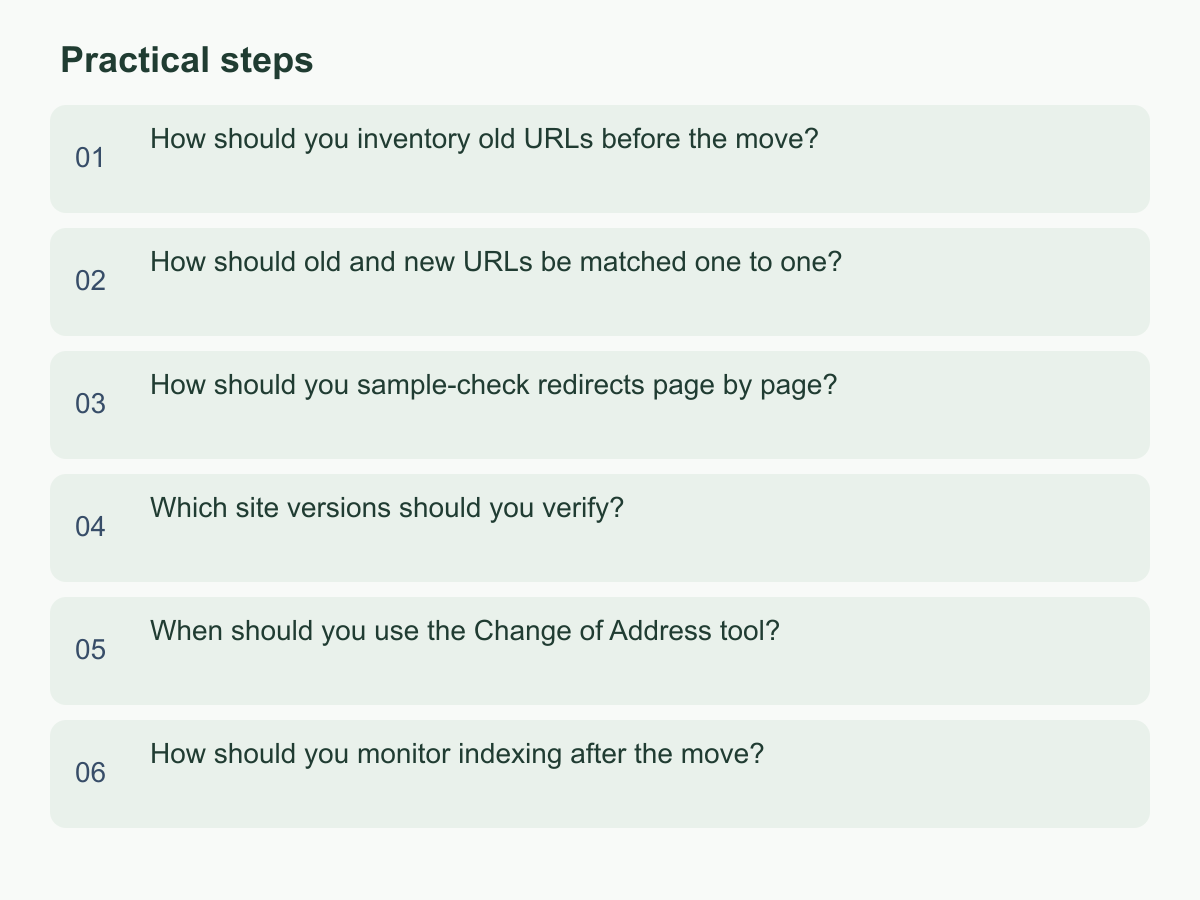
How should you inventory old URLs before the move?
Define the change first. If the host changes but public URLs stay the same, it is an infrastructure move. A domain, protocol, or path change calls for URL-by-URL checks. Start with the XML sitemap, then add URLs with impressions, clicks, or external links from Search Console, plus pages found in analytics, server logs, and a CMS export. Include pages that still get visits or links even if they are no longer in the sitemap.
List all page types and important resources: product pages, articles, categories, campaign pages, images, PDFs, videos, CSS, and JavaScript. File URLs matter when other sites link to them directly. Identify variants caused by trailing slashes, capitalization, tracking parameters, and pagination. Test whether each variant serves the same content, keep the responding versions, and mark the preferred URL to avoid counting one page more than once.
For each row, record page type, traffic or link importance, last response status, whether content will remain, and the data source and scope. Flag high-value pages and errors. If a page has been removed with no equivalent, note the reason and intended response; do not redirect every unmatched URL to the homepage. Mark language pages, downloads, and attachments separately. Use the inventory for mapping and later checks. (See Google’s site move guidance.)
How should old and new URLs be matched one to one?
Match by page topic and user intent, not by mechanically replacing URL text. Confirm each new page is live and readable, then choose the closest destination based on the old page’s purpose and key information. Each retained old URL should point to one clear new page. If several old articles have truly been consolidated, they can point to that resource. If a topic has been retired with no replacement, use an appropriate 404 or 410 rather than a misleading homepage destination.
The table is hypothetical; its domains and paths are not real client data.
| Hypothetical old URL | Hypothetical new URL | Reason |
|---|---|---|
| old.example/insights/move | new.example/insights/move | Same article topic |
| old.example/guide/legacy | new.example/guide/current | Main guidance consolidated |
| old.example/files/catalog.pdf | new.example/downloads/catalog.pdf | Same public file |
Set each new page’s canonical to its own URL. Update internal links, navigation, URLs in structured data, and the sitemap; update language-alternate references to the new domain as well. Add the page topic, handling decision, and reason to the map so content owners can check relevance and engineers can implement rules and exceptions. For language, category, or query-string paths, verify the destination still serves the same intent. Test a few examples from each page type before applying a shared rule. (See Google’s site move guidance.)
How should you sample-check redirects page by page?
Check each path’s actual response; landing on a new homepage does not prove the redirect is right. Check every high-value URL, then sample by page type, search traffic or external links, URL variants, query strings, images, and documents. Record URLs and results so failures can be reproduced.
Use a browser or HTTP tool to confirm that old URLs return a permanent redirect, such as 301 or 308, with a Location matching the map. Open the destination to check content, status, and key resources. Each old URL should lead directly to its final page; extra hops add delay and complicate troubleshooting. Also test a nonexistent path so a broad rule does not send every error to an irrelevant homepage. For an image, PDF, or download, make sure the new location provides the same kind of file.
Before switching, run an automated check against the full map. Group failures as missing redirects, wrong destinations, destinations that redirect again, or removed content. Fix the rules, retest failures, and sample more URLs from the same page type to catch side effects. Confirm required query parameters survive and tracking parameters do not create unintended pages. Record response status, final URL, content match, and correction owner. Recheck any 404, 5xx, wrong Location, loop, or content mismatch against its mapping and rule; one passing homepage is not proof that the whole site is ready. (See Google’s site move guidance.)
Which site versions should you verify?
List every reachable version of the old and new site: HTTP and HTTPS, www and non-www, and any active subdomains. Check DNS, TLS certificates, the homepage, and representative pages. Choose one preferred version and route the others to it. Verify both old and new Search Console properties. A URL-prefix property covers only its specified protocol and host; a Domain property groups protocols and subdomains. With a URL-prefix property, verify other versions separately. See Search Console property types.
On the new domain, confirm robots.txt does not block the site or key directories, noindex matches the launch state, canonicals point to new URLs, and the sitemap lists only new URLs eligible for indexing. Use URL Inspection on the homepage, articles, categories, search results, and media files to check crawl access and the expected canonical. If hreflang is used, update every reference to its matching new-domain URL. Keep the new verification file or tag in place if the domain uses a different method.
Record issues by protocol, host, page type, or resource. Also check mobile and desktop rendering, navigation, and forms: a valid response does not prove visitor journeys still work. Keep language pages pointing to matching-language content, not all to the default-language homepage. Test both www and non-www entry points, and list a subdomain separately when it serves distinct content or a product.
When should you use the Change of Address tool?
Use Search Console’s Change of Address tool when moving an entire site from one domain or subdomain to another, such as old.example to new.example. First deploy the new site and page-by-page permanent redirects, then confirm the same Google account owns both properties. The tool only notifies Google; it does not create redirects or replace URL mapping, server configuration, or sitemap updates. Google’s instructions say to use it after the move and redirects are in place. It applies to Domain properties, not path-level properties.
Include each source version, such as www, non-www, or another subdomain, in verification and migration planning. Submitting the root domain does not automatically cover every subdomain. Make sure each source has a corresponding destination and working redirects, and fix any required pre-check issues.
Do not use it for a path-only change, www-to-non-www, HTTP-to-HTTPS, or a host move where public URLs stay unchanged. Configure redirects, canonicals, and sitemaps for the change and monitor Search Console instead. The notice cannot guarantee indexing or unchanged rankings, and it does not immediately remove old pages from the index. The tool is not for moving selected pages only.
Before submitting, open the new homepage and important pages. Check for staging noindex tags, login walls, or robots.txt blocks that prevent Google from reading them. If a pre-check fails, correct the ownership, property, or redirect issue shown rather than resubmitting. See Google’s site move guidance and the official Change of Address tool help.
How should you monitor indexing after the move?
Migration is a recrawling process, not completed when the notice is submitted. Before switching, record a baseline for important old and new URLs: impressions and clicks, index status, redirects, and server errors. After launch, compare Performance, Page indexing, and sitemap reports for both properties. Old signals may decline as new ones appear; one-day changes prove neither success nor failure.
Prioritize pages with impressions or external links that are not yet indexed. Use URL Inspection to check crawl access, response status, robots.txt, noindex, and Google’s chosen canonical. Submit the new sitemap if needed and update internal links so the new site no longer points to the old domain.
Server logs show whether Googlebot requests old URLs or encounters 404 and 5xx errors; analytics shows whether visitors reach new pages. If many new URLs are not crawled, check hosting, blocks, and the sitemap. If only one page type has problems, revisit its mapping and redirects. Recrawl speed depends on URL volume and server conditions, so no fixed timeline can be promised.
Confirm that the new sitemap was read and its URLs can be crawled. Keep the old domain active while search traffic still arrives there. Google recommends retaining permanent redirects for at least one year. Compare fixed date ranges by page type to separate site-wide progress from template issues. Correct mapped mismatches and crawl errors, then retest. Start by exporting the old sitemap, building the map, and testing high-value URLs. Visit the Chan & Chung website for brand information.