
A website handover can look complete while the verification route protecting Search Console’s highest access still belongs to a former employee or outside agency. Owners, users, and verification tokens are different: removing an account may not stop someone from verifying again with a token that remains active. Inventory each property and its verification methods, then add and test company-controlled backup owners before removing old access.
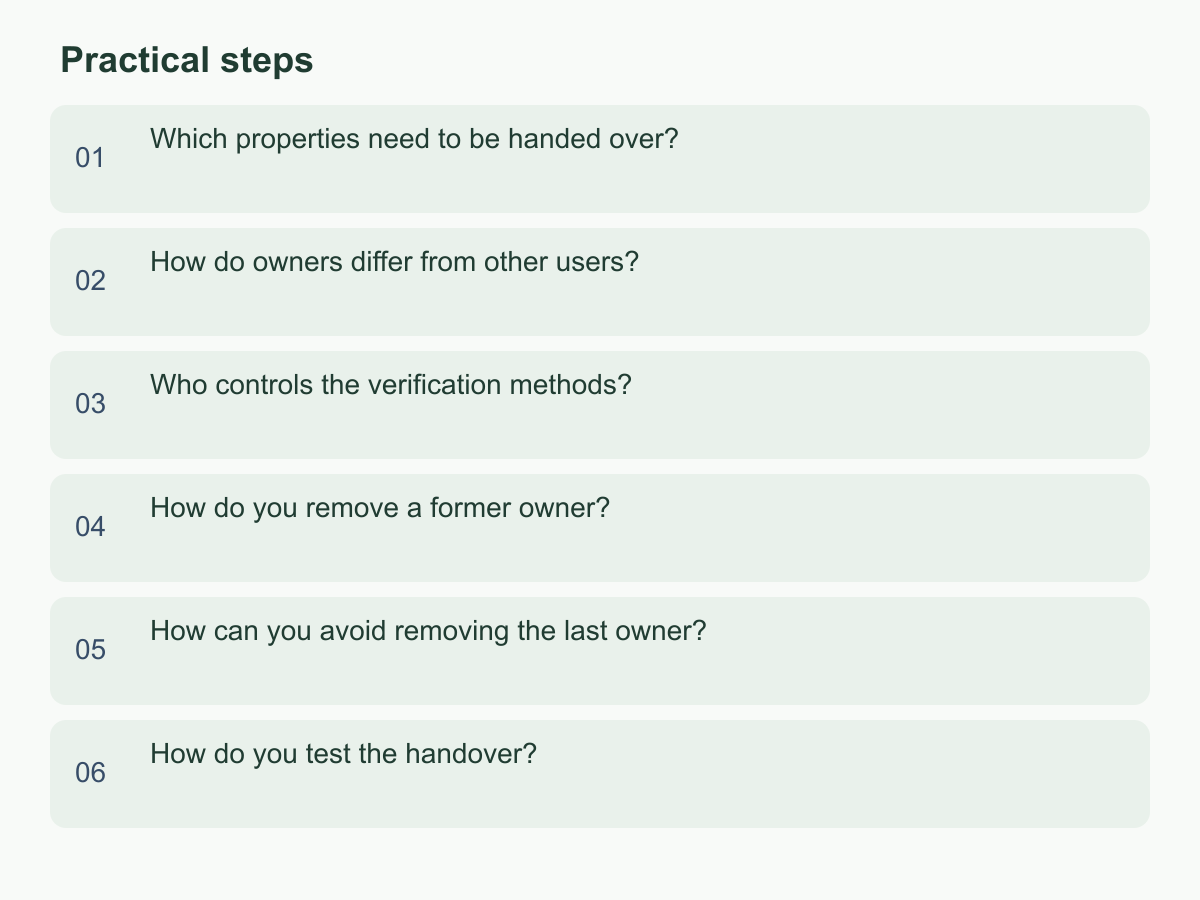
Which properties need to be handed over?
List each property by exact name and type. A Domain property covers its domain, subdomains, and protocol variations. A URL-prefix property covers only its stated prefix, so HTTPS www and non-www are separate. List the root and separately configured subdomains. See Google’s property type guide.
For each property, record the owners, full and restricted users, verification methods, asset locations, managing accounts, internal maintainers, and recovery route. Identify who can change the homepage, hosting files, DNS, or Tag Manager. Tokens may be stored in site code, a public directory, a tag container, or a DNS record. Never put token values or sign-in passwords in the inventory.
| Inventory item | Record | Handover evidence |
|---|---|---|
| Property | Full domain or URL prefix and type | Incoming owner opens it |
| Users and owners | Account, role, internal or external | Matches the access screen |
| Verification route | DNS, website file, tag, or other method | Company contact can maintain it |
Verify each entry in Search Console and its control panel; “admin access” by itself does not prove a token can be maintained. Keep one row per property: a Domain property and a prefix limited to /shop/ need separate checks. Include language and staging properties, record their scope and purpose, and name someone to maintain the inventory. If a property, site version, or DNS administrator is unclear, pause removal until its maintenance location is known.
How do owners differ from other users?
An owner can manage users, change property settings, and see all data. Only owners manage the access list. A verified owner proves control with their own verification token. A delegated owner receives owner status from a verified owner but has no token of their own. Their Search Console permissions are the same, but the handover differs: remove a delegated owner in user management; for a verified owner, also remove the person’s token or they may verify again.
A full user can see all data and perform some actions. A restricted user can generally view most data but does not normally manage other people’s permissions. Give an outside consultant a restricted role if they only need to review indexing or performance; grant full access when the work requires it. Assign owner status only when someone must manage access.
The Search Console owner role applies to that property. It does not establish ownership of the domain registration, legal representation, or website code. Choose a company owner responsible for SEO or website operations and a backup in a separate role. Give outside parties the lowest access their work needs, and remove it when the engagement ends. Ask whether someone needs to change permissions for other accounts; if not, they usually do not need owner status. Record each person’s role and responsibility. An agency reviewing weekly reports can use a user role; the company owner can add its staff unless the agency has an ongoing account-management duty.
Who controls the verification methods?
A verification token proves that a Google account controls a property; it is not a sign-in password. Record the method for each verified owner. Domain properties require DNS verification. For URL-prefix properties, use an offered method such as DNS, a website file, a homepage meta tag, Google Analytics, or Tag Manager. Each depends on different maintenance access, so “verified” alone is not enough.
For DNS, identify who controls the DNS console, approves record changes, and can restore them. An authorized internal administrator can add the TXT value at the specified location; do not circulate it in chat afterward. For an HTML file or meta tag, identify the code or deployment owner and recheck the marker after redesigns, cache clearing, or homepage-template changes. For Analytics or Tag Manager verification, list the asset or container administrators so that measurement access is not confused with Search Console access.
Store the method, asset location, maintainer, and latest test result—not the token, password, or recovery code. The incoming owner should verify with their own company Google account to create their own token. Do not reuse a former employee’s Gmail or share a login.
Before removing a token, check whether another verification method or service depends on it. DNS records and site markers may be maintained by several parties. Remove only an entry confirmed to belong to the departing account; if unclear, have the DNS or website administrator trace it. If an outside provider controls verification, confirm the company can take over or switch to its own method before that engagement ends.
How do you remove a former owner?
Check the departing person’s role and verification method in every property. A current owner can remove a delegated owner from that property’s user list. For a verified owner, first add and test the company successor, then revoke the departing account in access management and identify its tokens.
Remove each old token from its matching asset: the specific DNS verification record, HTML file, or homepage meta tag. If verification used Analytics, revoke the former account’s edit access; if it used Tag Manager, remove its publishing or administrator rights from the container. Do not clear a DNS zone, remove another person’s marker, or assume that changing a Google password invalidates a token. A valid token may let someone verify again even after owner access is removed.
Reopen the user and unused-token lists. Confirm the departing owner’s tokens are gone and the company backup remains verified; check every token if the account used multiple methods. An agency may leave both a DNS TXT record and homepage tag, so removing one may leave a re-verification route. Map tokens to assets and change records, check dependencies on other Google services, preserve the pre-change configuration, and remove only the identified item. The successor should verify using a new token. Recheck access after each removal.
How can you avoid removing the last owner?
Before removing an old account, confirm at least one company-controlled verified owner can still sign in. A delegated owner appears as an owner but has no personal token. Removing the only verified owner may eventually leave remaining users and delegated owners without property access. Adding someone as an owner is not enough unless they have completed verification independently.
Assign two company Google accounts as primary and backup owners. Confirm each can sign in and recover access and shows verified-owner status. Have different people manage them, protect both accounts, and keep passwords, verification codes, and recovery details out of shared sheets. If only one successor is available, ask a second internal contact to verify before removing an outside owner.
Before each removal, check three things for that property: the new account opens the correct property; the company controls its verification method; and at least one company verified owner will remain. If any check is incomplete, pause and assign a person and completion condition. Backup status belongs only to people responsible for account security; other colleagues can have full or restricted access based on their work.
If A is the verified owner and B is delegated, removing A first does not verify B. Have B verify through a company-controlled method, confirm the status, then remove A and A’s token. Record each successor’s sign-in and verification.
How do you test the handover?
Have the new primary owner sign out and back in. They should open the verified property, confirm data is visible, and open user management. If adding users is in scope, test with an internal account only when needed; remove it immediately and record the result. An old browser session or screenshot does not prove independent access.
Check the minimum access needed for each role. Confirm a full user can access the agreed data and actions, a restricted user can read what they need but cannot manage members, and a delegated owner can perform owner tasks. Remove any temporary access when testing is complete.
Ask the person whose access was removed to sign in with the original account. Confirm the property is absent from their available list or its data is inaccessible; do not rely on an old tab that has not refreshed. If they can verify again, check for a remaining token, another authorized account, or a mismatched property, and identify the DNS or website maintainer for follow-up.
Save each property’s successor, role, method, backup account, removed routes, test results, and next responsible person in a company-controlled record. Never attach tokens or passwords. Repeat checks after site or DNS changes and agency departures. If an owner is unknown, the handover is incomplete; assign someone to resolve it.
Use the inventory to verify company backups, remove old access, and record tested permissions and verification routes. Learn more at the official website.