
Before sending a shipment’s documents, record the files for this handoff, their final versions, recipients, send time, and any receipt in one place. This guide covers finalizing one shipment document set and retaining delivery evidence, so the next person can see what to send, whom to send it to, and how drafts were retired. It does not set out a company-wide document room.
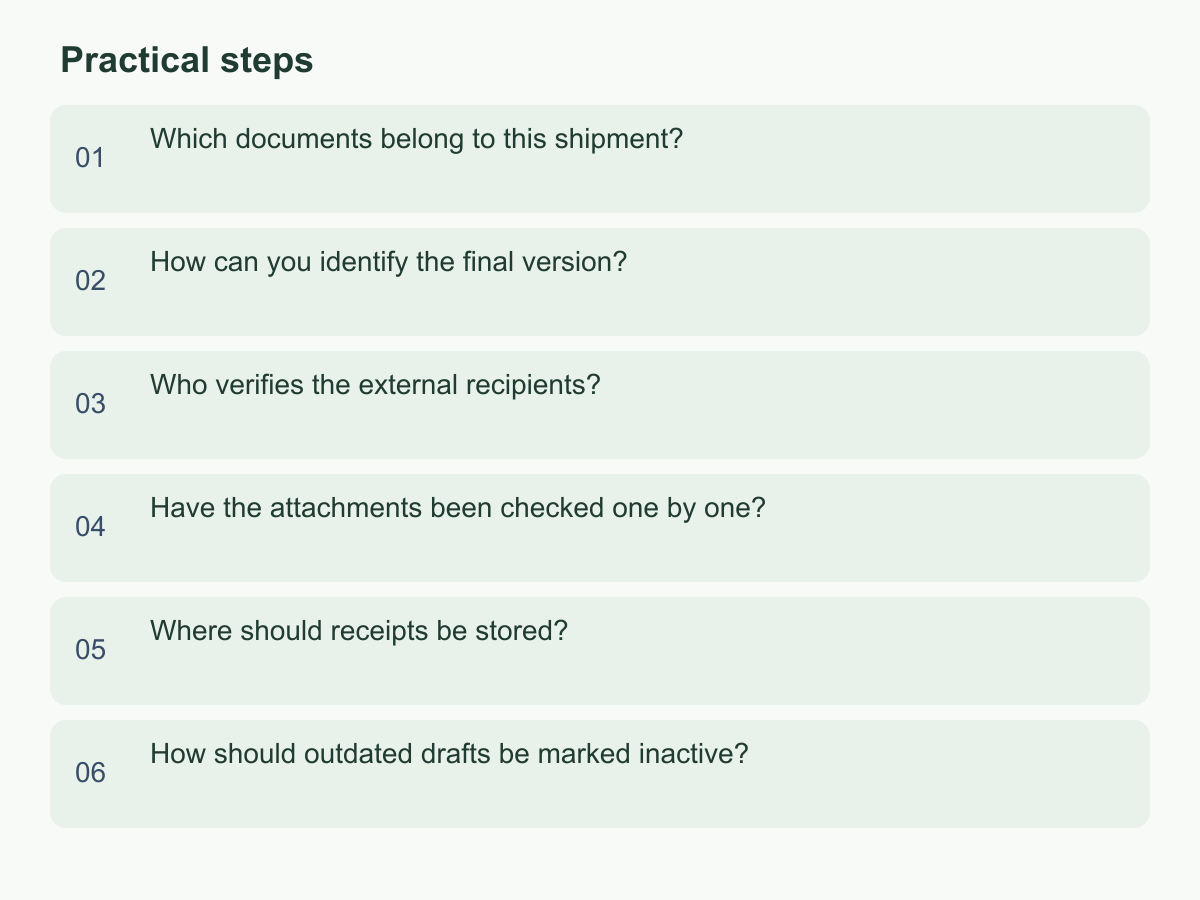
Which documents belong to this shipment?
Identify the shipment before choosing its document set. Use the order or handoff record to confirm the shipment number, goods or batch, planned dispatch date, and responsible contact. List only files to deliver or retain for this shipment. Requirements vary, so do not copy a form from an earlier shipment automatically.
For each item, record its name, purpose, version, status, preparer or checker, and intended recipient. Mark internal-only files and exclude them from the outbound list. If both an editable source and an external PDF exist, list them separately to prevent choosing the wrong attachment. Use the same shipment number in the checklist and folder.
For fictional shipment EX-261019-A, list a commercial invoice v1.0, packing list v1.0, and carrier handoff form v2.0, each awaiting final approval. Keep the internal checking draft of the carrier form off the outbound list. If a source is missing, its purpose unclear, or its batch uncertain, do not fill the gap with an old file. Ask the owner whether it applies, who will provide it, and when; record the answer or the reason for exclusion and the confirmer. Add an applicability field for files covering different batches; mark unresolved matches as pending and name a verifier. For instance, if an attachment applies only to batch B, identify that scope explicitly.
How can you identify the final version?
Make it easy for anyone to identify the sendable file and the draft it replaces. Use one naming pattern, such as shipment number_document type_v1.0_final_date, and record the version, status, finalization time, and confirmer in the checklist. Use a consistent date format and state the time zone; file ordering and sender memory are not reliable controls.
Compare a pending file with the previous version and confirm the changes before updating its version and status. Save the approved sendable file separately so later edits cannot overwrite it. If a correction is needed, create a new version and record what it replaces, why it changed, and when it was approved again. Keep the format consistent within one shipment set. If storage cannot lock the file, save the final copy in the shipment archive and limit who can edit it; have the sender reopen that copy to verify it before attaching.
For example, if EX-261019-A_commercial-invoice_v1.0_final_20261019.pdf is approved at 10:15 Taipei time, record v1.0 as final at 10:15. If recipient data changes at 10:40, create v1.1 to replace v1.0 and obtain renewed approval. Send only the version currently named in the checklist. If a file changed without its name and version changing, pause and confirm its content, edit time, and approval with the editor. For a re-export, keep the version only if a page-by-page check finds no delivery information changed; record the export time and operator.
Who verifies the external recipients?
Verify recipients against current handoff instructions and confirmed contact details; do not reuse an entire address list from an old email. Confirm the organization, actual contact, email address, copied recipients, and whether each person should receive the full package. If instructions conflict with existing details, ask the person authorized to approve this shipment’s recipient list.
Before sending, inspect each address, including spelling and domain, and the To and Cc fields; do not rely on display names. Match the subject line to the shipment number. For a group inbox or forwarding contact, record its name and verification source. If several people are sending, assign one person to make the final check so separate emails do not carry different attachments.
For example, the current handoff names a supply chain contact and one colleague to copy, while an old email includes other people. Keep only the named recipients, verify the address through an established channel, and record who confirmed it and when. Do not add old addresses automatically. If someone requests a new address, an outside consultant, or a forward to an unlisted person, confirm the change with the original instruction owner through a known channel and update the list. Keep any bounce notice, verify the correct recipient, then record the new send time. For split delivery, list which files each recipient may receive; reconfirm the scope if roles change.
Have the attachments been checked one by one?
Match the checklist, actual files, and email. Open each planned attachment to confirm it is readable, belongs to this shipment, and matches the listed version. Check for drafts, another batch’s data, or internal notes; a correct-looking filename does not prove the contents are correct.
One person can check each filename, version, and send status against the list while another reviews key fields. If one person handles the handoff, close drafts and reopen or preview every attachment from the compose window. Before sending an editable file, handle comments, tracked changes, hidden sheets, and other material not meant for the recipient. Record the file format used.
For the three-file example, select the commercial invoice, packing list, and carrier handoff form from the shipment archive. Compare each name, version, and shipment number, then confirm the email contains exactly three attachments. If an unlisted scan is also attached, identify it and update the list only if it applies. If a file will not open, is incomplete, or conflicts with the list, pause and have the owner correct the source, create a new version, and repeat the check. If the email system rejects a file or the sending channel changes, recheck the recipients, file list, and send time. If a saved draft already contains attachments, clear them and add the corrected files again; reopen each one in the compose window before sending.
Where should receipts be stored?
Store evidence with the shipment set so the records can be found together, and state which event each item shows. Use a consistent structure, such as a shipment-number folder with subfolders for Final Documents, Sending Record, and Receipt or Reply. Follow existing access controls and identify a custodian. A receipt may be a recipient’s reply, a system notice, or a portal confirmation; retain the recipient, time, and shipment identifier where available.
After sending, record the actual send time and time zone, sender, recipients, channel, and attachment versions; preserve the original sent message. Save a reply or system receipt in the matching folder and record when it arrived. If it does not identify the batch, note how you matched it. Describe events accurately: a sent notification, a read indication, and the recipient’s confirmation of the content are different things.
For example, record a shipment sent at 14:20 Taipei time and a recipient’s reply confirming receipt at 15:05 as separate events. Save the original email and attachment list. If no reply arrives, record the send and leave receipt confirmation pending; follow up through a verified channel under the handoff plan. If a receipt is missing, search the original message or delivery system and note when it is restored. If a platform shows only a code or brief status, record its wording, event time, evidence location, and limits. Keep recipient confirmation pending until a checkable reply arrives, then add that event without overwriting earlier records.
How should outdated drafts be marked inactive?
Once a new final version is approved, mark the earlier draft so nobody mistakes it for a sendable file. In the checklist record its filename, version, retirement date, replacement version, and the person who handled it. Use a clear status such as Retired or Superseded, and move it out of the convenient attachment location. Retention should follow applicable internal rules.
Do not overwrite a draft with a blank file or rename it as though it were another final version. Move it into a clearly separated history area, and have the checklist identify the one currently valid version. If files cannot be moved, mark them inactive in the index and prevent them from being selected again. Before sending, check that the email contains only valid versions, especially when filenames are similar.
For example, mark packing list v0.9 as Retired—Do Not Send after v1.0 replaces it; record the replacement and confirmation time, and retain v0.9 in history. If a problem is found after sending, create a corrected version and record its reason, approval, and replaced version. Notify recipients as the handoff requires, preserve the original sent record and replies, and mark the sent attachment as superseded. For a shared link, check whether it still exposes an editable draft or grants outside access. Restrict or redirect it under the handoff plan, then record the operator, time, remaining access, and revocation result.
Before the next shipment, test the checklist against one actual handoff so files, recipients, send time, and receipt each have a place. For brand information, visit Chan & Chung.