
Subscription cancellation, service termination, and refunds are connected, but they are separate events. A customer’s message starts a request; the agreement and service settings determine when access ends; and any return of money requires its own review. If a case file compresses all three into a single “cancelled” field, staff may mistake an unpaid invoice for a refund or close the matter while the platform still shows a renewal. A practical case ledger records dates, payments, platform results, and customer messages separately, with a source, status, and owner for each step.
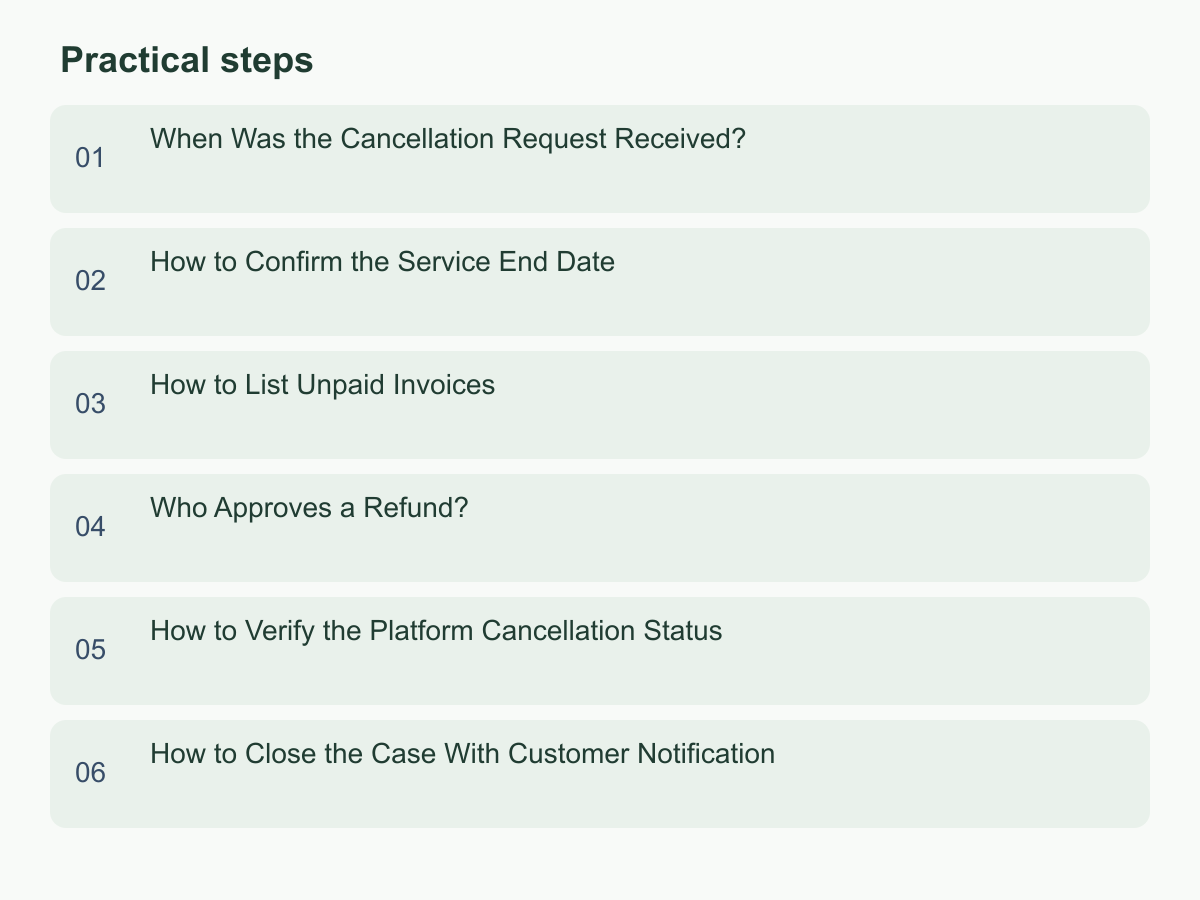
When Was the Cancellation Request Received?
The first timestamp is when the request arrived, not when service ended. Record the date, time, and time zone, and retain the original message, form, or call record. If a representative made the request, record their name, account identifier, and relationship to the subscriber. If their authority is unverified, mark it pending; do not treat the request as an executed cancellation.
Keep the received date separate from the requested effective date. A message on October 18 might ask only that the next renewal not be charged. Record the channel, a summary of the wording, the requested scope, requester, case owner, and status. Keep the time zone so a cross-region handoff does not shift the date.
Confirm receipt and the next step without promising a refund. Verify the subscription number, account, plan, and whether the customer wants to stop renewal only. Confirm each service separately. List missing information, who will obtain it, and when to follow up; retain the correspondence so a colleague can continue the case.
Example: assume the request arrived on October 18 at 10:20 and asks to stop renewal at month end. Record October 18 as the request date and month end as the requested effective date, pending confirmation. This does not confirm platform cancellation or refund approval. After checking the service end date and platform status, update the fields while retaining the prior value, editor, and reason.
How to Confirm the Service End Date
Confirm the service end date against the applicable agreement and customer choice. Do not copy the request date, next charge date, or case closure date. Find the relevant order, agreement version, or renewal confirmation and check whether cancellation is immediate or only stops a future renewal. Record the source name, version, or location.
An account may have different stopping points: the date renewal stops, the end of the paid service period, and the date access is disabled. Define any single “service end” field; if dates differ, record each with its source and owner. Manual delivery, cloud access, or multiple users can mean that closing one login does not finish every service handoff.
If documents are unclear or conflict with the customer's request or system, mark the date pending. Do not prorate it or substitute the payment cycle. Ask the agreement owner to review the terms and confirm the requested scope. Track deadlines for continued use, data export, or handoff separately. Once confirmed, preserve the previous value, editor, and reason.
Example: assume a customer asks on October 18 not to renew, and the case materials indicate that the current period can be used through month end. Record the request date, stop-renewal status, known service end, and access-closure time as pending if unchecked. Confirm the service end only after reviewing the document and system. Log a separate request if the customer asks for earlier deactivation.
How to List Unpaid Invoices
List every unpaid invoice separately, rather than writing only “balance outstanding.” Record its invoice number, issue date, service period, original currency and amount, due information, payment status, and verification source. Copy figures from the invoice or payment record, not estimates. If a document is missing, mark it as missing; distinguish a charge not yet invoiced from an issued unpaid invoice.
Keep invoice status separate from refund status. Whether a paid amount qualifies for a refund belongs in the approval process. Preserve an unpaid invoice's status and owner; a cancellation request does not automatically delete it. The figures below are hypothetical; actual currency and amounts should follow the invoices:
| Item (hypothetical) | Amount | Status |
|---|---|---|
| September invoice | 1,000 | Paid |
| October invoice | 1,000 | Unpaid |
| Total of both invoices | 2,000 | Unpaid total: 1,000 |
In this example, the invoices total 2,000: 1,000 is paid and 1,000 remains unpaid. This shows the unpaid portion but does not mean it can automatically be deducted from or offset against a refund. Record any proposed offset, credit, or adjustment with its reason, approver, supporting document, and resulting invoice status. Keep the original amount so the calculation can be reconstructed.
For a handoff, point to each invoice's evidence and check that the finance record matches the ledger. If payment is processing, mark it for reconciliation rather than treating an attempted platform charge as money received. For partial payment, record paid and unpaid amounts with their evidence. Date, editor, and source each update so a reviewer can see how a total was formed.
Who Approves a Refund?
Identify who decides and who executes a refund. The case owner gathers the request date, service period, invoices, and payment evidence. The person authorized by the team's internal process decides whether to refund, and the scope and amount. After approval, a finance colleague or platform operator executes it. If one person holds several roles, record each decision and action separately.
The approval record should include decision maker and date, basis, amount and currency, original payment identifier, and reason. If evidence is incomplete, leave the request pending. Do not derive an amount from the cancellation date or assume unused days are refunded proportionally. If policy or the customer agreement is unclear, refer it to the responsible decision maker.
Use stages that match the actual process, such as requested, awaiting approval, approved, submitted, and verified complete. Approval permits execution; it does not prove platform success. After submission, check a result before marking completion. If the executed amount differs from the approved amount, pause and reconcile the difference without changing the approval record.
Example: assume a customer requests 800, while the case evidence shows one paid invoice for 1,000. Record the requested 800 with payment evidence; the approver then decides whether to accept it and records why. This hypothetical does not define a refund rule or proportional calculation. Show the requested, approved, and actual platform amounts separately, and record the reason and checker if they differ.
How to Verify the Platform Cancellation Status
Compare the ledger with the subscription or payment platform. Match the subscription number, account, and plan, then review the displayed status, next-renewal information, and cancellation record. Record the check time, checker, and platform status in its own words. An internal note that cancellation was submitted does not prove platform completion. Retain a screenshot or export if team procedures allow.
The platform may show a request in progress, a service period that has not ended, or that future renewal has stopped. Record what it shows. If that conflicts with the customer's request, service end date, or ledger, note the discrepancy and assign a follow-up owner. Confirm it with the platform or internal owner. Do not repeat the operation before checking, since a duplicate request can make the history harder to interpret.
Check cancellation and payment separately. Stopping renewal does not show that an earlier invoice was paid, an unpaid balance withdrawn, or a refund completed. A successful refund does not prove renewal stopped. Use the subscription number to connect the case, platform record, and payment evidence, while keeping separate status fields. If the expected record is missing, note the search conditions and result, then arrange follow-up.
Example: assume the ledger says cancellation was submitted but the platform still shows a next renewal. Mark the platform status pending, save the check time and evidence, and ask the operator to verify delivery and the correct subscription. Update the case only after checking the result. A customer reply or service end date does not replace platform evidence. Another colleague should be able to repeat the check using the subscription number.
How to Close the Case With Customer Notification
Tell the customer what is confirmed and what remains in progress. Include the request received date, confirmed service end or item still being checked, platform status, unpaid invoice status, and whether a refund is undecided, approved, or complete. For open items, say who will follow up and identify the next reply point. Do not promise a completion date that cannot be verified.
Before sending, compare the notice with the ledger. Do not call a refund request approved or describe stopped renewal as immediate service termination. If several subscriptions, invoices, or payments are involved, list their identifiers and outcomes separately. Use a traceable channel and retain the recipient, send time, content version, and delivery result. If delivery fails, keep the case open for contact.
Before closure, check six items: cancellation request date, service end date, unpaid invoices, refund decision, platform status, and customer notice. Each needs a value or explicit follow-up. Keep open tasks assigned with an owner and next check condition; do not change an unknown to complete just to clear a list. If new information arrives, preserve the prior value and difference, update the field, and decide whether the customer needs a correction.
A useful closure record lets a new case owner explain when cancellation was requested, when service ends, which invoices remain unpaid, who decided the refund, and what the platform shows. Put the six fields in the ledger and attach evidence, owners, and customer replies. For information about Chan & Chung, visit the English website.