
A useful advance shipping notice helps the receiving team answer six questions: when a shipment is expected, what is arriving, where it should go, when the site can receive it, whom to contact, and what has changed. Keep the date, carton count, batch details, receiving window, contact information, and update history together in one traceable record. This guide covers pre-shipment coordination. It does not revise a purchase order, handle in-transit exceptions, or replace requirements for any particular transport document.
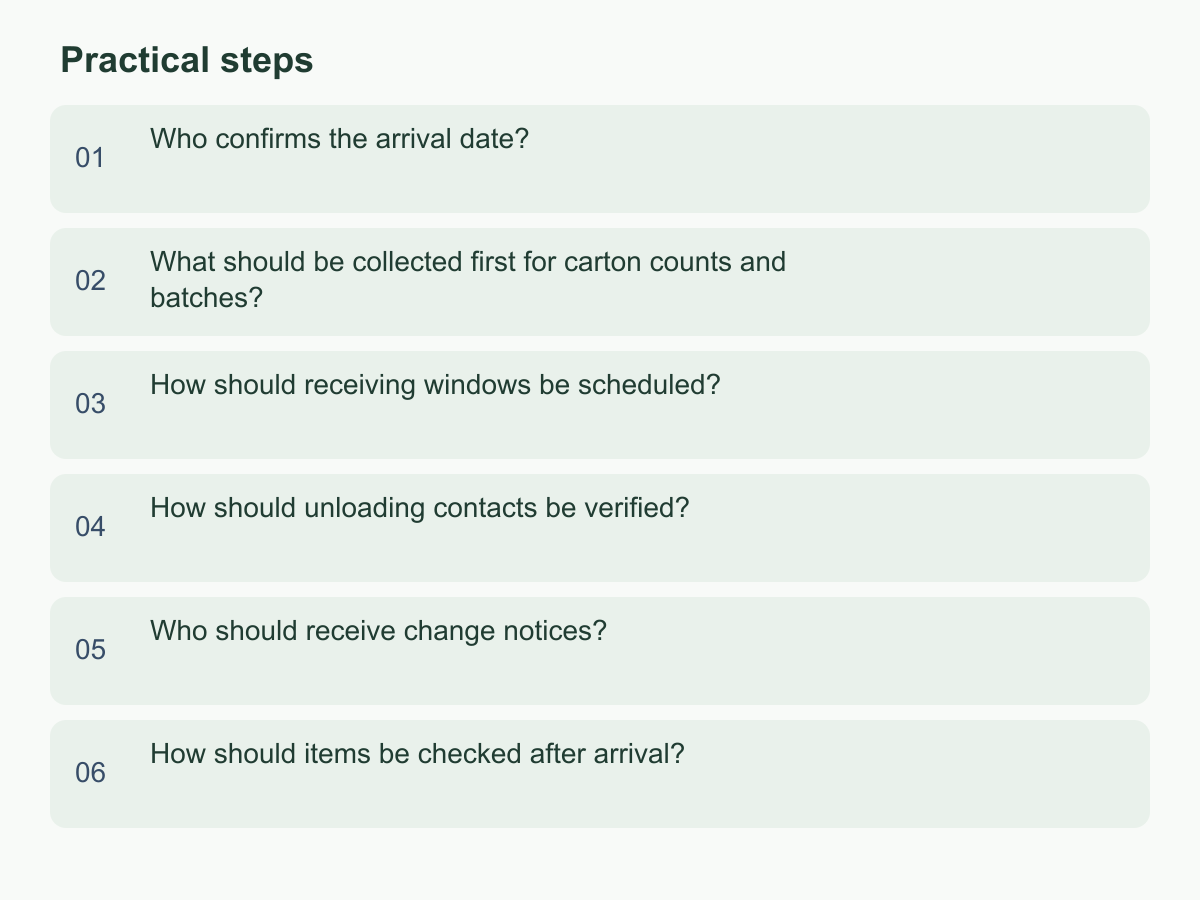
Who confirms the arrival date?
Use the expected warehouse arrival date, not the supplier’s completion date, pickup date, or a carrier estimate presented as a confirmed receiving date. The supplier provides the latest information; the purchasing contact checks the order or shipment reference and destination warehouse; and the receiving contact confirms whether the site can accept it. Assign these roles according to the parties’ process, but make clear who entered and confirmed each value and when.
If the date is tentative, mark it as tentative and record when it was last confirmed. Use a full date, such as YYYY-MM-DD, and the warehouse’s local time zone. Avoid relative dates like “next Monday” or a month and day without a year. For split deliveries, create a separate row for each batch, with its own date and carton count, while keeping the same order or shipment reference.
For example, if the supplier says on Monday that the shipment is expected Thursday, then changes the estimate to Friday on Tuesday, update the date and preserve the change history. Add the next confirmation time when a vehicle or delivery slot is still being arranged. Mark a date as confirmed only after the receiving contact says the site can accept it. Statuses such as tentative, awaiting receiving confirmation, and confirmed help distinguish estimates from arrangements. Record the information source, confirmer, and follow-up time. If the supplier has provided a date but no time window, keep that detail pending. If the date is only an estimate, note the expected range and when it will be updated. Keep changes in the same notice and link them to the receiving contact. When several suppliers share a spreadsheet, record a confirmer and timestamp for each shipment, and clarify the warehouse before checking its capacity.
What should be collected first for carton counts and batches?
Collect the details the receiving team needs to identify the goods: item reference, supplier batch or lot identifier, carton count, unit, and whether the count is estimated or final. For mixed shipments, show the count for each item instead of giving only a total. If packing is not complete, label the number as an estimate and set a time for the next update. Do not present an estimate as the final packed quantity or invent a batch number. Where useful, note the item code or batch text that will appear on the carton label.
The following is a hypothetical example. The item totals add up to 12 cartons:
| Item reference | Batch | Expected cartons |
|---|---|---|
| Item A | Batch A | 8 |
| Item A | Batch B | 4 |
| Total | Two batches | 12 |
Make sure the total can be calculated from the detail rows. In this example, 8 + 4 = 12, so the total matches. If one truck carries goods for multiple orders, show the reference for each line rather than giving the driver one combined number that cannot be separated at receiving.
State whether the unit is a carton or pallet, and use the same counting basis on both sides. If a pallet is the main handling unit, include pallet counts and cartons per pallet, and say whether pallets contain mixed items. Leave out fields that do not apply. Use consistent item names or codes; provide a short description the first time an unfamiliar code appears. If a carton contains inner boxes, agree whether both parties report outer cartons or inner boxes. Expand abbreviations or include a reference so different batches are not confused.
How should receiving windows be scheduled?
The receiving location should confirm which dates and time windows it can accept before the supplier is asked to choose. In the notice, specify the start and end time, warehouse or entrance, local time zone, and whether the slot is booked or awaiting confirmation. “In the afternoon” is too broad to support a receiving schedule. If multiple batches are due on the same day, list their expected order or assign separate windows so suppliers do not assume they share the same unloading slot.
The receiving team should assess window length based on staffing, space, and that day’s schedule. The supplier can provide useful details such as vehicle type, carton count, or loading method; the receiving team can then decide whether separate windows are needed. Do not promise a specific unloading duration on the warehouse’s behalf. Before proposing options, ask which dates are unavailable, what hours can receive deliveries, how far ahead a booking should be made, and who handles last-minute changes. Give suppliers exact start and end times to choose from. If there are two workable slots, label the preferred and alternate options so each side knows what is being confirmed.
A shared street address does not necessarily mean the same entrance or receiving area, so identify the actual delivery point. If all slots for a date are full, the receiving contact should offer the next available time and the supplier should confirm it; do not leave the original slot in the notice and expect the vehicle to arrive without agreement. For cargo that needs more space or multiple unloading steps, the warehouse can decide whether to split the delivery or schedule separate windows. Record the agreed arrangement and who confirmed it.
Once a window is confirmed, update the same record used by purchasing, receiving, and the supplier contact, including the update time. If the site becomes unavailable, the receiving contact should provide a new option and get the supplier’s confirmation. Sending a change message alone does not show that the supplier received it.
How should unloading contacts be verified?
The notice should tell people at the delivery site whom to contact, not just when the delivery is expected. List the supplier’s shipping contact, a driver or carrier contact who can be reached on arrival day, and the receiving team’s on-site contact. Make clear who updates the date, who can be contacted before arrival, and who can answer questions about the entrance. Include a backup contact. If driver details are not yet available, mark them as pending and state who will provide them and by when. Do not substitute an unrelated purchasing contact for the driver’s details.
When contact information is first provided, confirm the person’s name, role, and available phone or messaging method through a supplier contact you already know. Check that they are responsible for this shipment and can be reached on the delivery day. Record who verified the information and when. If the supplier’s contact changes, ask the previous contact to confirm the handover, then update the receiving team. Include only the information needed for the handoff. If different people answer during and outside office hours, list their coverage times. If messaging is the only option, say when messages are checked and who to contact if there is no response.
For example, if the driver’s number has not been provided, write “awaiting supplier details” and assign someone to add it before dispatch. Before delivery, confirm that the supplier contact is on duty, someone at receiving can answer, and the carrier or supplier knows who will provide vehicle or trip details. Note who checked each item, when, by which channel, and whether it remains valid. If a call goes unanswered, follow up through the established contact channel at an appropriate time. On arrival day, designate someone to guide the driver to the correct entrance and a backup to answer internally. If the primary contact is unavailable, confirm that the backup has taken over and update the notice’s named contact.
Who should receive change notices?
Agree in advance which changes require an updated notice. These may include the expected arrival date, carton count, batch, receiving window, destination warehouse, or day-of contact. For information that is still pending, name the person responsible for supplying it and the time for the next update. Keep a recipient list that covers the supplier’s shipping contact, the buyer’s owner, and the actual receiving contact. Mark who needs to act or confirm and who only needs to be informed.
Put the order or shipment reference, update time, and changed fields in the subject line or first line of the message. State the old value, new value, reason or confirmation status, and next action owner. If the date moves from Thursday to Friday, check whether the receiving window is still available. If the carton count changes, reconcile the detail rows with the total rather than changing only the total. A reply saying “received” acknowledges the message; it does not confirm that the receiving team agrees to the proposed time.
Use simple statuses such as sent, acknowledged or replied, and awaiting confirmation, with the time of the latest update. If a change arrives just before the original slot, alert receiving through the agreed quick-contact channel and then record the change in a traceable message. An email that the on-site team has not seen may leave the old arrangement in use. After an update, the notice owner should check the recipient list, get the receiving team’s available window, and send that information back to the supplier for confirmation. Mark superseded information as expired or old so it is not mistaken for the current plan. If nobody replies, follow the agreed reminder schedule and leave the item pending; silence is not approval. This notice is for pre-shipment information. Handle in-transit exceptions through a separately defined process.
How should items be checked after arrival?
When the goods arrive, use the same notice to find the expected items, batches, and carton counts. The receiving person should record the actual arrival time, quantities received, and which lines have been checked or remain pending. If a shipment arrives in several batches or vehicles, record what arrived on each occasion. Keep the remaining lines open; the first vehicle’s arrival does not mean the whole shipment has been received.
Compare any visible batch or item text on the carton labels with the corresponding notice rows. If a label is unclear or counting is incomplete, mark the line as pending verification and name the person who will follow up. For a discrepancy, record the item or batch, the quantity expected, the quantity counted, who checked it and when, and where supporting receiving records or photos can be found.
For example, if the notice lists 8 cartons for a batch and the first count finds 7, record “7 counted; 1 carton to verify.” Keep the original expected quantity of 8 so it remains a usable comparison point. After follow-up, add the result and its source. If packaging or labels raise a question, follow the organization’s existing receiving procedure and note any temporary holding location or next owner. Do not guess at the cause. If the batch identifier differs, record the text seen on the goods for the supplier to check.
When counts are complete, share the receiving result with the original notice recipients so the supplier, purchasing contact, and receiving team see the same outcome. List open items with an owner and next update time. Mark matching quantities as checked; for partial deliveries, leave undelivered batches pending and record expected follow-on information. Keep unresolved differences pending until verified. This links the supplier’s advance notice, the on-site count, and the handoff in one record. To try the process, start with these fields in an existing notice: date and status, carton count and unit, batch, receiving window, the three parties’ contacts, update history, and arrival reconciliation.
For Chan & Chung brand information and contact options, visit the English website.